New: NextGenTemplates Academy - video courses on Excel formulas with AI and Pivot Tables & dashboards. Early-bird: 20% off with code EARLYBIRD20 - first 20 orders only. See the courses →
  • Learn Excel (Free Course)
    • 1. Shortcut Keys
    • 2. Fill & Flash Fill
    • 3. Find & Replace
    • 4. Sort & Filter
    • 5. Formulas & Functions
    • 6. Data Validation
    • 7. Conditional Formatting
    • 8. Basic Charts
    • 9. Advanced Charts
    • 10. Pivot Tables
    • 11. Excel Dashboards
    • 12. VBA Course
    • 13. Excel Formulas with AI
  • Templates
  • Tutorials
    • Charts and Visualization
    • VBA
    • Excel Tips and Tricks
    • Excel Dashboards
    • Power Pivot & DAX
  • Power BI
  • Template Store
    • Ready to Use Templates
  • Courses
  • Academy
    • Excel + AI Mastery: 100 Formulas
    • Excel Pivot Tables & Dashboards
  • About Us
  • Contact Us

PK: An Excel Expert

Transforming Data into Decisions

Blogs

Excel Tips and Tricks

Mastering XLOOKUP: A Comprehensive Guide with 10 Practical Examples

September 3, 2024October 10, 2026 PKComments Off on Mastering XLOOKUP: A Comprehensive Guide with 10 Practical Examples
If you're looking to become an Excel pro, Mastering XLOOKUP function is essential. This powerful tool is not only versatile but also simplifies complex data retrieval tasks that were previously
Read More
Excel Tips and Tricks

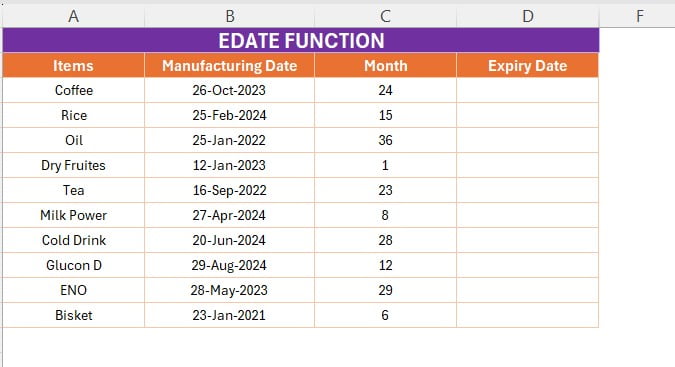
How to use EDATE Function in Excel with Example

September 3, 2024October 10, 2026 PKComments Off on How to use EDATE Function in Excel with Example
Are you looking to manage expiration dates for products effortlessly in Excel? The EDATE function is a powerful tool that can help you calculate future or past dates based on
Read More
Excel Tips and Tricks

How to use TOCOL function in Excel

September 2, 2024October 10, 2026 PKComments Off on How to use TOCOL function in Excel
In the world of Excel, there are countless functions designed to make your data management easier and more efficient. One such function is TOCOL, a powerful tool that can help
Read More
Excel Tips and Tricks

How to use Wildcard in VLOOKUP with Sales Example

September 1, 2024October 10, 2026 PKComments Off on How to use Wildcard in VLOOKUP with Sales Example
In today’s guide, we’ll dive into How to use Wildcard in VLOOKUP with Sales Example function in Excel. This technique is especially handy when you're dealing with partial data entries. Imagine
Read More
Excel Tips and Tricks

How to use XLOOKUP with Multiple Criteria

August 29, 2024October 10, 2026 PKComments Off on How to use XLOOKUP with Multiple Criteria
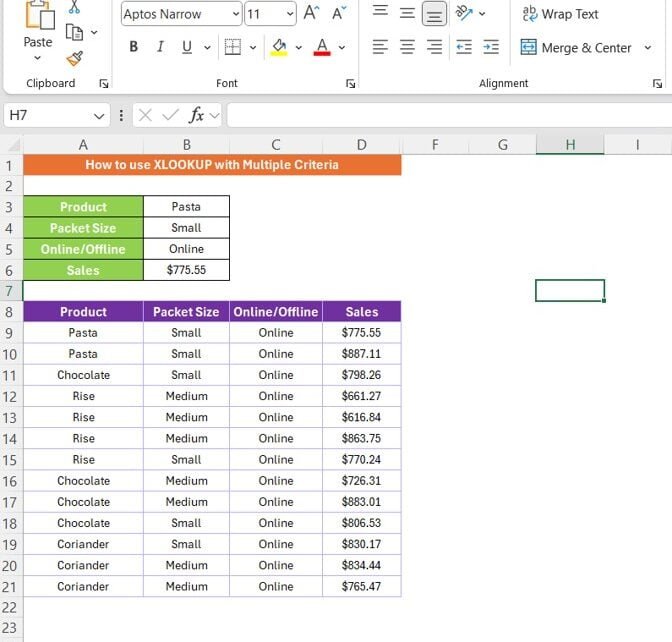
If you’re working with large datasets in Excel, you’ve probably encountered situations where you need to look up values based on more than one criterion. The XLOOKUP function is a
Read More
Excel Tips and Tricks

Combine Multiple Tables with VSTACK Function

August 29, 2024October 10, 2026 PKComments Off on Combine Multiple Tables with VSTACK Function
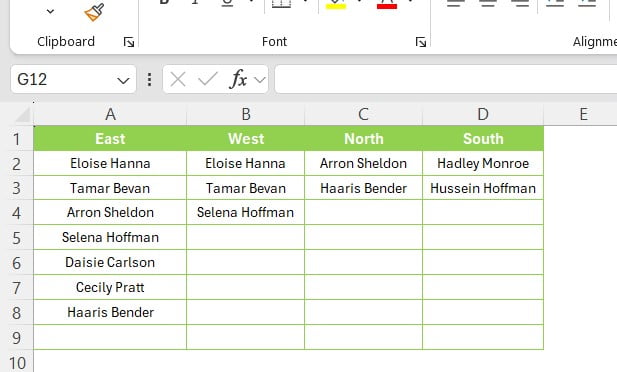
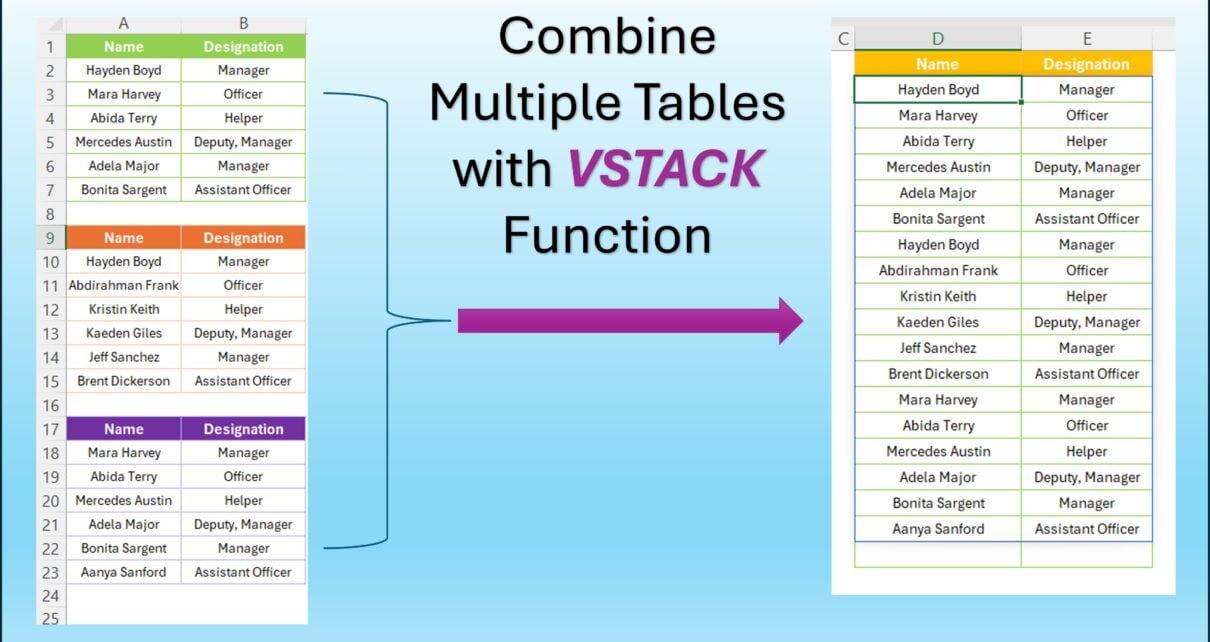
Have you ever had multiple tables in Excel that you needed to combine into one? If so, you're in the right place! In this post, we’re going to walk you
Read More
Attendance and Overtime Dashboard in Excel
Dashboard VBA

Attendance and Overtime Dashboard in Excel

August 25, 2024February 19, 2025 PKComments Off on Attendance and Overtime Dashboard in Excel
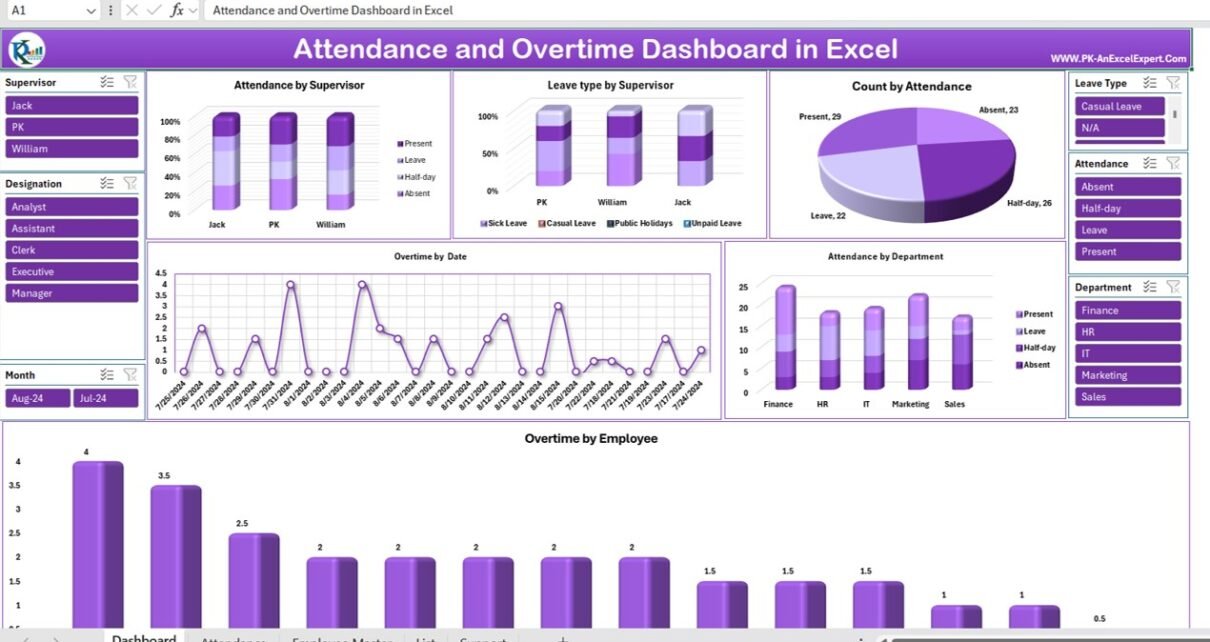
Managing employee attendance and overtime is crucial for any organization, regardless of its size. Accurate tracking of these metrics ensures compliance with labour laws, helps in optimizing workforce management, and
Read More
Task Management Dashboard
Dashboard

Task Management Dashboard in Excel

August 19, 2024October 10, 2026 PKComments Off on Task Management Dashboard in Excel
A Task Management Dashboard is a visual representation of your tasks, deadlines, and progress. It allows you to track and manage your tasks effectively, ensuring that nothing falls through the
Read More
Create Multiple worksheets
VBA

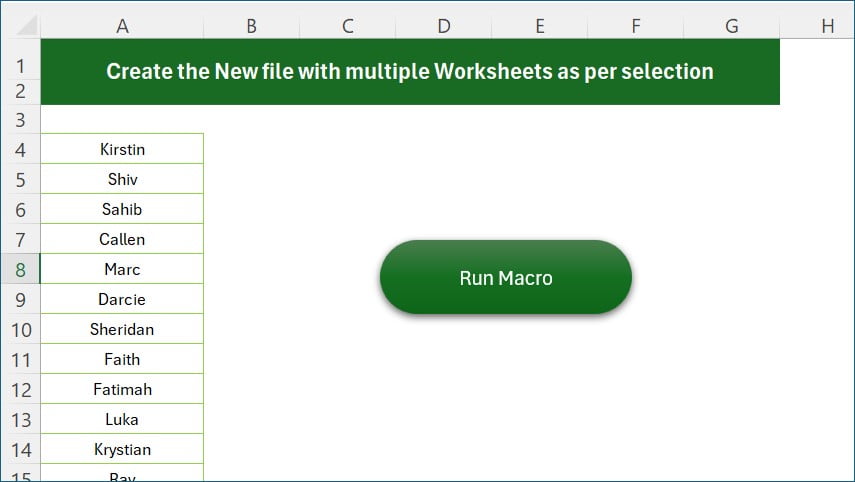
Macro to Create multiple worksheets from selection

August 16, 2024October 10, 2026 PKComments Off on Macro to Create multiple worksheets from selection
Have you ever found yourself in need of an Excel file with multiple worksheets, each customized to fit your needs? If the thought of setting this up seems overwhelming, don’t
Read More
Highlight top N in Excel
Charts and Visualization

Highlight Top and Bottom N in Excel Chart

August 11, 2024October 10, 2026 PKComments Off on Highlight Top and Bottom N in Excel Chart
This is ready to use Chart to Highlight Top or bottom N in Excel Chart. You can use it for office use. This is a totally dynamic chart. Data: To
Read More

Posts pagination

Previous 1 … 261 262 263 … 300 Next
  • Learn Excel (Free Course)
    • 1. Shortcut Keys
    • 2. Fill & Flash Fill
    • 3. Find & Replace
    • 4. Sort & Filter
    • 5. Formulas & Functions
    • 6. Data Validation
    • 7. Conditional Formatting
    • 8. Basic Charts
    • 9. Advanced Charts
    • 10. Pivot Tables
    • 11. Excel Dashboards
    • 12. VBA Course
    • 13. Excel Formulas with AI
  • Templates
  • Tutorials
    • Charts and Visualization
    • VBA
    • Excel Tips and Tricks
    • Excel Dashboards
    • Power Pivot & DAX
  • Power BI
  • Template Store
    • Ready to Use Templates
  • Courses
  • Academy
    • Excel + AI Mastery: 100 Formulas
    • Excel Pivot Tables & Dashboards
  • About Us
  • Contact Us
Copyright © 2023 PK-AnExcelExpert.com - Privacy Policy