New: NextGenTemplates Academy - video courses on Excel formulas with AI and Pivot Tables & dashboards. Early-bird: 20% off with code EARLYBIRD20 - first 20 orders only. See the courses →
  • Learn Excel (Free Course)
    • 1. Shortcut Keys
    • 2. Fill & Flash Fill
    • 3. Find & Replace
    • 4. Sort & Filter
    • 5. Formulas & Functions
    • 6. Data Validation
    • 7. Conditional Formatting
    • 8. Basic Charts
    • 9. Advanced Charts
    • 10. Pivot Tables
    • 11. Excel Dashboards
    • 12. VBA Course
    • 13. Excel Formulas with AI
  • Templates
  • Tutorials
    • Charts and Visualization
    • VBA
    • Excel Tips and Tricks
    • Excel Dashboards
    • Power Pivot & DAX
  • Power BI
  • Template Store
    • Ready to Use Templates
  • Courses
  • Academy
    • Excel + AI Mastery: 100 Formulas
    • Excel Pivot Tables & Dashboards
  • About Us
  • Contact Us

PK: An Excel Expert

Transforming Data into Decisions

Dashboard

This category provides detailed tutorials on creating effective and informative dashboards in Excel. Whether you need to track your business’s key performance indicators (KPIs) or present complex data in a simplified manner, our tutorials will guide you through the process. Each tutorial comes with a free practice file for download and tutorial videos to help you follow along easily. Start your Excel dashboard tutorial now and enhance your data analysis and presentation skills with this powerful tool. Impress your colleagues and boss with insightful and attractive dashboards by exploring this category today.
Dashboard Templates

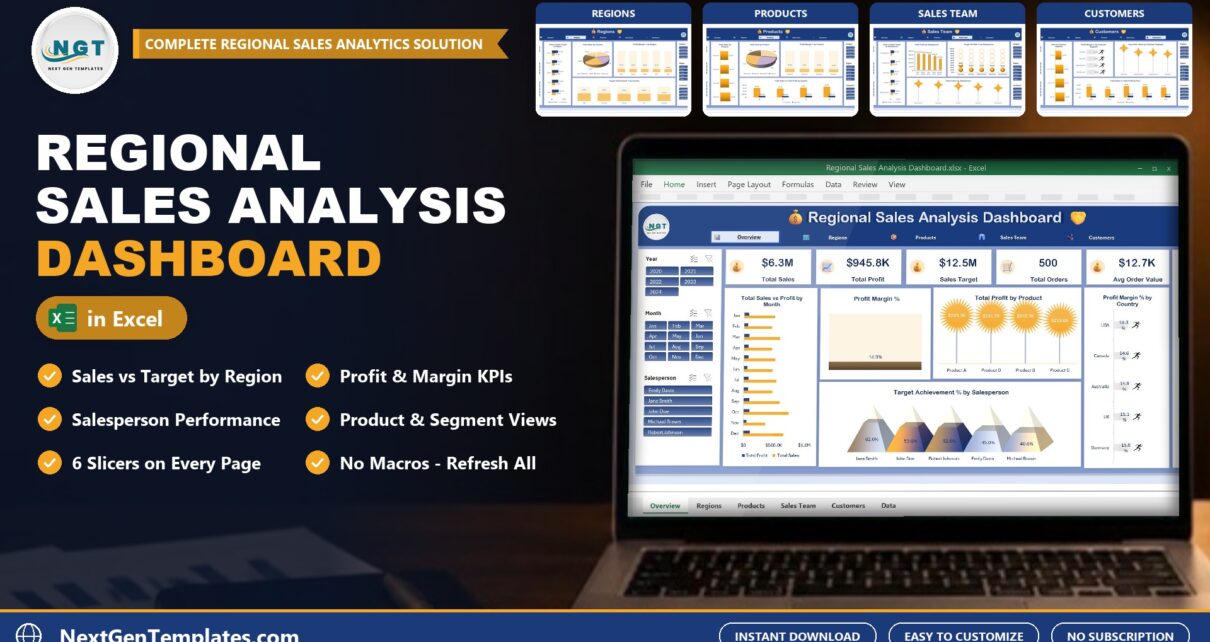
Regional Sales Analysis Dashboard in Excel

November 10, 2026November 10, 2026 PKComments Off on Regional Sales Analysis Dashboard in Excel
Sales numbers are easy to collect and hard to read. The Regional Sales Analysis Dashboard in Excel takes a plain list of sales records and shows which regions, products and
Read More
Dashboard Power BI Templates

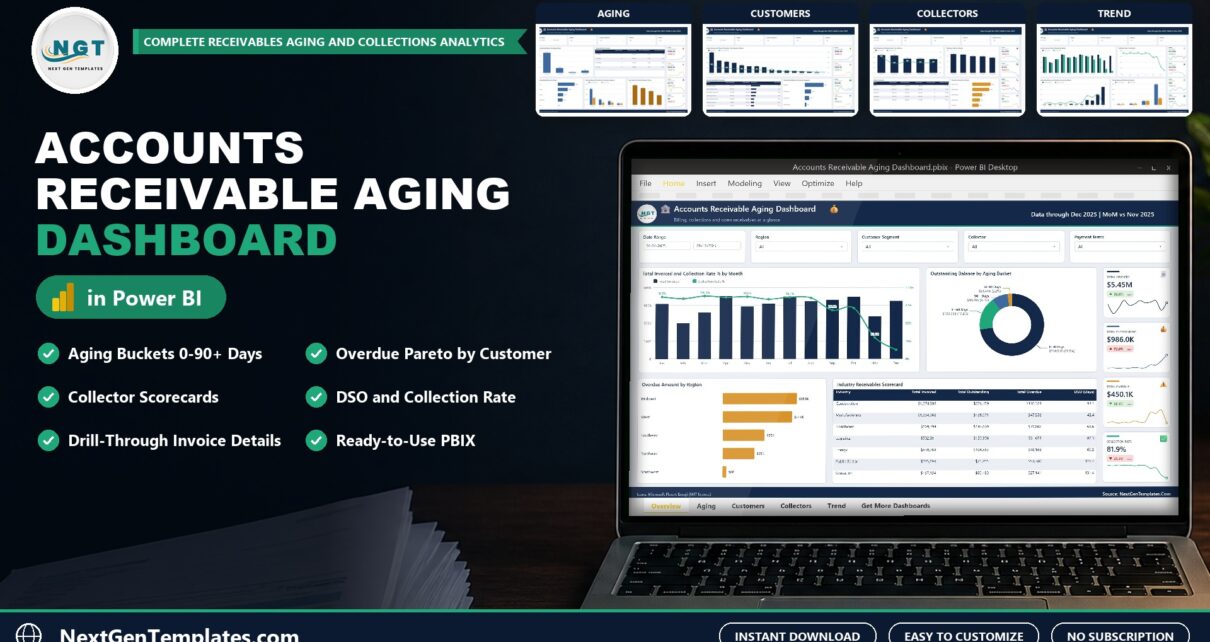
Accounts Receivable Aging Dashboard in Power BI: AR Aging and DSO

November 8, 2026 PKComments Off on Accounts Receivable Aging Dashboard in Power BI: AR Aging and DSO
Late payments hide inside long invoice lists. The Accounts Receivable Aging Dashboard in Power BI groups every open invoice into aging buckets and shows who owes what, which customers pay
Read More
Dashboard

Speedometer Chart in Excel: KPI Gauge Step by Step (Free Template)

November 6, 2026 PKComments Off on Speedometer Chart in Excel: KPI Gauge Step by Step (Free Template)
A 12-row sales table still leaves the same question open: are we on target or not? A speedometer answers it at a glance. In this tutorial you build a speedometer
Read More
Dashboard

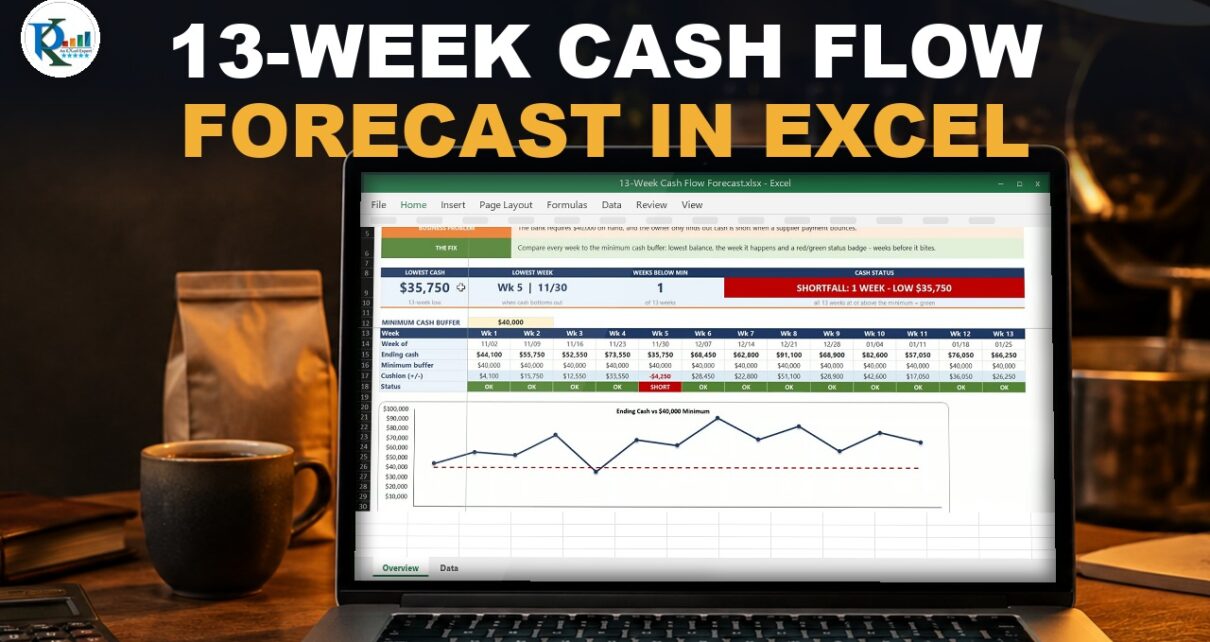
13-Week Cash Flow Forecast in Excel (Free Template)

November 5, 2026 PKComments Off on 13-Week Cash Flow Forecast in Excel (Free Template)
Payroll, rent and a big supplier bill can land in the same Friday, and a monthly plan will not show it. In this tutorial you build a 13-week cash flow
Read More
Dashboard

Gantt Chart in Excel 2026 Step by Step (Free Template)

November 2, 2026 PKComments Off on Gantt Chart in Excel 2026 Step by Step (Free Template)
Fourteen tasks, one deadline, and a plan that has to show at a glance what is slipping. In this tutorial you build a Gantt chart in Excel 2026 with formulas
Read More
Dashboard

E-commerce Sales Dashboard in Excel: PivotTables + Slicers (Free File)

October 28, 2026 PKComments Off on E-commerce Sales Dashboard in Excel: PivotTables + Slicers (Free File)
One thousand five hundred online orders, and the owner wants answers every Monday morning. In this tutorial you build an e-commerce sales dashboard in Excel where one click on a
Read More
Dashboard Power BI Templates

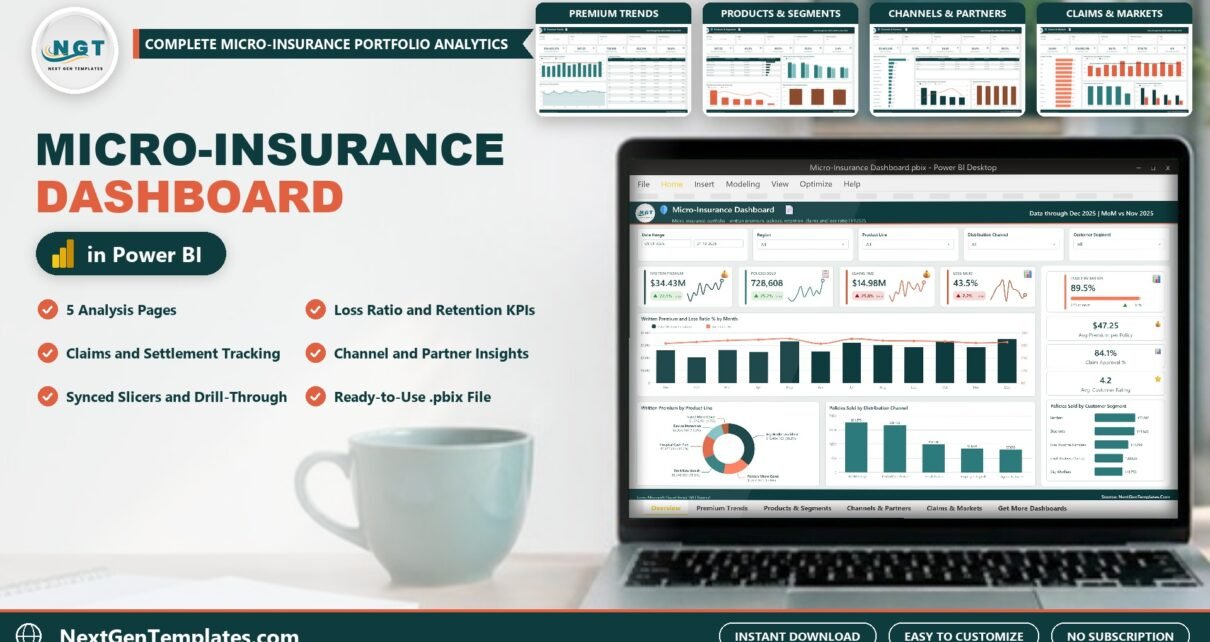
Micro-Insurance Dashboard in Power BI

October 20, 2026 PKComments Off on Micro-Insurance Dashboard in Power BI
The Micro-Insurance Dashboard in Power BI answers the question every low-cost insurance program asks: which products, channels and partners earn their premium, and where do claims eat it? It reports
Read More
Dashboard Templates

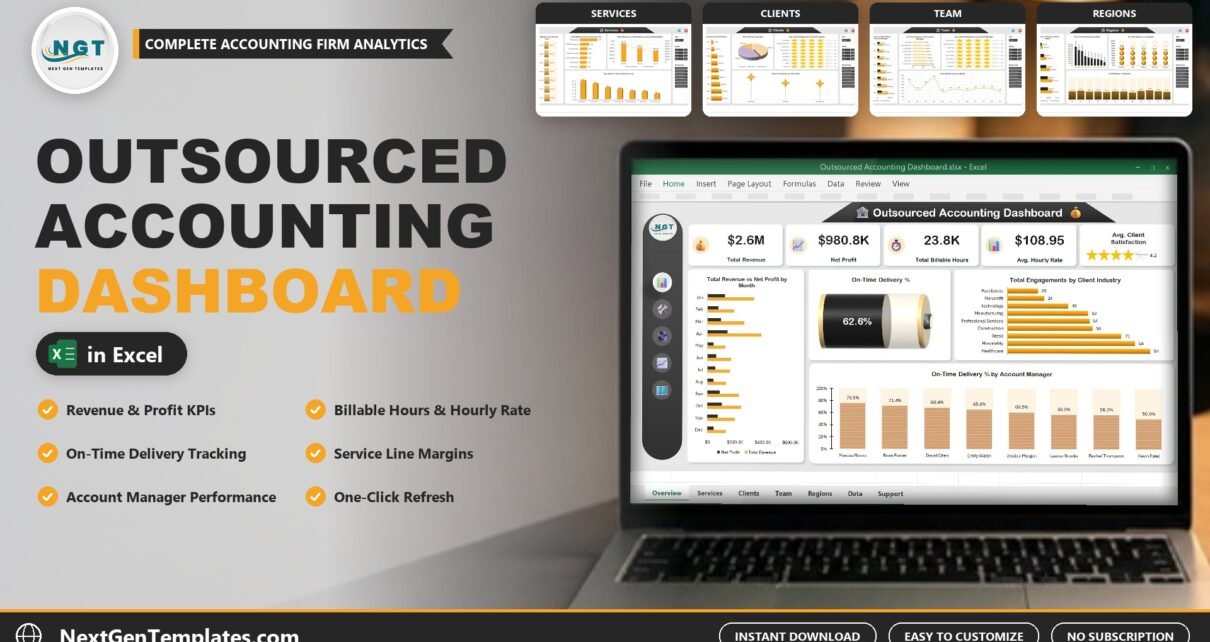
Outsourced Accounting Dashboard in Excel

October 19, 2026 PKComments Off on Outsourced Accounting Dashboard in Excel
Outsourced Accounting Dashboard in Excel is a five-page workbook for firms that run outsourced accounting, bookkeeping, payroll and advisory work. It shows where the firm makes its revenue and profit
Read More
Dashboard Power BI Templates

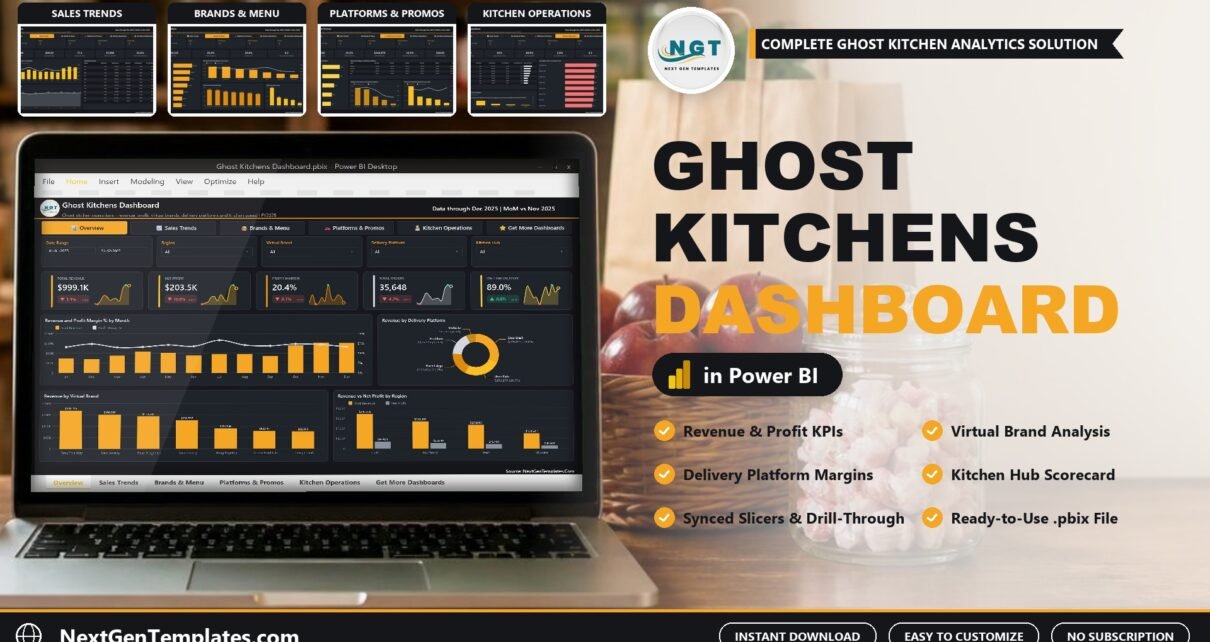
Ghost Kitchens Dashboard in Power BI

October 16, 2026 PKComments Off on Ghost Kitchens Dashboard in Power BI
The Ghost Kitchens Dashboard in Power BI answers the question every delivery-only operator eventually asks: after the apps take their cut, which brands, platforms and kitchens actually make money? It
Read More
Dashboard Templates

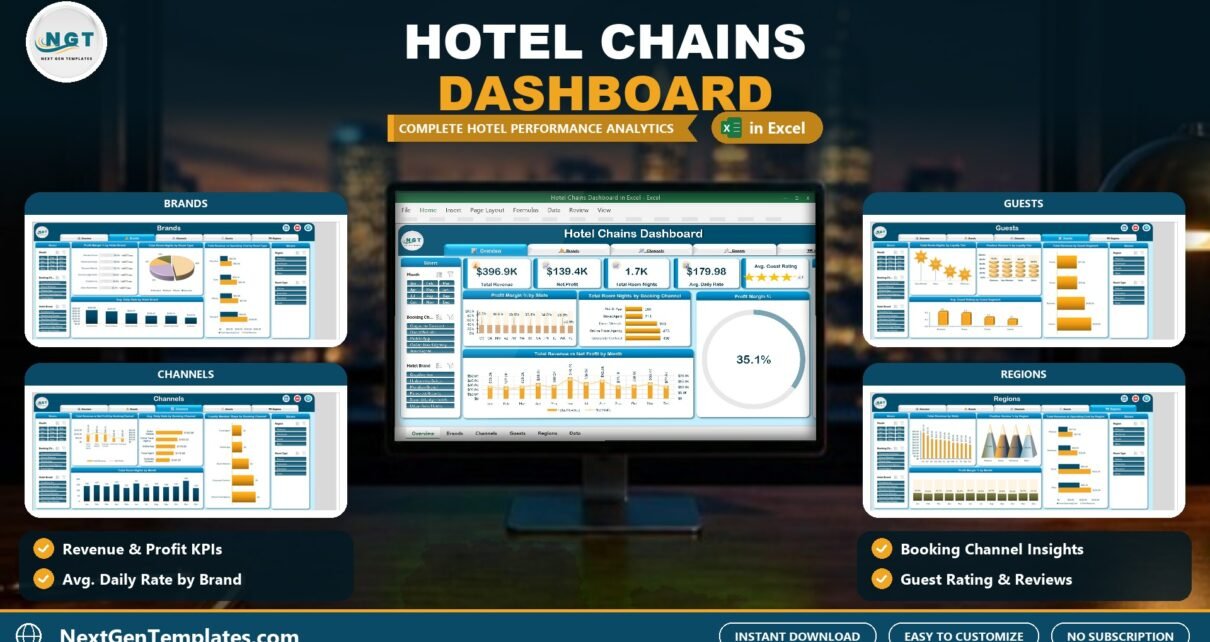
Hotel Chains Dashboard in Excel

October 16, 2026October 16, 2026 PKComments Off on Hotel Chains Dashboard in Excel
Hotel Chains Dashboard in Excel is a five-page workbook that shows where a group of hotel brands makes its revenue and profit across brands, booking channels, guest segments and regions.
Read More

Posts pagination

1 2 … 316 Next
  • Learn Excel (Free Course)
    • 1. Shortcut Keys
    • 2. Fill & Flash Fill
    • 3. Find & Replace
    • 4. Sort & Filter
    • 5. Formulas & Functions
    • 6. Data Validation
    • 7. Conditional Formatting
    • 8. Basic Charts
    • 9. Advanced Charts
    • 10. Pivot Tables
    • 11. Excel Dashboards
    • 12. VBA Course
    • 13. Excel Formulas with AI
  • Templates
  • Tutorials
    • Charts and Visualization
    • VBA
    • Excel Tips and Tricks
    • Excel Dashboards
    • Power Pivot & DAX
  • Power BI
  • Template Store
    • Ready to Use Templates
  • Courses
  • Academy
    • Excel + AI Mastery: 100 Formulas
    • Excel Pivot Tables & Dashboards
  • About Us
  • Contact Us
Copyright © 2023 PK-AnExcelExpert.com - Privacy Policy