New: NextGenTemplates Academy - video courses on Excel formulas with AI and Pivot Tables & dashboards. Early-bird: 20% off with code EARLYBIRD20 - first 20 orders only. See the courses →
  • Learn Excel (Free Course)
    • 1. Shortcut Keys
    • 2. Fill & Flash Fill
    • 3. Find & Replace
    • 4. Sort & Filter
    • 5. Formulas & Functions
    • 6. Data Validation
    • 7. Conditional Formatting
    • 8. Basic Charts
    • 9. Advanced Charts
    • 10. Pivot Tables
    • 11. Excel Dashboards
    • 12. VBA Course
    • 13. Excel Formulas with AI
  • Templates
  • Tutorials
    • Charts and Visualization
    • VBA
    • Excel Tips and Tricks
    • Excel Dashboards
    • Power Pivot & DAX
  • Power BI
  • Template Store
    • Ready to Use Templates
  • Courses
  • Academy
    • Excel + AI Mastery: 100 Formulas
    • Excel Pivot Tables & Dashboards
  • About Us
  • Contact Us

PK: An Excel Expert

Transforming Data into Decisions

Tag: Automation Units Dashboard

Power Pivot

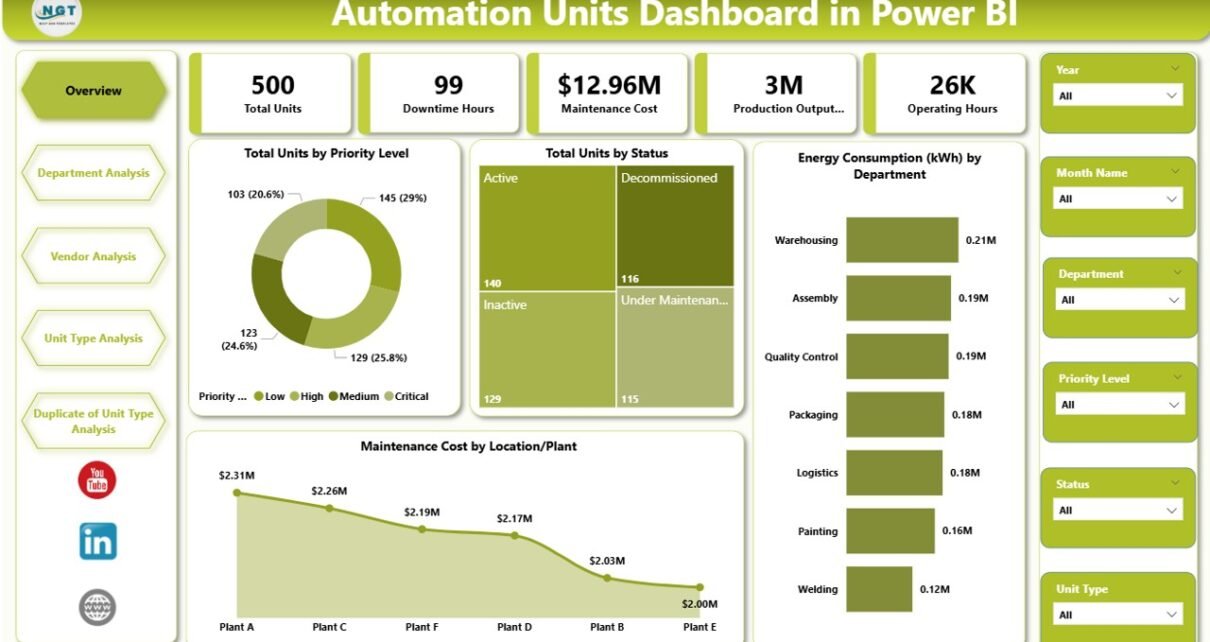
Automation Units Dashboard in Power BI

March 16, 2026March 16, 2026 PKComments Off on Automation Units Dashboard in Power BI
Modern manufacturing plants rely heavily on automation units, robotic machines, and intelligent production systems. These technologies increase productivity, improve product quality, and reduce operational errors. However, organizations must monitor automation
Read More
Dashboard

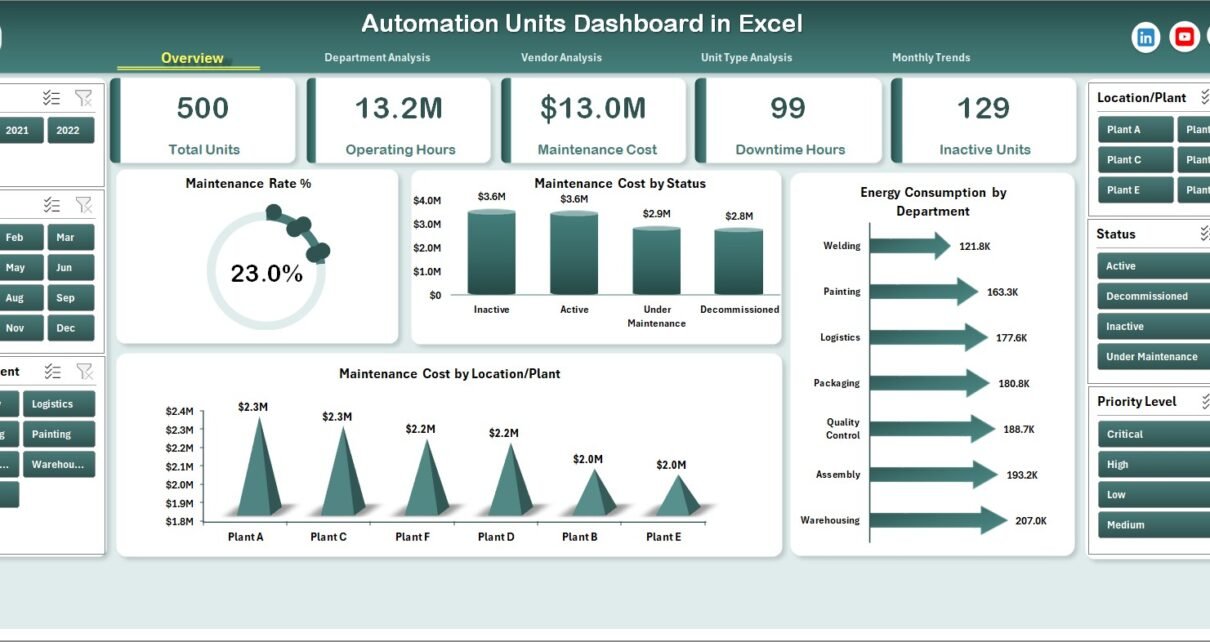
Automation Units Dashboard in Excel

March 16, 2026March 16, 2026 PKComments Off on Automation Units Dashboard in Excel
Modern manufacturing facilities rely heavily on automation units, robotic systems, and smart machinery to improve productivity, efficiency, and operational accuracy. However, managing these automation systems requires continuous monitoring of maintenance
Read More
Dashboard

Automation Units KPI Dashboard in Excel

January 19, 2026January 19, 2026 PKComments Off on Automation Units KPI Dashboard in Excel
Automation units play a crucial role in modern industries. They help organizations increase productivity, reduce manual effort, and maintain consistent quality. However, automation alone does not guarantee success. You must
Read More
  • Learn Excel (Free Course)
    • 1. Shortcut Keys
    • 2. Fill & Flash Fill
    • 3. Find & Replace
    • 4. Sort & Filter
    • 5. Formulas & Functions
    • 6. Data Validation
    • 7. Conditional Formatting
    • 8. Basic Charts
    • 9. Advanced Charts
    • 10. Pivot Tables
    • 11. Excel Dashboards
    • 12. VBA Course
    • 13. Excel Formulas with AI
  • Templates
  • Tutorials
    • Charts and Visualization
    • VBA
    • Excel Tips and Tricks
    • Excel Dashboards
    • Power Pivot & DAX
  • Power BI
  • Template Store
    • Ready to Use Templates
  • Courses
  • Academy
    • Excel + AI Mastery: 100 Formulas
    • Excel Pivot Tables & Dashboards
  • About Us
  • Contact Us
Copyright © 2023 PK-AnExcelExpert.com - Privacy Policy