New: NextGenTemplates Academy - video courses on Excel formulas with AI and Pivot Tables & dashboards. Early-bird: 20% off with code EARLYBIRD20 - first 20 orders only. See the courses →
  • Learn Excel (Free Course)
    • 1. Shortcut Keys
    • 2. Fill & Flash Fill
    • 3. Find & Replace
    • 4. Sort & Filter
    • 5. Formulas & Functions
    • 6. Data Validation
    • 7. Conditional Formatting
    • 8. Basic Charts
    • 9. Advanced Charts
    • 10. Pivot Tables
    • 11. Excel Dashboards
    • 12. VBA Course
    • 13. Excel Formulas with AI
  • Templates
  • Tutorials
    • Charts and Visualization
    • VBA
    • Excel Tips and Tricks
    • Excel Dashboards
    • Power Pivot & DAX
  • Power BI
  • Template Store
    • Ready to Use Templates
  • Courses
  • Academy
    • Excel + AI Mastery: 100 Formulas
    • Excel Pivot Tables & Dashboards
  • About Us
  • Contact Us

PK: An Excel Expert

Transforming Data into Decisions

Tag: customer support tools

Templates

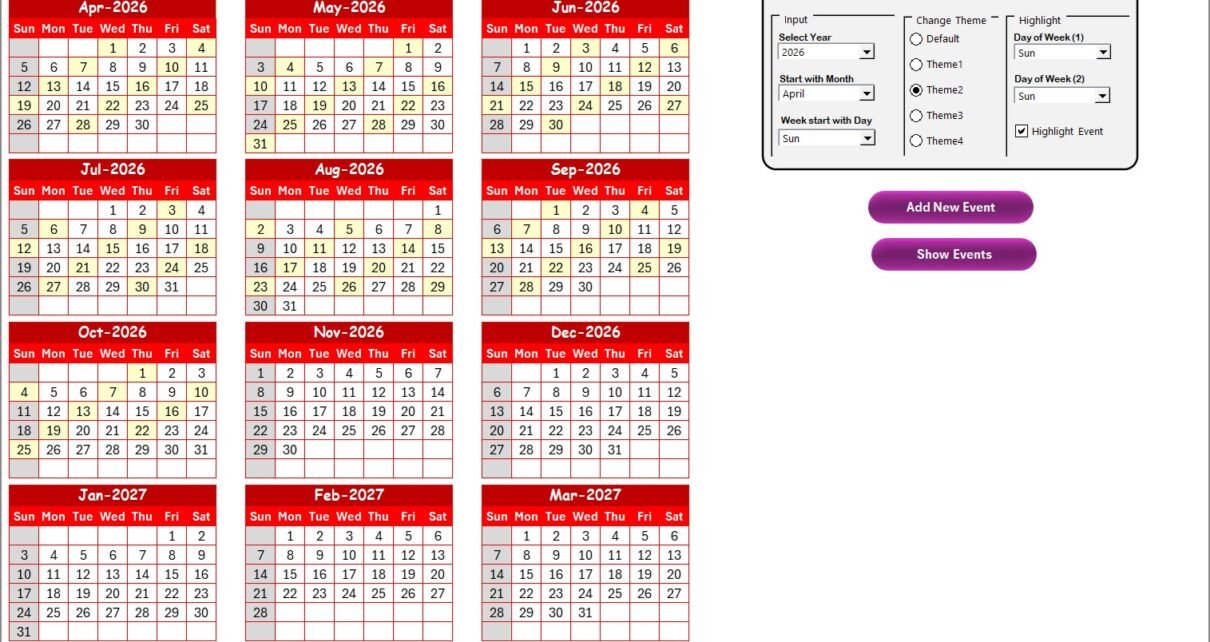
Customer Service Maintenance Calendar in Excel

January 27, 2026January 27, 2026 PKComments Off on Customer Service Maintenance Calendar in Excel
Managing customer service maintenance activities without a structured system often creates confusion, missed deadlines, and service disruptions. However, when teams follow a well-designed maintenance calendar, they gain clarity, control, and
Read More
Templates

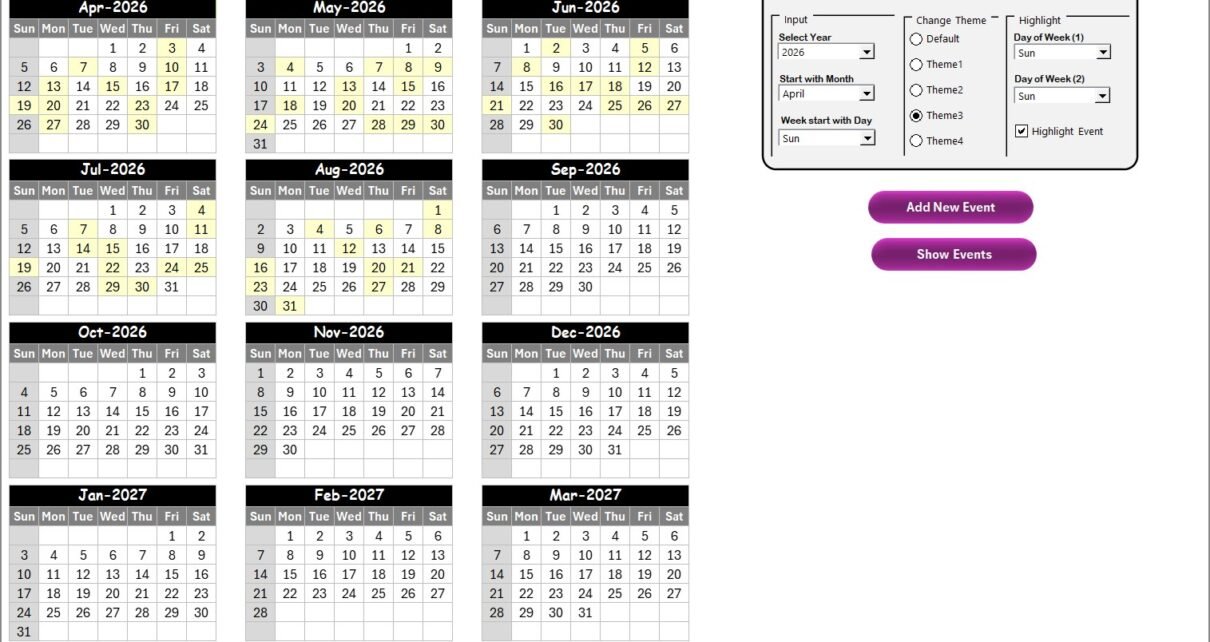
Customer Service Project Calendar in Excel

January 27, 2026January 27, 2026 PKComments Off on Customer Service Project Calendar in Excel
Managing customer service projects without a clear schedule often leads to missed deadlines, overlapping activities, and poor customer experience. However, when teams follow a structured calendar, they work with clarity,
Read More
Dashboard

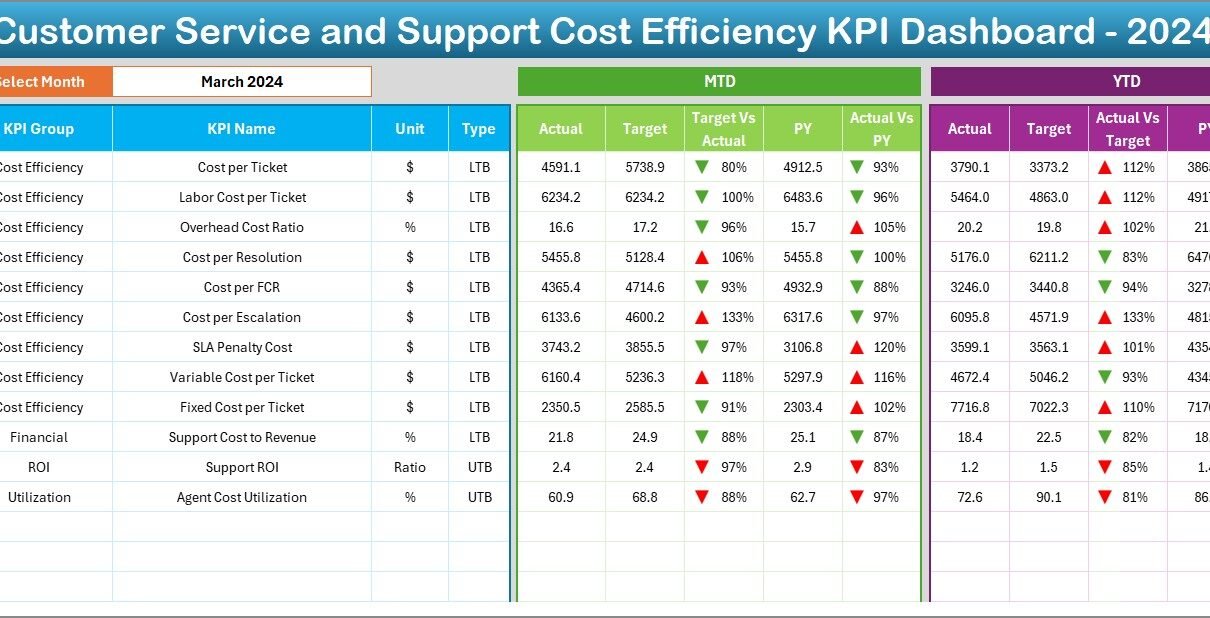
Customer Service and Support Cost Efficiency KPI Dashboard in Excel

June 27, 2025June 27, 2025 PKComments Off on Customer Service and Support Cost Efficiency KPI Dashboard in Excel
A Customer Service and Support Cost Efficiency KPI Dashboard is a data visualization tool built in Excel that tracks and displays key performance indicators (KPIs) related to the cost-effectiveness of
Read More
  • Learn Excel (Free Course)
    • 1. Shortcut Keys
    • 2. Fill & Flash Fill
    • 3. Find & Replace
    • 4. Sort & Filter
    • 5. Formulas & Functions
    • 6. Data Validation
    • 7. Conditional Formatting
    • 8. Basic Charts
    • 9. Advanced Charts
    • 10. Pivot Tables
    • 11. Excel Dashboards
    • 12. VBA Course
    • 13. Excel Formulas with AI
  • Templates
  • Tutorials
    • Charts and Visualization
    • VBA
    • Excel Tips and Tricks
    • Excel Dashboards
    • Power Pivot & DAX
  • Power BI
  • Template Store
    • Ready to Use Templates
  • Courses
  • Academy
    • Excel + AI Mastery: 100 Formulas
    • Excel Pivot Tables & Dashboards
  • About Us
  • Contact Us
Copyright © 2023 PK-AnExcelExpert.com - Privacy Policy