New: NextGenTemplates Academy - video courses on Excel formulas with AI and Pivot Tables & dashboards. Early-bird: 20% off with code EARLYBIRD20 - first 20 orders only.See the courses →
PKComments Off on Employee Onboarding Tracker in Excel
Hey there, HR pros! Are you looking to spice up your Employee Onboarding Tracker process? Well, you've come to the right place! Let’s dive into how you can make your
PKComments Off on Public Health KPI Dashboard in Excel
Effective data management and analysis are critical for monitoring public health outcomes. In this article, we introduce the Public Health KPI Dashboard in Excel—a dynamic, ready-to-use template designed to track,
Managing shared services effectively requires constant monitoring and analysis of key performance indicators (KPIs). A well-designed Shared Services KPI Dashboard in Excel can streamline this process, offering an interactive, user-friendly
PKComments Off on Social Services KPI Dashboard in Excel
Social service organizations often operate with limited resources and aim to make the most significant impact possible. Effective tracking of KPIs (Key Performance Indicators) can help these organizations achieve their
PKComments Off on SEQUENCE Function in Excel with Example
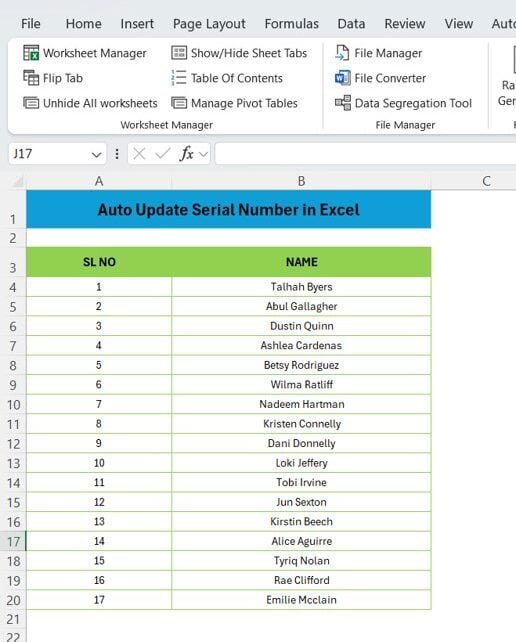
In this guide, we’ll walk you through a practical example of using the SEQUENCE function in Excel. This function is particularly helpful when you need to automatically generate a series
PKComments Off on How to use ROW Function in Excel with Examples
The ROW function in Excel is one of the simplest yet powerful tools that you can use to streamline your work. Whether you need to number rows automatically or manage
PKComments Off on Mastering XLOOKUP: A Comprehensive Guide with 10 Practical Examples
If you're looking to become an Excel pro, Mastering XLOOKUP function is essential. This powerful tool is not only versatile but also simplifies complex data retrieval tasks that were previously
PKComments Off on How to use EDATE Function in Excel with Example
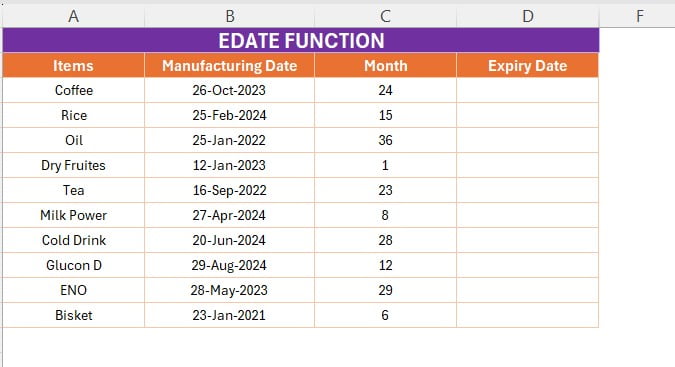
Are you looking to manage expiration dates for products effortlessly in Excel? The EDATE function is a powerful tool that can help you calculate future or past dates based on
PKComments Off on How to use TOCOL function in Excel
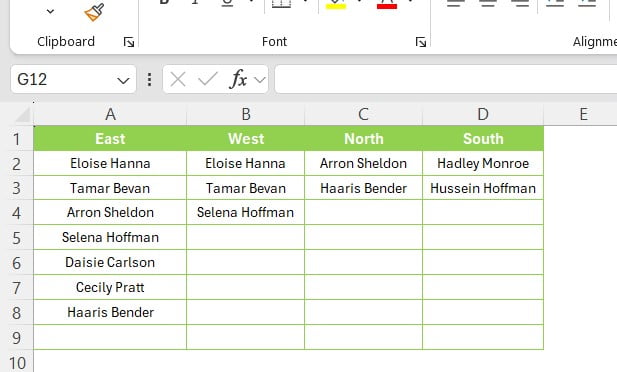
In the world of Excel, there are countless functions designed to make your data management easier and more efficient. One such function is TOCOL, a powerful tool that can help
PKComments Off on Combine Multiple Tables with VSTACK Function
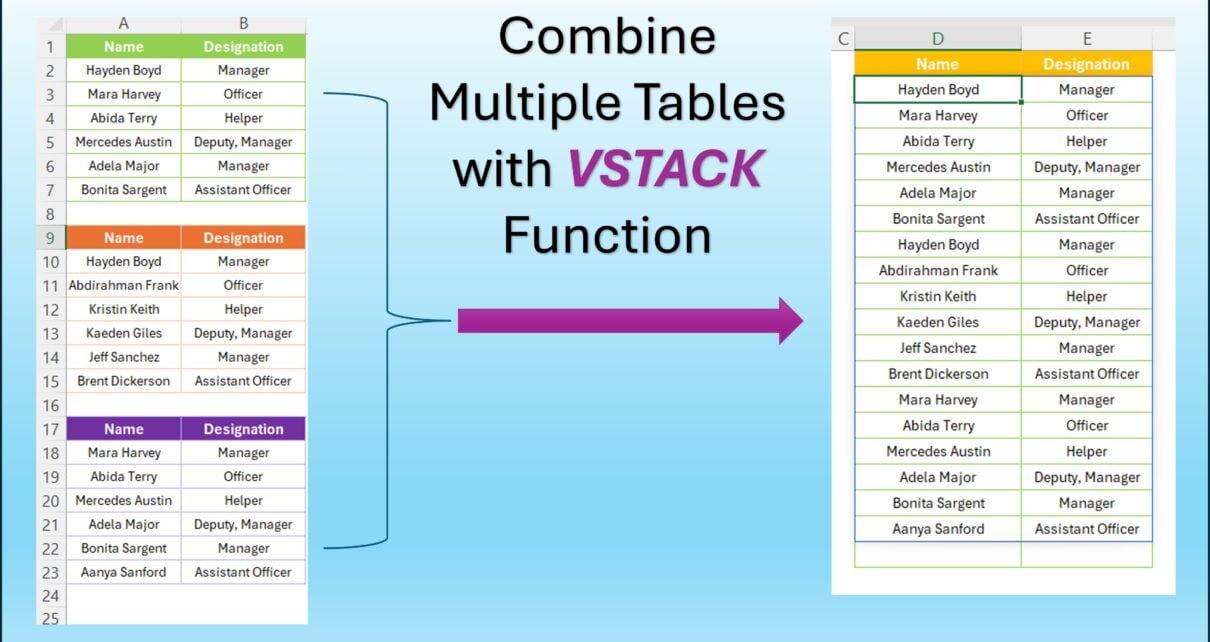
Have you ever had multiple tables in Excel that you needed to combine into one? If so, you're in the right place! In this post, we’re going to walk you