New: NextGenTemplates Academy - video courses on Excel formulas with AI and Pivot Tables & dashboards. Early-bird: 20% off with code EARLYBIRD20 - first 20 orders only. See the courses →
  • Learn Excel (Free Course)
    • 1. Shortcut Keys
    • 2. Fill & Flash Fill
    • 3. Find & Replace
    • 4. Sort & Filter
    • 5. Formulas & Functions
    • 6. Data Validation
    • 7. Conditional Formatting
    • 8. Basic Charts
    • 9. Advanced Charts
    • 10. Pivot Tables
    • 11. Excel Dashboards
    • 12. VBA Course
    • 13. Excel Formulas with AI
  • Templates
  • Tutorials
    • Charts and Visualization
    • VBA
    • Excel Tips and Tricks
    • Excel Dashboards
    • Power Pivot & DAX
  • Power BI
  • Template Store
    • Ready to Use Templates
  • Courses
  • Academy
    • Excel + AI Mastery: 100 Formulas
    • Excel Pivot Tables & Dashboards
  • About Us
  • Contact Us

PK: An Excel Expert

Transforming Data into Decisions

Tag: Department Performance Dashboard

Dashboard

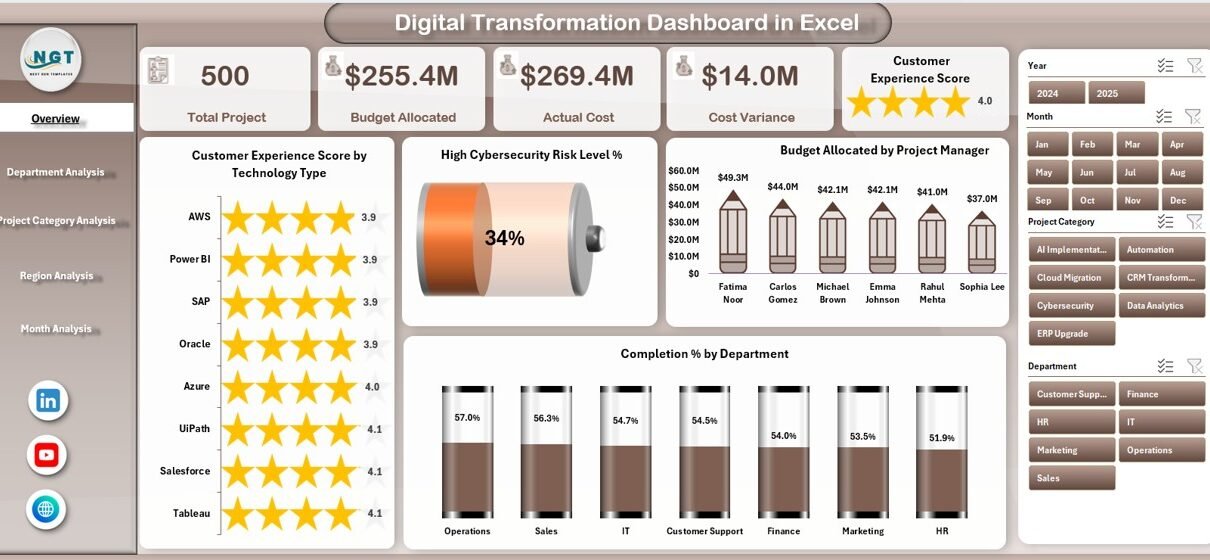
Digital Transformation Dashboard in Excel

February 11, 2026February 11, 2026 PKComments Off on Digital Transformation Dashboard in Excel
This ready-to-use dashboard gives leaders complete visibility into transformation projects. Moreover, it converts raw data into clear, interactive insights. As a result, decision-makers can track performance, control budgets, and improve
Read More
Dashboard Power BI

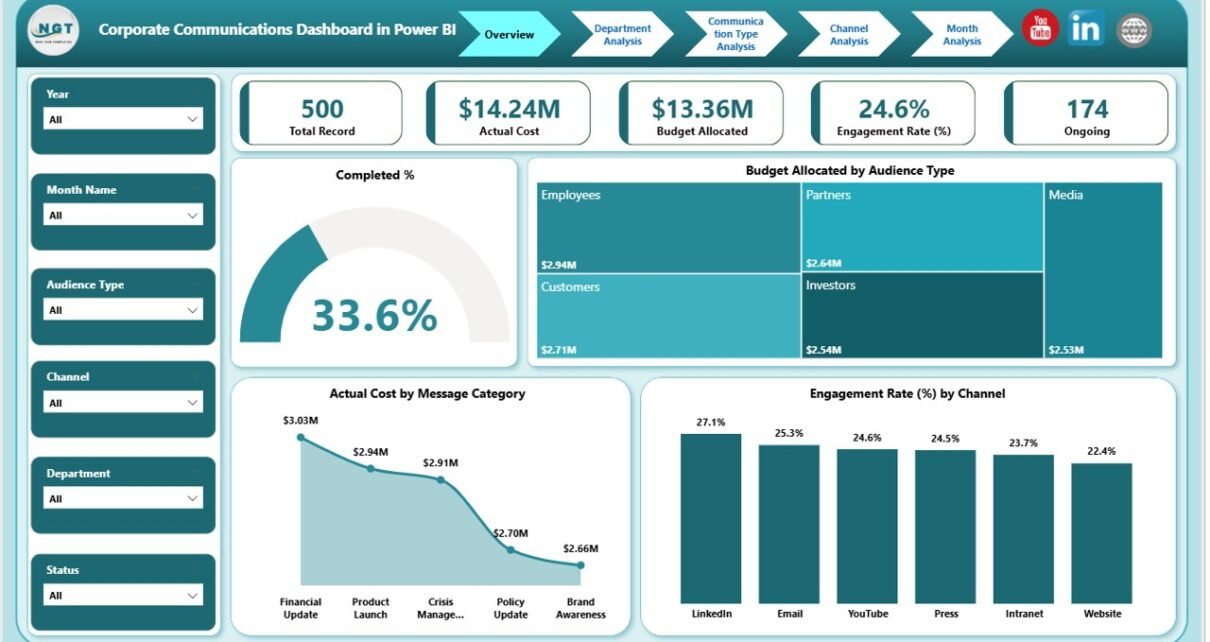
Corporate Communications Dashboard in Power BI

February 10, 2026February 10, 2026 PKComments Off on Corporate Communications Dashboard in Power BI
In today’s fast-moving business environment, companies must manage internal and external communication with clarity and control. However, many teams still rely on scattered Excel sheets and manual reports. As a
Read More
Dashboard

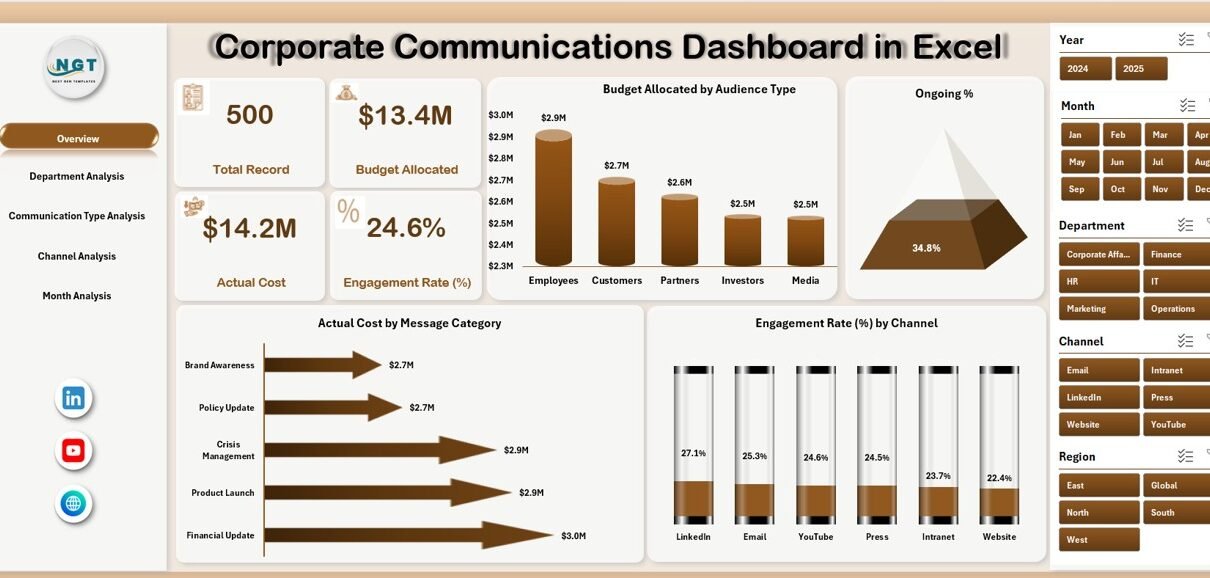
Corporate Communications Dashboard in Excel

February 10, 2026February 10, 2026 PKComments Off on Corporate Communications Dashboard in Excel
In today’s fast-moving business world, communication drives brand trust, employee engagement, and stakeholder confidence. However, many companies still manage communication budgets, campaigns, and engagement reports in scattered spreadsheets. As a
Read More
Dashboard Power BI

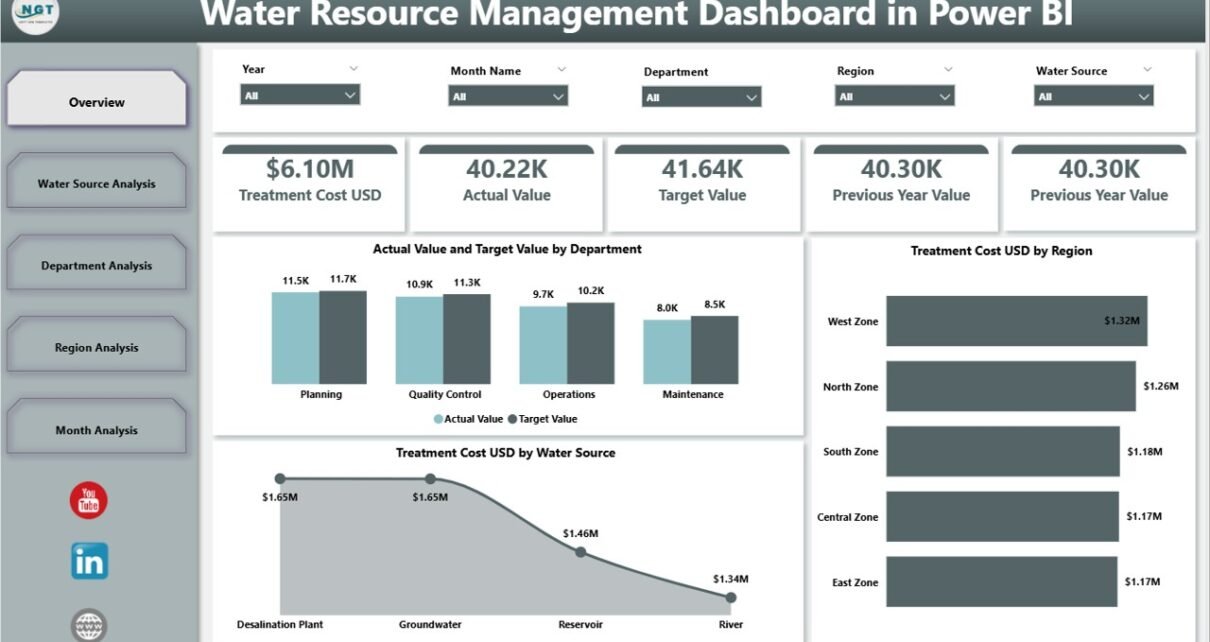
Water Resource Management Dashboard in Power BI

February 9, 2026February 9, 2026 PKComments Off on Water Resource Management Dashboard in Power BI
Water is life. However, managing water resources has become more complex than ever. Cities grow fast. Industries consume more water. Climate change affects rainfall patterns. Therefore, water authorities must track
Read More
Dashboard Power BI

Research & Development Institutes Dashboard in Power BI

December 22, 2025December 22, 2025 PKComments Off on Research & Development Institutes Dashboard in Power BI
Research and Development (R&D) institutes drive innovation, scientific discovery, and long-term growth. However, without clear performance visibility, even the best research initiatives lose direction. Therefore, leaders must track projects, budgets,
Read More
Dashboard

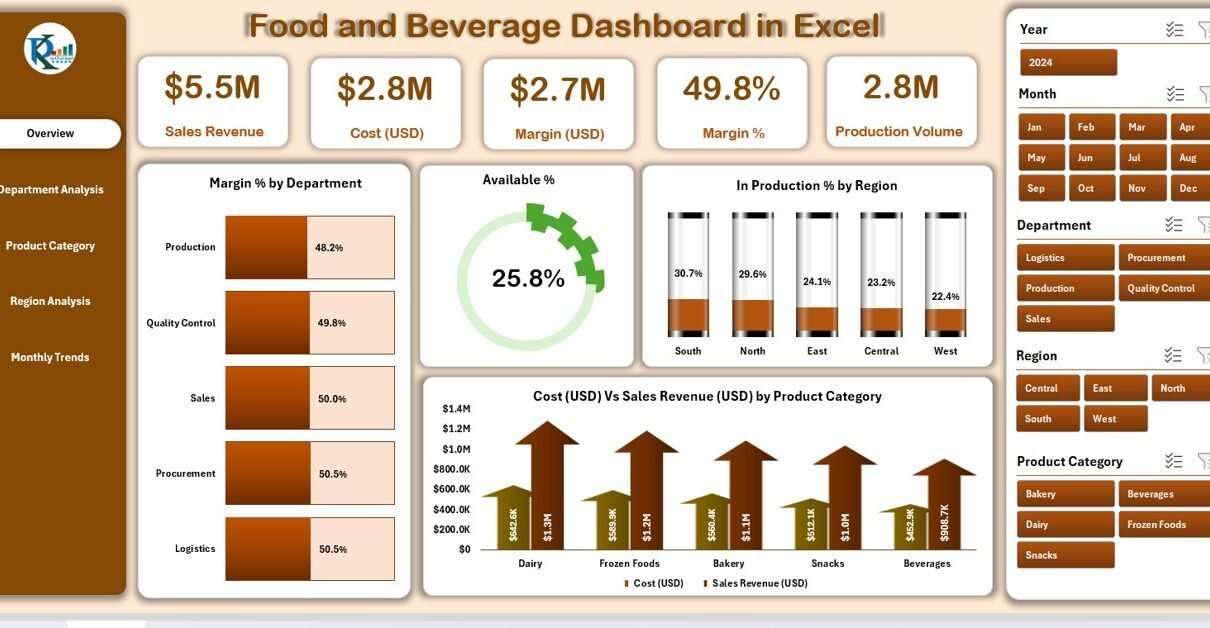
Food and Beverage Dashboard in Excel

September 14, 2025September 14, 2025 PKComments Off on Food and Beverage Dashboard in Excel
Running a food and beverage business requires constant monitoring of costs, sales, margins, production volumes, and availability across multiple categories. Without a structured reporting system, managers often waste time pulling
Read More
  • Learn Excel (Free Course)
    • 1. Shortcut Keys
    • 2. Fill & Flash Fill
    • 3. Find & Replace
    • 4. Sort & Filter
    • 5. Formulas & Functions
    • 6. Data Validation
    • 7. Conditional Formatting
    • 8. Basic Charts
    • 9. Advanced Charts
    • 10. Pivot Tables
    • 11. Excel Dashboards
    • 12. VBA Course
    • 13. Excel Formulas with AI
  • Templates
  • Tutorials
    • Charts and Visualization
    • VBA
    • Excel Tips and Tricks
    • Excel Dashboards
    • Power Pivot & DAX
  • Power BI
  • Template Store
    • Ready to Use Templates
  • Courses
  • Academy
    • Excel + AI Mastery: 100 Formulas
    • Excel Pivot Tables & Dashboards
  • About Us
  • Contact Us
Copyright © 2023 PK-AnExcelExpert.com - Privacy Policy