New: NextGenTemplates Academy - video courses on Excel formulas with AI and Pivot Tables & dashboards. Early-bird: 20% off with code EARLYBIRD20 - first 20 orders only. See the courses →
  • Learn Excel (Free Course)
    • 1. Shortcut Keys
    • 2. Fill & Flash Fill
    • 3. Find & Replace
    • 4. Sort & Filter
    • 5. Formulas & Functions
    • 6. Data Validation
    • 7. Conditional Formatting
    • 8. Basic Charts
    • 9. Advanced Charts
    • 10. Pivot Tables
    • 11. Excel Dashboards
    • 12. VBA Course
    • 13. Excel Formulas with AI
  • Templates
  • Tutorials
    • Charts and Visualization
    • VBA
    • Excel Tips and Tricks
    • Excel Dashboards
    • Power Pivot & DAX
  • Power BI
  • Template Store
    • Ready to Use Templates
  • Courses
  • Academy
    • Excel + AI Mastery: 100 Formulas
    • Excel Pivot Tables & Dashboards
  • About Us
  • Contact Us

PK: An Excel Expert

Transforming Data into Decisions

Tag: Excel project planner

Templates

Insurance Project Calendar in Excel

February 25, 2026February 25, 2026 PKComments Off on Insurance Project Calendar in Excel
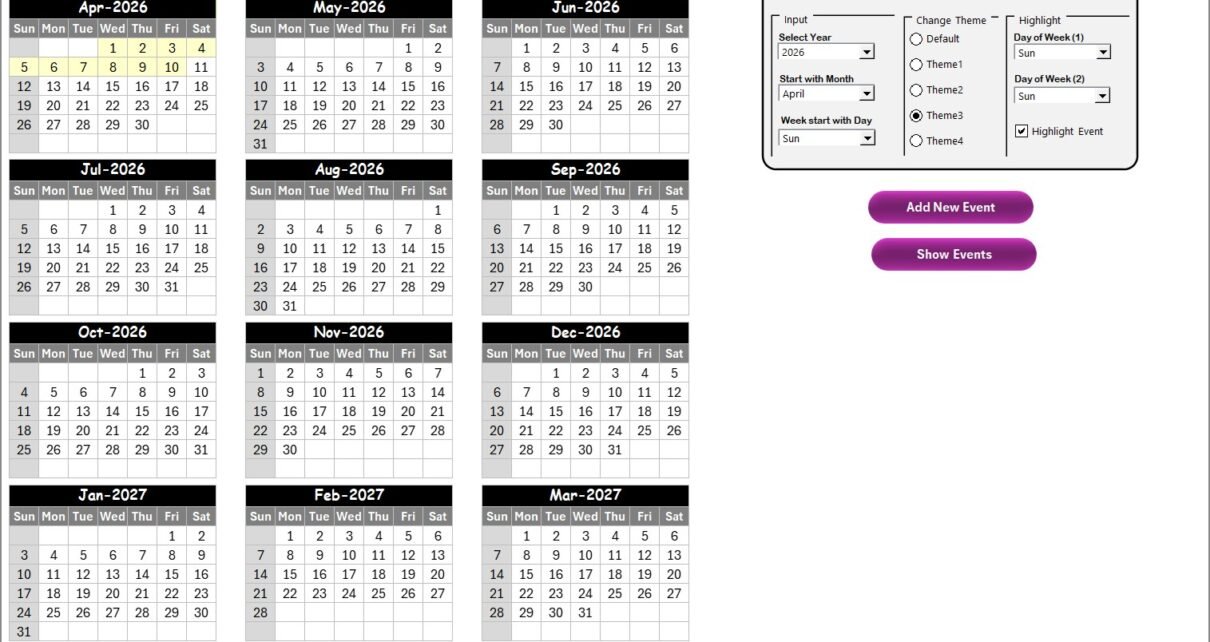
Managing insurance projects involves multiple activities, strict timelines, compliance requirements, meetings, policy renewals, audits, and customer interactions. However, many insurance teams still rely on scattered spreadsheets, emails, or manual planners.
Read More
Templates

Product Development Audit in Excel

May 15, 2025May 15, 2025 PKComments Off on Product Development Audit in Excel
In the fast-paced world of product development, missing a critical step can derail your entire project. That’s where an Excel-based Product Development Audit Checklist becomes your secret weapon. Simple, effective,
Read More
Templates

IT AI Implementation Calendar in Excel

April 18, 2025April 18, 2025 PKComments Off on IT AI Implementation Calendar in Excel
In today's fast-paced IT world, implementing AI efficiently can be the key to staying ahead of the competition. However, managing multiple AI projects, meetings, and implementation steps can be overwhelming.
Read More
  • Learn Excel (Free Course)
    • 1. Shortcut Keys
    • 2. Fill & Flash Fill
    • 3. Find & Replace
    • 4. Sort & Filter
    • 5. Formulas & Functions
    • 6. Data Validation
    • 7. Conditional Formatting
    • 8. Basic Charts
    • 9. Advanced Charts
    • 10. Pivot Tables
    • 11. Excel Dashboards
    • 12. VBA Course
    • 13. Excel Formulas with AI
  • Templates
  • Tutorials
    • Charts and Visualization
    • VBA
    • Excel Tips and Tricks
    • Excel Dashboards
    • Power Pivot & DAX
  • Power BI
  • Template Store
    • Ready to Use Templates
  • Courses
  • Academy
    • Excel + AI Mastery: 100 Formulas
    • Excel Pivot Tables & Dashboards
  • About Us
  • Contact Us
Copyright © 2023 PK-AnExcelExpert.com - Privacy Policy