New: NextGenTemplates Academy - video courses on Excel formulas with AI and Pivot Tables & dashboards. Early-bird: 20% off with code EARLYBIRD20 - first 20 orders only. See the courses →
  • Learn Excel (Free Course)
    • 1. Shortcut Keys
    • 2. Fill & Flash Fill
    • 3. Find & Replace
    • 4. Sort & Filter
    • 5. Formulas & Functions
    • 6. Data Validation
    • 7. Conditional Formatting
    • 8. Basic Charts
    • 9. Advanced Charts
    • 10. Pivot Tables
    • 11. Excel Dashboards
    • 12. VBA Course
    • 13. Excel Formulas with AI
  • Templates
  • Tutorials
    • Charts and Visualization
    • VBA
    • Excel Tips and Tricks
    • Excel Dashboards
    • Power Pivot & DAX
  • Power BI
  • Template Store
    • Ready to Use Templates
  • Courses
  • Academy
    • Excel + AI Mastery: 100 Formulas
    • Excel Pivot Tables & Dashboards
  • About Us
  • Contact Us

PK: An Excel Expert

Transforming Data into Decisions

Tag: KPI Management System

Templates

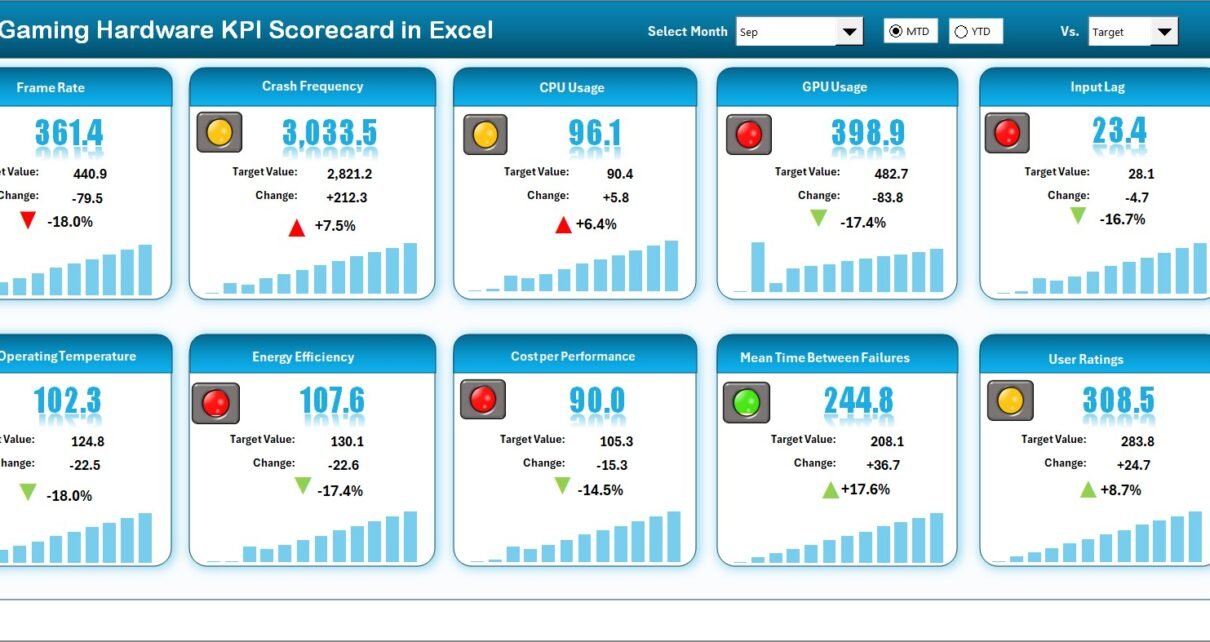
Gaming Hardware KPI Scorecard in Excel

February 25, 2026February 25, 2026 PKComments Off on Gaming Hardware KPI Scorecard in Excel
The gaming hardware industry grows faster than ever. Companies manufacture gaming laptops, graphics cards, consoles, accessories, processors, and peripherals to meet increasing global demand. However, growth also creates challenges. Businesses
Read More
Templates

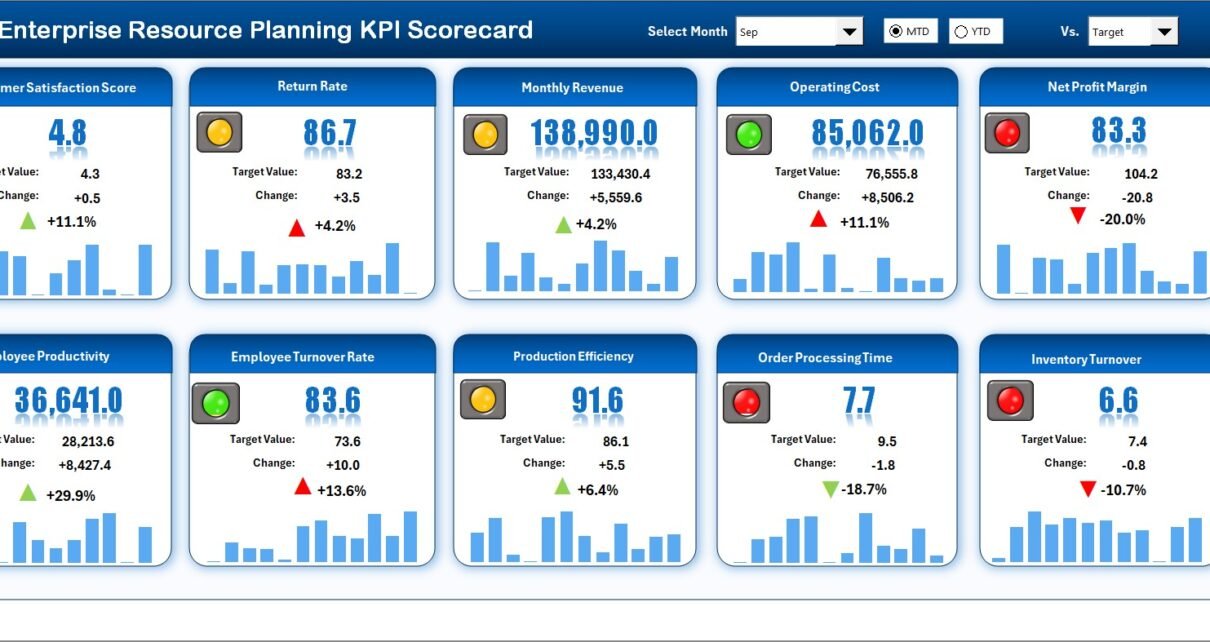
Enterprise Resource Planning KPI Scorecard in Excel

February 15, 2026February 15, 2026 PKComments Off on Enterprise Resource Planning KPI Scorecard in Excel
Modern businesses run on data. However, data alone does not drive performance. Companies must measure, compare, and analyze performance regularly. Therefore, organizations need a structured system to track Enterprise Resource
Read More
Dashboard Power BI

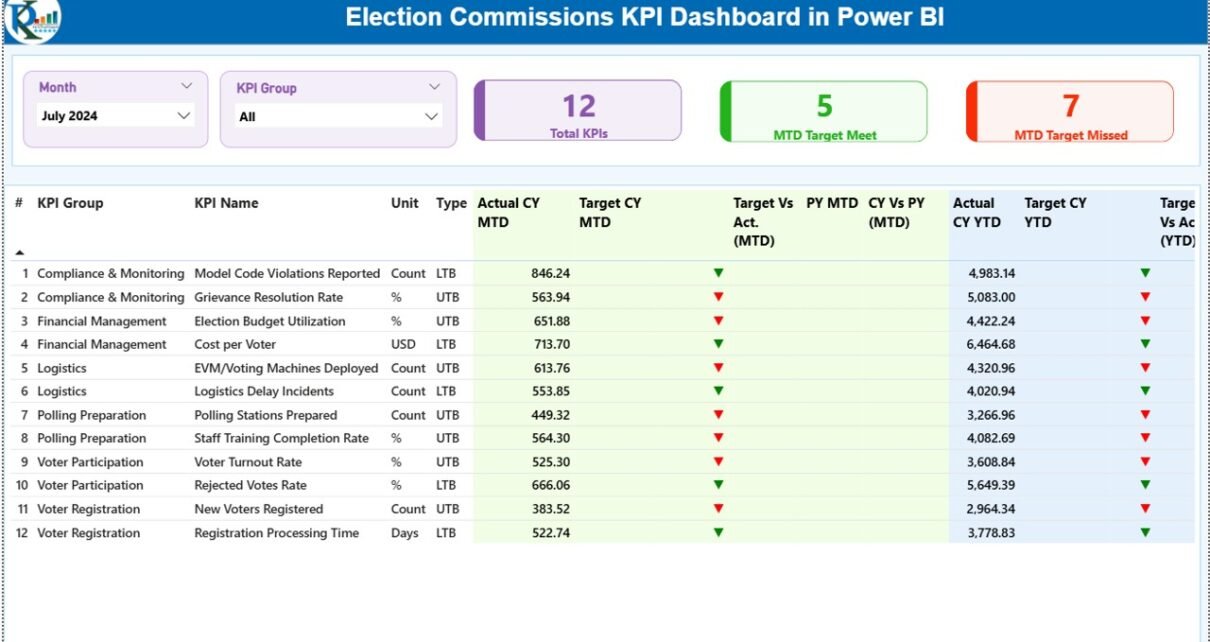
Election Commissions KPI Dashboard in Power BI

February 13, 2026February 13, 2026 PKComments Off on Election Commissions KPI Dashboard in Power BI
Free, fair, and transparent elections build trust in democracy. However, election bodies often struggle with scattered reports, delayed updates, and manual tracking. As a result, decision-makers cannot see real-time performance.So,
Read More
  • Learn Excel (Free Course)
    • 1. Shortcut Keys
    • 2. Fill & Flash Fill
    • 3. Find & Replace
    • 4. Sort & Filter
    • 5. Formulas & Functions
    • 6. Data Validation
    • 7. Conditional Formatting
    • 8. Basic Charts
    • 9. Advanced Charts
    • 10. Pivot Tables
    • 11. Excel Dashboards
    • 12. VBA Course
    • 13. Excel Formulas with AI
  • Templates
  • Tutorials
    • Charts and Visualization
    • VBA
    • Excel Tips and Tricks
    • Excel Dashboards
    • Power Pivot & DAX
  • Power BI
  • Template Store
    • Ready to Use Templates
  • Courses
  • Academy
    • Excel + AI Mastery: 100 Formulas
    • Excel Pivot Tables & Dashboards
  • About Us
  • Contact Us
Copyright © 2023 PK-AnExcelExpert.com - Privacy Policy