New: NextGenTemplates Academy - video courses on Excel formulas with AI and Pivot Tables & dashboards. Early-bird: 20% off with code EARLYBIRD20 - first 20 orders only. See the courses →
  • Learn Excel (Free Course)
    • 1. Shortcut Keys
    • 2. Fill & Flash Fill
    • 3. Find & Replace
    • 4. Sort & Filter
    • 5. Formulas & Functions
    • 6. Data Validation
    • 7. Conditional Formatting
    • 8. Basic Charts
    • 9. Advanced Charts
    • 10. Pivot Tables
    • 11. Excel Dashboards
    • 12. VBA Course
    • 13. Excel Formulas with AI
  • Templates
  • Tutorials
    • Charts and Visualization
    • VBA
    • Excel Tips and Tricks
    • Excel Dashboards
    • Power Pivot & DAX
  • Power BI
  • Template Store
    • Ready to Use Templates
  • Courses
  • Academy
    • Excel + AI Mastery: 100 Formulas
    • Excel Pivot Tables & Dashboards
  • About Us
  • Contact Us

PK: An Excel Expert

Transforming Data into Decisions

Tag: Monthly Trend Dashboard

Dashboard Power BI

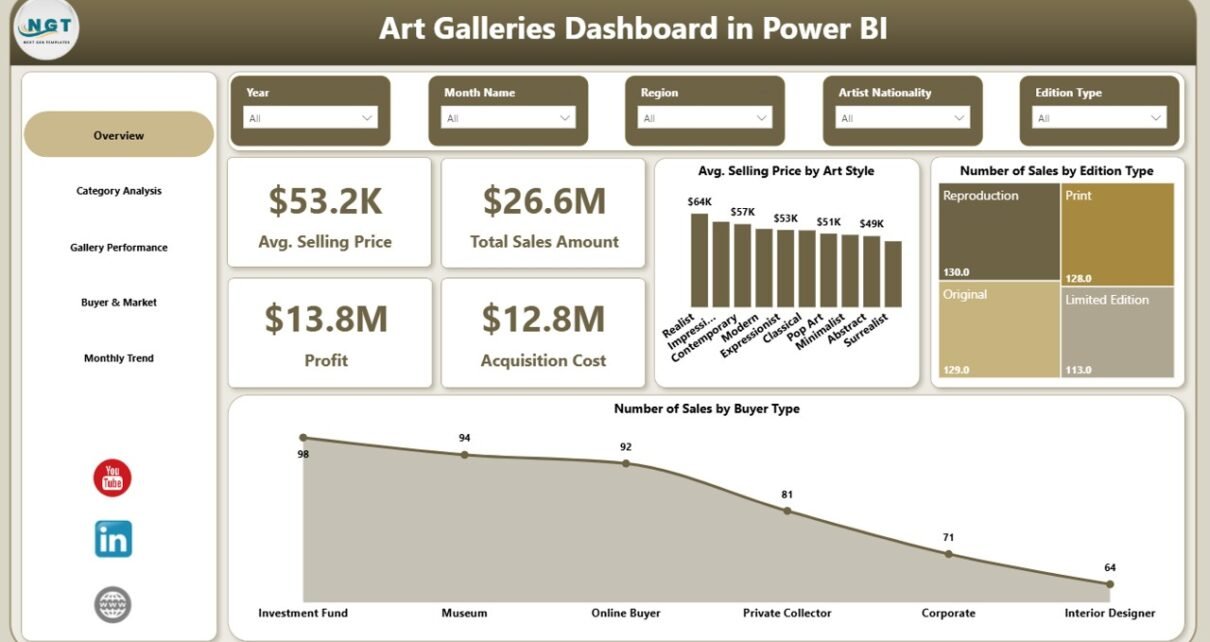
Art Galleries Dashboard in Power BI

March 19, 2026March 19, 2026 PKComments Off on Art Galleries Dashboard in Power BI
In the art business, every sale tells a story. Every artwork carries value, style, emotion, and financial impact. However, when art gallery owners, managers, and analysts try to track sales,
Read More
Dashboard

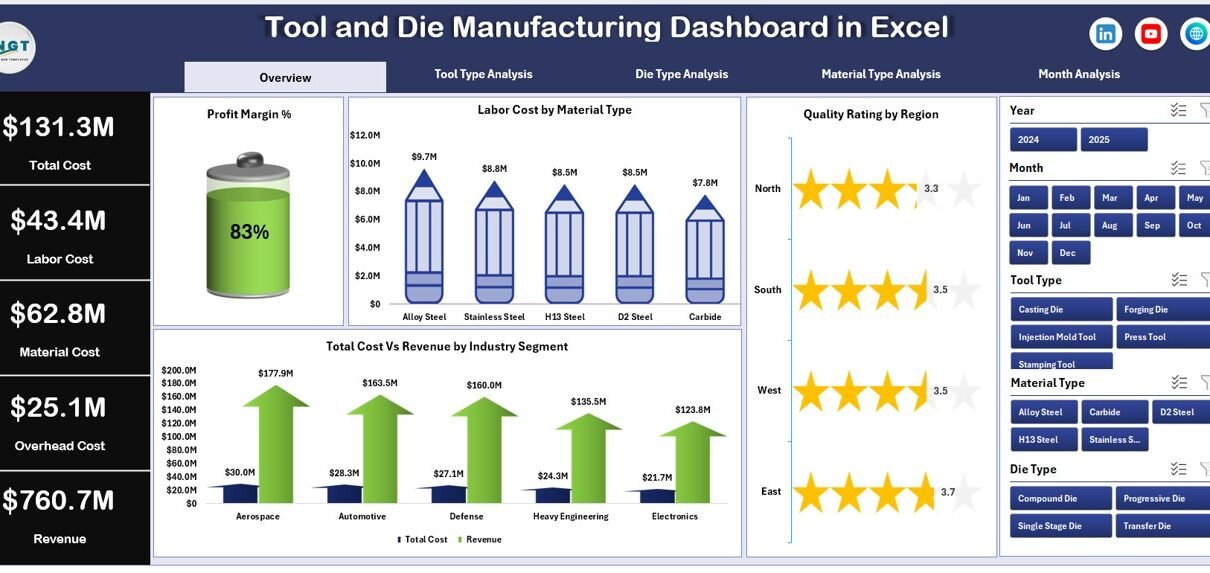
Tool and Die Manufacturing Dashboard in Excel

February 14, 2026February 14, 2026 PKComments Off on Tool and Die Manufacturing Dashboard in Excel
Manufacturing leaders face constant pressure. Production targets rise. Material prices change. Labor costs increase. Meanwhile, customers demand higher quality and faster delivery. Therefore, you must track profit, cost, and quality
Read More
Dashboard Power BI

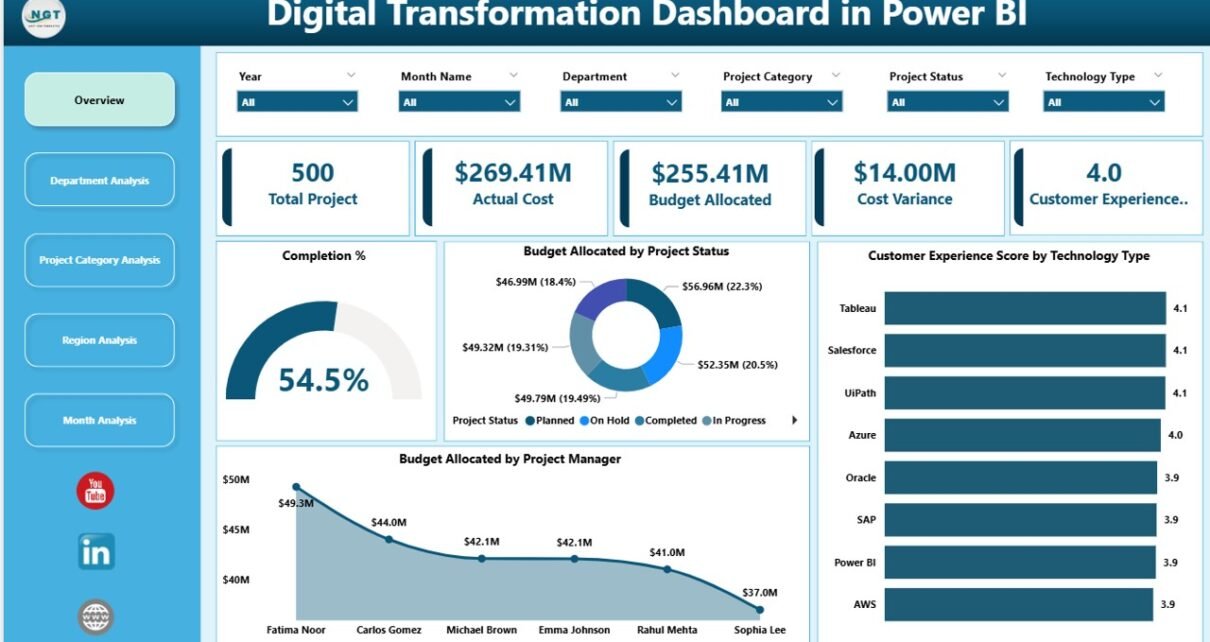
Digital Transformation Dashboard in Power BI

February 11, 2026February 11, 2026 PKComments Off on Digital Transformation Dashboard in Power BI
Digital transformation is no longer optional. Organizations compete in a fast-moving world. Customers expect speed. Teams demand automation. Leaders need visibility. However, many companies still track digital projects using scattered
Read More
  • Learn Excel (Free Course)
    • 1. Shortcut Keys
    • 2. Fill & Flash Fill
    • 3. Find & Replace
    • 4. Sort & Filter
    • 5. Formulas & Functions
    • 6. Data Validation
    • 7. Conditional Formatting
    • 8. Basic Charts
    • 9. Advanced Charts
    • 10. Pivot Tables
    • 11. Excel Dashboards
    • 12. VBA Course
    • 13. Excel Formulas with AI
  • Templates
  • Tutorials
    • Charts and Visualization
    • VBA
    • Excel Tips and Tricks
    • Excel Dashboards
    • Power Pivot & DAX
  • Power BI
  • Template Store
    • Ready to Use Templates
  • Courses
  • Academy
    • Excel + AI Mastery: 100 Formulas
    • Excel Pivot Tables & Dashboards
  • About Us
  • Contact Us
Copyright © 2023 PK-AnExcelExpert.com - Privacy Policy