New: NextGenTemplates Academy - video courses on Excel formulas with AI and Pivot Tables & dashboards. Early-bird: 20% off with code EARLYBIRD20 - first 20 orders only. See the courses →
  • Learn Excel (Free Course)
    • 1. Shortcut Keys
    • 2. Fill & Flash Fill
    • 3. Find & Replace
    • 4. Sort & Filter
    • 5. Formulas & Functions
    • 6. Data Validation
    • 7. Conditional Formatting
    • 8. Basic Charts
    • 9. Advanced Charts
    • 10. Pivot Tables
    • 11. Excel Dashboards
    • 12. VBA Course
    • 13. Excel Formulas with AI
  • Templates
  • Tutorials
    • Charts and Visualization
    • VBA
    • Excel Tips and Tricks
    • Excel Dashboards
    • Power Pivot & DAX
  • Power BI
  • Template Store
    • Ready to Use Templates
  • Courses
  • Academy
    • Excel + AI Mastery: 100 Formulas
    • Excel Pivot Tables & Dashboards
  • About Us
  • Contact Us

PK: An Excel Expert

Transforming Data into Decisions

Tag: Studio Performance

Dashboard Power BI

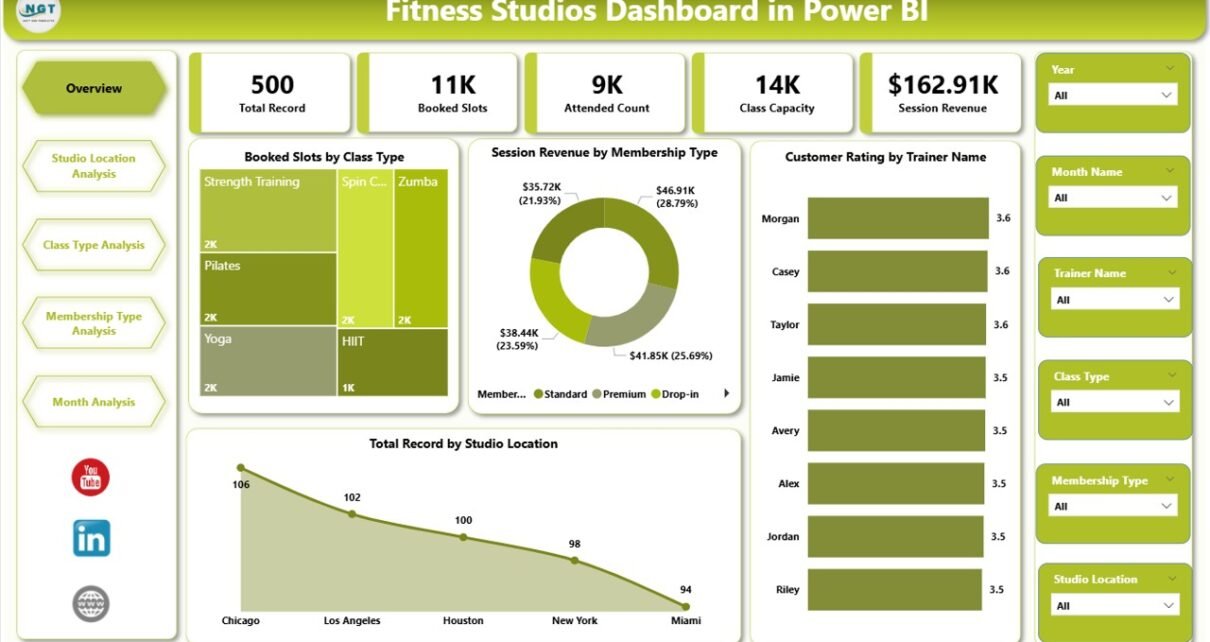
Fitness Studios Dashboard in Power BI

February 23, 2026February 23, 2026 PKComments Off on Fitness Studios Dashboard in Power BI
Running a fitness studio looks exciting from the outside. However, behind the scenes, you manage trainers, classes, memberships, schedules, customer feedback, and revenue targets—often at the same time. Because of
Read More
Dashboard

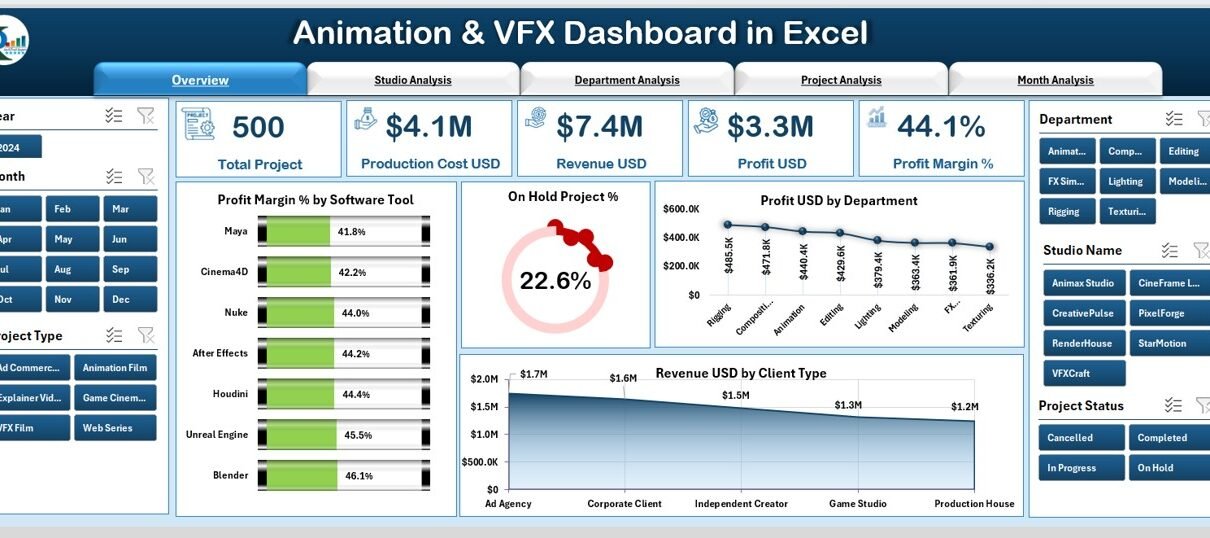
Animation & VFX Dashboard in Excel

November 22, 2025November 22, 2025 PKComments Off on Animation & VFX Dashboard in Excel
Animation and VFX studios work on fast-moving projects, tight timelines, complex revisions, and multiple creative departments. Because of this, managers need a clear view of project status, revenue, production cost,
Read More
Power BI

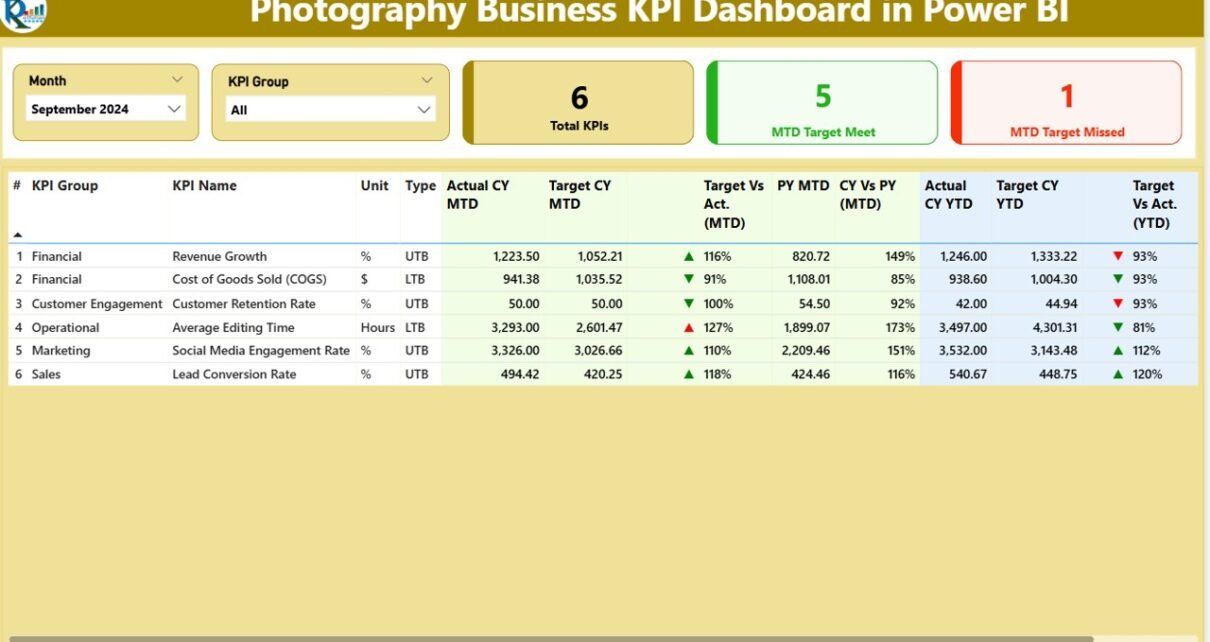
Photography Business KPI Dashboard in Power BI

October 2, 2025October 2, 2025 PKComments Off on Photography Business KPI Dashboard in Power BI
Running a photography business involves managing multiple aspects—from client acquisition and session bookings to revenue tracking and project completion. The Photography Business KPI Dashboard in Power BI provides a ready-to-use
Read More
  • Learn Excel (Free Course)
    • 1. Shortcut Keys
    • 2. Fill & Flash Fill
    • 3. Find & Replace
    • 4. Sort & Filter
    • 5. Formulas & Functions
    • 6. Data Validation
    • 7. Conditional Formatting
    • 8. Basic Charts
    • 9. Advanced Charts
    • 10. Pivot Tables
    • 11. Excel Dashboards
    • 12. VBA Course
    • 13. Excel Formulas with AI
  • Templates
  • Tutorials
    • Charts and Visualization
    • VBA
    • Excel Tips and Tricks
    • Excel Dashboards
    • Power Pivot & DAX
  • Power BI
  • Template Store
    • Ready to Use Templates
  • Courses
  • Academy
    • Excel + AI Mastery: 100 Formulas
    • Excel Pivot Tables & Dashboards
  • About Us
  • Contact Us
Copyright © 2023 PK-AnExcelExpert.com - Privacy Policy