New: NextGenTemplates Academy - video courses on Excel formulas with AI and Pivot Tables & dashboards. Early-bird: 20% off with code EARLYBIRD20 - first 20 orders only. See the courses →
  • Learn Excel (Free Course)
    • 1. Shortcut Keys
    • 2. Fill & Flash Fill
    • 3. Find & Replace
    • 4. Sort & Filter
    • 5. Formulas & Functions
    • 6. Data Validation
    • 7. Conditional Formatting
    • 8. Basic Charts
    • 9. Advanced Charts
    • 10. Pivot Tables
    • 11. Excel Dashboards
    • 12. VBA Course
    • 13. Excel Formulas with AI
  • Templates
  • Tutorials
    • Charts and Visualization
    • VBA
    • Excel Tips and Tricks
    • Excel Dashboards
    • Power Pivot & DAX
  • Power BI
  • Template Store
    • Ready to Use Templates
  • Courses
  • Academy
    • Excel + AI Mastery: 100 Formulas
    • Excel Pivot Tables & Dashboards
  • About Us
  • Contact Us

PK: An Excel Expert

Transforming Data into Decisions

Tag: Assign Macro

Employee Timesheet
Templates

Automated Employee Timesheet Template in Excel

April 13, 2022February 21, 2025 PKComments Off on Automated Employee Timesheet Template in Excel
In this article, we have created an automated Employee Timesheet Template in Excel. You can use this template to capture the Employee's Productive hours. We have used several validations and
Read More
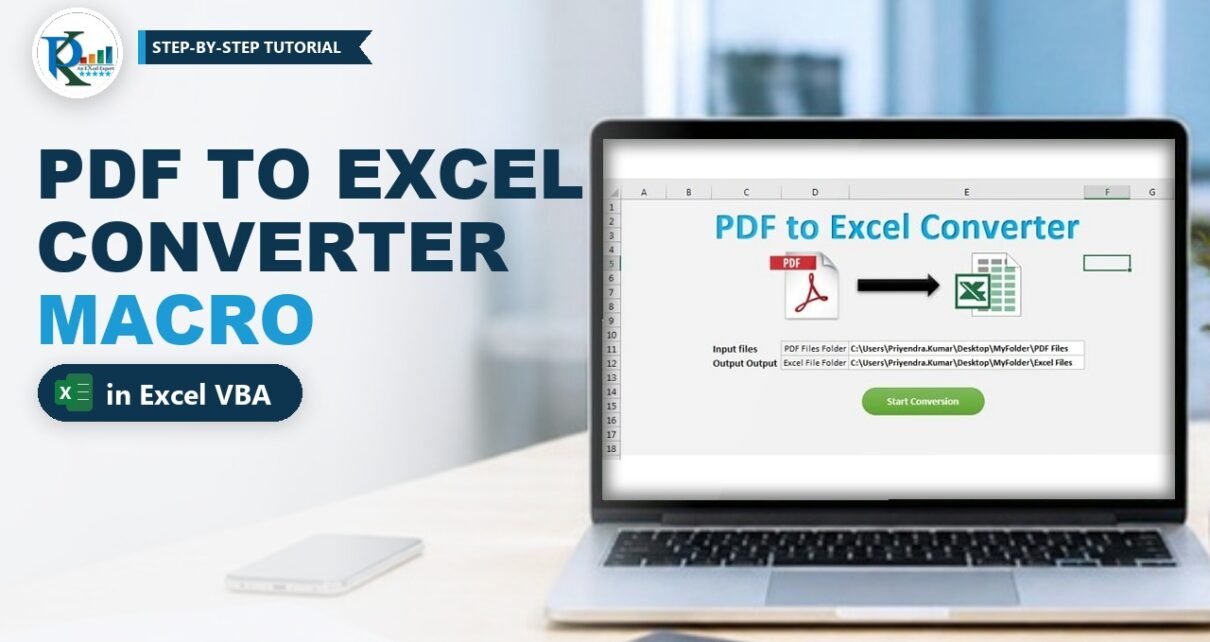
PDF to Excel Converter in Excel VBA: Convert a Folder of PDFs
VBA Templates

PDF to Excel Converter in Excel VBA: Convert a Folder of PDFs

August 5, 2019November 27, 2026 PKComments Off on PDF to Excel Converter in Excel VBA: Convert a Folder of PDFs
In this article, you will learn how to create a PDF to Excel converter using Excel VBA. We have created a Setting worksheet wherein we are taking 2 folders inputs
Read More
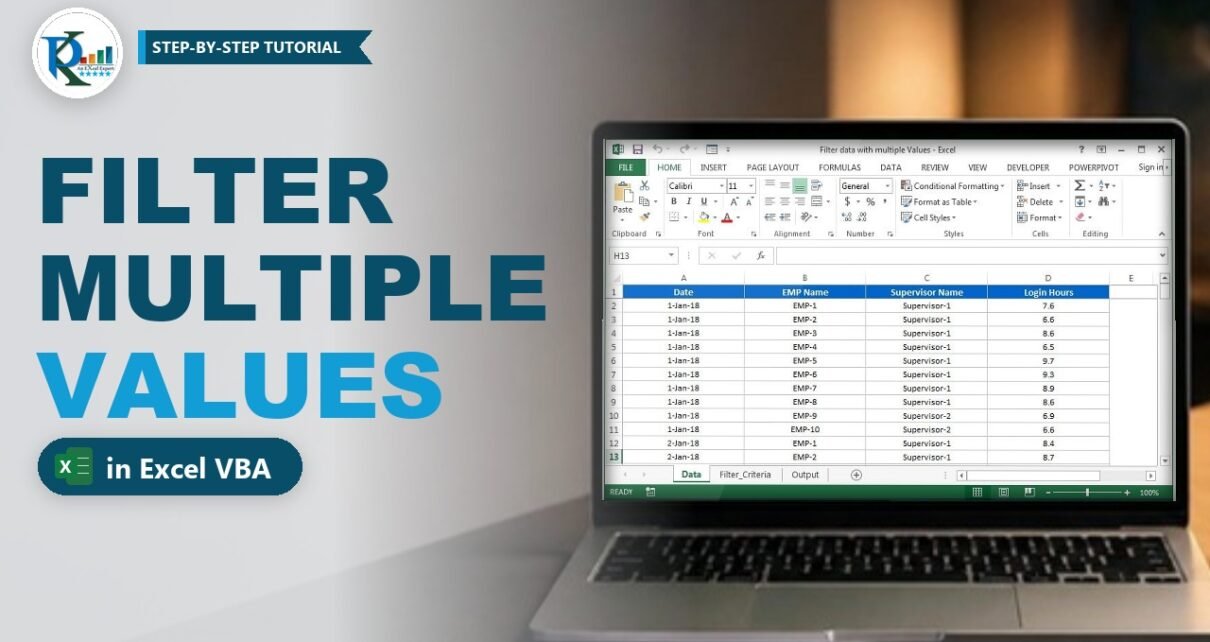
VBA Filter Data with Multiple Values and Copy to Another Sheet
VBA

VBA Filter Data with Multiple Values and Copy to Another Sheet

September 14, 2018October 9, 2026 PK0
With a short macro you can filter data with multiple values in VBA and copy the result to another sheet in one click. Instead of ticking names in the filter
Read More
  • Learn Excel (Free Course)
    • 1. Shortcut Keys
    • 2. Fill & Flash Fill
    • 3. Find & Replace
    • 4. Sort & Filter
    • 5. Formulas & Functions
    • 6. Data Validation
    • 7. Conditional Formatting
    • 8. Basic Charts
    • 9. Advanced Charts
    • 10. Pivot Tables
    • 11. Excel Dashboards
    • 12. VBA Course
    • 13. Excel Formulas with AI
  • Templates
  • Tutorials
    • Charts and Visualization
    • VBA
    • Excel Tips and Tricks
    • Excel Dashboards
    • Power Pivot & DAX
  • Power BI
  • Template Store
    • Ready to Use Templates
  • Courses
  • Academy
    • Excel + AI Mastery: 100 Formulas
    • Excel Pivot Tables & Dashboards
  • About Us
  • Contact Us
Copyright © 2023 PK-AnExcelExpert.com - Privacy Policy