New: NextGenTemplates Academy - video courses on Excel formulas with AI and Pivot Tables & dashboards. Early-bird: 20% off with code EARLYBIRD20 - first 20 orders only. See the courses →
  • Learn Excel (Free Course)
    • 1. Shortcut Keys
    • 2. Fill & Flash Fill
    • 3. Find & Replace
    • 4. Sort & Filter
    • 5. Formulas & Functions
    • 6. Data Validation
    • 7. Conditional Formatting
    • 8. Basic Charts
    • 9. Advanced Charts
    • 10. Pivot Tables
    • 11. Excel Dashboards
    • 12. VBA Course
    • 13. Excel Formulas with AI
  • Templates
  • Tutorials
    • Charts and Visualization
    • VBA
    • Excel Tips and Tricks
    • Excel Dashboards
    • Power Pivot & DAX
  • Power BI
  • Template Store
    • Ready to Use Templates
  • Courses
  • Academy
    • Excel + AI Mastery: 100 Formulas
    • Excel Pivot Tables & Dashboards
  • About Us
  • Contact Us

PK: An Excel Expert

Transforming Data into Decisions

Tag: Budget Variance Analysis

Excel Tips and Tricks Templates

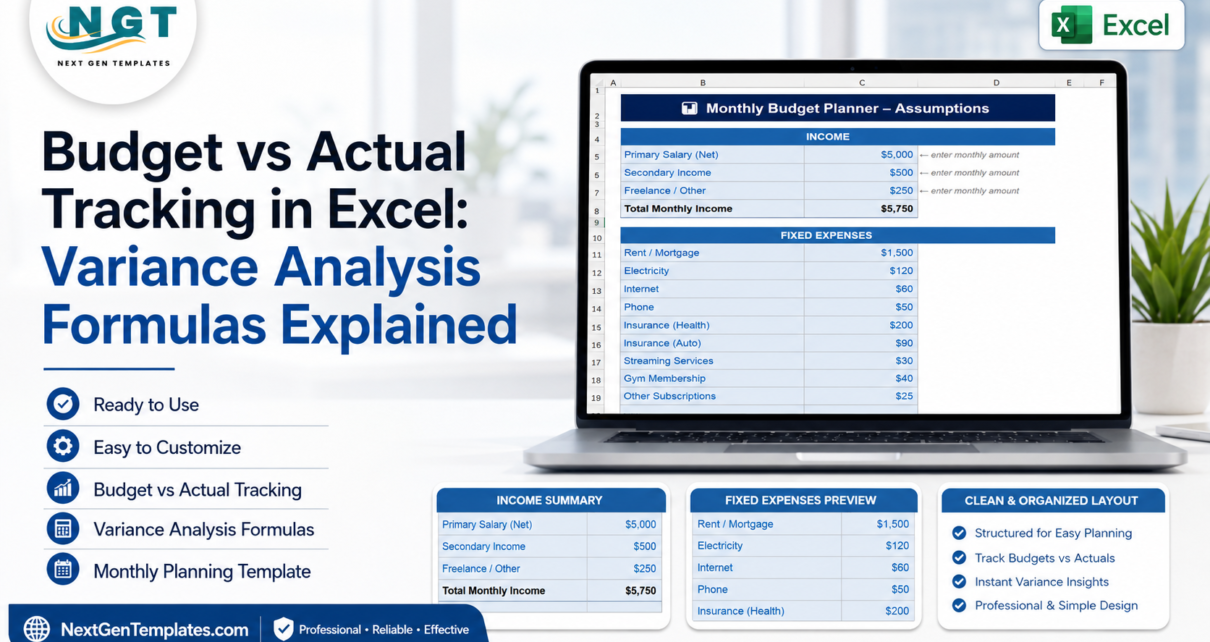
Budget vs Actual Tracking in Excel: Variance Analysis Formulas Explained

July 31, 2026July 31, 2026 PKComments Off on Budget vs Actual Tracking in Excel: Variance Analysis Formulas Explained
Budget vs actual Excel tracking is the process of comparing planned numbers with real results, then calculating variance amount, variance percentage, budget utilization, and status. That matters because financial drift
Read More
Dashboard Power BI

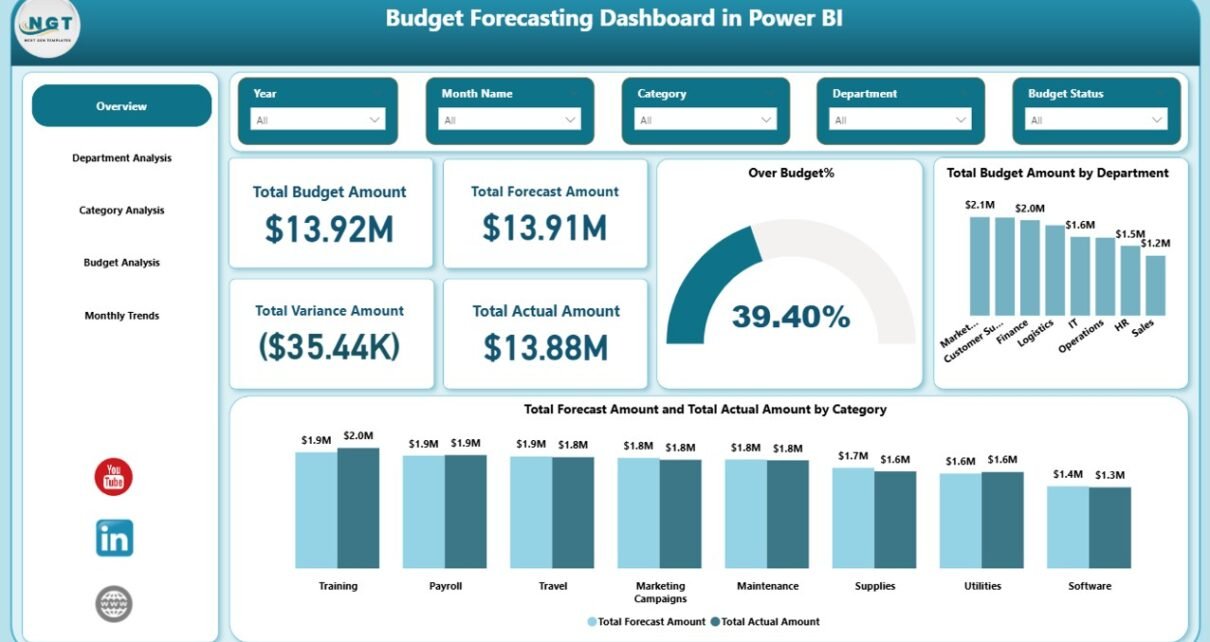
Budget Forecasting Dashboard in Power BI

January 31, 2026January 31, 2026 PKComments Off on Budget Forecasting Dashboard in Power BI
Budget planning plays a critical role in every organization, regardless of size or industry. However, many finance teams still rely on static Excel files, disconnected reports, or manual calculations. As
Read More
Templates

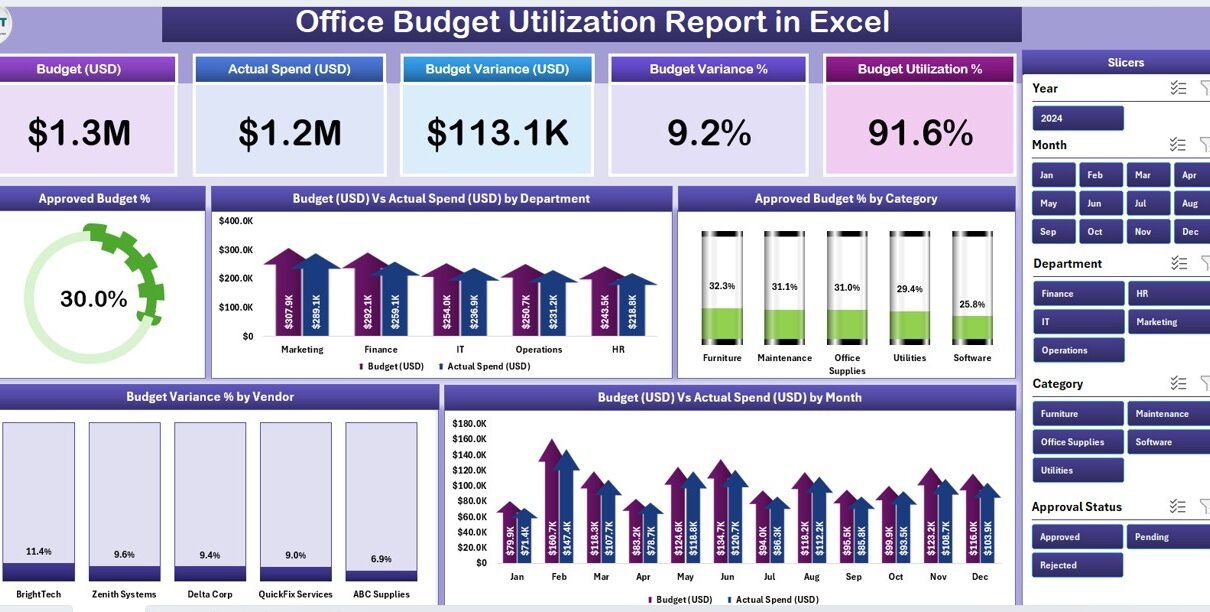
Office Budget Utilization Report in Excel

October 9, 2025October 9, 2025 PKComments Off on Office Budget Utilization Report in Excel
Managing your office budget efficiently is one of the most critical aspects of running a successful organization. Whether you are a finance manager, business owner, or project lead, tracking how
Read More
  • Learn Excel (Free Course)
    • 1. Shortcut Keys
    • 2. Fill & Flash Fill
    • 3. Find & Replace
    • 4. Sort & Filter
    • 5. Formulas & Functions
    • 6. Data Validation
    • 7. Conditional Formatting
    • 8. Basic Charts
    • 9. Advanced Charts
    • 10. Pivot Tables
    • 11. Excel Dashboards
    • 12. VBA Course
    • 13. Excel Formulas with AI
  • Templates
  • Tutorials
    • Charts and Visualization
    • VBA
    • Excel Tips and Tricks
    • Excel Dashboards
    • Power Pivot & DAX
  • Power BI
  • Template Store
    • Ready to Use Templates
  • Courses
  • Academy
    • Excel + AI Mastery: 100 Formulas
    • Excel Pivot Tables & Dashboards
  • About Us
  • Contact Us
Copyright © 2023 PK-AnExcelExpert.com - Privacy Policy