New: NextGenTemplates Academy - video courses on Excel formulas with AI and Pivot Tables & dashboards. Early-bird: 20% off with code EARLYBIRD20 - first 20 orders only. See the courses →
  • Learn Excel (Free Course)
    • 1. Shortcut Keys
    • 2. Fill & Flash Fill
    • 3. Find & Replace
    • 4. Sort & Filter
    • 5. Formulas & Functions
    • 6. Data Validation
    • 7. Conditional Formatting
    • 8. Basic Charts
    • 9. Advanced Charts
    • 10. Pivot Tables
    • 11. Excel Dashboards
    • 12. VBA Course
    • 13. Excel Formulas with AI
  • Templates
  • Tutorials
    • Charts and Visualization
    • VBA
    • Excel Tips and Tricks
    • Excel Dashboards
    • Power Pivot & DAX
  • Power BI
  • Template Store
    • Ready to Use Templates
  • Courses
  • Academy
    • Excel + AI Mastery: 100 Formulas
    • Excel Pivot Tables & Dashboards
  • About Us
  • Contact Us

PK: An Excel Expert

Transforming Data into Decisions

Tag: Invoice Tracking

Excel Tips and Tricks Templates

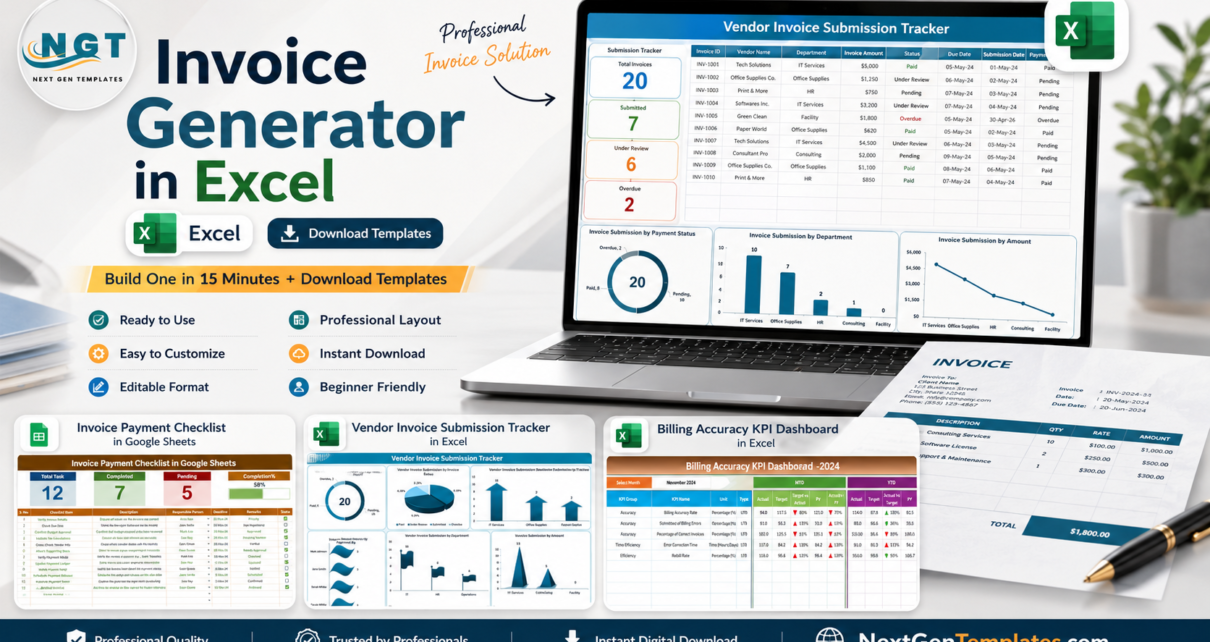
Invoice Generator in Excel: Build One in 15 Minutes (+ Download Templates)

August 3, 2026August 3, 2026 PKComments Off on Invoice Generator in Excel: Build One in 15 Minutes (+ Download Templates)
Need an invoice Excel generator fast? If you send invoices from a small business, agency, consulting practice, clinic, contractor office, or service team, the problem is rarely "how do I
Read More
Dashboard Power BI

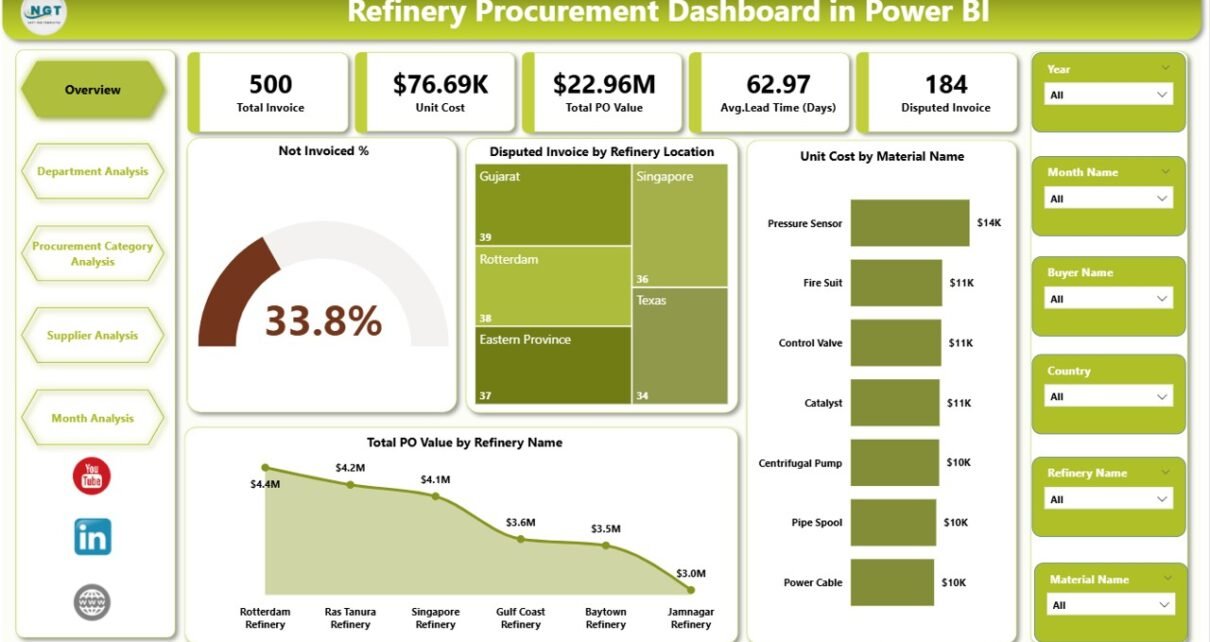
Refinery Procurement Dashboard in Power BI

December 26, 2025December 26, 2025 PKComments Off on Refinery Procurement Dashboard in Power BI
Managing refinery procurement without a centralized analytics system often creates delays, cost overruns, and visibility gaps. However, when procurement teams use a Refinery Procurement Dashboard in Power BI, they gain
Read More
Templates

Client Billing Report in Excel

August 14, 2025August 14, 2025 PKComments Off on Client Billing Report in Excel
Managing client billing efficiently is critical for any business. A Client Billing Report in Excel helps track invoices, payments, overdue amounts, and overall billing trends. This ready-to-use report consolidates financial
Read More
  • Learn Excel (Free Course)
    • 1. Shortcut Keys
    • 2. Fill & Flash Fill
    • 3. Find & Replace
    • 4. Sort & Filter
    • 5. Formulas & Functions
    • 6. Data Validation
    • 7. Conditional Formatting
    • 8. Basic Charts
    • 9. Advanced Charts
    • 10. Pivot Tables
    • 11. Excel Dashboards
    • 12. VBA Course
    • 13. Excel Formulas with AI
  • Templates
  • Tutorials
    • Charts and Visualization
    • VBA
    • Excel Tips and Tricks
    • Excel Dashboards
    • Power Pivot & DAX
  • Power BI
  • Template Store
    • Ready to Use Templates
  • Courses
  • Academy
    • Excel + AI Mastery: 100 Formulas
    • Excel Pivot Tables & Dashboards
  • About Us
  • Contact Us
Copyright © 2023 PK-AnExcelExpert.com - Privacy Policy