New: NextGenTemplates Academy - video courses on Excel formulas with AI and Pivot Tables & dashboards. Early-bird: 20% off with code EARLYBIRD20 - first 20 orders only. See the courses →
  • Learn Excel (Free Course)
    • 1. Shortcut Keys
    • 2. Fill & Flash Fill
    • 3. Find & Replace
    • 4. Sort & Filter
    • 5. Formulas & Functions
    • 6. Data Validation
    • 7. Conditional Formatting
    • 8. Basic Charts
    • 9. Advanced Charts
    • 10. Pivot Tables
    • 11. Excel Dashboards
    • 12. VBA Course
    • 13. Excel Formulas with AI
  • Templates
  • Tutorials
    • Charts and Visualization
    • VBA
    • Excel Tips and Tricks
    • Excel Dashboards
    • Power Pivot & DAX
  • Power BI
  • Template Store
    • Ready to Use Templates
  • Courses
  • Academy
    • Excel + AI Mastery: 100 Formulas
    • Excel Pivot Tables & Dashboards
  • About Us
  • Contact Us

PK: An Excel Expert

Transforming Data into Decisions

Tag: Personal Macro

Delete all worksheet
VBA

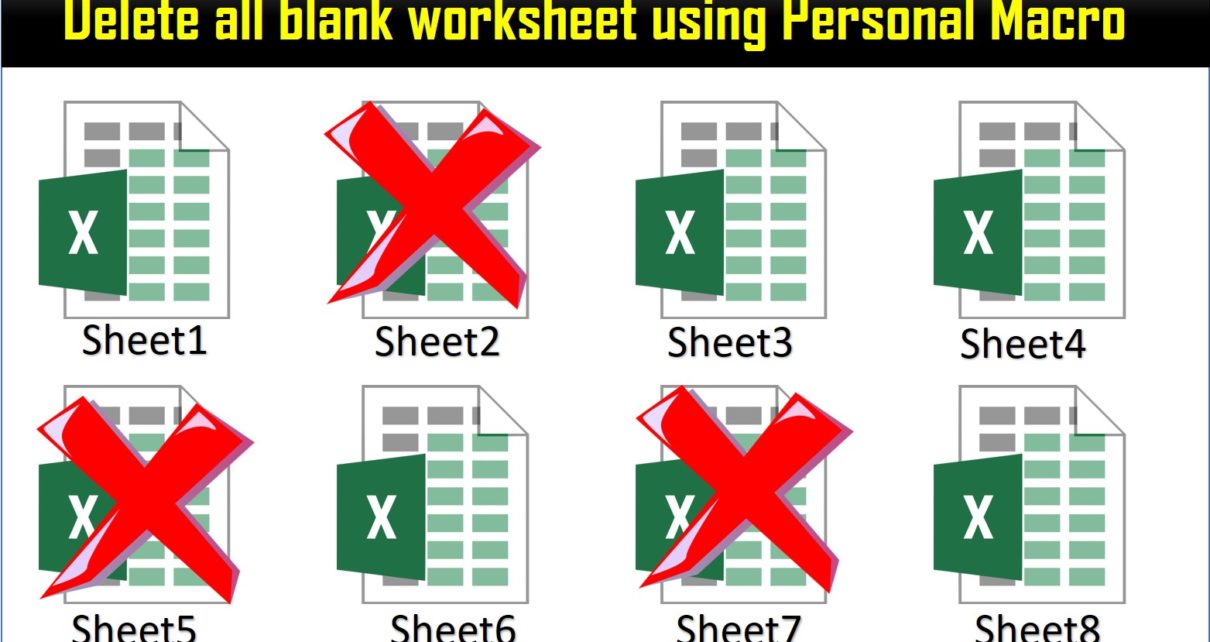
Delete all blank worksheet using Personal Macro

November 14, 2019September 27, 2024 PKComments Off on Delete all blank worksheet using Personal Macro
In this article, we have create the a Personal Macro to delete all blank worksheet from active workbook. You can use this for the workbook wherein you have multiple worksheet
Read More
Create Auto Table of Contents in Excel Workbook (VBA Macro)
VBA

Create Auto Table of Contents in Excel Workbook (VBA Macro)

September 5, 2019October 9, 2026 PKComments Off on Create Auto Table of Contents in Excel Workbook (VBA Macro)
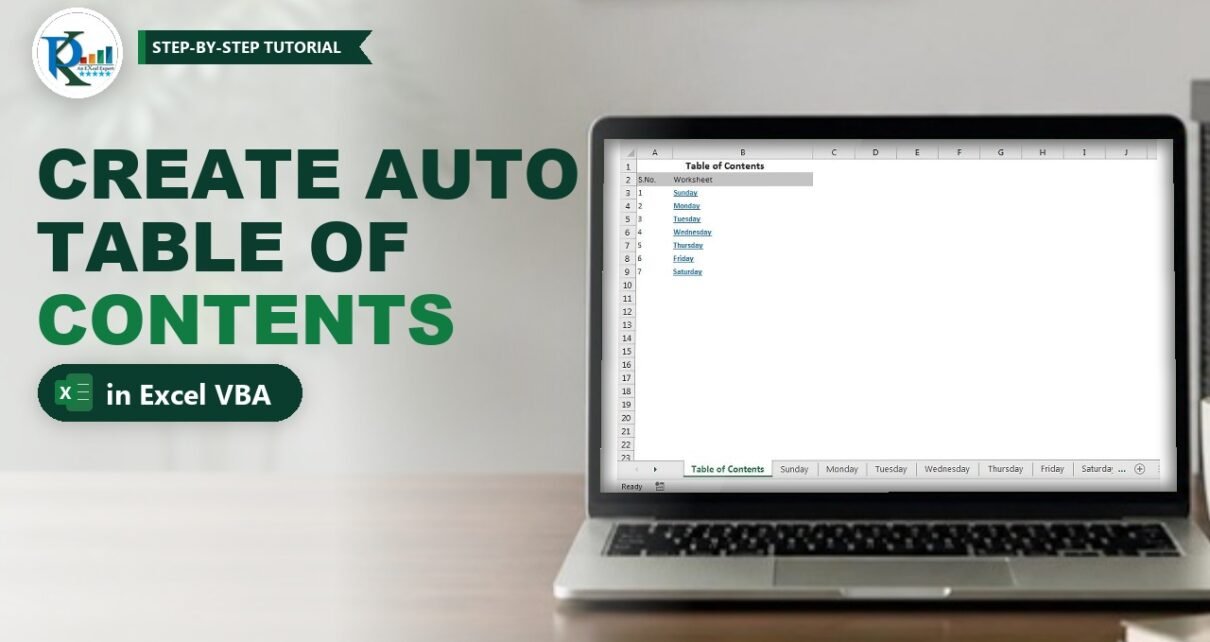
When you create an auto table of contents in Excel for a workbook, you get a single index sheet that lists every worksheet with a clickable link, so nobody has
Read More
Create Multiple Names Using VBA in Excel with One Click
VBA

Create Multiple Names Using VBA in Excel with One Click

July 12, 2019October 10, 2026 PKComments Off on Create Multiple Names Using VBA in Excel with One Click
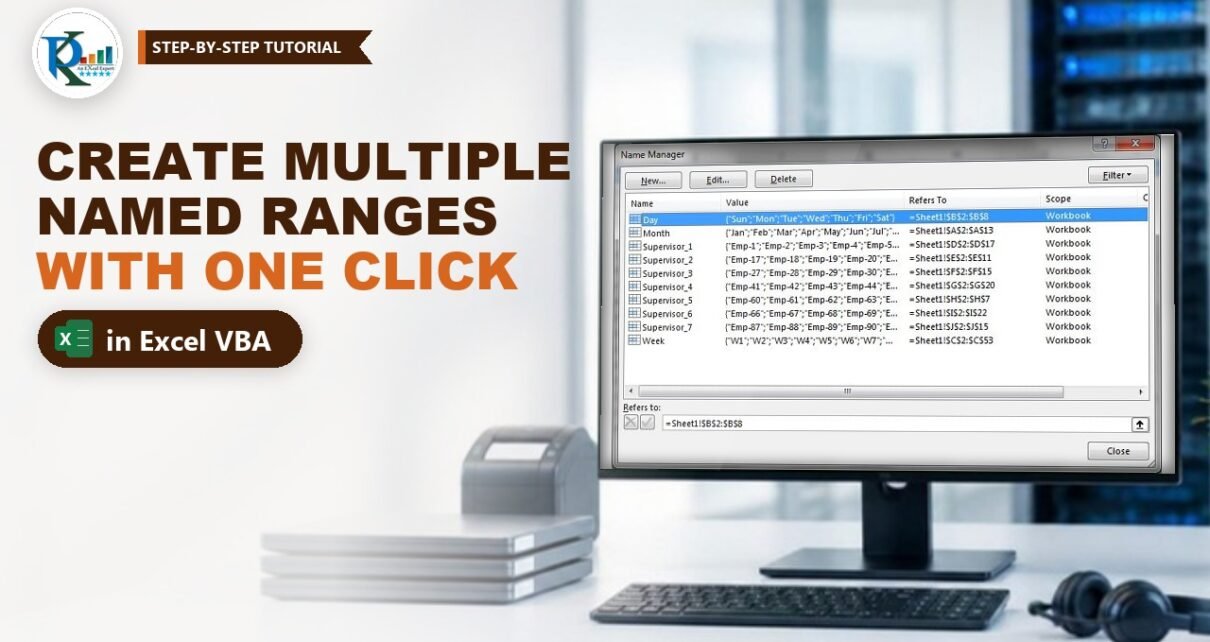
Need to create multiple names using VBA in Excel instead of adding them one by one in Name Manager? In this tutorial you build a small macro that turns every
Read More
Merge Cells with Same Value in Excel Using VBA (Quick Macro)
VBA

Merge Cells with Same Value in Excel Using VBA (Quick Macro)

April 16, 2019October 9, 2026 PKComments Off on Merge Cells with Same Value in Excel Using VBA (Quick Macro)
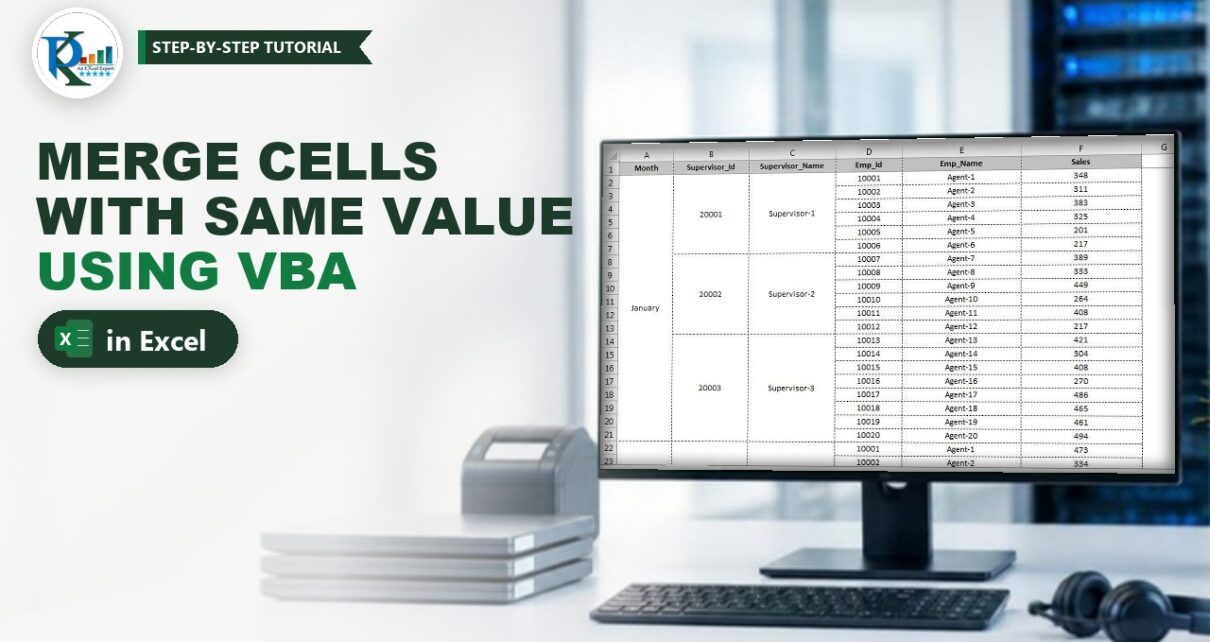
Need to merge cells with same value in Excel without clicking Merge & Center a hundred times? A short VBA macro does it for you. Select the range, run the
Read More
Personal Macro in Excel: Quick Data Formatting with Ctrl+M
VBA

Personal Macro in Excel: Quick Data Formatting with Ctrl+M

July 3, 2018October 9, 2026 PK0
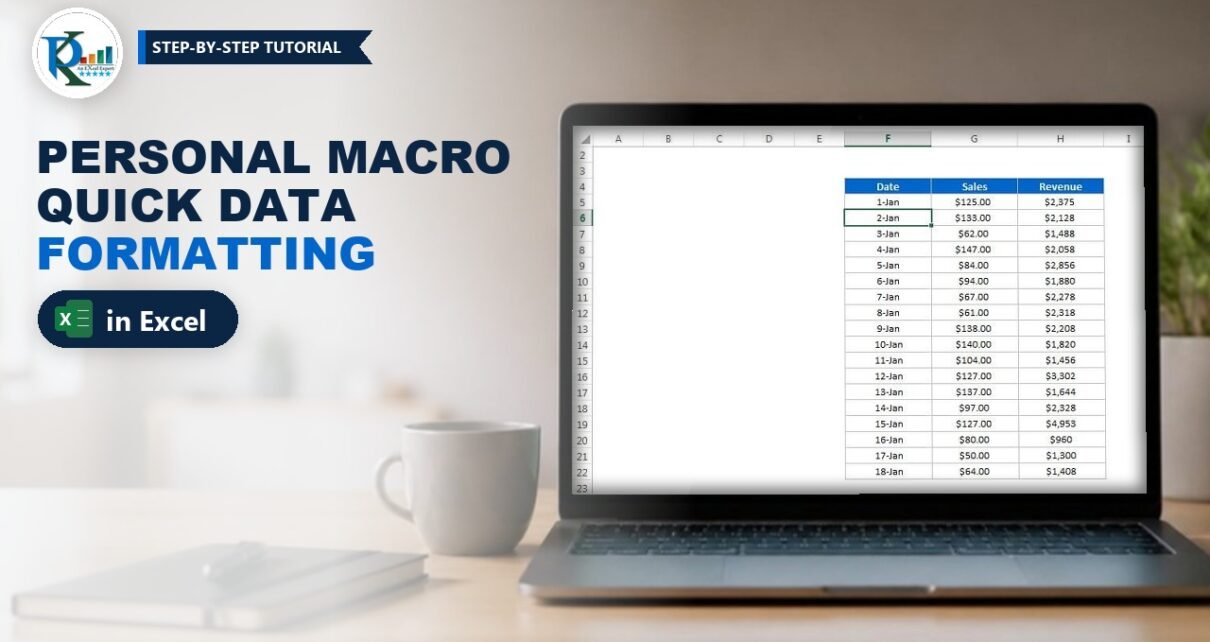
A personal macro in Excel is a macro saved in your hidden Personal Macro Workbook (PERSONAL.XLSB), so it is ready in every workbook you open on that computer. In this
Read More
  • Learn Excel (Free Course)
    • 1. Shortcut Keys
    • 2. Fill & Flash Fill
    • 3. Find & Replace
    • 4. Sort & Filter
    • 5. Formulas & Functions
    • 6. Data Validation
    • 7. Conditional Formatting
    • 8. Basic Charts
    • 9. Advanced Charts
    • 10. Pivot Tables
    • 11. Excel Dashboards
    • 12. VBA Course
    • 13. Excel Formulas with AI
  • Templates
  • Tutorials
    • Charts and Visualization
    • VBA
    • Excel Tips and Tricks
    • Excel Dashboards
    • Power Pivot & DAX
  • Power BI
  • Template Store
    • Ready to Use Templates
  • Courses
  • Academy
    • Excel + AI Mastery: 100 Formulas
    • Excel Pivot Tables & Dashboards
  • About Us
  • Contact Us
Copyright © 2023 PK-AnExcelExpert.com - Privacy Policy