New: NextGenTemplates Academy - video courses on Excel formulas with AI and Pivot Tables & dashboards. Early-bird: 20% off with code EARLYBIRD20 - first 20 orders only. See the courses →
  • Learn Excel (Free Course)
    • 1. Shortcut Keys
    • 2. Fill & Flash Fill
    • 3. Find & Replace
    • 4. Sort & Filter
    • 5. Formulas & Functions
    • 6. Data Validation
    • 7. Conditional Formatting
    • 8. Basic Charts
    • 9. Advanced Charts
    • 10. Pivot Tables
    • 11. Excel Dashboards
    • 12. VBA Course
    • 13. Excel Formulas with AI
  • Templates
  • Tutorials
    • Charts and Visualization
    • VBA
    • Excel Tips and Tricks
    • Excel Dashboards
    • Power Pivot & DAX
  • Power BI
  • Template Store
    • Ready to Use Templates
  • Courses
  • Academy
    • Excel + AI Mastery: 100 Formulas
    • Excel Pivot Tables & Dashboards
  • About Us
  • Contact Us

PK: An Excel Expert

Transforming Data into Decisions

Tag: Slide Meter Chart

Conditional Formatting in Excel Chart: Slide Meter (Version 3)
Charts and Visualization

Conditional Formatting in Excel Chart: Slide Meter (Version 3)

November 8, 2018October 9, 2026 PK0
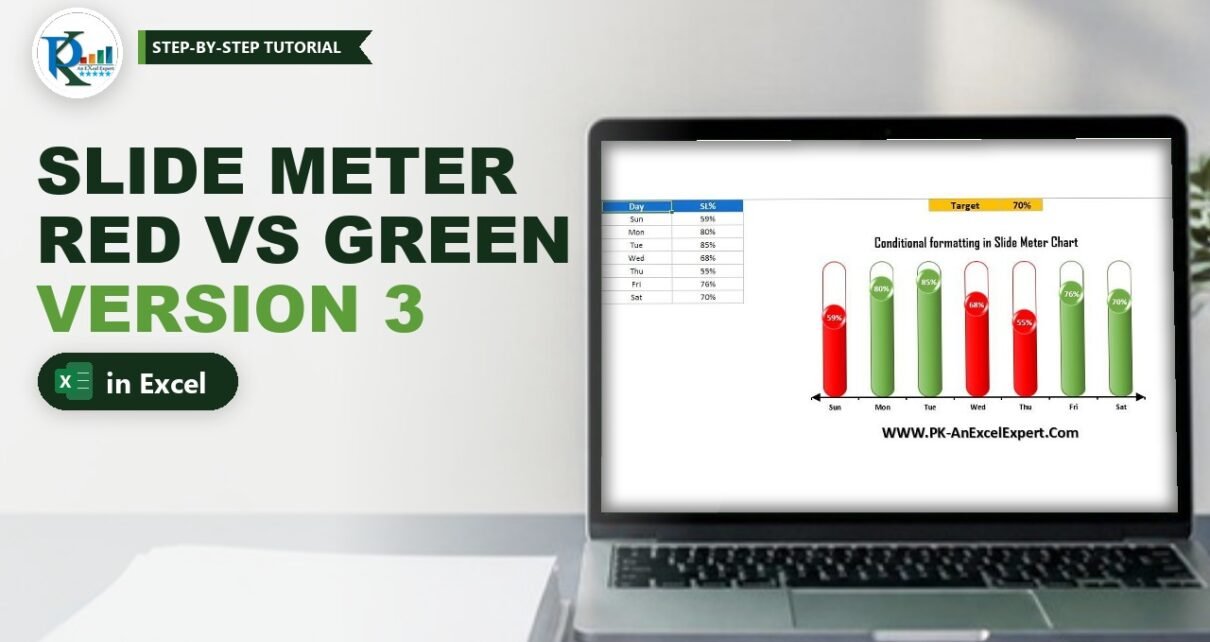
Conditional formatting in an Excel chart lets the colour of each bar react to a target: red when the KPI misses it, green when it hits it. This is Version
Read More
Semi-Filled Slide Meter Chart in Excel (Version 2)
Charts and Visualization

Semi-Filled Slide Meter Chart in Excel (Version 2)

November 7, 2018October 9, 2026 PK0
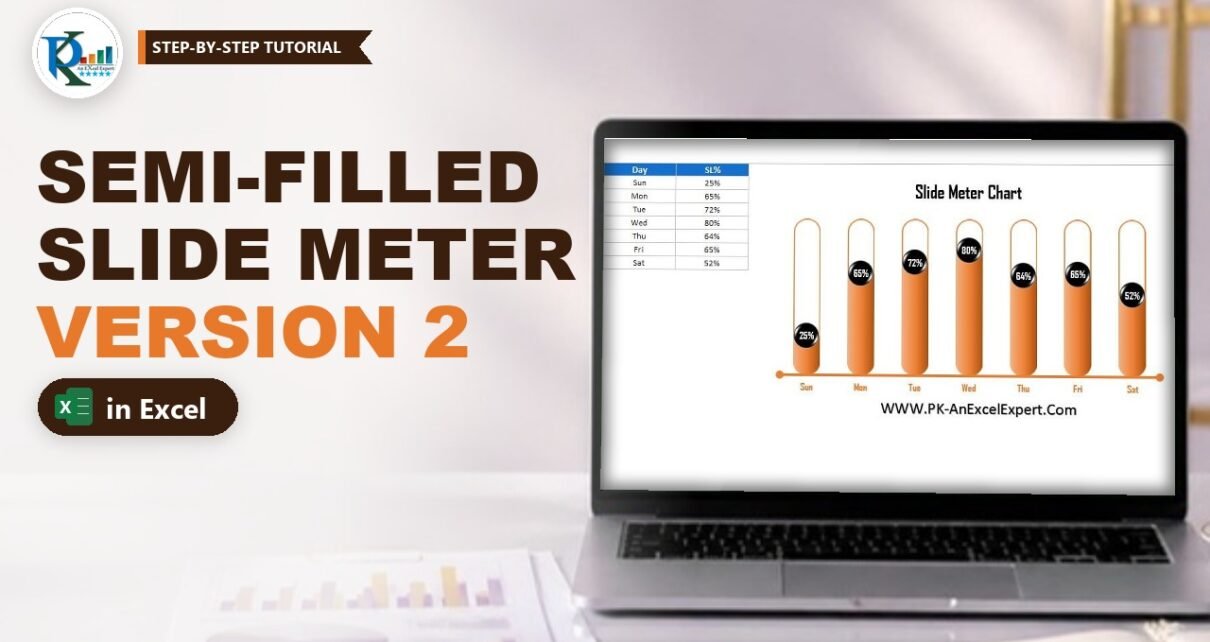
A semi-filled slide meter chart in Excel shows each KPI as an outlined, rounded track that fills up only to the value, like liquid in a tube. This is Version
Read More
Slide Meter Chart in Excel (Version 1): Solid KPI Bars
Charts and Visualization

Slide Meter Chart in Excel (Version 1): Solid KPI Bars

November 4, 2018October 9, 2026 PK0
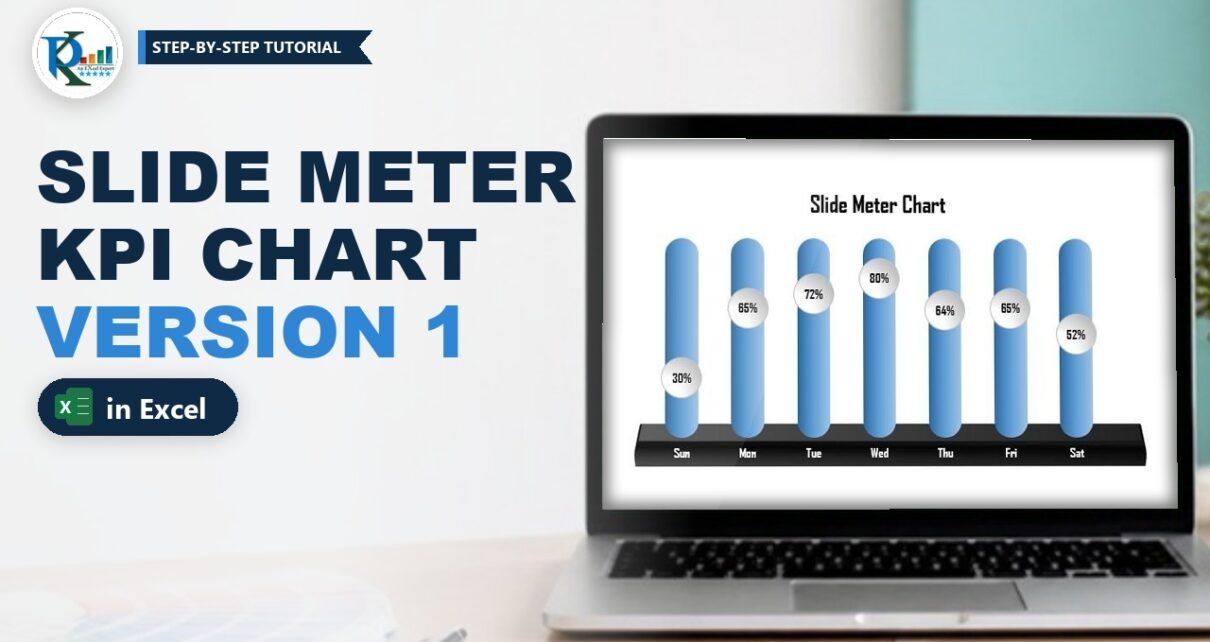
A slide meter chart in Excel shows a KPI as a bubble that slides up and down a rounded track, so you can read every day's score at a glance.
Read More
  • Learn Excel (Free Course)
    • 1. Shortcut Keys
    • 2. Fill & Flash Fill
    • 3. Find & Replace
    • 4. Sort & Filter
    • 5. Formulas & Functions
    • 6. Data Validation
    • 7. Conditional Formatting
    • 8. Basic Charts
    • 9. Advanced Charts
    • 10. Pivot Tables
    • 11. Excel Dashboards
    • 12. VBA Course
    • 13. Excel Formulas with AI
  • Templates
  • Tutorials
    • Charts and Visualization
    • VBA
    • Excel Tips and Tricks
    • Excel Dashboards
    • Power Pivot & DAX
  • Power BI
  • Template Store
    • Ready to Use Templates
  • Courses
  • Academy
    • Excel + AI Mastery: 100 Formulas
    • Excel Pivot Tables & Dashboards
  • About Us
  • Contact Us
Copyright © 2023 PK-AnExcelExpert.com - Privacy Policy