New: NextGenTemplates Academy - video courses on Excel formulas with AI and Pivot Tables & dashboards. Early-bird: 20% off with code EARLYBIRD20 - first 20 orders only. See the courses →
  • Learn Excel (Free Course)
    • 1. Shortcut Keys
    • 2. Fill & Flash Fill
    • 3. Find & Replace
    • 4. Sort & Filter
    • 5. Formulas & Functions
    • 6. Data Validation
    • 7. Conditional Formatting
    • 8. Basic Charts
    • 9. Advanced Charts
    • 10. Pivot Tables
    • 11. Excel Dashboards
    • 12. VBA Course
    • 13. Excel Formulas with AI
  • Templates
  • Tutorials
    • Charts and Visualization
    • VBA
    • Excel Tips and Tricks
    • Excel Dashboards
    • Power Pivot & DAX
  • Power BI
  • Template Store
    • Ready to Use Templates
  • Courses
  • Academy
    • Excel + AI Mastery: 100 Formulas
    • Excel Pivot Tables & Dashboards
  • About Us
  • Contact Us

PK: An Excel Expert

Transforming Data into Decisions

Tag: Timesheet Template in Excel

VBA

Project Time Log Data Entry System in Excel

July 4, 2026July 4, 2026 PKComments Off on Project Time Log Data Entry System in Excel
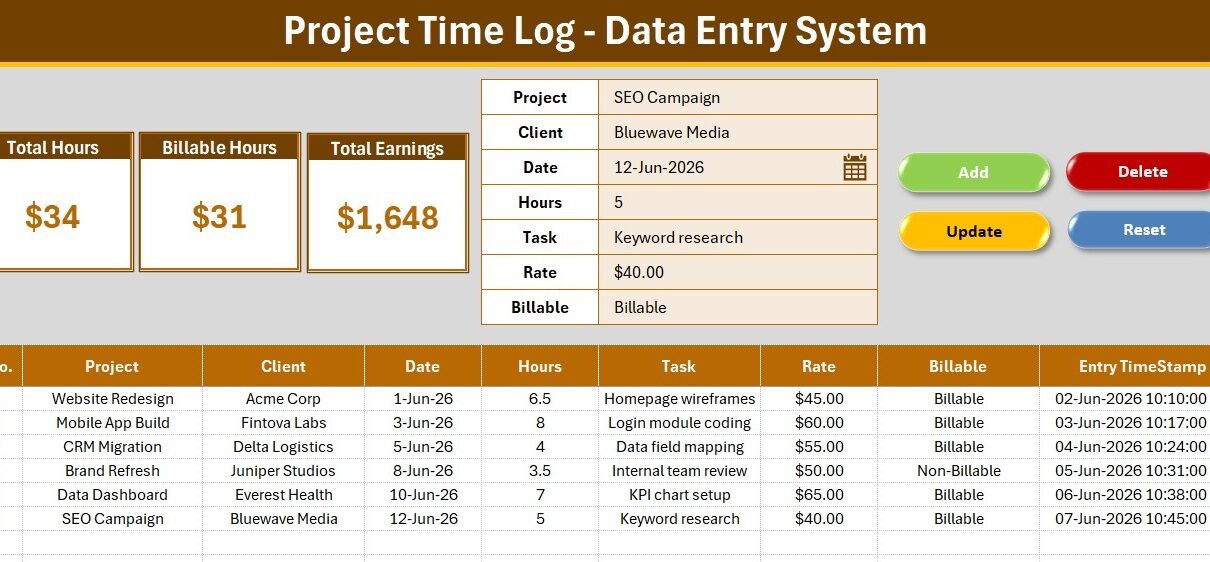
The Project Time Log Data Entry System in Excel captures 7 fields per time entry — Project, Client, Date, Hours, Task, Rate, and Billable status — through a VBA-powered form
Read More
Dashboard

Monthly Timesheet Calendar in Excel

April 21, 2026April 21, 2026 PKComments Off on Monthly Timesheet Calendar in Excel
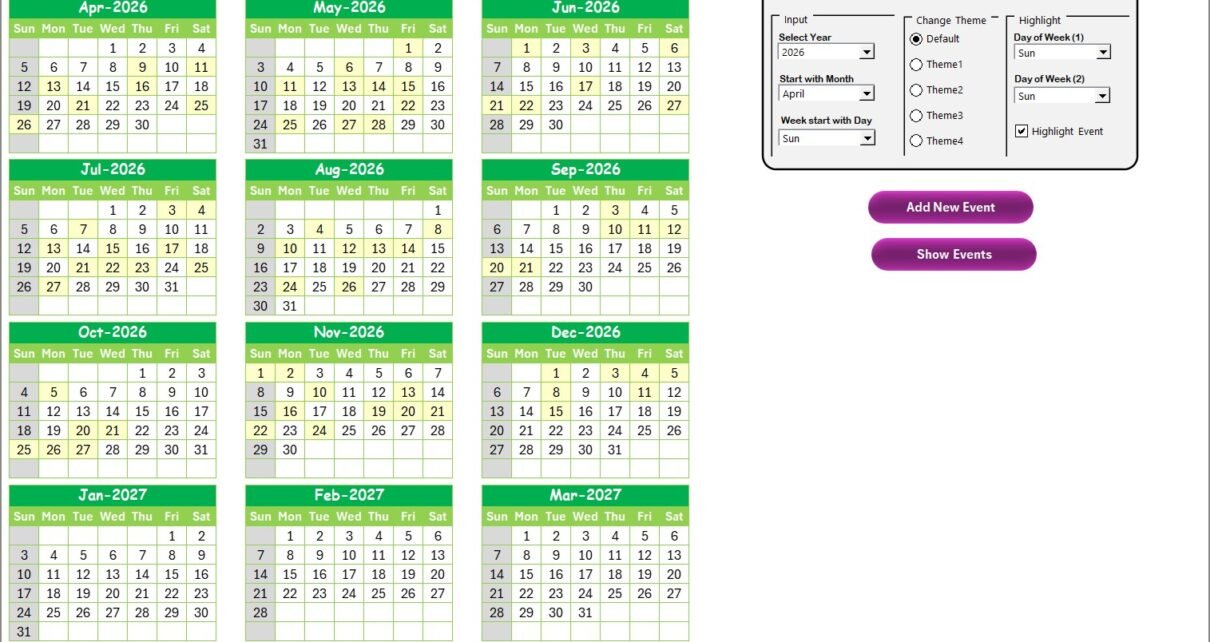
The Monthly Timesheet Calendar in Excel tracks employee hours, events, and schedules across 5 interactive worksheets with annual, monthly, and daily views plus a built-in event database. This ready-to-use calendar
Read More
Employee Timesheet
Templates

Automated Employee Timesheet Template in Excel

April 13, 2022February 21, 2025 PKComments Off on Automated Employee Timesheet Template in Excel
In this article, we have created an automated Employee Timesheet Template in Excel. You can use this template to capture the Employee's Productive hours. We have used several validations and
Read More
  • Learn Excel (Free Course)
    • 1. Shortcut Keys
    • 2. Fill & Flash Fill
    • 3. Find & Replace
    • 4. Sort & Filter
    • 5. Formulas & Functions
    • 6. Data Validation
    • 7. Conditional Formatting
    • 8. Basic Charts
    • 9. Advanced Charts
    • 10. Pivot Tables
    • 11. Excel Dashboards
    • 12. VBA Course
    • 13. Excel Formulas with AI
  • Templates
  • Tutorials
    • Charts and Visualization
    • VBA
    • Excel Tips and Tricks
    • Excel Dashboards
    • Power Pivot & DAX
  • Power BI
  • Template Store
    • Ready to Use Templates
  • Courses
  • Academy
    • Excel + AI Mastery: 100 Formulas
    • Excel Pivot Tables & Dashboards
  • About Us
  • Contact Us
Copyright © 2023 PK-AnExcelExpert.com - Privacy Policy