New: NextGenTemplates Academy - video courses on Excel formulas with AI and Pivot Tables & dashboards. Early-bird: 20% off with code EARLYBIRD20 - first 20 orders only. See the courses →
  • Learn Excel (Free Course)
    • 1. Shortcut Keys
    • 2. Fill & Flash Fill
    • 3. Find & Replace
    • 4. Sort & Filter
    • 5. Formulas & Functions
    • 6. Data Validation
    • 7. Conditional Formatting
    • 8. Basic Charts
    • 9. Advanced Charts
    • 10. Pivot Tables
    • 11. Excel Dashboards
    • 12. VBA Course
    • 13. Excel Formulas with AI
  • Templates
  • Tutorials
    • Charts and Visualization
    • VBA
    • Excel Tips and Tricks
    • Excel Dashboards
    • Power Pivot & DAX
  • Power BI
  • Template Store
    • Ready to Use Templates
  • Courses
  • Academy
    • Excel + AI Mastery: 100 Formulas
    • Excel Pivot Tables & Dashboards
  • About Us
  • Contact Us

PK: An Excel Expert

Transforming Data into Decisions

Tag: Area Chart

Dynamic Chart with Scroll Bar in Excel: Form Control Method
Charts and Visualization

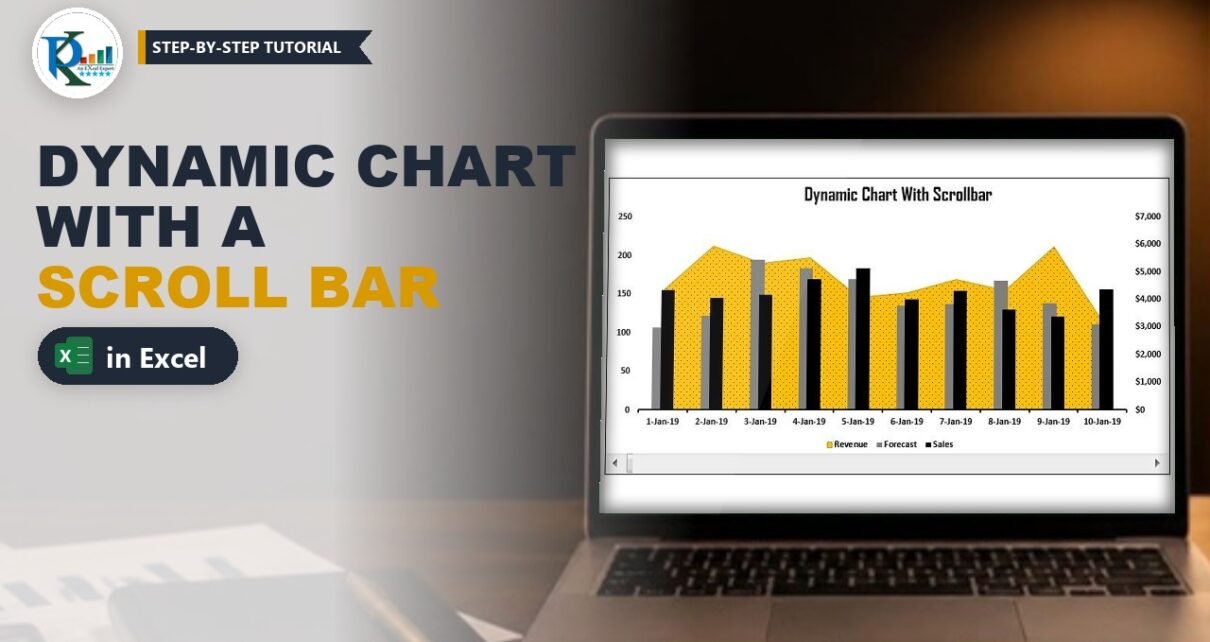
Dynamic Chart with Scroll Bar in Excel: Form Control Method

August 13, 2019October 9, 2026 PKComments Off on Dynamic Chart with Scroll Bar in Excel: Form Control Method
A dynamic chart with scroll bar lets you show a long daily data set in a small, readable chart: drag the scroll bar and the chart slides forward or back
Read More
Forecast vs Actual Chart with Safe Zone Range in Excel
Charts and Visualization

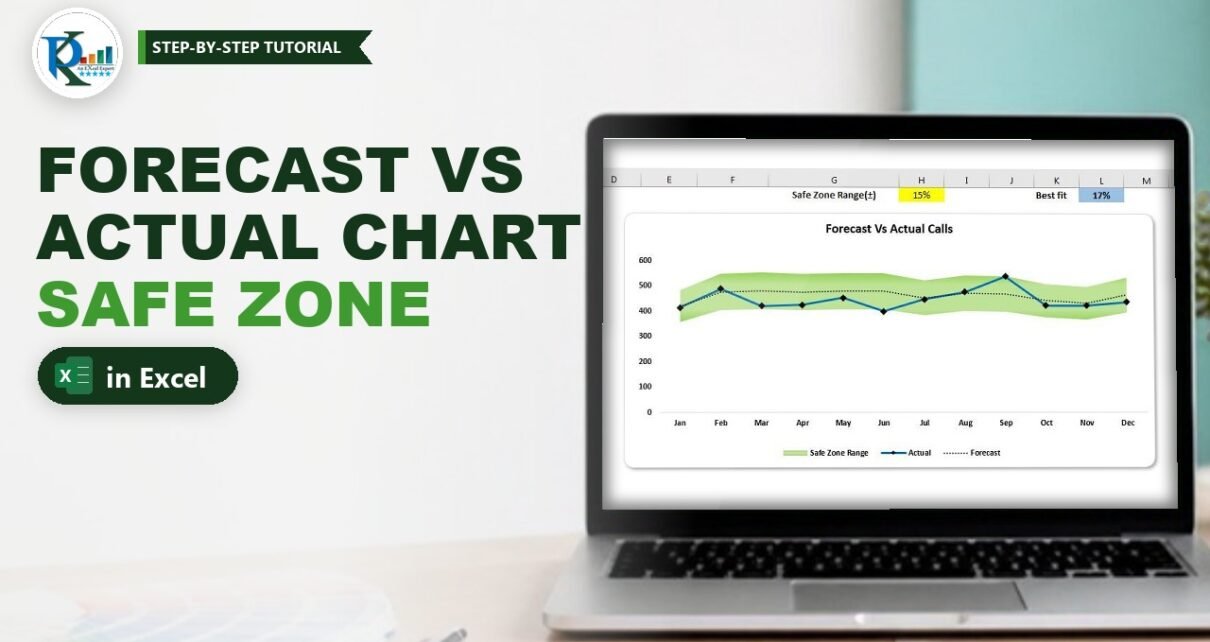
Forecast vs Actual Chart with Safe Zone Range in Excel

July 31, 2019October 9, 2026 PKComments Off on Forecast vs Actual Chart with Safe Zone Range in Excel
A forecast vs actual chart with a safe zone range in Excel shows at a glance whether your real numbers stay close to plan. The actual values run as a
Read More
Frequency Analysis Chart
Charts and Visualization

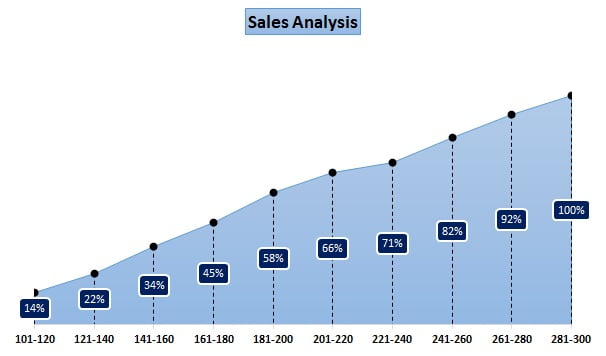
Frequency Analysis Chart in Excel

May 17, 2018September 3, 2024 PK0
In this article you will learn how to create a Frequency Analysis chart in Excel. We will create this chart show the headcount % for different sales range. You will
Read More
  • Learn Excel (Free Course)
    • 1. Shortcut Keys
    • 2. Fill & Flash Fill
    • 3. Find & Replace
    • 4. Sort & Filter
    • 5. Formulas & Functions
    • 6. Data Validation
    • 7. Conditional Formatting
    • 8. Basic Charts
    • 9. Advanced Charts
    • 10. Pivot Tables
    • 11. Excel Dashboards
    • 12. VBA Course
    • 13. Excel Formulas with AI
  • Templates
  • Tutorials
    • Charts and Visualization
    • VBA
    • Excel Tips and Tricks
    • Excel Dashboards
    • Power Pivot & DAX
  • Power BI
  • Template Store
    • Ready to Use Templates
  • Courses
  • Academy
    • Excel + AI Mastery: 100 Formulas
    • Excel Pivot Tables & Dashboards
  • About Us
  • Contact Us
Copyright © 2023 PK-AnExcelExpert.com - Privacy Policy