New: NextGenTemplates Academy - video courses on Excel formulas with AI and Pivot Tables & dashboards. Early-bird: 20% off with code EARLYBIRD20 - first 20 orders only. See the courses →
  • Learn Excel (Free Course)
    • 1. Shortcut Keys
    • 2. Fill & Flash Fill
    • 3. Find & Replace
    • 4. Sort & Filter
    • 5. Formulas & Functions
    • 6. Data Validation
    • 7. Conditional Formatting
    • 8. Basic Charts
    • 9. Advanced Charts
    • 10. Pivot Tables
    • 11. Excel Dashboards
    • 12. VBA Course
    • 13. Excel Formulas with AI
  • Templates
  • Tutorials
    • Charts and Visualization
    • VBA
    • Excel Tips and Tricks
    • Excel Dashboards
    • Power Pivot & DAX
  • Power BI
  • Template Store
    • Ready to Use Templates
  • Courses
  • Academy
    • Excel + AI Mastery: 100 Formulas
    • Excel Pivot Tables & Dashboards
  • About Us
  • Contact Us

PK: An Excel Expert

Transforming Data into Decisions

Tag: Combo Box

Excel Tips and Tricks

Excel Form Controls: Combo Box, Spin Button and Option Buttons (3 Real Business Examples)

September 29, 2026October 10, 2026 PKComments Off on Excel Form Controls: Combo Box, Spin Button and Option Buttons (3 Real Business Examples)
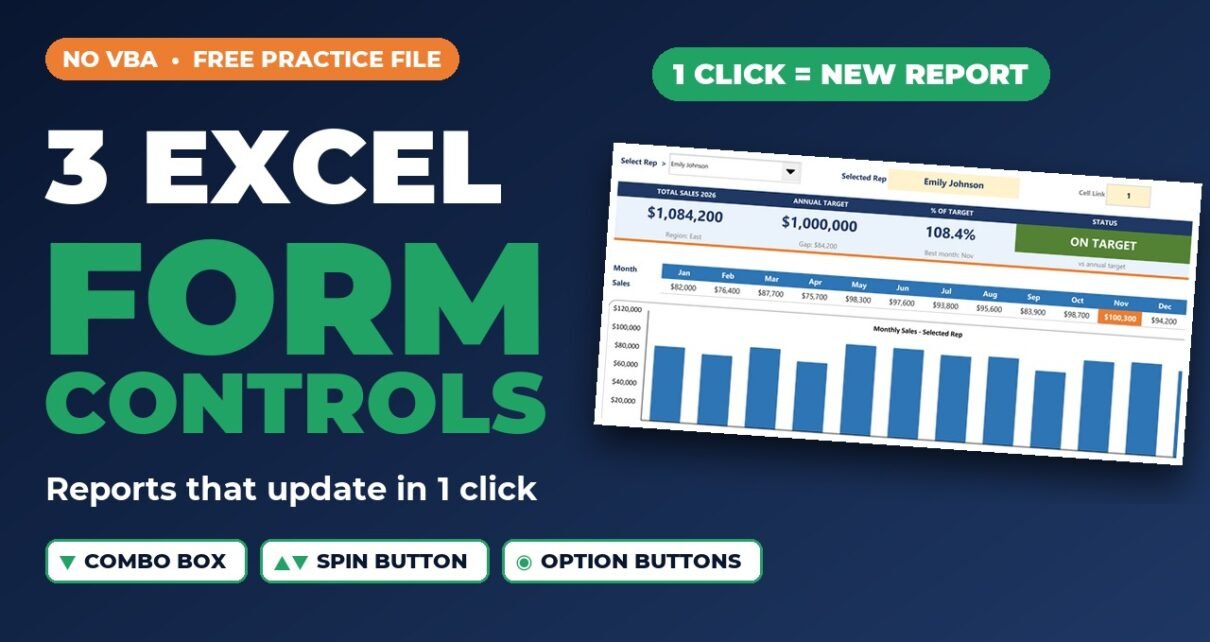
Excel form controls turn a static sheet into an interactive tool that anyone can use with a click. In this tutorial we solve three real business problems with the three
Read More
Dynamic Comparison in Butterfly Chart
Charts and Visualization

Dynamic Comparison in Butterfly Chart

June 28, 2021March 3, 2025 PKComments Off on Dynamic Comparison in Butterfly Chart
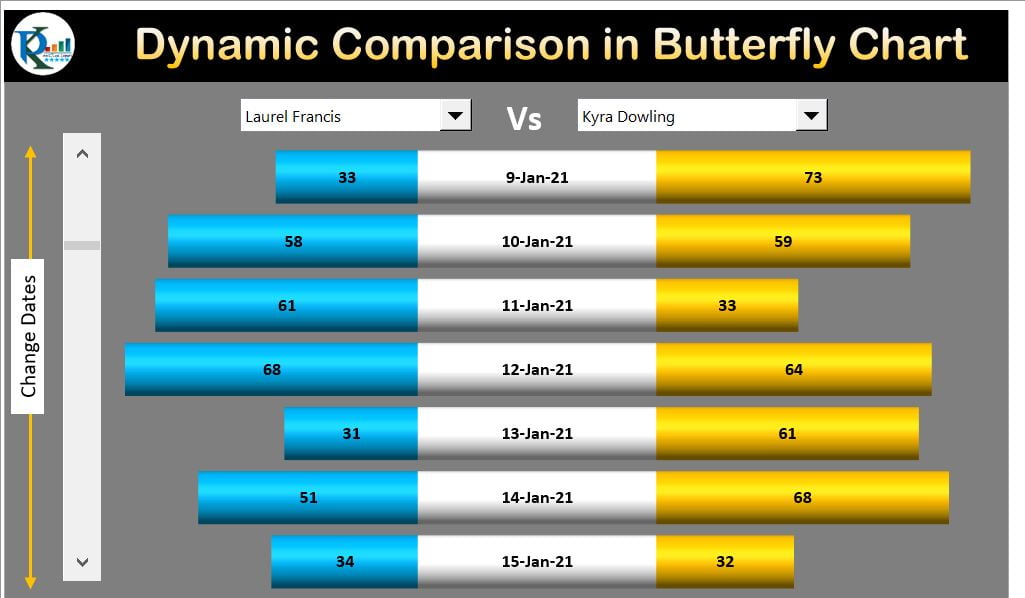
Dynamic Comparison in Butterfly Chart is useful when you want to compare the Sales or any other parameter for two employees or two Teams for multiple dates. We have used
Read More
Comparison Infographic in Excel: Team vs Team Balance Chart
Charts and Visualization

Comparison Infographic in Excel: Team vs Team Balance Chart

July 9, 2018October 9, 2026 PK0
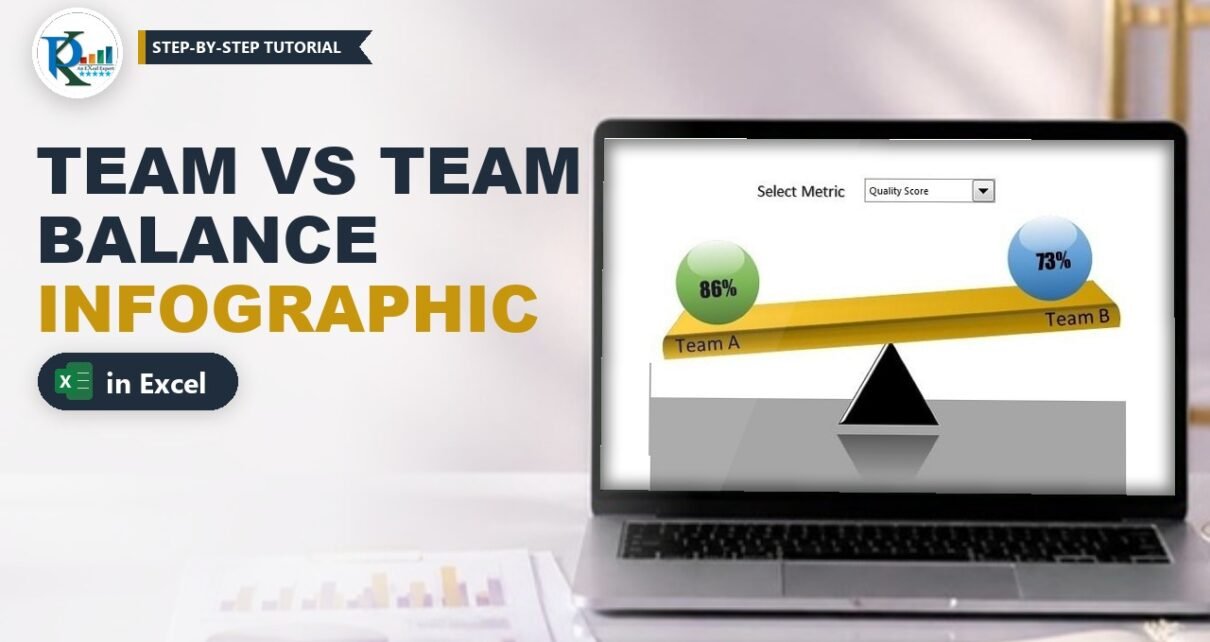
A comparison infographic in Excel turns a dry Team A vs Team B table into a see-saw: two 3D balls sit on a golden beam, and the beam tilts towards
Read More
  • Learn Excel (Free Course)
    • 1. Shortcut Keys
    • 2. Fill & Flash Fill
    • 3. Find & Replace
    • 4. Sort & Filter
    • 5. Formulas & Functions
    • 6. Data Validation
    • 7. Conditional Formatting
    • 8. Basic Charts
    • 9. Advanced Charts
    • 10. Pivot Tables
    • 11. Excel Dashboards
    • 12. VBA Course
    • 13. Excel Formulas with AI
  • Templates
  • Tutorials
    • Charts and Visualization
    • VBA
    • Excel Tips and Tricks
    • Excel Dashboards
    • Power Pivot & DAX
  • Power BI
  • Template Store
    • Ready to Use Templates
  • Courses
  • Academy
    • Excel + AI Mastery: 100 Formulas
    • Excel Pivot Tables & Dashboards
  • About Us
  • Contact Us
Copyright © 2023 PK-AnExcelExpert.com - Privacy Policy