New: NextGenTemplates Academy - video courses on Excel formulas with AI and Pivot Tables & dashboards. Early-bird: 20% off with code EARLYBIRD20 - first 20 orders only. See the courses →
  • Learn Excel (Free Course)
    • 1. Shortcut Keys
    • 2. Fill & Flash Fill
    • 3. Find & Replace
    • 4. Sort & Filter
    • 5. Formulas & Functions
    • 6. Data Validation
    • 7. Conditional Formatting
    • 8. Basic Charts
    • 9. Advanced Charts
    • 10. Pivot Tables
    • 11. Excel Dashboards
    • 12. VBA Course
    • 13. Excel Formulas with AI
  • Templates
  • Tutorials
    • Charts and Visualization
    • VBA
    • Excel Tips and Tricks
    • Excel Dashboards
    • Power Pivot & DAX
  • Power BI
  • Template Store
    • Ready to Use Templates
  • Courses
  • Academy
    • Excel + AI Mastery: 100 Formulas
    • Excel Pivot Tables & Dashboards
  • About Us
  • Contact Us

PK: An Excel Expert

Transforming Data into Decisions

Tag: Data Formatting

Excel Tips and Tricks

NUMBERVALUE Function in Excel with Examples

January 4, 2025October 10, 2026 PKComments Off on NUMBERVALUE Function in Excel with Examples
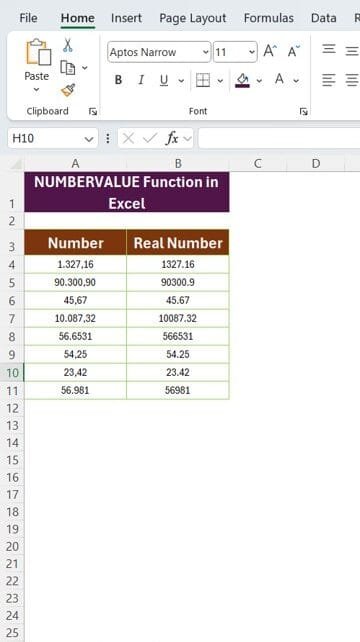
If you’ve ever faced issues with number formatting in Excel, especially when working with international number formats, the NUMBERVALUE Function in Excel can be your best friend. In this article,
Read More
Excel Tips and Tricks

Add KG to Your Numbers Instantly with This Simple Trick

January 2, 2024October 10, 2026 PKComments Off on Add KG to Your Numbers Instantly with This Simple Trick
In our latest, easy-to-follow article, we show you how to add KG to your numbers (or any unit!) in no time. Are you tired of your Excel data looking plain
Read More
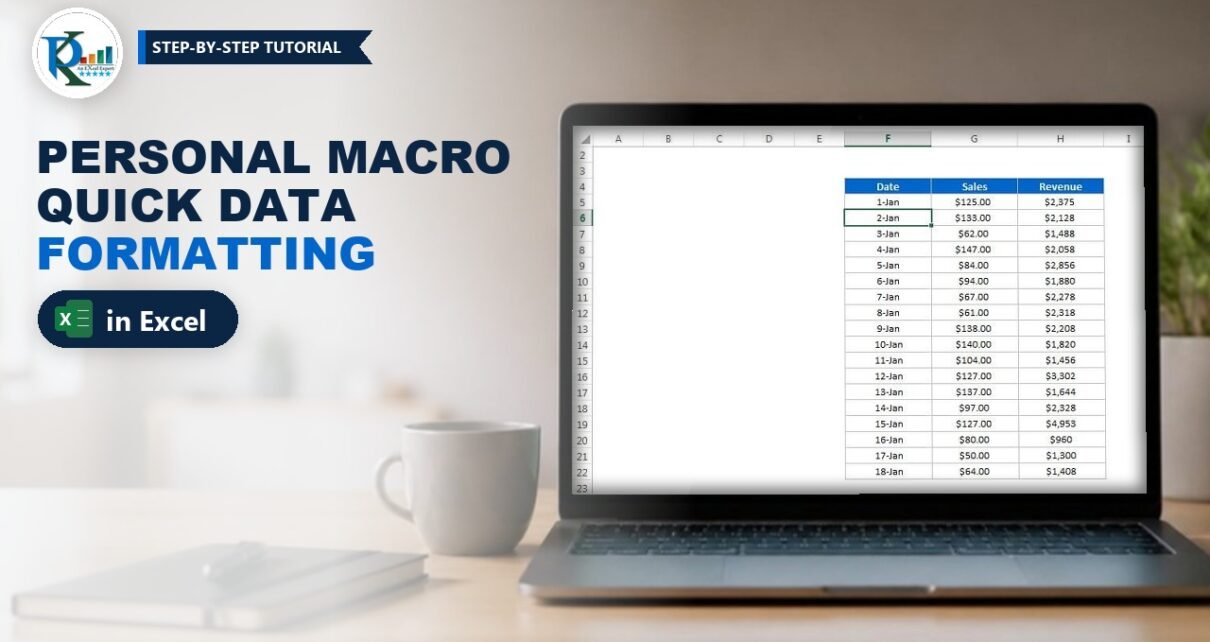
Personal Macro in Excel: Quick Data Formatting with Ctrl+M
VBA

Personal Macro in Excel: Quick Data Formatting with Ctrl+M

July 3, 2018October 9, 2026 PK0
A personal macro in Excel is a macro saved in your hidden Personal Macro Workbook (PERSONAL.XLSB), so it is ready in every workbook you open on that computer. In this
Read More
  • Learn Excel (Free Course)
    • 1. Shortcut Keys
    • 2. Fill & Flash Fill
    • 3. Find & Replace
    • 4. Sort & Filter
    • 5. Formulas & Functions
    • 6. Data Validation
    • 7. Conditional Formatting
    • 8. Basic Charts
    • 9. Advanced Charts
    • 10. Pivot Tables
    • 11. Excel Dashboards
    • 12. VBA Course
    • 13. Excel Formulas with AI
  • Templates
  • Tutorials
    • Charts and Visualization
    • VBA
    • Excel Tips and Tricks
    • Excel Dashboards
    • Power Pivot & DAX
  • Power BI
  • Template Store
    • Ready to Use Templates
  • Courses
  • Academy
    • Excel + AI Mastery: 100 Formulas
    • Excel Pivot Tables & Dashboards
  • About Us
  • Contact Us
Copyright © 2023 PK-AnExcelExpert.com - Privacy Policy