New: NextGenTemplates Academy - video courses on Excel formulas with AI and Pivot Tables & dashboards. Early-bird: 20% off with code EARLYBIRD20 - first 20 orders only. See the courses →
  • Learn Excel (Free Course)
    • 1. Shortcut Keys
    • 2. Fill & Flash Fill
    • 3. Find & Replace
    • 4. Sort & Filter
    • 5. Formulas & Functions
    • 6. Data Validation
    • 7. Conditional Formatting
    • 8. Basic Charts
    • 9. Advanced Charts
    • 10. Pivot Tables
    • 11. Excel Dashboards
    • 12. VBA Course
    • 13. Excel Formulas with AI
  • Templates
  • Tutorials
    • Charts and Visualization
    • VBA
    • Excel Tips and Tricks
    • Excel Dashboards
    • Power Pivot & DAX
  • Power BI
  • Template Store
    • Ready to Use Templates
  • Courses
  • Academy
    • Excel + AI Mastery: 100 Formulas
    • Excel Pivot Tables & Dashboards
  • About Us
  • Contact Us

PK: An Excel Expert

Transforming Data into Decisions

Tag: Number Formatting

Excel Tips and Tricks

How to use FIXED Function in Excel with Examples

September 30, 2024October 10, 2026 PKComments Off on How to use FIXED Function in Excel with Examples
If you’ve ever worked with numbers in Excel, you might have come across a situation where you needed to format those numbers in a particular way, especially to make them
Read More
Custom Number formatting to highlight Sales
Excel Tips and Tricks

Highlight Sales Figures with Custom Number Formatting in Excel

March 23, 2023October 10, 2026 PKComments Off on Highlight Sales Figures with Custom Number Formatting in Excel
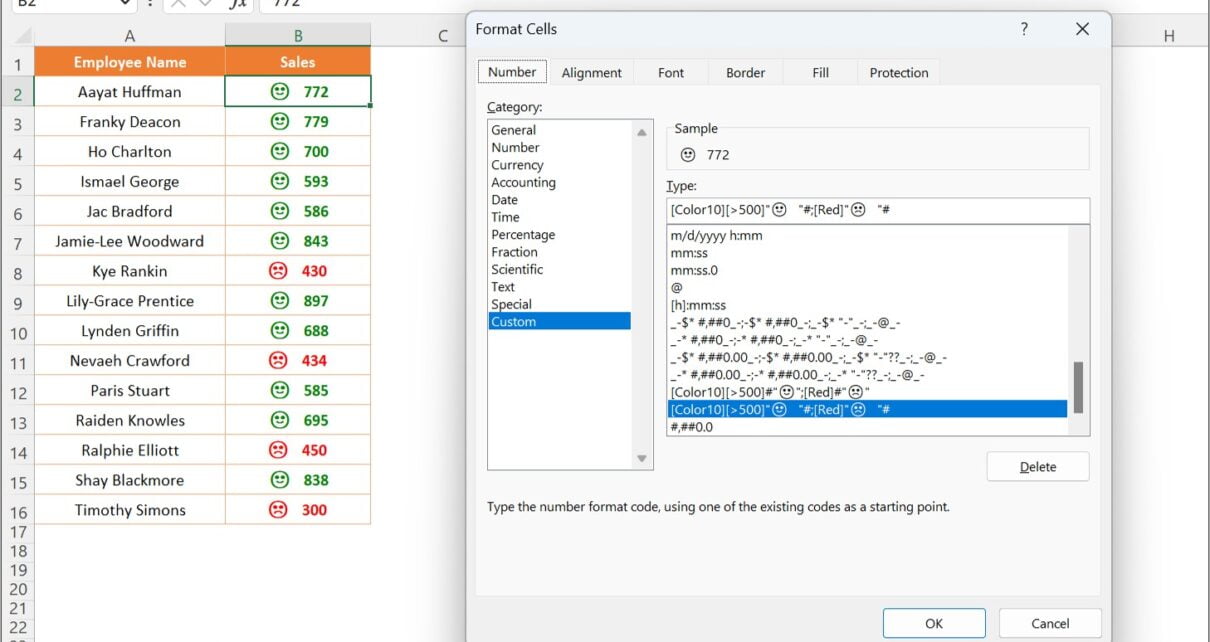
When working with sales data, it can be helpful to quickly identify which sales figures are doing well and which ones need improvement. Custom number formatting in Excel allows you
Read More
Dynamic Number Format in Excel for Millions and Thousands
Excel Tips and Tricks

Dynamic Number Format in Excel for Millions and Thousands

July 15, 2019October 9, 2026 PKComments Off on Dynamic Number Format in Excel for Millions and Thousands
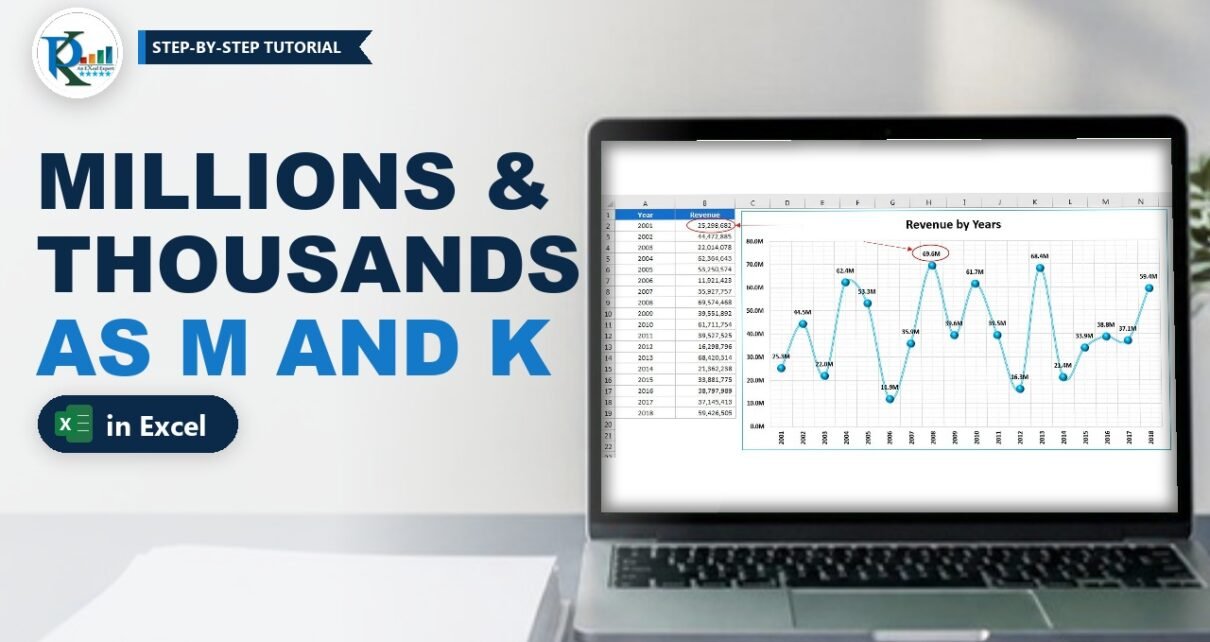
A dynamic number format in Excel shows big numbers as 1.2K or 3.5M automatically, so your tables and charts stay readable without changing a single value. In this tutorial you
Read More
Quality Check List in Excel with Pass/Fail Icons (Free Template)
Templates

Quality Check List in Excel with Pass/Fail Icons (Free Template)

March 1, 2019October 9, 2026 PKComments Off on Quality Check List in Excel with Pass/Fail Icons (Free Template)
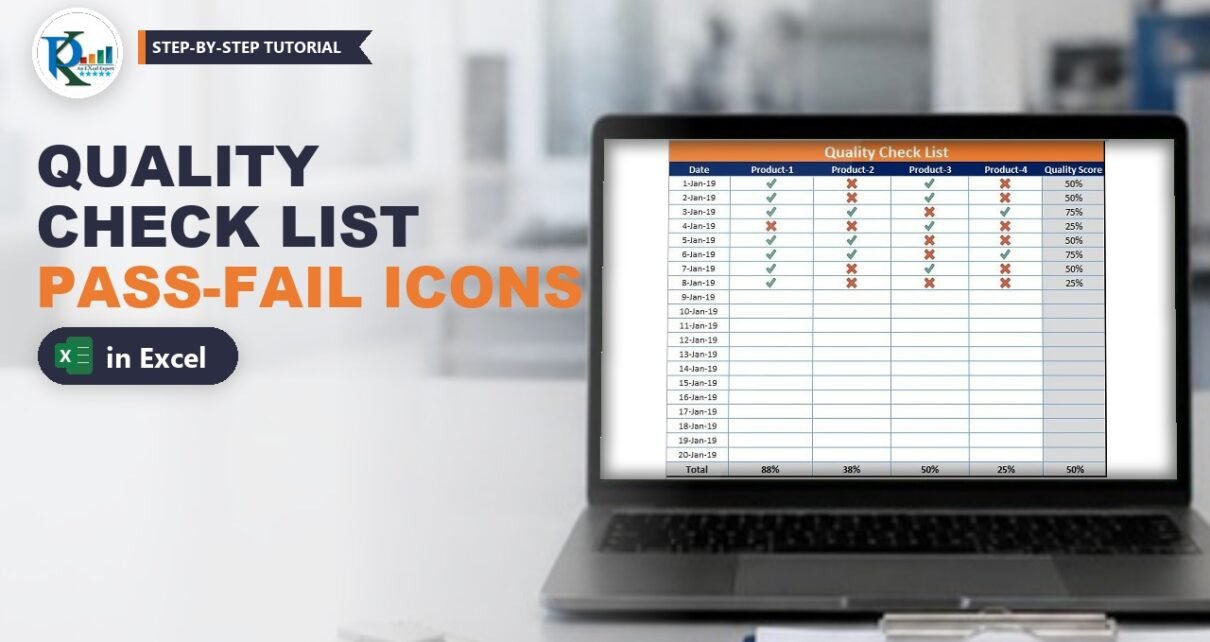
This quality check list in Excel lets your quality team mark every product as Pass or Fail from a drop-down, and Excel turns each choice into a green tick or
Read More
  • Learn Excel (Free Course)
    • 1. Shortcut Keys
    • 2. Fill & Flash Fill
    • 3. Find & Replace
    • 4. Sort & Filter
    • 5. Formulas & Functions
    • 6. Data Validation
    • 7. Conditional Formatting
    • 8. Basic Charts
    • 9. Advanced Charts
    • 10. Pivot Tables
    • 11. Excel Dashboards
    • 12. VBA Course
    • 13. Excel Formulas with AI
  • Templates
  • Tutorials
    • Charts and Visualization
    • VBA
    • Excel Tips and Tricks
    • Excel Dashboards
    • Power Pivot & DAX
  • Power BI
  • Template Store
    • Ready to Use Templates
  • Courses
  • Academy
    • Excel + AI Mastery: 100 Formulas
    • Excel Pivot Tables & Dashboards
  • About Us
  • Contact Us
Copyright © 2023 PK-AnExcelExpert.com - Privacy Policy