New: NextGenTemplates Academy - video courses on Excel formulas with AI and Pivot Tables & dashboards. Early-bird: 20% off with code EARLYBIRD20 - first 20 orders only. See the courses →
  • Learn Excel (Free Course)
    • 1. Shortcut Keys
    • 2. Fill & Flash Fill
    • 3. Find & Replace
    • 4. Sort & Filter
    • 5. Formulas & Functions
    • 6. Data Validation
    • 7. Conditional Formatting
    • 8. Basic Charts
    • 9. Advanced Charts
    • 10. Pivot Tables
    • 11. Excel Dashboards
    • 12. VBA Course
    • 13. Excel Formulas with AI
  • Templates
  • Tutorials
    • Charts and Visualization
    • VBA
    • Excel Tips and Tricks
    • Excel Dashboards
    • Power Pivot & DAX
  • Power BI
  • Template Store
    • Ready to Use Templates
  • Courses
  • Academy
    • Excel + AI Mastery: 100 Formulas
    • Excel Pivot Tables & Dashboards
  • About Us
  • Contact Us

PK: An Excel Expert

Transforming Data into Decisions

Tag: Option Button

Excel Tips and Tricks

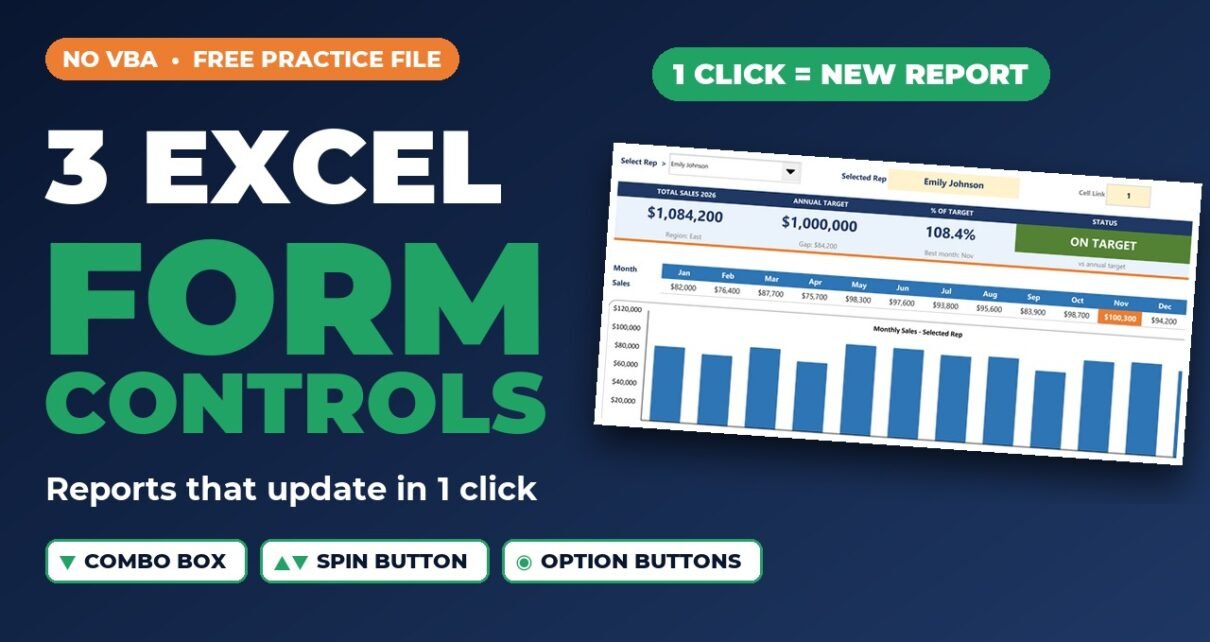
Excel Form Controls: Combo Box, Spin Button and Option Buttons (3 Real Business Examples)

September 29, 2026October 10, 2026 PKComments Off on Excel Form Controls: Combo Box, Spin Button and Option Buttons (3 Real Business Examples)
Excel form controls turn a static sheet into an interactive tool that anyone can use with a click. In this tutorial we solve three real business problems with the three
Read More
Comparison Chart
Charts and Visualization

Stylish and Dynamic Comparison Chart

August 30, 2020March 2, 2025 PKComments Off on Stylish and Dynamic Comparison Chart
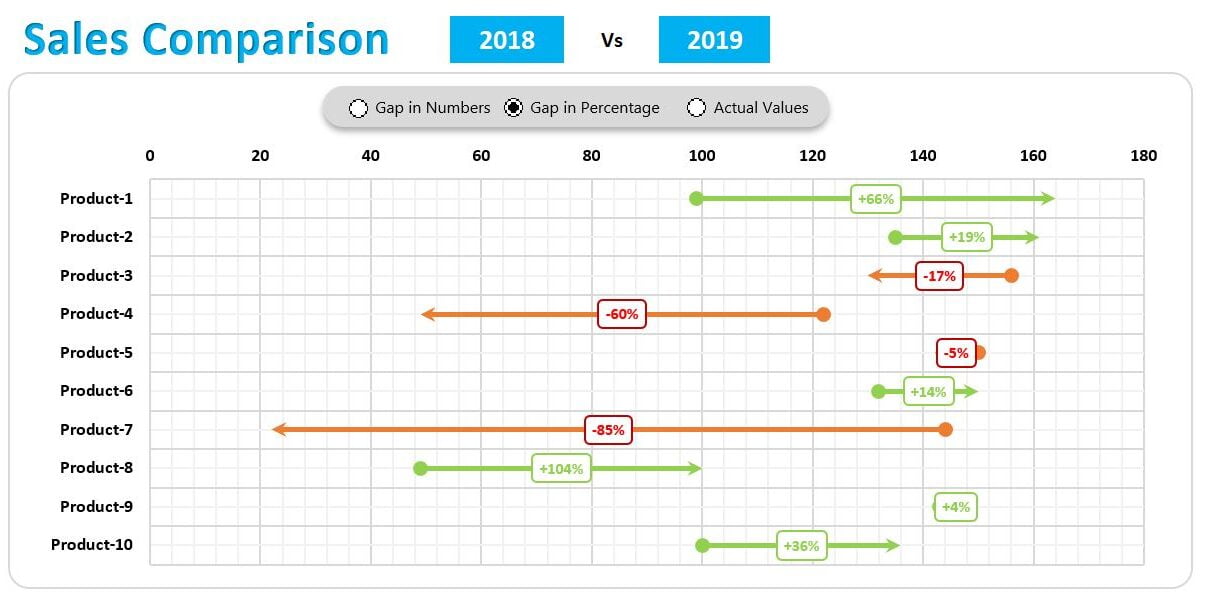
In the article,  we have created a stylish and dynamic comparison chart in Microsoft Excel. This chart can be used to compare the metric like -Sales, Revenue, profit, etc. between
Read More
Top-Bottom Analysis in Excel
Charts and Visualization Dashboard

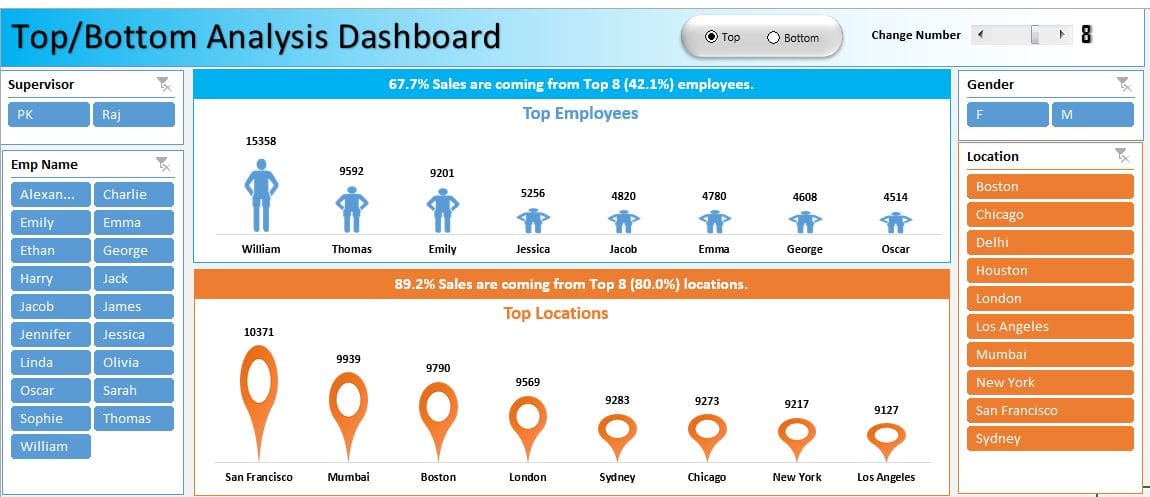
Top/Bottom Analysis dashboard in Excel

May 24, 2020September 19, 2026 PKComments Off on Top/Bottom Analysis dashboard in Excel
The Top/Bottom Analysis dashboard in Excel ranks employees and locations using a sample sales dataset. It combines slicers, Form Control option buttons and a scrollbar to change the ranking view
Read More
Dynamic Performance Chart in Excel with Doughnut Charts
Charts and Visualization

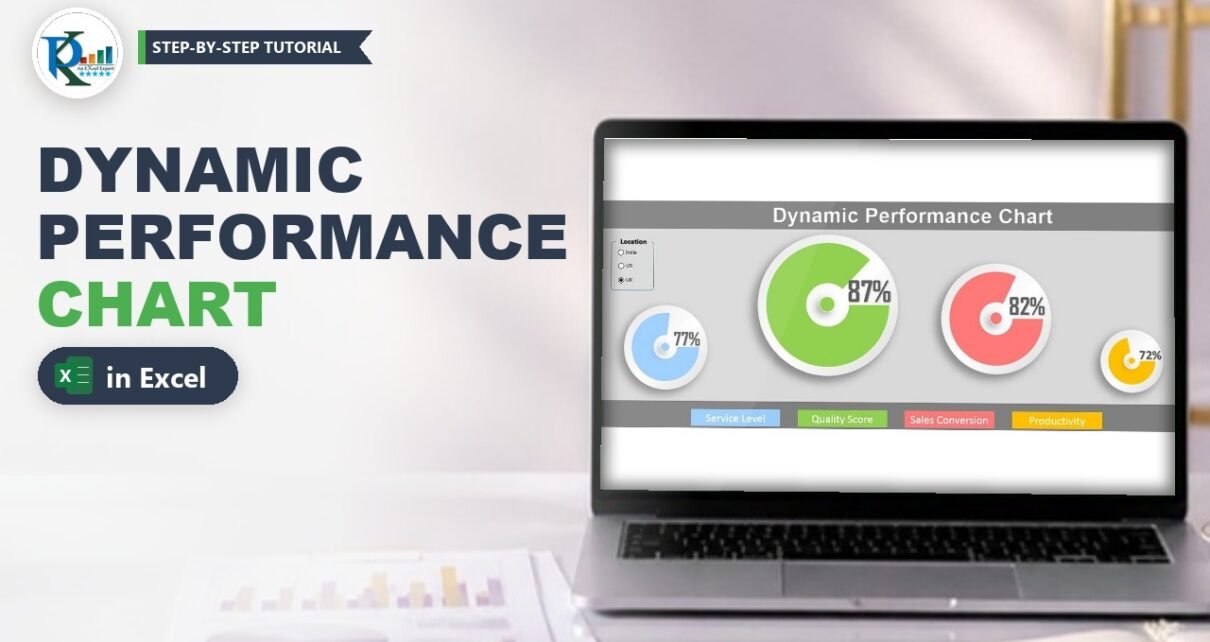
Dynamic Performance Chart in Excel with Doughnut Charts

November 7, 2019October 9, 2026 PKComments Off on Dynamic Performance Chart in Excel with Doughnut Charts
A dynamic performance chart in Excel turns a dull table of KPIs into four stylish circle charts that change the moment you click a different location. In this tutorial you
Read More
Dynamic Conditional Formatting in Excel with Option Buttons
Charts and Visualization

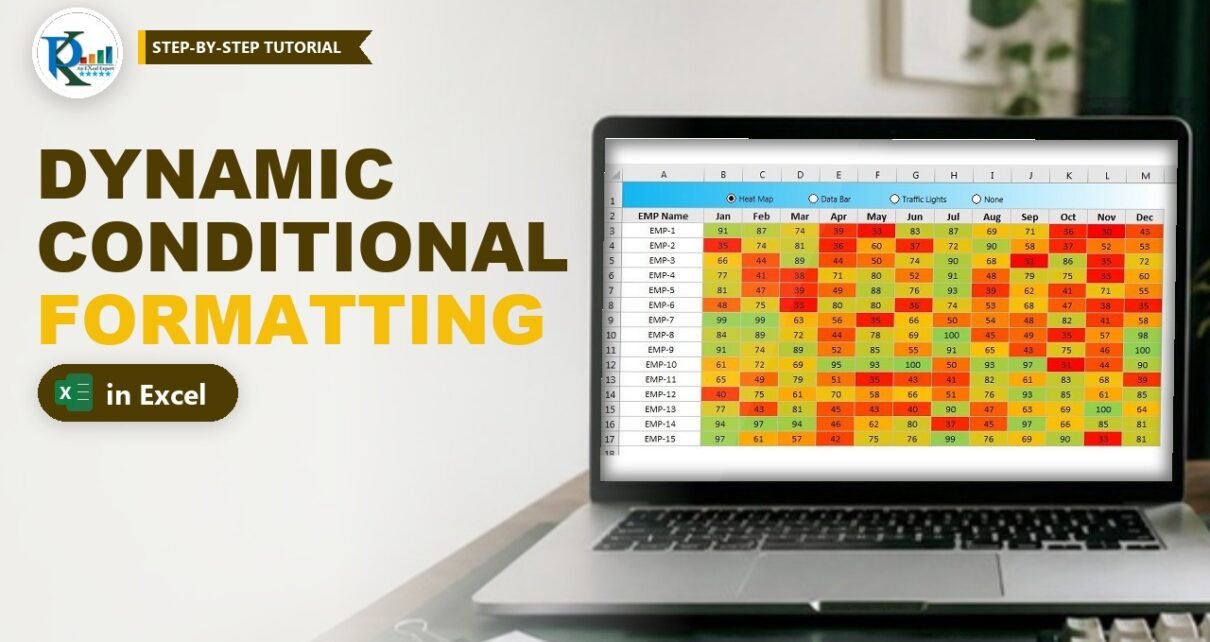
Dynamic Conditional Formatting in Excel with Option Buttons

October 10, 2019October 9, 2026 PKComments Off on Dynamic Conditional Formatting in Excel with Option Buttons
Dynamic conditional formatting in Excel lets one table switch between a heat map, data bars and traffic-light icons with a single click. In this tutorial you build it with four
Read More
  • Learn Excel (Free Course)
    • 1. Shortcut Keys
    • 2. Fill & Flash Fill
    • 3. Find & Replace
    • 4. Sort & Filter
    • 5. Formulas & Functions
    • 6. Data Validation
    • 7. Conditional Formatting
    • 8. Basic Charts
    • 9. Advanced Charts
    • 10. Pivot Tables
    • 11. Excel Dashboards
    • 12. VBA Course
    • 13. Excel Formulas with AI
  • Templates
  • Tutorials
    • Charts and Visualization
    • VBA
    • Excel Tips and Tricks
    • Excel Dashboards
    • Power Pivot & DAX
  • Power BI
  • Template Store
    • Ready to Use Templates
  • Courses
  • Academy
    • Excel + AI Mastery: 100 Formulas
    • Excel Pivot Tables & Dashboards
  • About Us
  • Contact Us
Copyright © 2023 PK-AnExcelExpert.com - Privacy Policy