Introduction
Facility Cleaning and Sanitization Calendar in Excel is an essential tool designed to streamline your facility management tasks efficiently. Using this ready-to-use Excel template, you can plan, organize, and monitor cleaning and sanitization activities annually, monthly, and daily with ease.
Key Features of Facility Cleaning and Sanitization Calendar in Excel
- Five comprehensive worksheets to cover all aspects of scheduling and event management.
- User-friendly navigation through dedicated buttons on the Home sheet.
- Dynamic annual, monthly, and daily views tailored for easy tracking.
- Customizable theme options to match your preferred visual style.
- Event highlighting, adding, updating, and deleting capabilities for streamlined management.
- Control panels for easy selection of year, month, and week start day.
Dashboard Pages Explanation
1. Home Sheet Tab
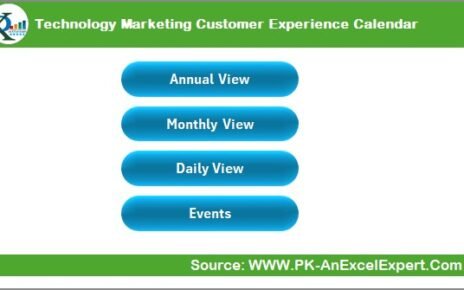
This is the entry point with an index layout featuring four interactive buttons for quick navigation.
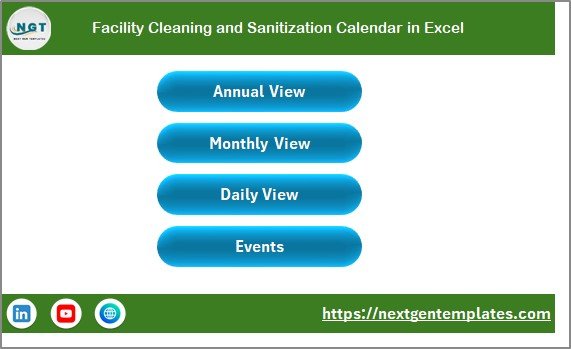 Facility Cleaning and Sanitization Calendar in Excel
2. Annual View Sheet Tab
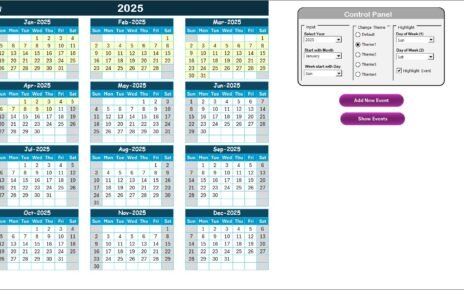
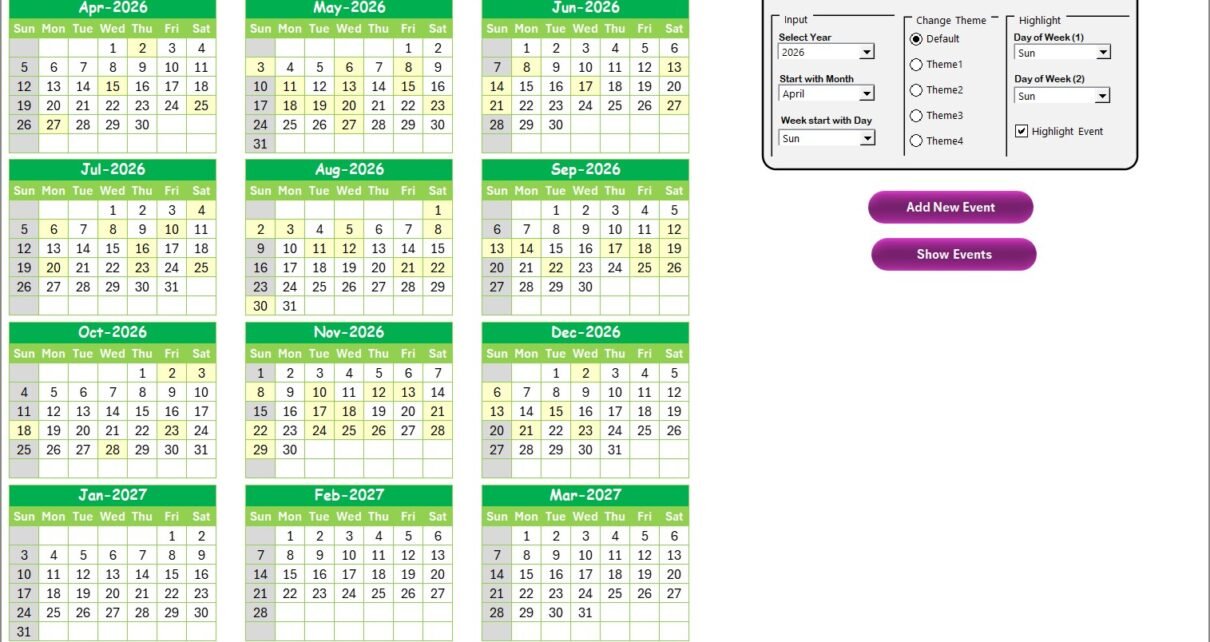
The Annual View displays 12-month calendars in one sheet. The control panel offers the following functionalities:
- Input Group:
- Select Year to auto-update the calendar.
- Choose starting month.
- Change starting day of the week.
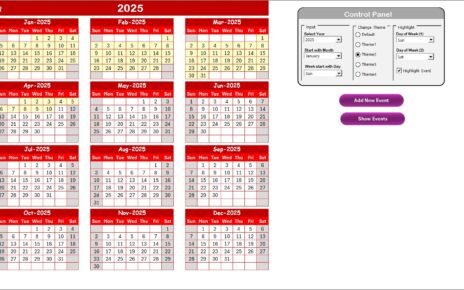
- Change Theme Group: Applies one of five color themes across the workbook.
- Highlight Group:
- Highlight two selected days of week (e.g., Saturday and Sunday).
- Option to highlight event days in yellow.
Additional action buttons:
- Add New Event: Opens a form to enter and submit event details for the selected date.
- Show Event: Displays all events scheduled on the chosen date.
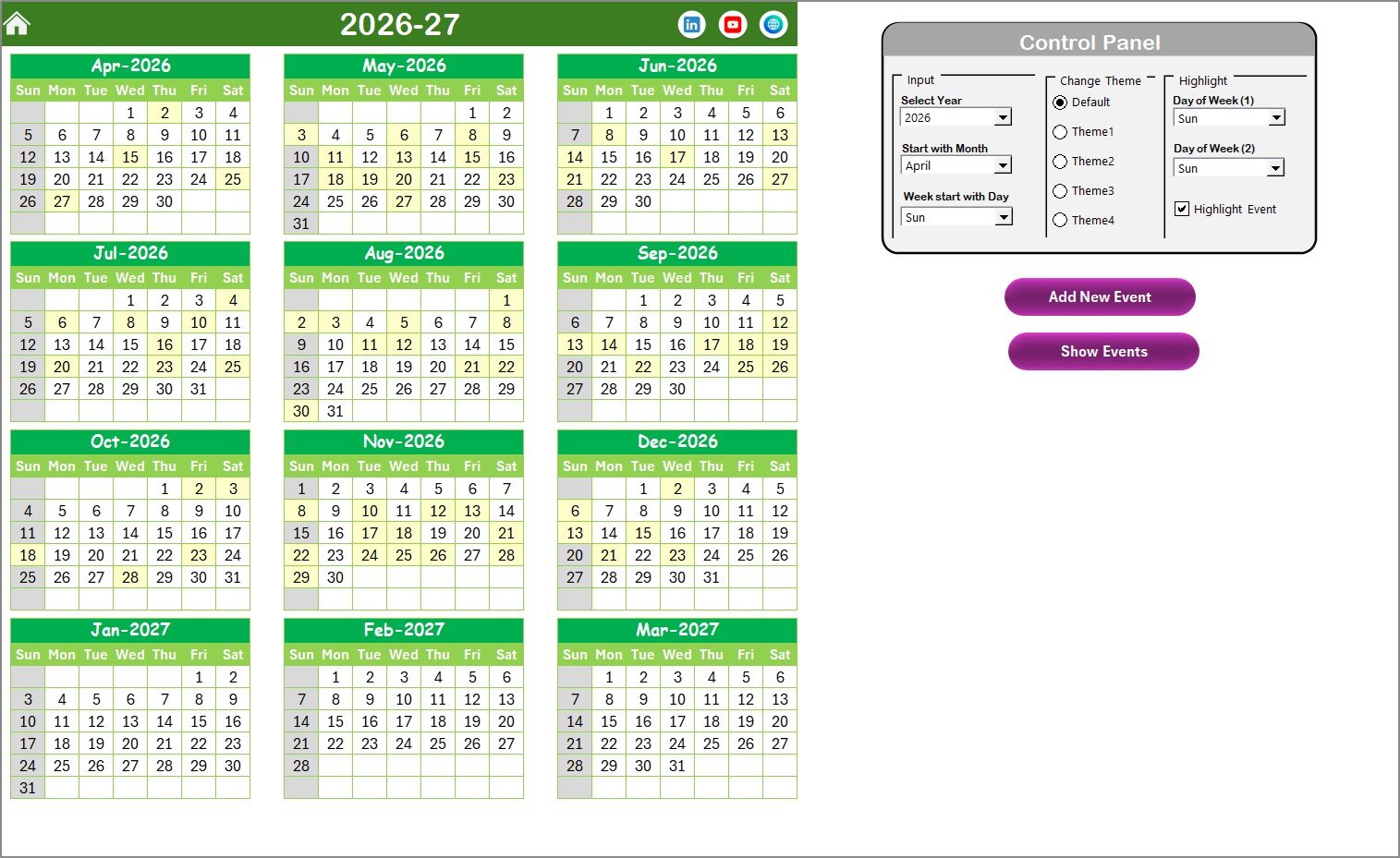 Annual View Sheet tab
3. Monthly View Sheet Tab
This view focuses on a single selected month and year. It displays events, showing one event fully and indicating ‘more than 1…’ if multiple events occur on the same day.
Buttons available here:
- Add New Event: Opens a form to add events on the selected date.
- Show Event: Lists all events scheduled on that date.
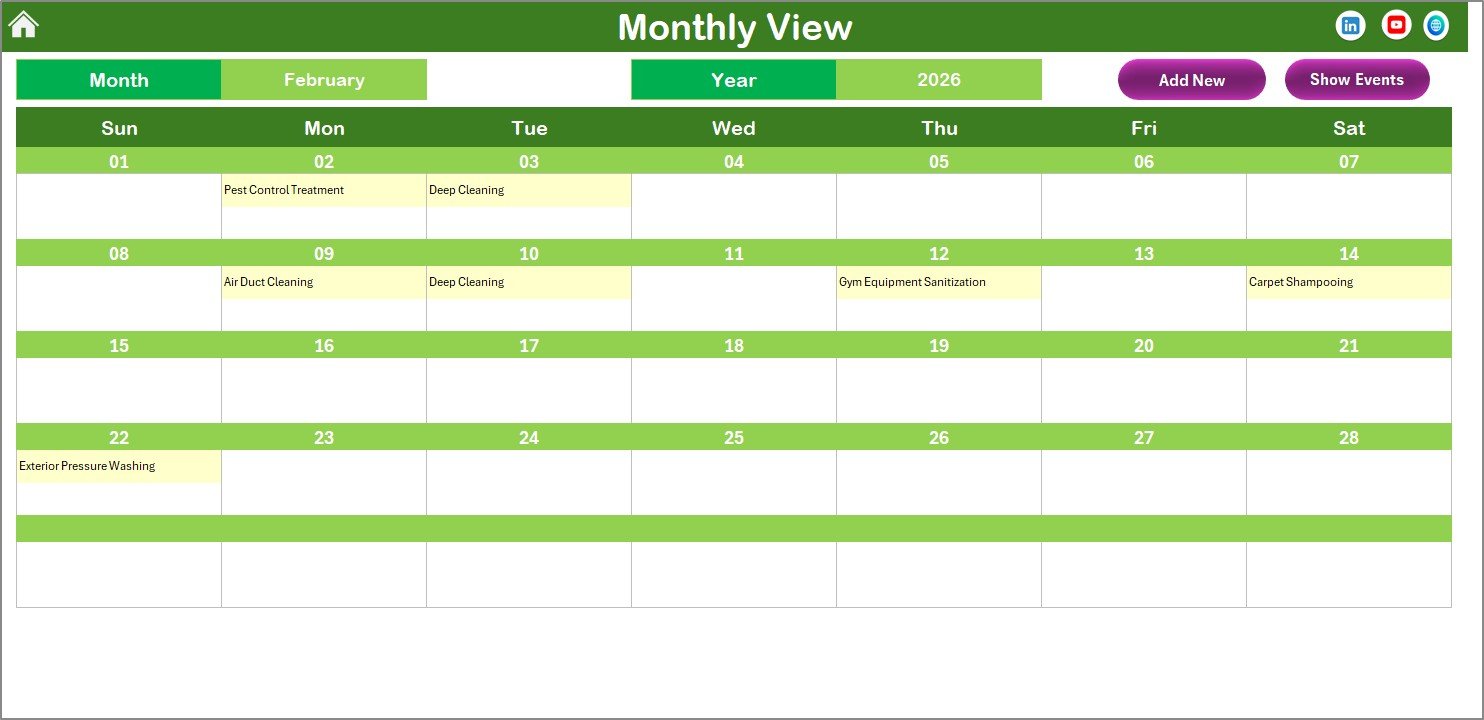 Monthly View Sheet tab
4. Daily View Sheet Tab
This section lists detailed event information within a selected date range. Users select a start and end date using calendar pickers and refresh the data accordingly.
Features include:
- Date range selection with calendar icon.
- Refresh button to update event list.
- Add New Event button to add events within the selected date range.
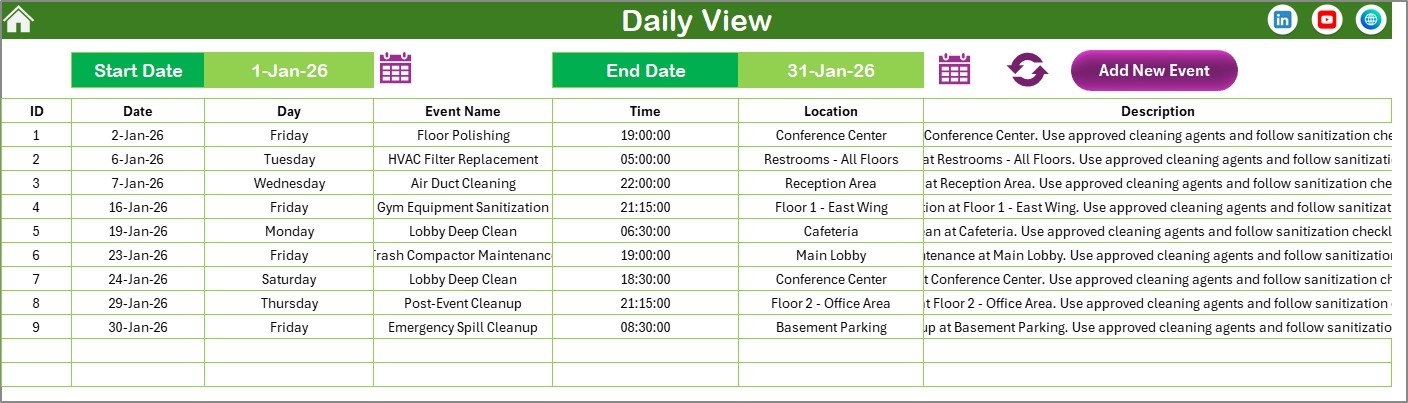 Daily View Sheet tab
5. Events Sheet Tab
This is the database containing full details of all events:
- ID: Auto-generated unique number for each event.
- Date: Date of the event.
- Day: Day name such as Sunday, Monday, etc.
- Event Name: Name/title of the event.
- Time: Time of the event.
- Location: Venue or location.
- Description: Short summary or notes about the event.
Top action buttons include:
- Add New Record: Open form to insert new event records.
- Update Existing Record: Select an ID to edit and update event details.
- Delete Record: Remove the selected event record.
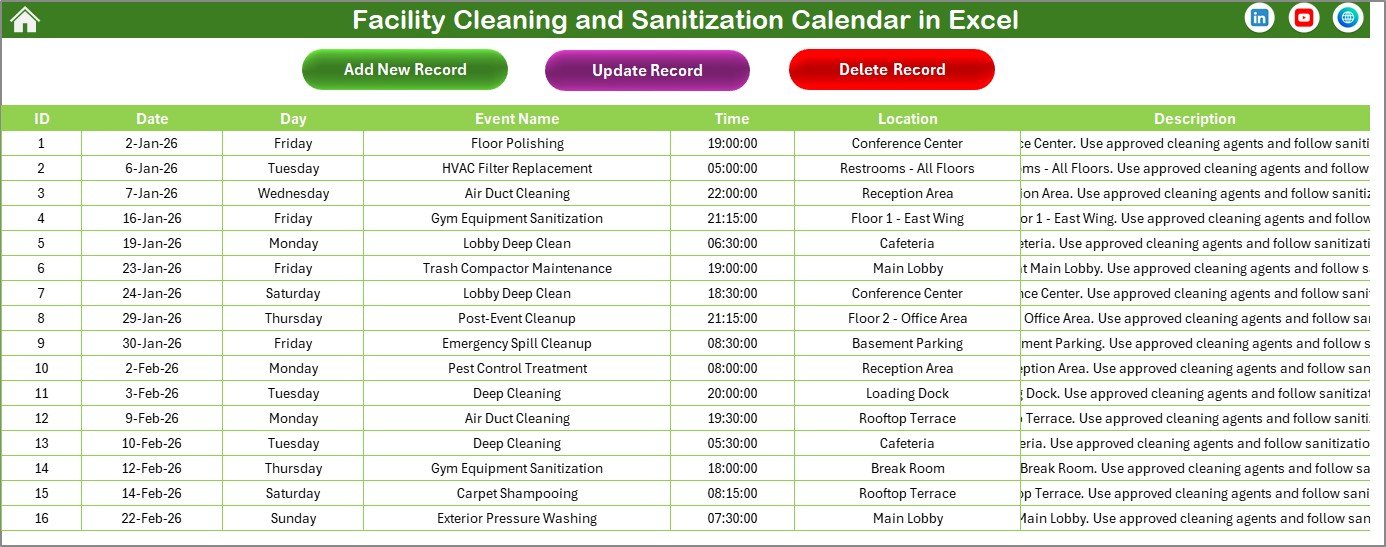 Events Sheet tab
Advantages of Facility Cleaning and Sanitization Calendar in Excel
- Centralized Scheduling: Manage all cleaning and sanitization events in a single file.
- Ease of Use: Intuitive navigation with interactive buttons and control panels.
- Customization: Change themes and highlight days for better visual management.
- Comprehensive Views: Multiple perspectives (Annual, Monthly, Daily) to suit various monitoring needs.
- Event Management: Quick addition, editing, and deleting of events.
- Time-saving: Automatic updates reduce manual adjustments and errors.
Opportunities for Improvement
Click to Buy Facility Cleaning and Sanitization Calendar in Excel
- Integrate automated email alerts for upcoming events.
- Add support for multiple users with simultaneous access.
- Include mobile-friendly or cloud-based versions for on-the-go access.
- Expand reporting capabilities with graphical summaries and statistics.
- Implement a link with facility management software for enhanced integration.
Best Practices
- Regularly update the Events sheet to keep data accurate.
- Use consistent event naming conventions for easier searching and reporting.
- Leverage theme options for visual clarity distinguishing weekdays, weekends, and event days.
- Back up the Excel file periodically to prevent data loss.
- Provide access permissions if multiple users manage the calendar.
FAQs
Click to Buy Facility Cleaning and Sanitization Calendar in Excel
Can I customize the starting day of the week?
Yes, the Annual View control panel allows you to select the starting day of the week as per your preference.
How do I add a new event?
Select the date on the calendar in the desired view (Annual, Monthly, Daily) and click the ‘Add New Event’ button. Fill the form and submit.
Is it possible to see all events on a selected date?
Yes, use the ‘Show Event’ button in any calendar view to view all events on the selected date.
Can I change calendar themes?
Yes, five color themes are available in the Change Theme Group on the Annual View control panel.
Does the template support multiple years?
Absolutely, you can select any year in the Annual View to generate the calendar for that year automatically.
Conclusion
Click to Buy Facility Cleaning and Sanitization Calendar in Excel
The Facility Cleaning and Sanitization Calendar in Excel is a powerful, easy-to-use tool that enhances your facility management through dynamic scheduling and event tracking. Its customizable features combined with multiple calendar views provide flexibility and clarity, making daily operations seamless and efficient.
For more tips and a detailed walkthrough, visit Microsoft Excel Official to explore advanced functionalities and integrations.
Visit our YouTube channel to watch the demo.
Click to Buy Facility Cleaning and Sanitization Calendar in Excel