Introduction
Supply Chain Delivery Calendar in Excel is a powerful, ready-to-use template designed to streamline your event scheduling and tracking across various timelines. This calendar offers comprehensive views from annual to daily, making it easier to manage your supply chain deliveries efficiently.
Key Features of Supply Chain Delivery Calendar in Excel
- Five intuitive worksheet tabs: Home, Annual View, Monthly View, Daily View, and Events.
- Easy navigation with buttons on the Home sheet to jump between calendar views and event listings.
- Customizable input controls for year, starting month, and week start day.
- Multiple pre-built color themes to personalize your calendar’s look.
- Highlighting options for specific weekdays and events to improve visual clarity.
- Comprehensive event management – add, view, update, or delete events seamlessly.
Dashboard Pages Explanation
1. Home Sheet Tab
This serves as the central navigation hub. It features four buttons that direct you to the respective calendar views and events sheet:
- Annual View button
- Monthly View button
- Daily View button
- Events button
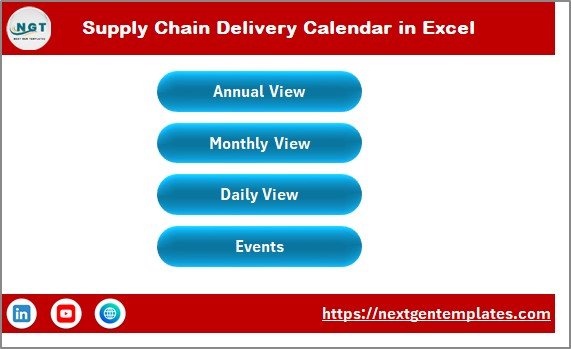 Caption: Supply Chain Delivery Calendar in Excel
2. Annual View Sheet Tab
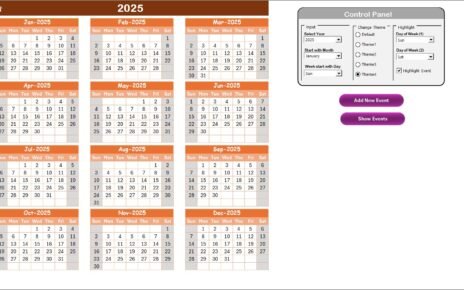
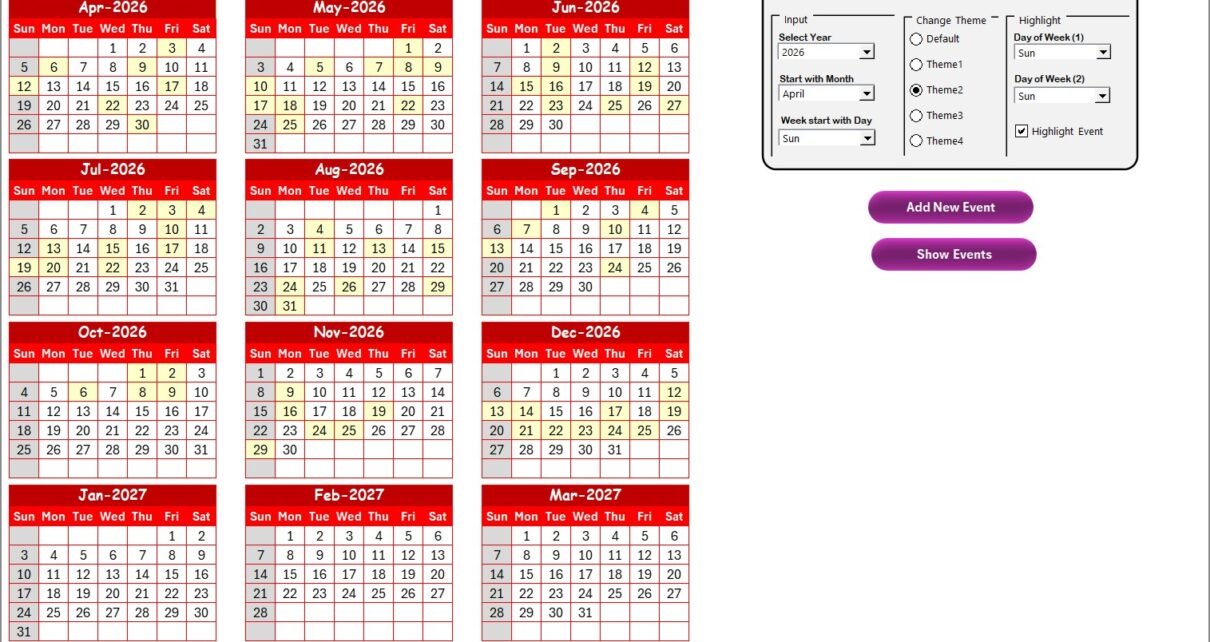
Display all 12 months simultaneously. Key features include a control panel with these groups:
- Input Group: Select the year, starting month, and the starting weekday to automatically update the calendar.
- Change Theme Group: Choose from 5 different color themes to apply across the workbook.
- Highlight Group: Highlight two specific weekdays and events to improve calendar visibility.
Additional functionalities:
- Add New Event button: Add an event by selecting a date and submitting the form.
- Show Event button: View events for a selected date.
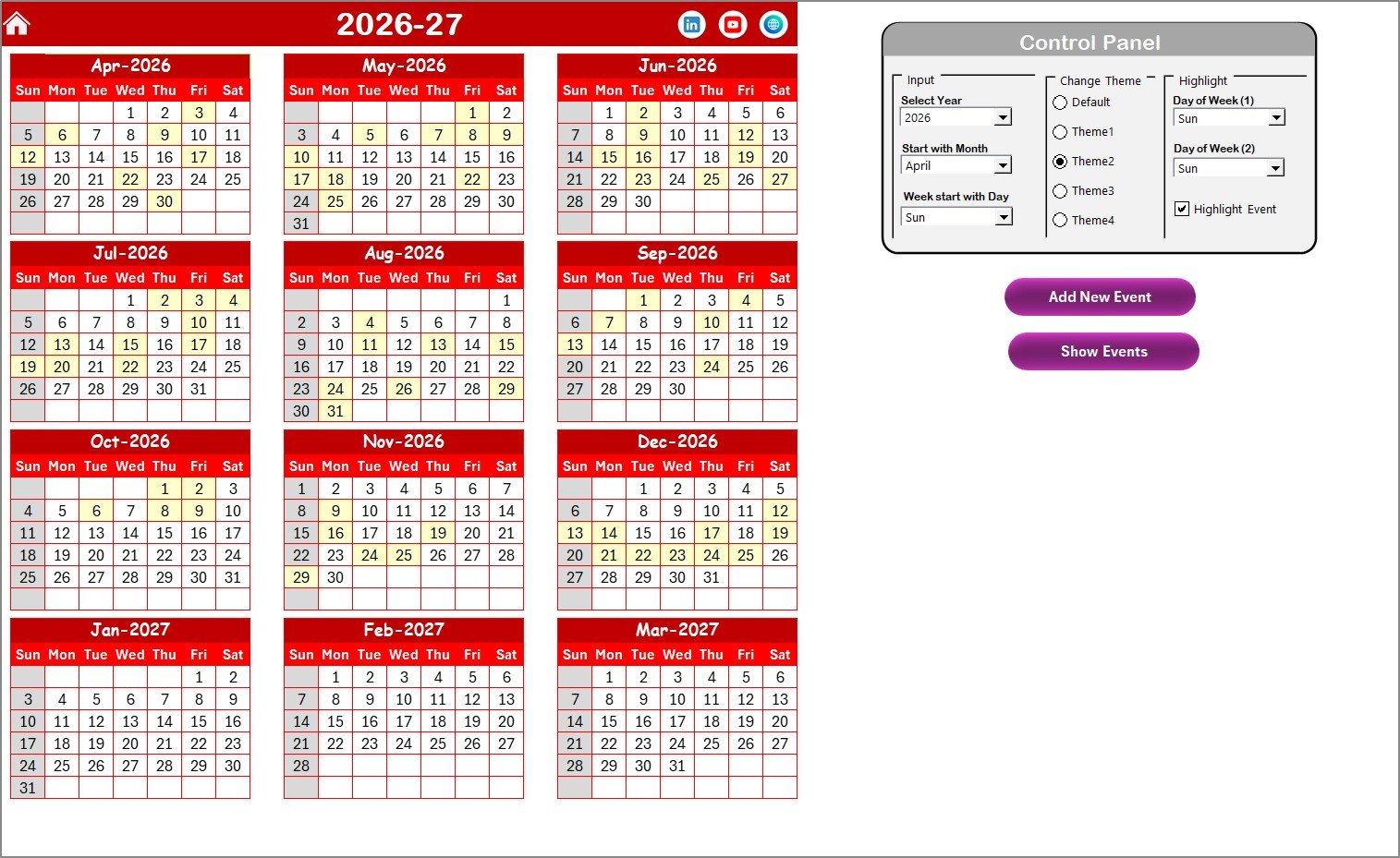 Caption: Annual View Sheet tab
3. Monthly View Sheet Tab
A focused view of a selected month and year. Events are shown directly on calendar dates, with multiple events represented by a ‘more than 1…’ indicator.
Top buttons:
- Add New Event button: Add an event on a selected date via a form.
- Show Event button: View all events on the chosen date.
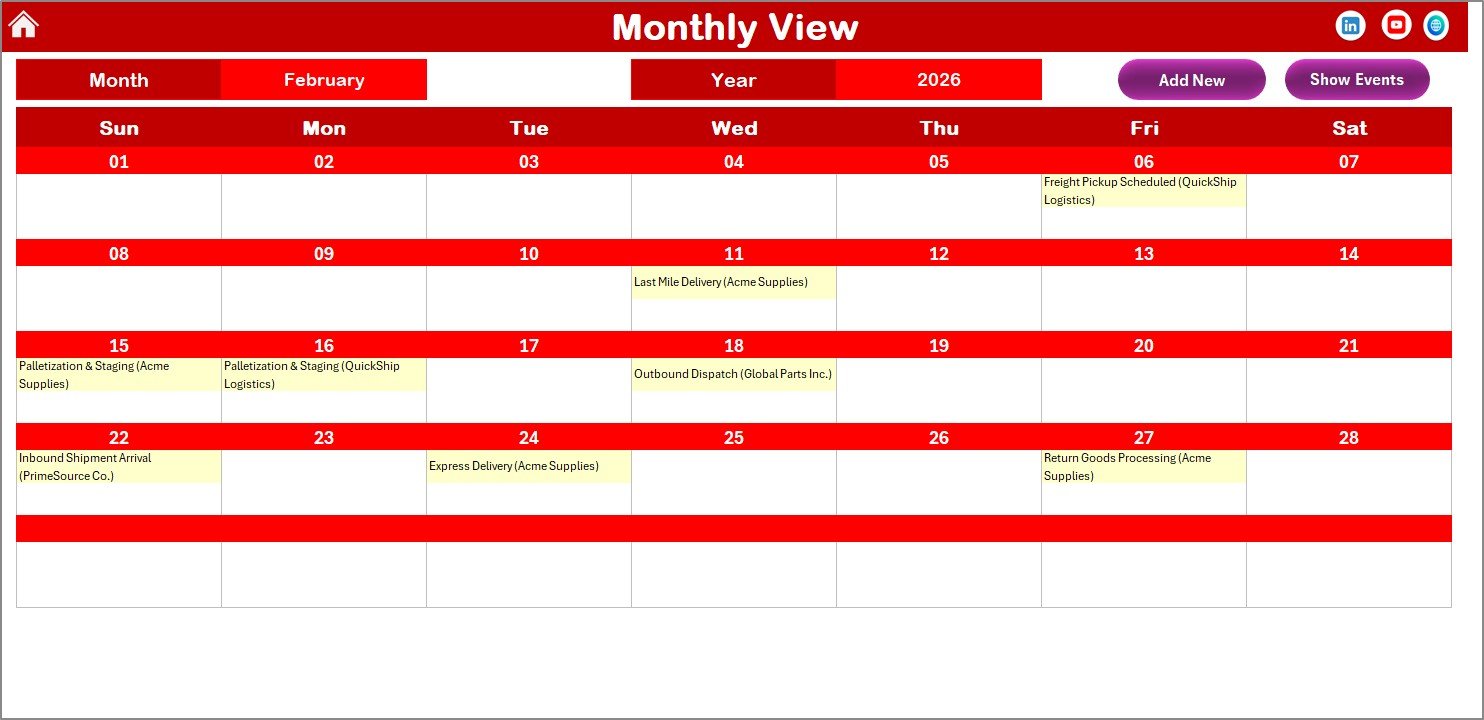 Caption: Monthly View Sheet tab
4. Daily View Sheet Tab
Shows detailed events occurring within a selected date range. Utilize calendar icons to set the start and end dates, then hit Refresh to update the list.
Includes an Add New Event button to quickly add entries.
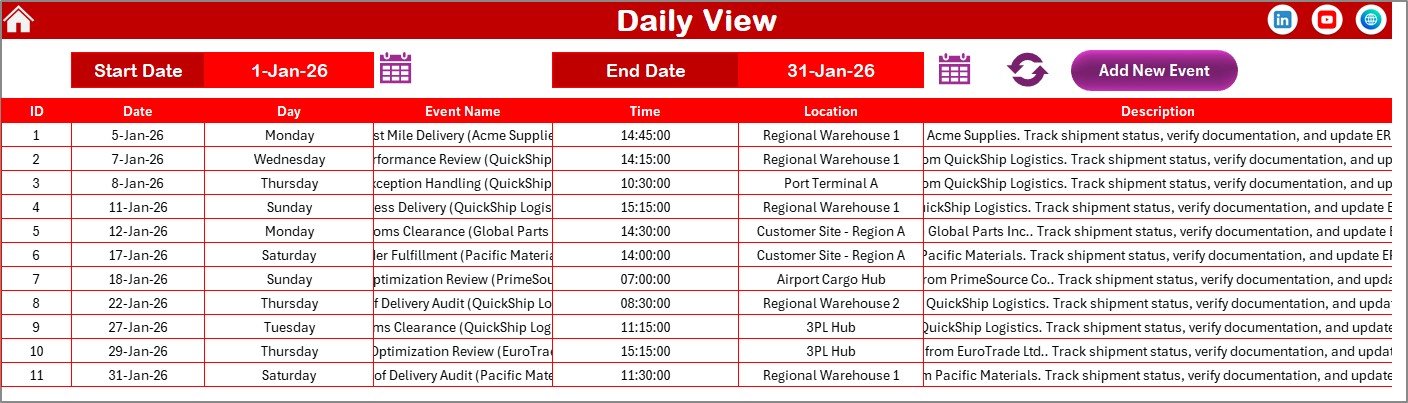 Caption: Daily View Sheet tab
5. Events Sheet Tab
This serves as the event database capturing all event details, including:
- ID: Auto-generated unique number
- Date: Event date
- Day: Day of the week (e.g., Monday)
- Event Name: Name of the event
- Time: Event time
- Location: Where the event takes place
- Description: Brief details about the event
Buttons available at the top:
- Add New Record: Open form to add events
- Update Existing Record: Select an ID, update in pre-filled form
- Delete Record: Remove event by selecting its ID
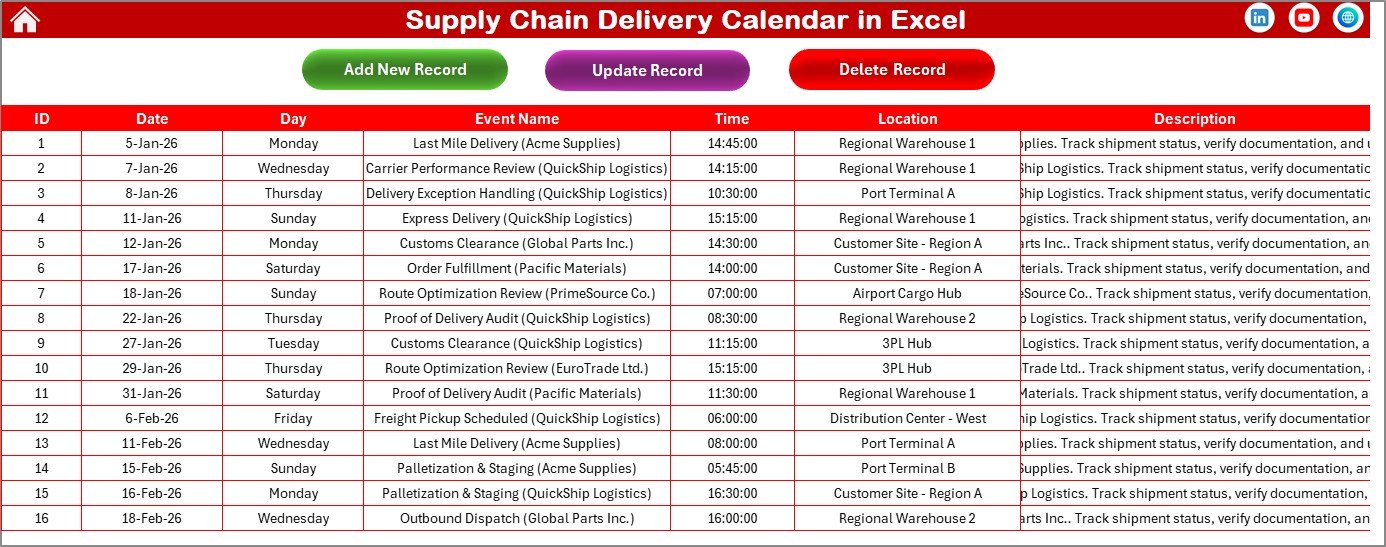 Caption: Events Sheet tab
Advantages of Supply Chain Delivery Calendar in Excel
- User-friendly interface with quick navigation and multiple calendar views.
- Highly customizable with themes and highlight options.
- Efficient event management embedded in one workbook.
- Automated annual calendar update saves time and reduces errors.
- Ideal for supply chain professionals needing precise delivery scheduling.
Opportunities for Improvement
- Add automated reminders or notifications for upcoming events.
- Integrate with Outlook or Google Calendar for seamless syncing.
- Include graphical dashboards to visualize event density and delivery trends.
- Offer mobile-friendly versions or cloud integration for remote access.
Best Practices
Click to Buy Supply Chain Delivery Calendar in Excel
- Regularly update and backup your calendar to prevent data loss.
- Use the highlight feature to mark critical delivery dates.
- Customize themes to maintain readability and align with your branding.
- Train team members on how to use event forms for consistency.
FAQs
Click to Buy Supply Chain Delivery Calendar in Excel
Can I use this calendar for industries other than Supply Chain?
Yes, its flexible design makes it suitable for managing events across different sectors.
Is this calendar compatible with all Excel versions?
It works best on Excel 2016 and later versions due to advanced functionalities.
How do I add multiple events on the same day?
You can add multiple entries via the Add New Event button. Monthly view indicates multiple events with ‘more than 1…’.
Conclusion
Click to Buy Supply Chain Delivery Calendar in Excel
The Supply Chain Delivery Calendar in Excel is an essential tool for organizing and managing delivery schedules effectively. With multi-level calendar views, event management, and customization options, this template boosts productivity and ensures you never miss important supply chain milestones.
Caption: Supply Chain Delivery Calendar in ExcelFor detailed tutorials and demos, visit our YouTube channel.
Learn more about enhancing Excel productivity at Microsoft Excel Official Support.
Click to Buy Supply Chain Delivery Calendar in Excel