New: NextGenTemplates Academy - video courses on Excel formulas with AI and Pivot Tables & dashboards. Early-bird: 20% off with code EARLYBIRD20 - first 20 orders only. See the courses →
  • Learn Excel (Free Course)
    • 1. Shortcut Keys
    • 2. Fill & Flash Fill
    • 3. Find & Replace
    • 4. Sort & Filter
    • 5. Formulas & Functions
    • 6. Data Validation
    • 7. Conditional Formatting
    • 8. Basic Charts
    • 9. Advanced Charts
    • 10. Pivot Tables
    • 11. Excel Dashboards
    • 12. VBA Course
    • 13. Excel Formulas with AI
  • Templates
  • Tutorials
    • Charts and Visualization
    • VBA
    • Excel Tips and Tricks
    • Excel Dashboards
    • Power Pivot & DAX
  • Power BI
  • Template Store
    • Ready to Use Templates
  • Courses
  • Academy
    • Excel + AI Mastery: 100 Formulas
    • Excel Pivot Tables & Dashboards
  • About Us
  • Contact Us

PK: An Excel Expert

Transforming Data into Decisions

Tag: Check List

Dashboard

Restaurant P and L Dashboard in Excel

April 5, 2026April 5, 2026 PKComments Off on Restaurant P and L Dashboard in Excel
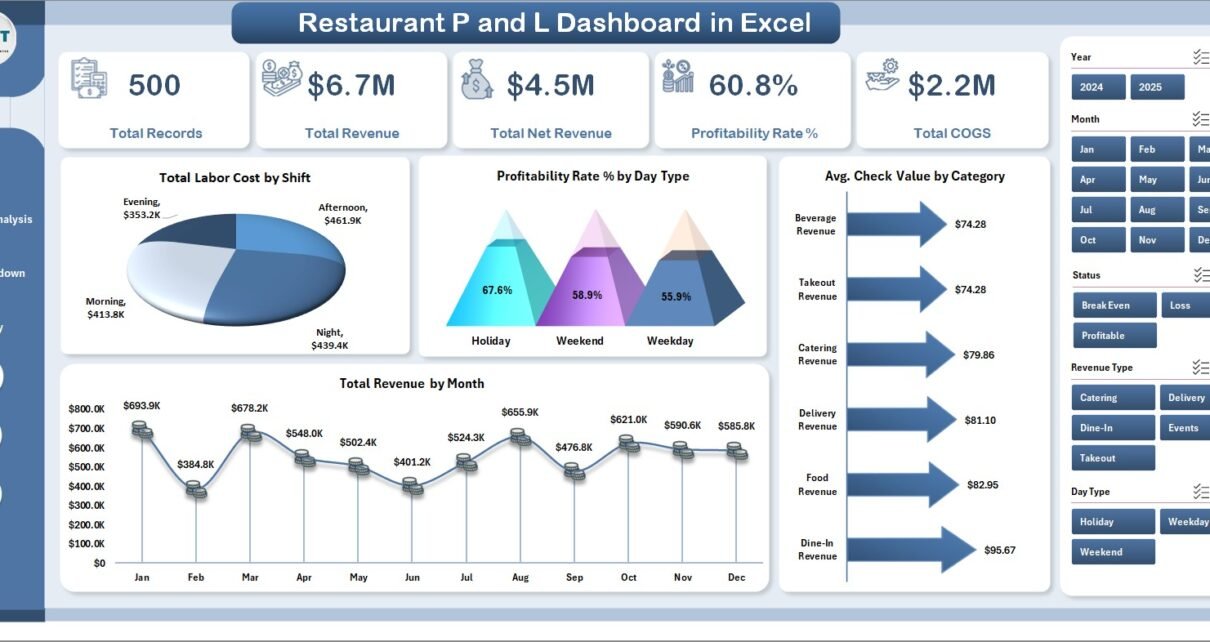
Restaurant P and L Dashboard in Excel is a powerful, ready-to-use Excel dashboard designed for restaurant owners, managers, and financial professionals who need to track profitability, revenue, costs, and operational
Read More
Smart To-Do List in Excel with Checkboxes and Progress Bar
Templates

Smart To-Do List in Excel with Checkboxes and Progress Bar

December 14, 2023October 9, 2026 PKComments Off on Smart To-Do List in Excel with Checkboxes and Progress Bar
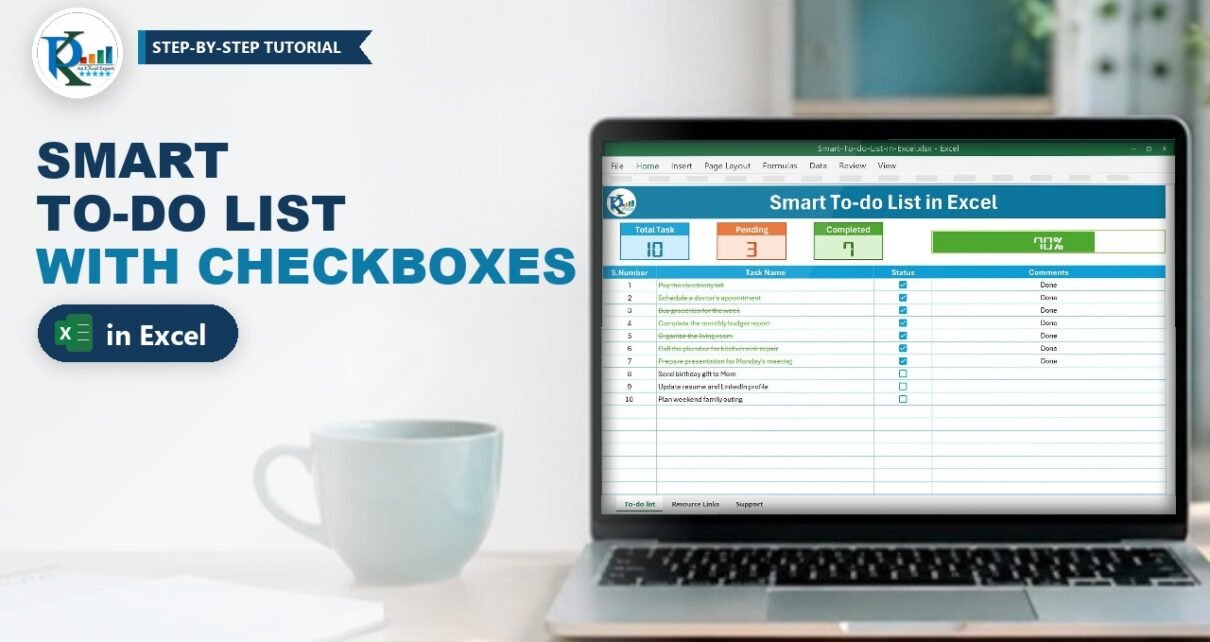
A to do list in Excel is far more useful when it counts for you. In this tutorial you build a smart to-do list with Excel's in-cell checkboxes: tick a
Read More
Symbols in Drop-down List and Charts
Charts and Visualization

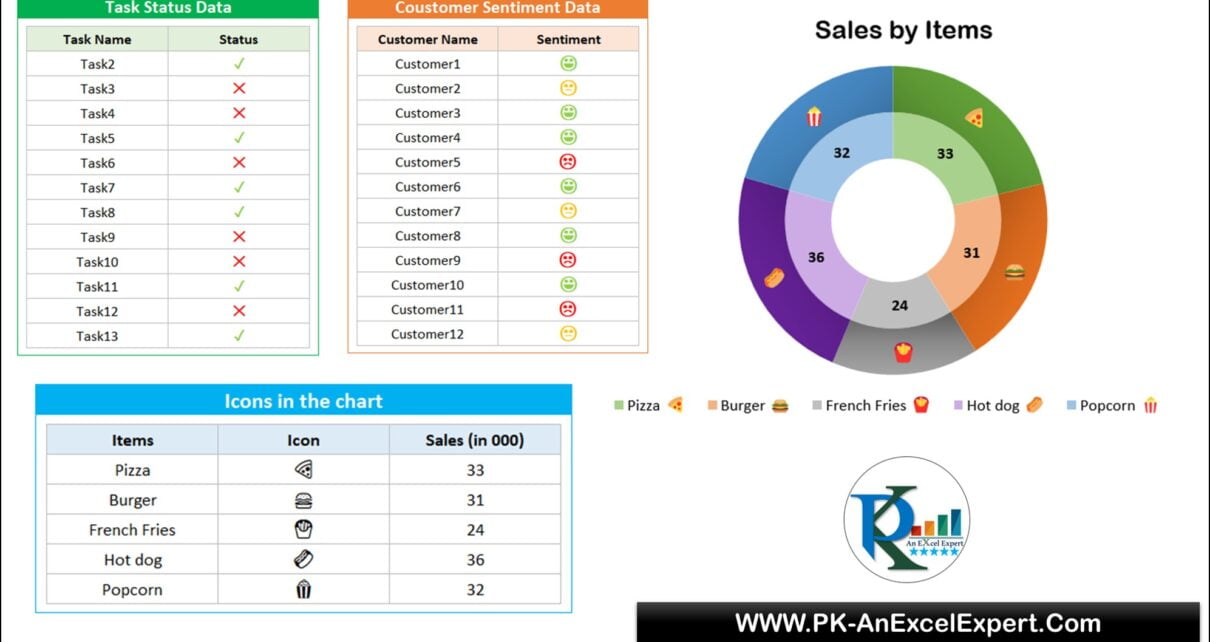
Use of Symbols and Emojis in Excel Drop-down List and Excel Charts

January 15, 2023October 10, 2026 PKComments Off on Use of Symbols and Emojis in Excel Drop-down List and Excel Charts
Microsoft Excel is widely used spreadsheet program data analysis and management. It allows you to perform complex calculations, create charts and graphs, and present data in a visually appealing way.
Read More
Quality Check List in Excel with Pass/Fail Icons (Free Template)
Templates

Quality Check List in Excel with Pass/Fail Icons (Free Template)

March 1, 2019October 9, 2026 PKComments Off on Quality Check List in Excel with Pass/Fail Icons (Free Template)
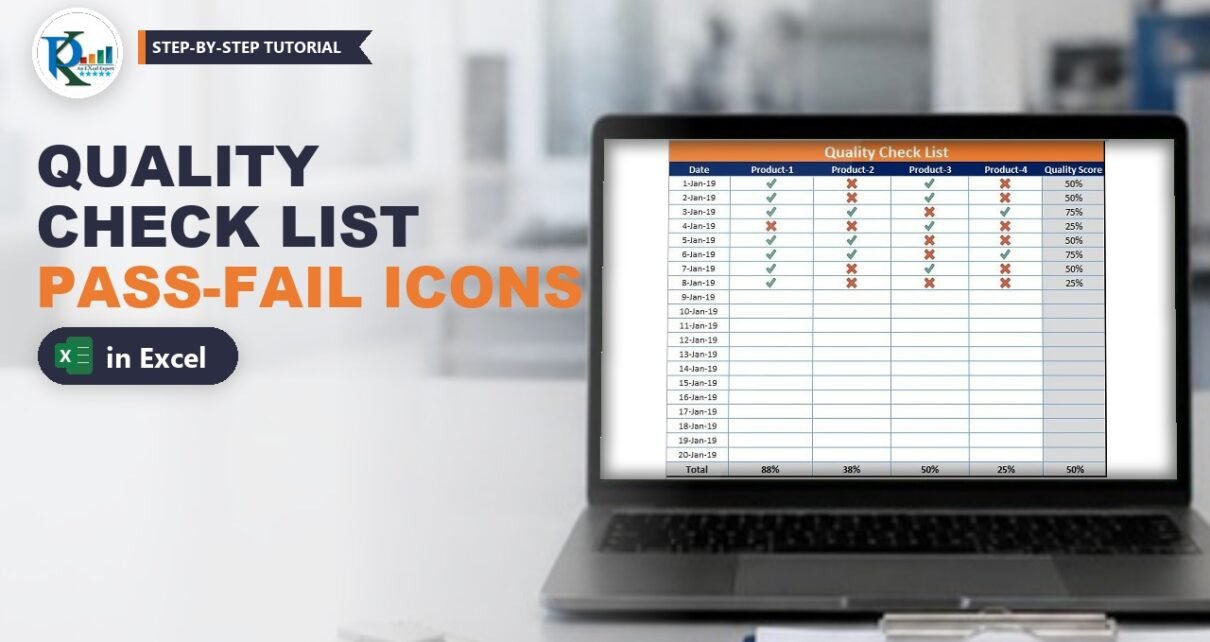
This quality check list in Excel lets your quality team mark every product as Pass or Fail from a drop-down, and Excel turns each choice into a green tick or
Read More
  • Learn Excel (Free Course)
    • 1. Shortcut Keys
    • 2. Fill & Flash Fill
    • 3. Find & Replace
    • 4. Sort & Filter
    • 5. Formulas & Functions
    • 6. Data Validation
    • 7. Conditional Formatting
    • 8. Basic Charts
    • 9. Advanced Charts
    • 10. Pivot Tables
    • 11. Excel Dashboards
    • 12. VBA Course
    • 13. Excel Formulas with AI
  • Templates
  • Tutorials
    • Charts and Visualization
    • VBA
    • Excel Tips and Tricks
    • Excel Dashboards
    • Power Pivot & DAX
  • Power BI
  • Template Store
    • Ready to Use Templates
  • Courses
  • Academy
    • Excel + AI Mastery: 100 Formulas
    • Excel Pivot Tables & Dashboards
  • About Us
  • Contact Us
Copyright © 2023 PK-AnExcelExpert.com - Privacy Policy