New: NextGenTemplates Academy - video courses on Excel formulas with AI and Pivot Tables & dashboards. Early-bird: 20% off with code EARLYBIRD20 - first 20 orders only. See the courses →
  • Learn Excel (Free Course)
    • 1. Shortcut Keys
    • 2. Fill & Flash Fill
    • 3. Find & Replace
    • 4. Sort & Filter
    • 5. Formulas & Functions
    • 6. Data Validation
    • 7. Conditional Formatting
    • 8. Basic Charts
    • 9. Advanced Charts
    • 10. Pivot Tables
    • 11. Excel Dashboards
    • 12. VBA Course
    • 13. Excel Formulas with AI
  • Templates
  • Tutorials
    • Charts and Visualization
    • VBA
    • Excel Tips and Tricks
    • Excel Dashboards
    • Power Pivot & DAX
  • Power BI
  • Template Store
    • Ready to Use Templates
  • Courses
  • Academy
    • Excel + AI Mastery: 100 Formulas
    • Excel Pivot Tables & Dashboards
  • About Us
  • Contact Us

PK: An Excel Expert

Transforming Data into Decisions

Tag: Error Bars

Comparison Chart
Charts and Visualization

Stylish and Dynamic Comparison Chart

August 30, 2020March 2, 2025 PKComments Off on Stylish and Dynamic Comparison Chart
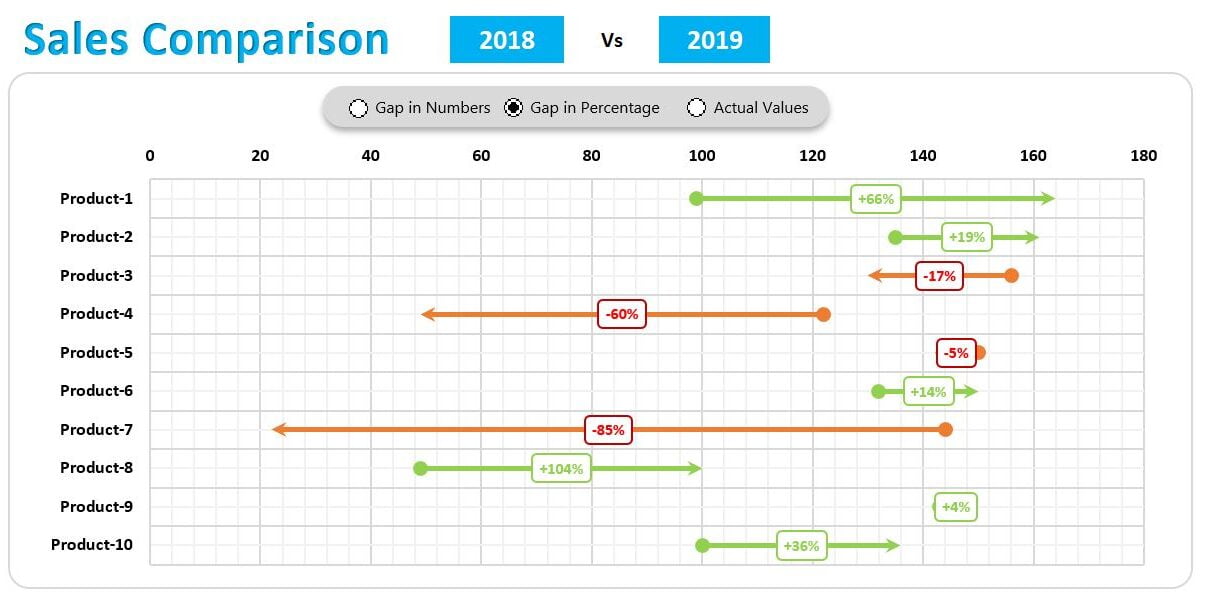
In the article,  we have created a stylish and dynamic comparison chart in Microsoft Excel. This chart can be used to compare the metric like -Sales, Revenue, profit, etc. between
Read More
Dynamic Variance Arrows Chart with Slicers in Excel
Charts and Visualization

Dynamic Variance Arrows Chart with Slicers in Excel

August 29, 2019October 9, 2026 PKComments Off on Dynamic Variance Arrows Chart with Slicers in Excel
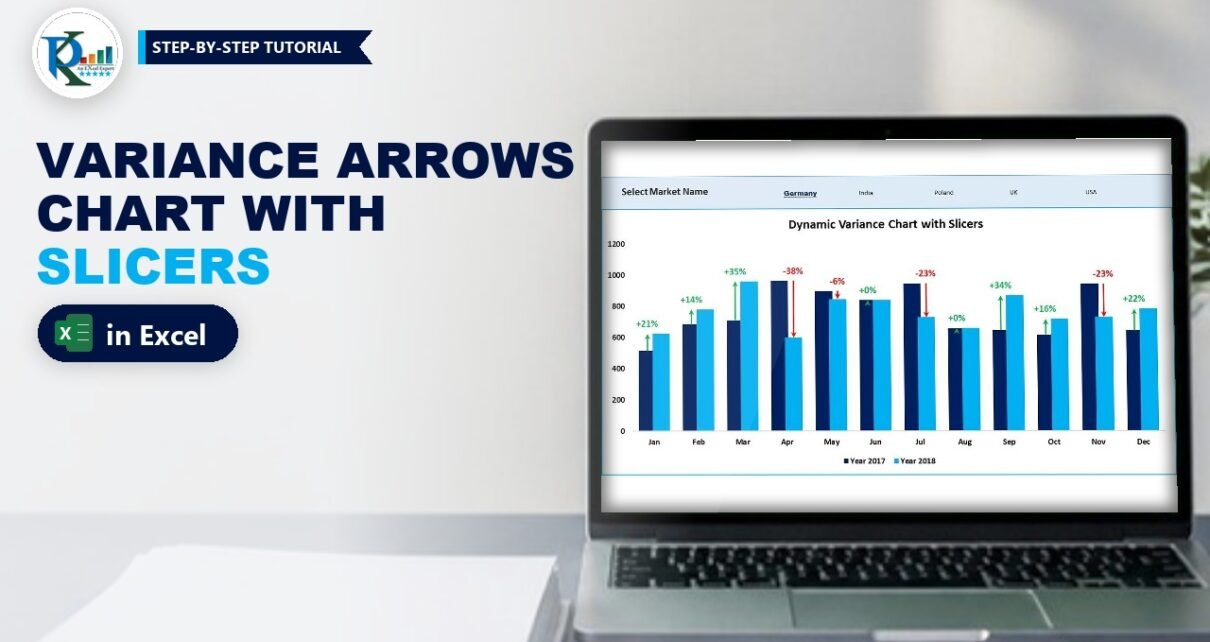
A dynamic variance arrows chart with slicers compares this year with last year month by month, draws a green up arrow or a red down arrow over each pair of
Read More
Flag Chart in Excel: Infographic with Error Bars and Shapes
Charts and Visualization

Flag Chart in Excel: Infographic with Error Bars and Shapes

February 16, 2019October 9, 2026 PKComments Off on Flag Chart in Excel: Infographic with Error Bars and Shapes
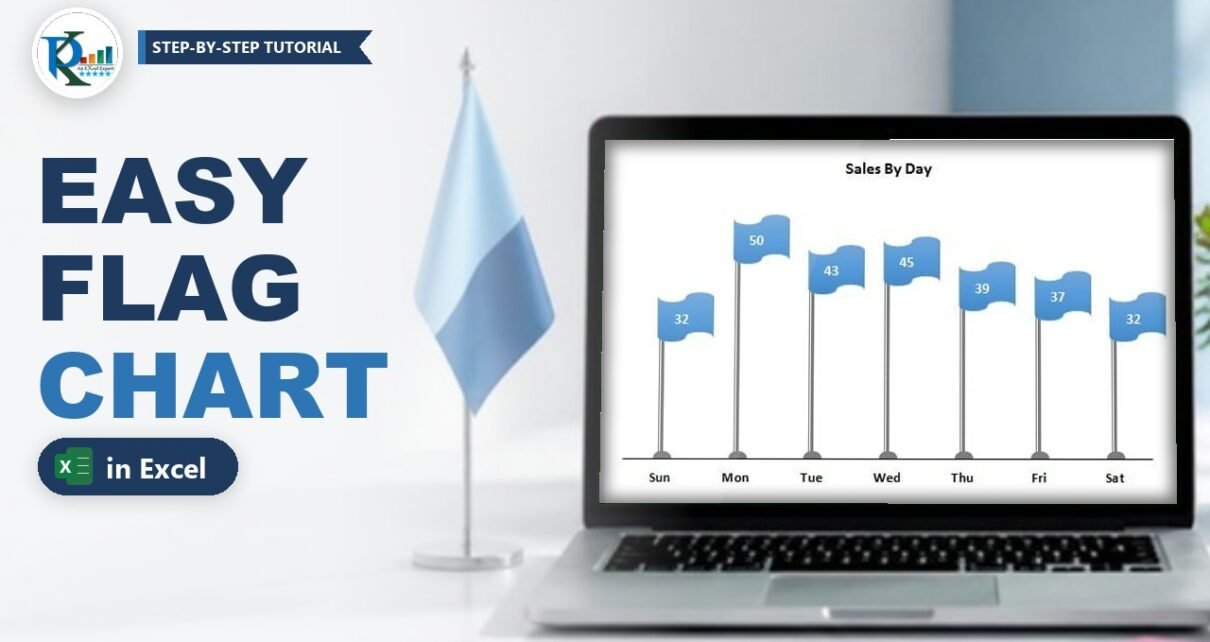
A flag chart in Excel turns a plain column chart into an eye-catching infographic: every value becomes a flag on a pole, and the pole height shows the number. It
Read More
  • Learn Excel (Free Course)
    • 1. Shortcut Keys
    • 2. Fill & Flash Fill
    • 3. Find & Replace
    • 4. Sort & Filter
    • 5. Formulas & Functions
    • 6. Data Validation
    • 7. Conditional Formatting
    • 8. Basic Charts
    • 9. Advanced Charts
    • 10. Pivot Tables
    • 11. Excel Dashboards
    • 12. VBA Course
    • 13. Excel Formulas with AI
  • Templates
  • Tutorials
    • Charts and Visualization
    • VBA
    • Excel Tips and Tricks
    • Excel Dashboards
    • Power Pivot & DAX
  • Power BI
  • Template Store
    • Ready to Use Templates
  • Courses
  • Academy
    • Excel + AI Mastery: 100 Formulas
    • Excel Pivot Tables & Dashboards
  • About Us
  • Contact Us
Copyright © 2023 PK-AnExcelExpert.com - Privacy Policy