New: NextGenTemplates Academy - video courses on Excel formulas with AI and Pivot Tables & dashboards. Early-bird: 20% off with code EARLYBIRD20 - first 20 orders only. See the courses →
  • Learn Excel (Free Course)
    • 1. Shortcut Keys
    • 2. Fill & Flash Fill
    • 3. Find & Replace
    • 4. Sort & Filter
    • 5. Formulas & Functions
    • 6. Data Validation
    • 7. Conditional Formatting
    • 8. Basic Charts
    • 9. Advanced Charts
    • 10. Pivot Tables
    • 11. Excel Dashboards
    • 12. VBA Course
    • 13. Excel Formulas with AI
  • Templates
  • Tutorials
    • Charts and Visualization
    • VBA
    • Excel Tips and Tricks
    • Excel Dashboards
    • Power Pivot & DAX
  • Power BI
  • Template Store
    • Ready to Use Templates
  • Courses
  • Academy
    • Excel + AI Mastery: 100 Formulas
    • Excel Pivot Tables & Dashboards
  • About Us
  • Contact Us

PK: An Excel Expert

Transforming Data into Decisions

Tag: Formatting

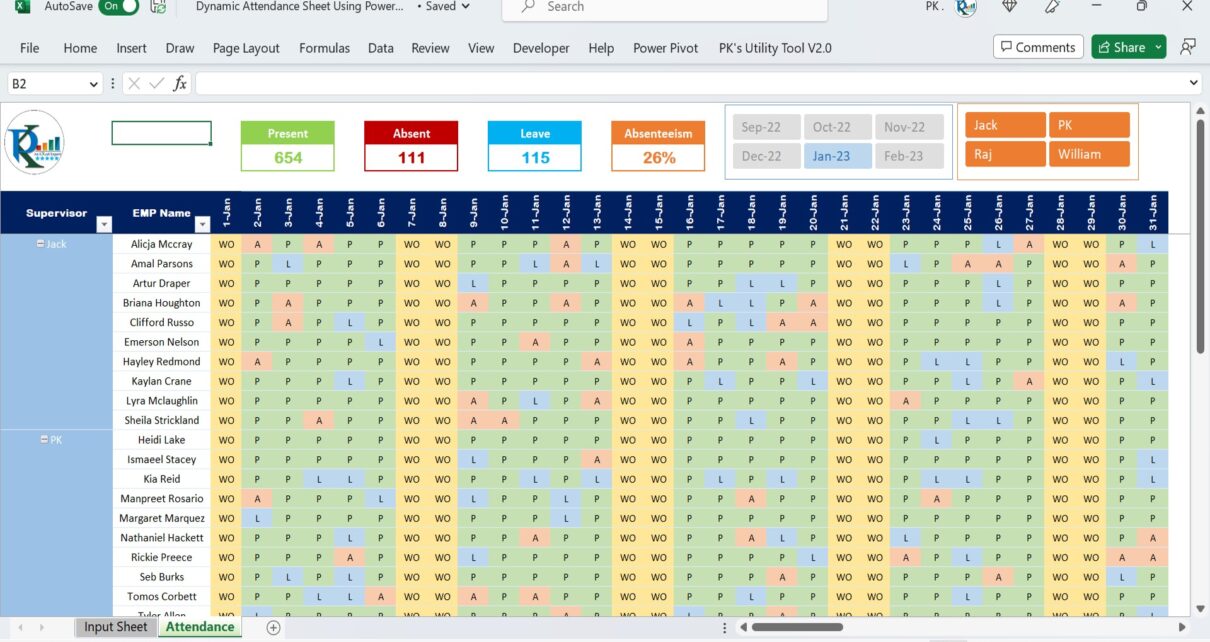
Dynamic Attendance Sheet Using Power Pivot
Templates

Dynamic Attendance Sheet Using Power Pivot

February 20, 2023February 20, 2025 PKComments Off on Dynamic Attendance Sheet Using Power Pivot
Introduction In today's digital age, managing attendance in schools, colleges, or offices is a time-consuming task. This dynamic attendance sheet can help streamline this process by providing real-time attendance data
Read More
Paste Special in Microsoft Excel
Excel Tips and Tricks

Paste Special in Microsoft Excel

November 22, 2022October 10, 2026 PKComments Off on Paste Special in Microsoft Excel
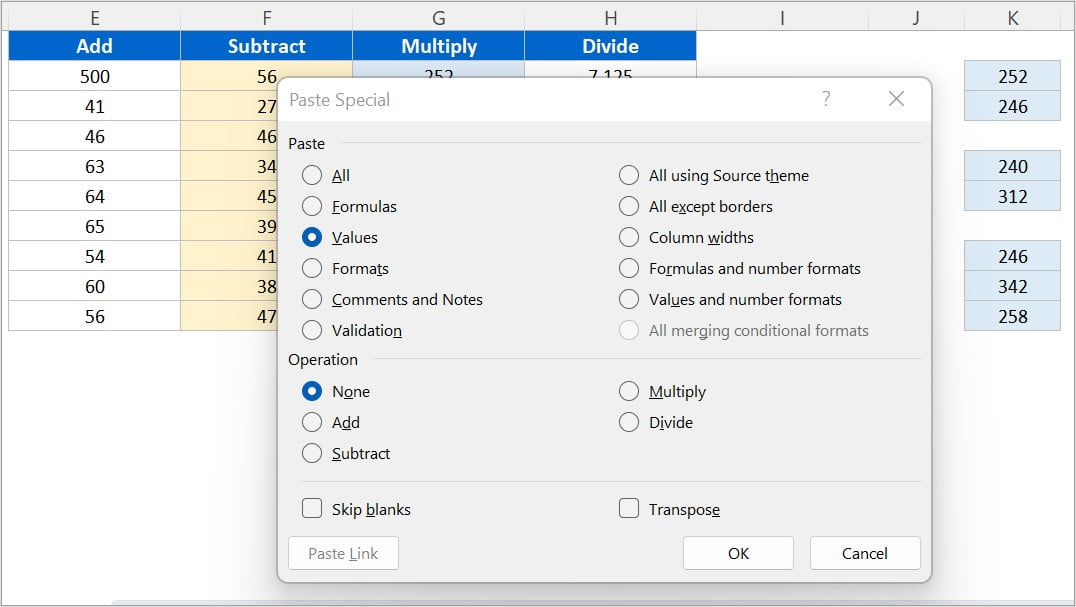
Introduction to Paste Special in Microsoft Excel Microsoft Excel offers a powerful feature called Paste Special, which enables users to paste data in various formats and apply a range of
Read More
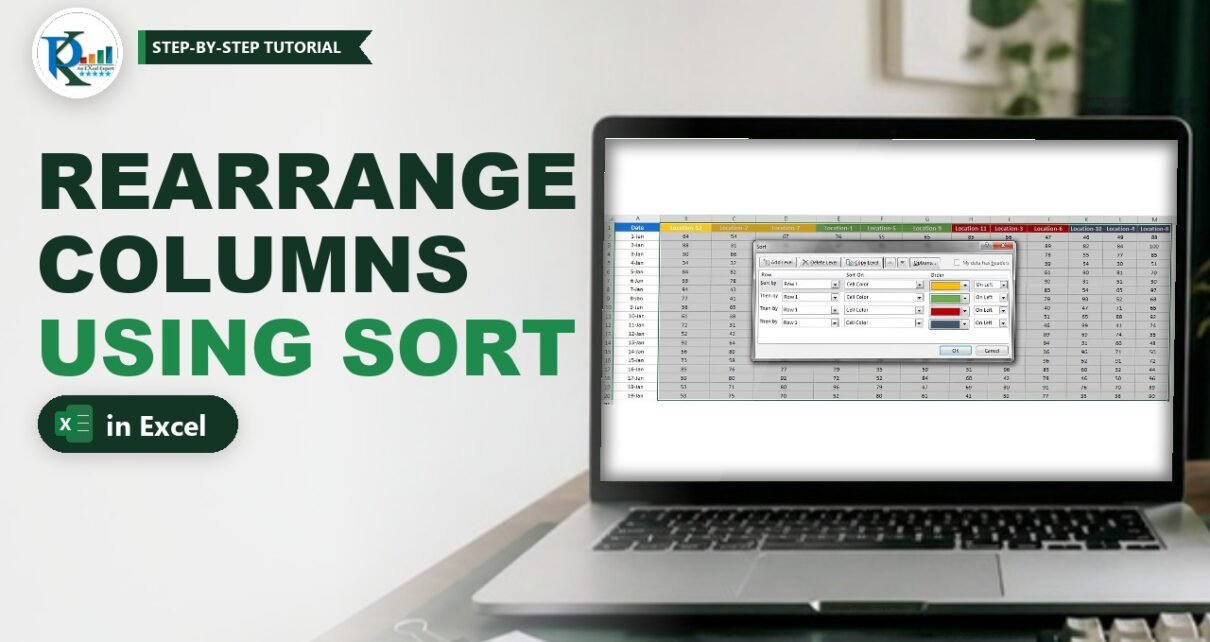
Rearrange Columns in Excel Using Data Sorting (3 Quick Ways)
Excel Tips and Tricks

Rearrange Columns in Excel Using Data Sorting (3 Quick Ways)

July 24, 2019October 9, 2026 PKComments Off on Rearrange Columns in Excel Using Data Sorting (3 Quick Ways)
To rearrange columns in Excel without endless cut and paste, let the Sort command do the work. Most people only ever sort rows from top to bottom, but Excel can
Read More
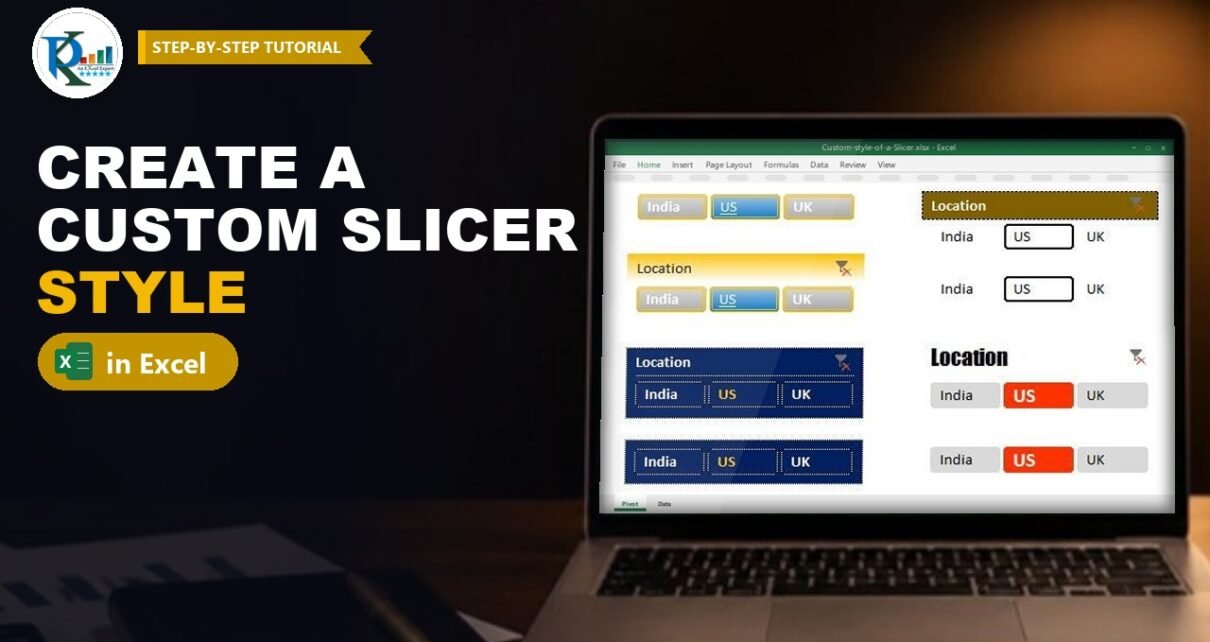
Custom Slicer Style in Excel: Create, Reuse and Set as Default
Excel Tips and Tricks

Custom Slicer Style in Excel: Create, Reuse and Set as Default

July 8, 2018October 9, 2026 PK0
A custom slicer style in Excel lets your slicers match the colours of your dashboard instead of the default blue, orange and grey buttons. In this tutorial you will create
Read More
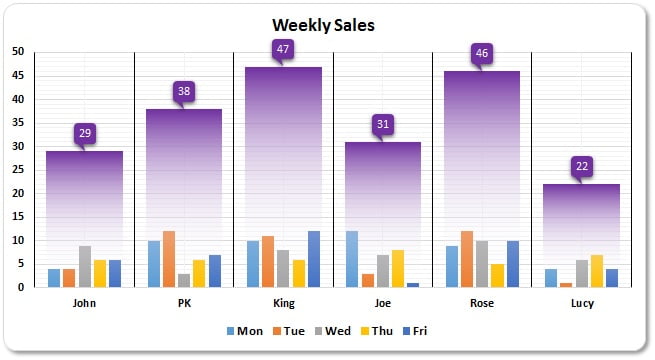
Weekly Sales Chart
Charts and Visualization

Weekly Sales Chart in Excel

May 2, 2018March 9, 2025 PK0
In today's business world, charts and graphs have become an essential part of data analysis. They help to present complex data in a clear and concise manner, allowing us to
Read More
  • Learn Excel (Free Course)
    • 1. Shortcut Keys
    • 2. Fill & Flash Fill
    • 3. Find & Replace
    • 4. Sort & Filter
    • 5. Formulas & Functions
    • 6. Data Validation
    • 7. Conditional Formatting
    • 8. Basic Charts
    • 9. Advanced Charts
    • 10. Pivot Tables
    • 11. Excel Dashboards
    • 12. VBA Course
    • 13. Excel Formulas with AI
  • Templates
  • Tutorials
    • Charts and Visualization
    • VBA
    • Excel Tips and Tricks
    • Excel Dashboards
    • Power Pivot & DAX
  • Power BI
  • Template Store
    • Ready to Use Templates
  • Courses
  • Academy
    • Excel + AI Mastery: 100 Formulas
    • Excel Pivot Tables & Dashboards
  • About Us
  • Contact Us
Copyright © 2023 PK-AnExcelExpert.com - Privacy Policy