New: NextGenTemplates Academy - video courses on Excel formulas with AI and Pivot Tables & dashboards. Early-bird: 20% off with code EARLYBIRD20 - first 20 orders only. See the courses →
  • Learn Excel (Free Course)
    • 1. Shortcut Keys
    • 2. Fill & Flash Fill
    • 3. Find & Replace
    • 4. Sort & Filter
    • 5. Formulas & Functions
    • 6. Data Validation
    • 7. Conditional Formatting
    • 8. Basic Charts
    • 9. Advanced Charts
    • 10. Pivot Tables
    • 11. Excel Dashboards
    • 12. VBA Course
    • 13. Excel Formulas with AI
  • Templates
  • Tutorials
    • Charts and Visualization
    • VBA
    • Excel Tips and Tricks
    • Excel Dashboards
    • Power Pivot & DAX
  • Power BI
  • Template Store
    • Ready to Use Templates
  • Courses
  • Academy
    • Excel + AI Mastery: 100 Formulas
    • Excel Pivot Tables & Dashboards
  • About Us
  • Contact Us

PK: An Excel Expert

Transforming Data into Decisions

Tag: Sort by custom list

Quick Productive Tips in Excel
Excel Tips and Tricks

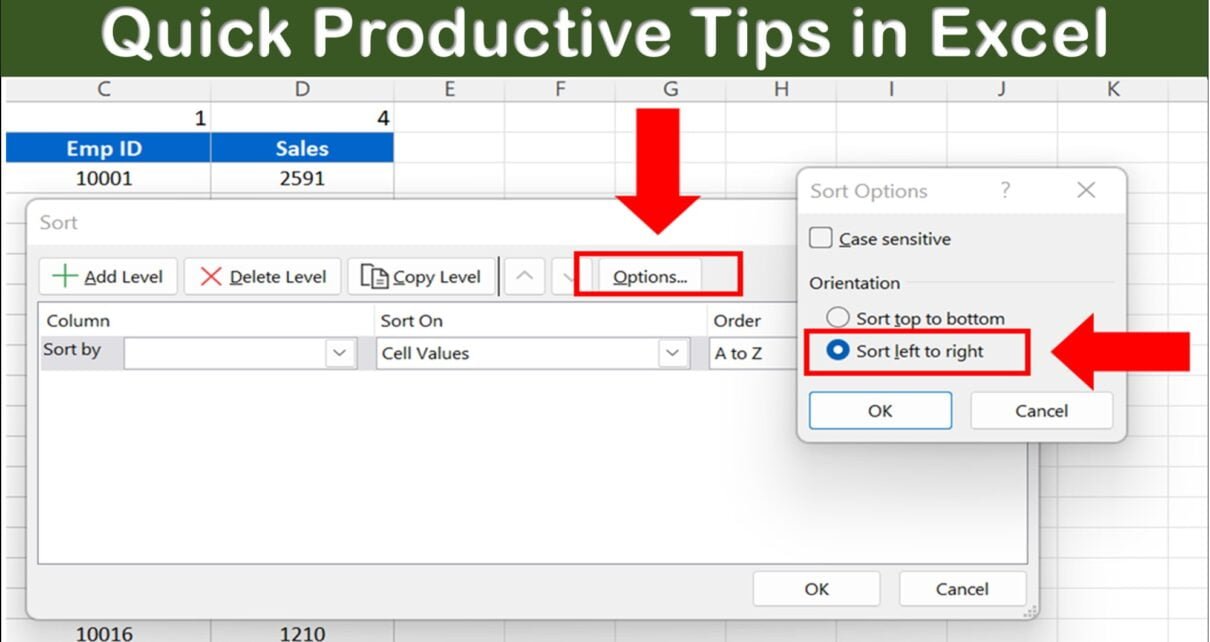
5 Quick Productive Tips in Microsoft Excel

August 8, 2022October 10, 2026 PKComments Off on 5 Quick Productive Tips in Microsoft Excel
In this article, you will learn the 5 Productive Tips in Microsoft Excel to improve the productivity in Microsoft Excel. 5 Quick Productive Tips in Microsoft Excel Tip #1: Auto
Read More
Rearrange Columns in Excel Using Data Sorting (3 Quick Ways)
Excel Tips and Tricks

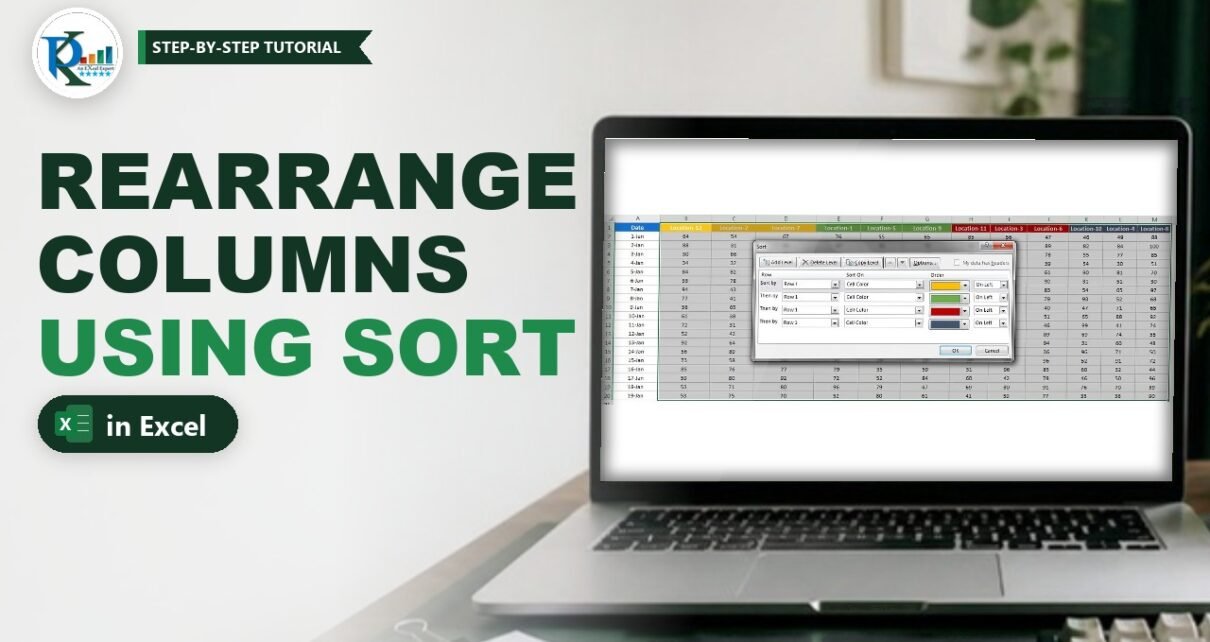
Rearrange Columns in Excel Using Data Sorting (3 Quick Ways)

July 24, 2019October 9, 2026 PKComments Off on Rearrange Columns in Excel Using Data Sorting (3 Quick Ways)
To rearrange columns in Excel without endless cut and paste, let the Sort command do the work. Most people only ever sort rows from top to bottom, but Excel can
Read More
Sort Data by Custom List in Excel (Months, Sizes and More)
Excel Tips and Tricks

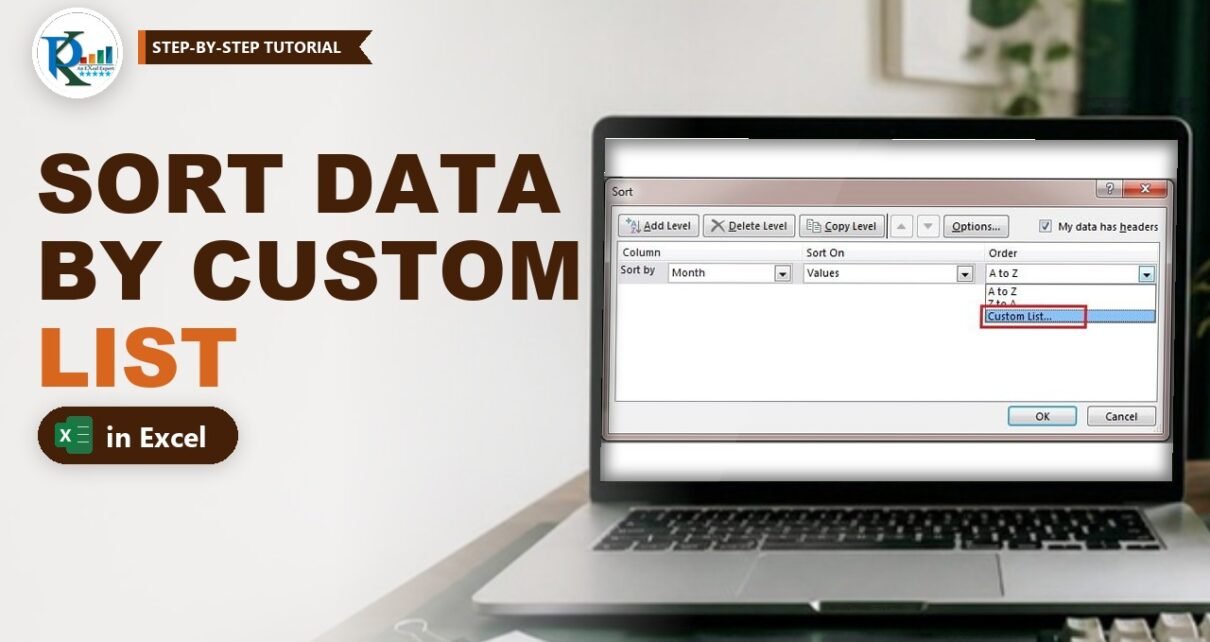
Sort Data by Custom List in Excel (Months, Sizes and More)

January 18, 2019October 9, 2026 PKComments Off on Sort Data by Custom List in Excel (Months, Sizes and More)
When you sort data by custom list in Excel, you choose the order yourself instead of accepting A to Z. That matters for month names, T-shirt sizes, priority levels and
Read More
  • Learn Excel (Free Course)
    • 1. Shortcut Keys
    • 2. Fill & Flash Fill
    • 3. Find & Replace
    • 4. Sort & Filter
    • 5. Formulas & Functions
    • 6. Data Validation
    • 7. Conditional Formatting
    • 8. Basic Charts
    • 9. Advanced Charts
    • 10. Pivot Tables
    • 11. Excel Dashboards
    • 12. VBA Course
    • 13. Excel Formulas with AI
  • Templates
  • Tutorials
    • Charts and Visualization
    • VBA
    • Excel Tips and Tricks
    • Excel Dashboards
    • Power Pivot & DAX
  • Power BI
  • Template Store
    • Ready to Use Templates
  • Courses
  • Academy
    • Excel + AI Mastery: 100 Formulas
    • Excel Pivot Tables & Dashboards
  • About Us
  • Contact Us
Copyright © 2023 PK-AnExcelExpert.com - Privacy Policy