New: NextGenTemplates Academy - video courses on Excel formulas with AI and Pivot Tables & dashboards. Early-bird: 20% off with code EARLYBIRD20 - first 20 orders only. See the courses →
  • Learn Excel (Free Course)
    • 1. Shortcut Keys
    • 2. Fill & Flash Fill
    • 3. Find & Replace
    • 4. Sort & Filter
    • 5. Formulas & Functions
    • 6. Data Validation
    • 7. Conditional Formatting
    • 8. Basic Charts
    • 9. Advanced Charts
    • 10. Pivot Tables
    • 11. Excel Dashboards
    • 12. VBA Course
    • 13. Excel Formulas with AI
  • Templates
  • Tutorials
    • Charts and Visualization
    • VBA
    • Excel Tips and Tricks
    • Excel Dashboards
    • Power Pivot & DAX
  • Power BI
  • Template Store
    • Ready to Use Templates
  • Courses
  • Academy
    • Excel + AI Mastery: 100 Formulas
    • Excel Pivot Tables & Dashboards
  • About Us
  • Contact Us

PK: An Excel Expert

Transforming Data into Decisions

Tag: Subtotal

Subtotal in Excel
Excel Tips and Tricks

Subtotal Magic in Excel – Quick Guide

December 29, 2023October 10, 2026 PKComments Off on Subtotal Magic in Excel – Quick Guide
Welcome to Excel Subtotal Mastery! Hey there! Are you ready to become an Excel wizard? Great, because today, we're diving into the magical world of Excel subtotals. If you loved
Read More
Quick Analysis Tool
Charts and Visualization Excel Tips and Tricks

Quick Analysis Tool in Microsoft Excel

October 2, 2022October 10, 2026 PKComments Off on Quick Analysis Tool in Microsoft Excel
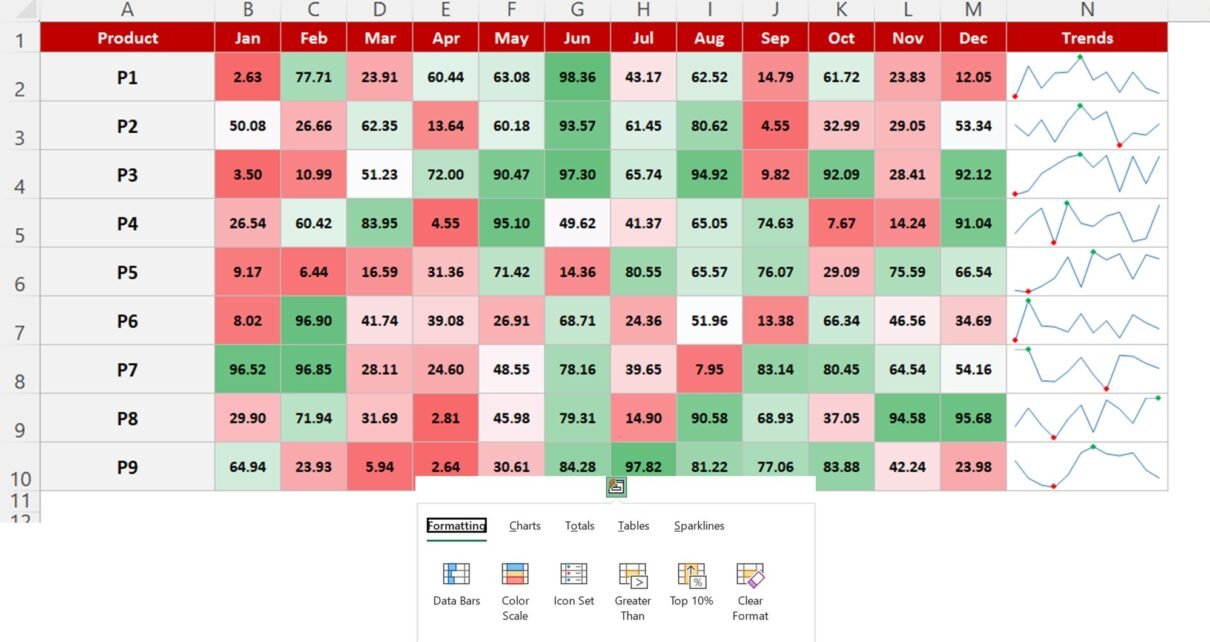
Quick Analysis Tool is used to apply the quick conditional formatting, Quick Charts, add Totals, Quick Pivot Tables and to add quick Sparklines in selected data. Quick Analysis Tool in
Read More
Subtotal Feature in Excel: Group, Sum and Outline Your Data
Excel Tips and Tricks

Subtotal Feature in Excel: Group, Sum and Outline Your Data

October 3, 2019October 9, 2026 PKComments Off on Subtotal Feature in Excel: Group, Sum and Outline Your Data
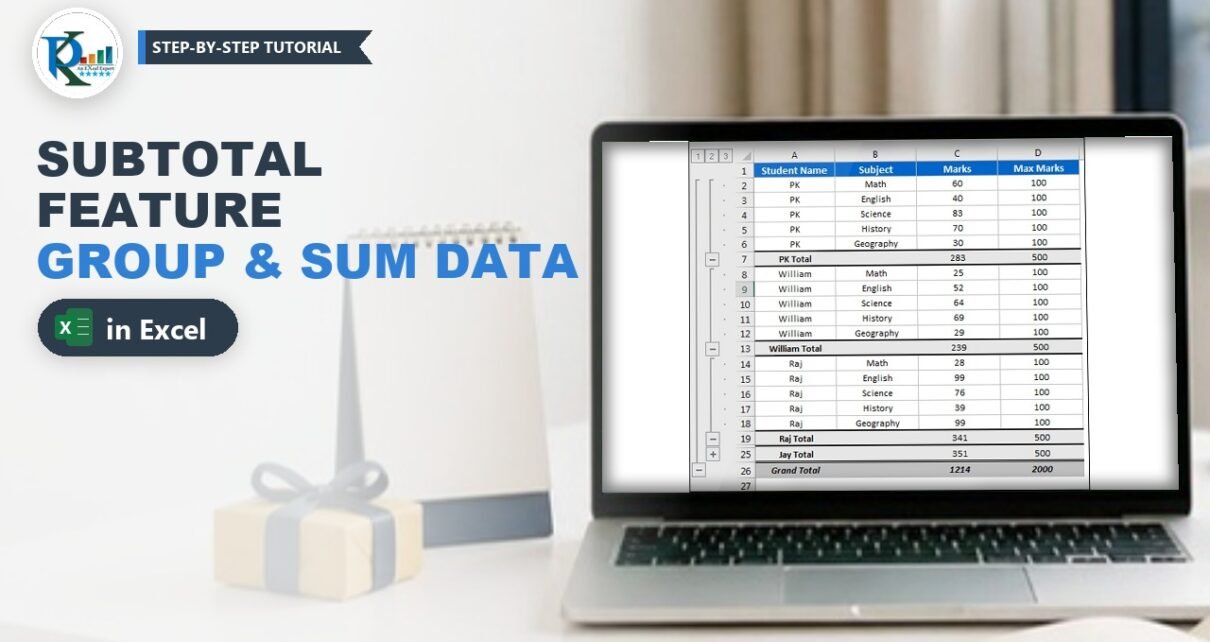
The Subtotal feature in Excel adds a total after every group in a sorted list, adds a grand total at the bottom and builds an outline, so you can collapse
Read More
  • Learn Excel (Free Course)
    • 1. Shortcut Keys
    • 2. Fill & Flash Fill
    • 3. Find & Replace
    • 4. Sort & Filter
    • 5. Formulas & Functions
    • 6. Data Validation
    • 7. Conditional Formatting
    • 8. Basic Charts
    • 9. Advanced Charts
    • 10. Pivot Tables
    • 11. Excel Dashboards
    • 12. VBA Course
    • 13. Excel Formulas with AI
  • Templates
  • Tutorials
    • Charts and Visualization
    • VBA
    • Excel Tips and Tricks
    • Excel Dashboards
    • Power Pivot & DAX
  • Power BI
  • Template Store
    • Ready to Use Templates
  • Courses
  • Academy
    • Excel + AI Mastery: 100 Formulas
    • Excel Pivot Tables & Dashboards
  • About Us
  • Contact Us
Copyright © 2023 PK-AnExcelExpert.com - Privacy Policy