New: NextGenTemplates Academy - video courses on Excel formulas with AI and Pivot Tables & dashboards. Early-bird: 20% off with code EARLYBIRD20 - first 20 orders only. See the courses →
  • Learn Excel (Free Course)
    • 1. Shortcut Keys
    • 2. Fill & Flash Fill
    • 3. Find & Replace
    • 4. Sort & Filter
    • 5. Formulas & Functions
    • 6. Data Validation
    • 7. Conditional Formatting
    • 8. Basic Charts
    • 9. Advanced Charts
    • 10. Pivot Tables
    • 11. Excel Dashboards
    • 12. VBA Course
    • 13. Excel Formulas with AI
  • Templates
  • Tutorials
    • Charts and Visualization
    • VBA
    • Excel Tips and Tricks
    • Excel Dashboards
    • Power Pivot & DAX
  • Power BI
  • Template Store
    • Ready to Use Templates
  • Courses
  • Academy
    • Excel + AI Mastery: 100 Formulas
    • Excel Pivot Tables & Dashboards
  • About Us
  • Contact Us

PK: An Excel Expert

Transforming Data into Decisions
Blogs

Comparative Analysis Dashboard in Excel
Dashboard Power Pivot

Excel Comparative Analysis Dashboard with Power Pivot

June 20, 2021September 19, 2026 PKComments Off on Excel Comparative Analysis Dashboard with Power Pivot
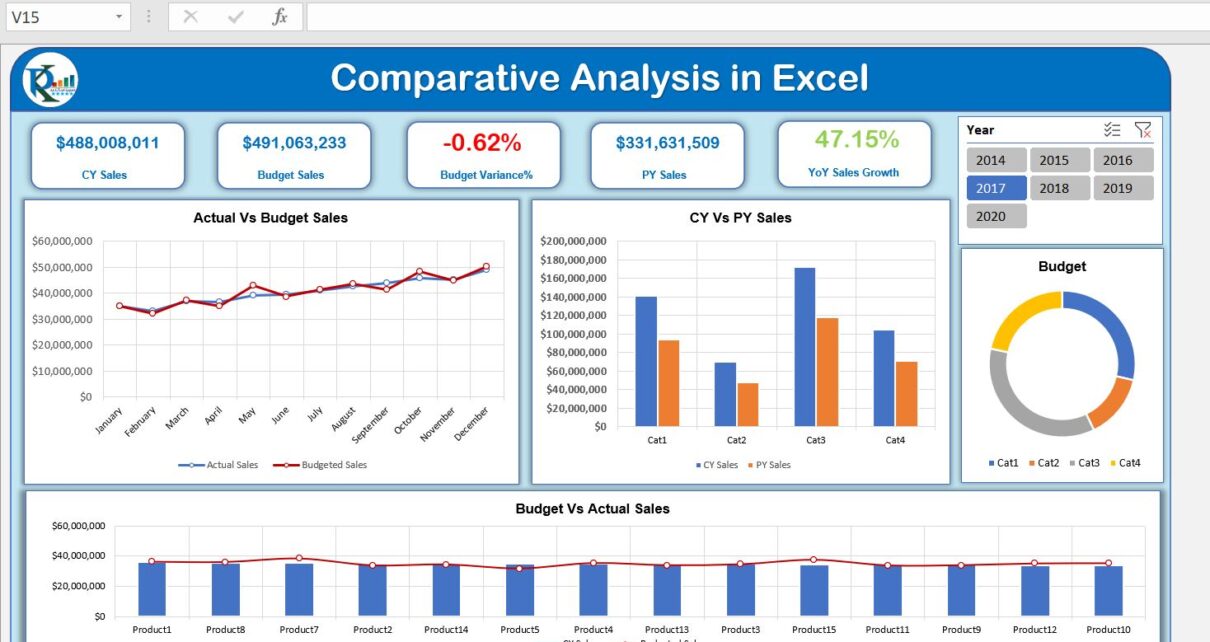
This Excel comparative analysis dashboard uses Power Pivot to compare current-year sales with the same period in the previous year, and actual sales with budget. Three tables supply the data:
Read More
Inventory Management System V2.0
VBA Templates

Inventory Management System – 2.0

June 6, 2021October 10, 2026 PKComments Off on Inventory Management System – 2.0
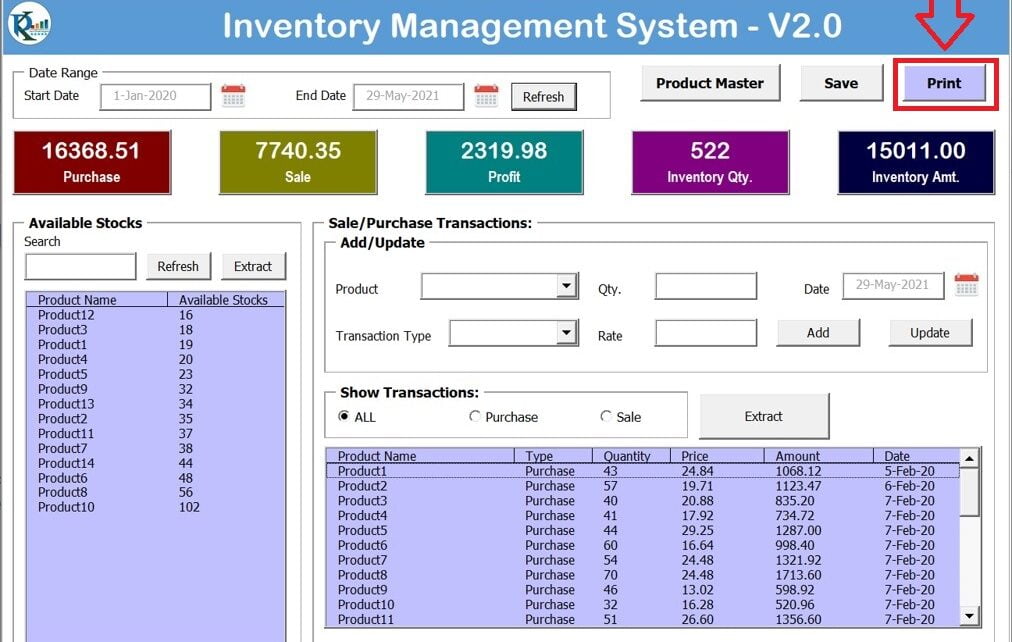
The Inventory Management System (IMS) is an essential tool for businesses of all sizes, helping them streamline and efficiently manage their stock levels. Version 2.0 offers significant improvements, providing users
Read More
3 Ways to drill through
Power BI

Power BI Drillthrough: Right Click, Buttons and Tooltips

May 27, 2021October 10, 2026 PKComments Off on Power BI Drillthrough: Right Click, Buttons and Tooltips
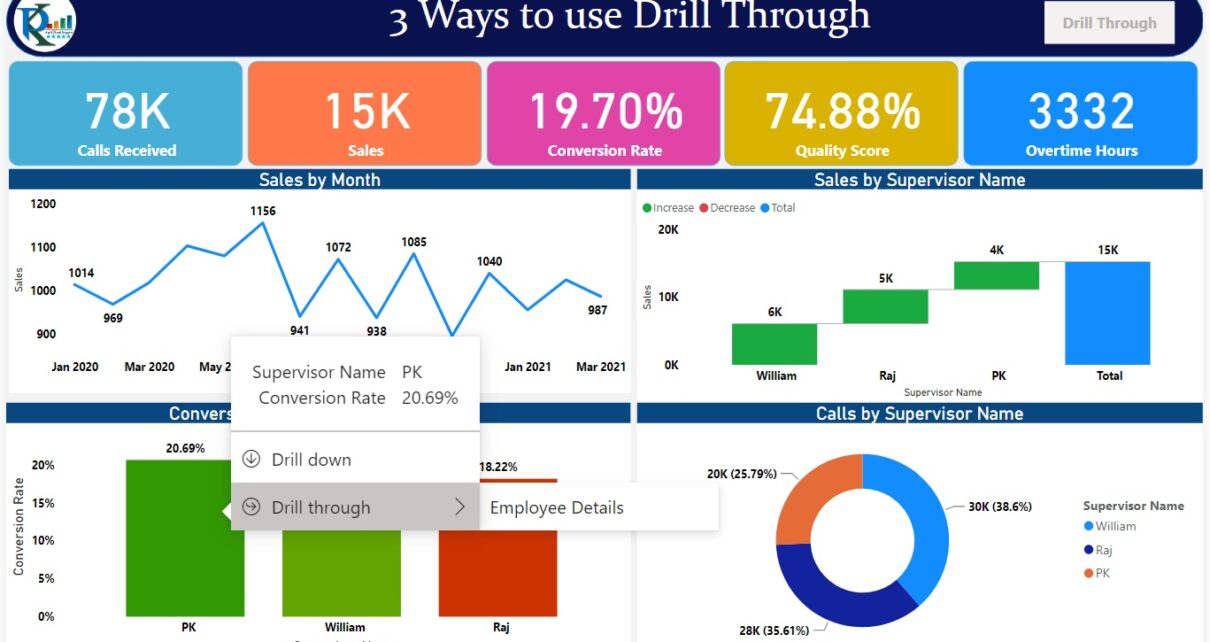
Power BI drillthrough opens a report page filtered to the selected data point. This tutorial demonstrates three ways to start it: a right-click menu, a button and a tooltip action.
Read More
Pivot Chart Tips
Charts and Visualization

3 Useful Tips for the Pivot Chart

May 16, 2021March 5, 2025 PKComments Off on 3 Useful Tips for the Pivot Chart
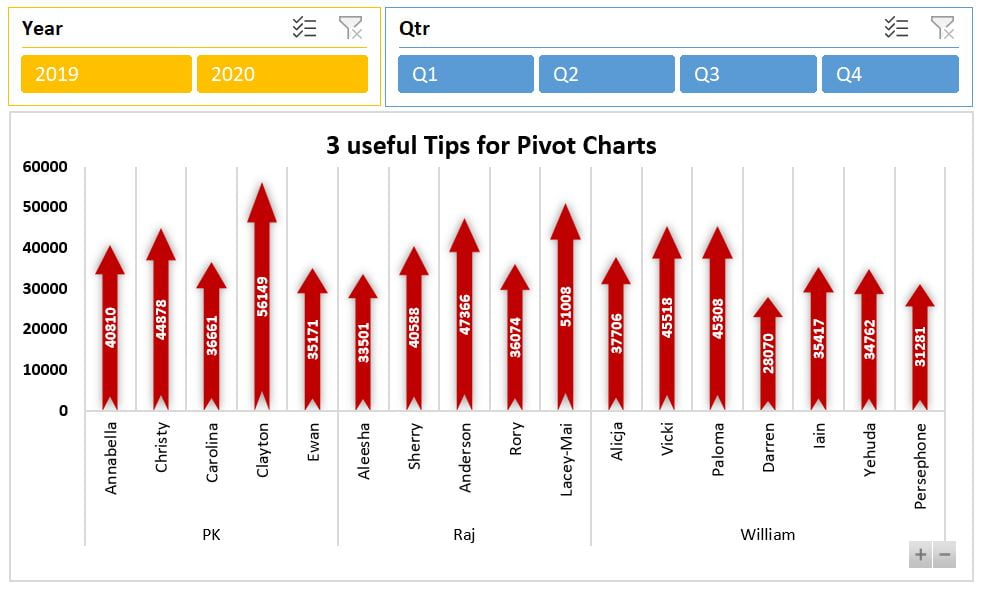
In this article, you will learn 3 useful tips for the Pivot Chart. Using these tips you can create an interactive Excel Dashboard. Learn and download interactive Excel Dashboard free
Read More
Dynamic Comparison Analysis Chart
Charts and Visualization

Dynamic Comparison Analysis Chart in Excel

May 3, 2021March 2, 2025 PKComments Off on Dynamic Comparison Analysis Chart in Excel
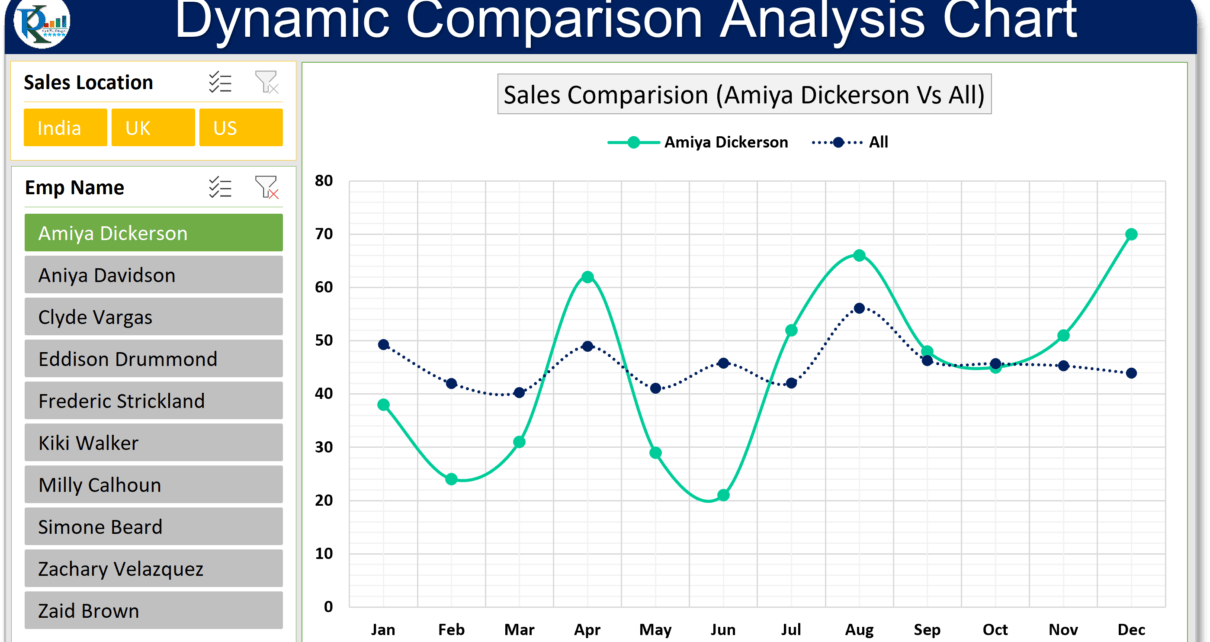
In this article, you will learn how to create a dynamic comparison Analysis Chart in Microsoft Excel. Using this chart you can compare one employee's performance with other all employees
Read More
Infographics in Power BI
Power BI

Power BI Infographic Designer: Cards and Chart Examples

April 18, 2021October 10, 2026 PKComments Off on Power BI Infographic Designer: Cards and Chart Examples
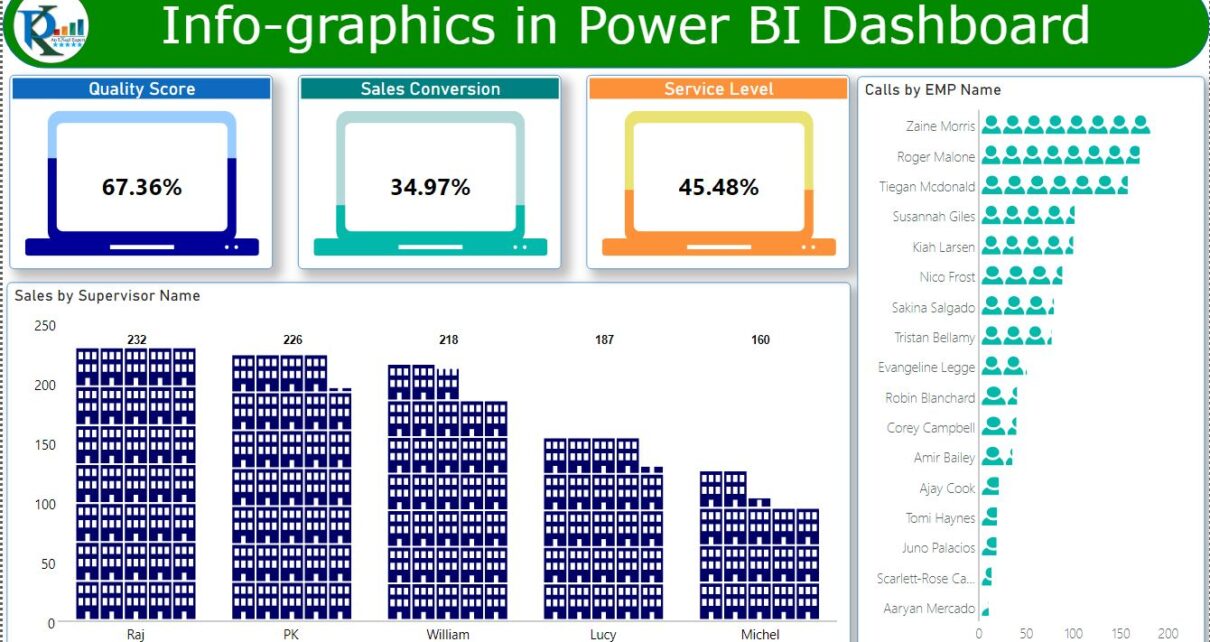
This Power BI example uses Infographic Designer to display cards, column charts and bar charts with icons. The dashboard screenshot shows the finished visual design; the video and practice file
Read More
TEXT Function in Excel
Excel Tips and Tricks

TEXT Function Use Cases in Excel

April 11, 2021October 10, 2026 PKComments Off on TEXT Function Use Cases in Excel
In this article, you will learn the use of TEXT Function in Excel. This Function is very powerful function in Excel. You can convert numbers into text in desired format. It
Read More
5 VBA Userform Super Tips
VBA

5 VBA UserForm Super Tips

March 29, 2021October 10, 2026 PKComments Off on 5 VBA UserForm Super Tips
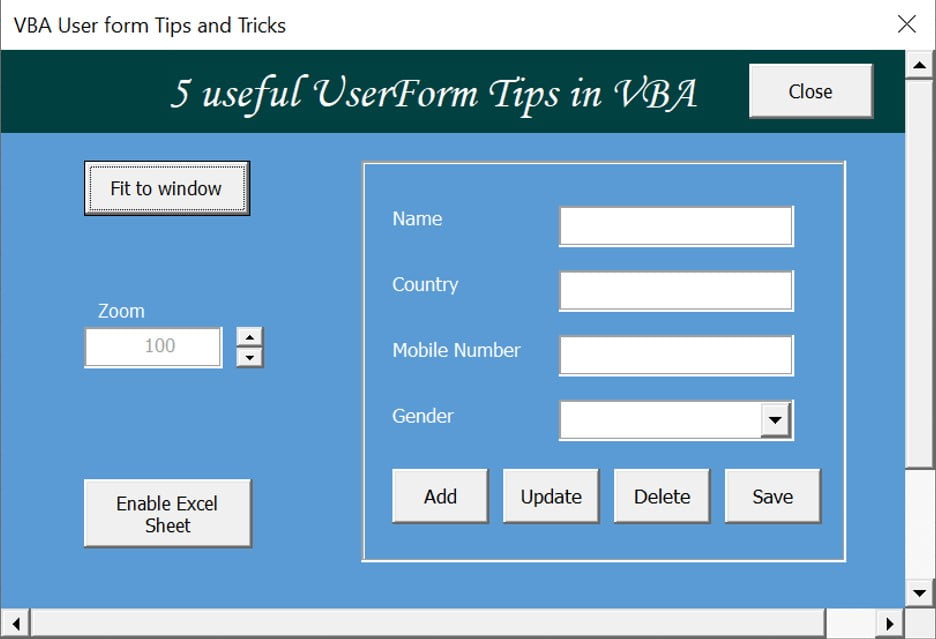
In this article, you will learn 5 super useful VBA Userform related tips. You can use these tips in your VBA Application or Automation. 5 VBA UserForm Super Tips Below
Read More
Progress Bar in VBA
VBA Templates

Ultimate Progress Bar Control in VBA Userform

March 21, 2021February 23, 2025 PKComments Off on Ultimate Progress Bar Control in VBA Userform
Progress Bar is used to show completion% for a task. This is a custom Progress Bar control, which we have created for you to integrate with your VBA Project. It
Read More
10 Productivity Tips in Excel
Excel Tips and Tricks

10 Super useful Productivity Tips in Excel

March 7, 2021October 10, 2026 PKComments Off on 10 Super useful Productivity Tips in Excel
In this article, you will learn 10 useful Productivity Tips in Excel. Using these tips, you can improve you Excel Productivity and your Analytical Power also. 10 Super useful Productivity
Read More

Posts pagination

Previous 1 … 276 277 278 … 300 Next
  • Learn Excel (Free Course)
    • 1. Shortcut Keys
    • 2. Fill & Flash Fill
    • 3. Find & Replace
    • 4. Sort & Filter
    • 5. Formulas & Functions
    • 6. Data Validation
    • 7. Conditional Formatting
    • 8. Basic Charts
    • 9. Advanced Charts
    • 10. Pivot Tables
    • 11. Excel Dashboards
    • 12. VBA Course
    • 13. Excel Formulas with AI
  • Templates
  • Tutorials
    • Charts and Visualization
    • VBA
    • Excel Tips and Tricks
    • Excel Dashboards
    • Power Pivot & DAX
  • Power BI
  • Template Store
    • Ready to Use Templates
  • Courses
  • Academy
    • Excel + AI Mastery: 100 Formulas
    • Excel Pivot Tables & Dashboards
  • About Us
  • Contact Us
Copyright © 2023 PK-AnExcelExpert.com - Privacy Policy