Introduction
Office Parking Utilization Project Calendar In Excel is a comprehensive and ready-to-use calendar template designed to optimize your office parking management. This Excel-based solution helps track parking availability, events, and usage efficiently with multiple views and interactive controls.
Key Features of Office Parking Utilization Project Calendar In Excel
- Five dedicated worksheets covering Home, Annual, Monthly, Daily, and Events views.
- Interactive control panels for selecting year, start month, and starting day of the week.
- Multiple color themes to customize the calendar’s appearance.
- Options to highlight specific weekdays and events for better visibility.
- Buttons to add new events and view existing events seamlessly.
- Database sheet to store and manage all parking event details with options to add, update, and delete records.
Dashboard Pages Explanation
1. Home Sheet Tab
This is the index page with four navigation buttons for quick access to other sheets.
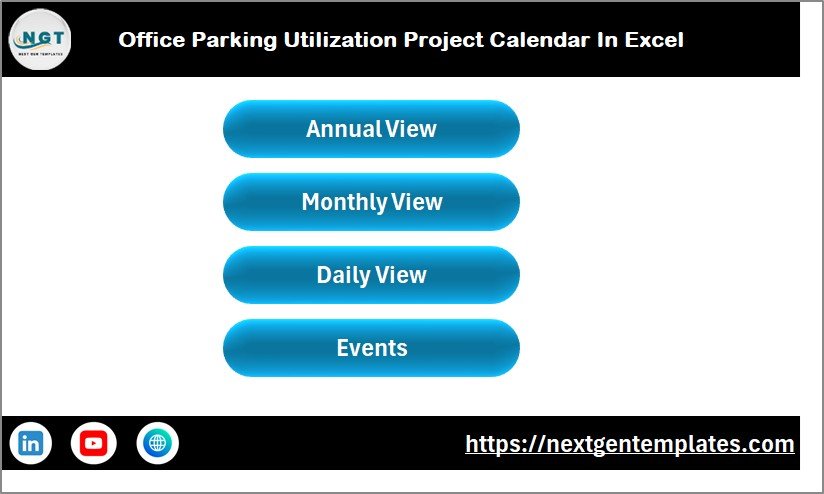
- Annual View button
- Monthly View button
- Daily View button
- Events button
2. Annual View Sheet Tab
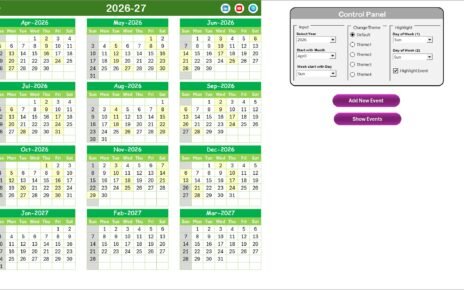
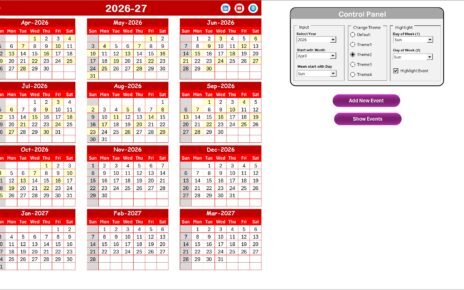
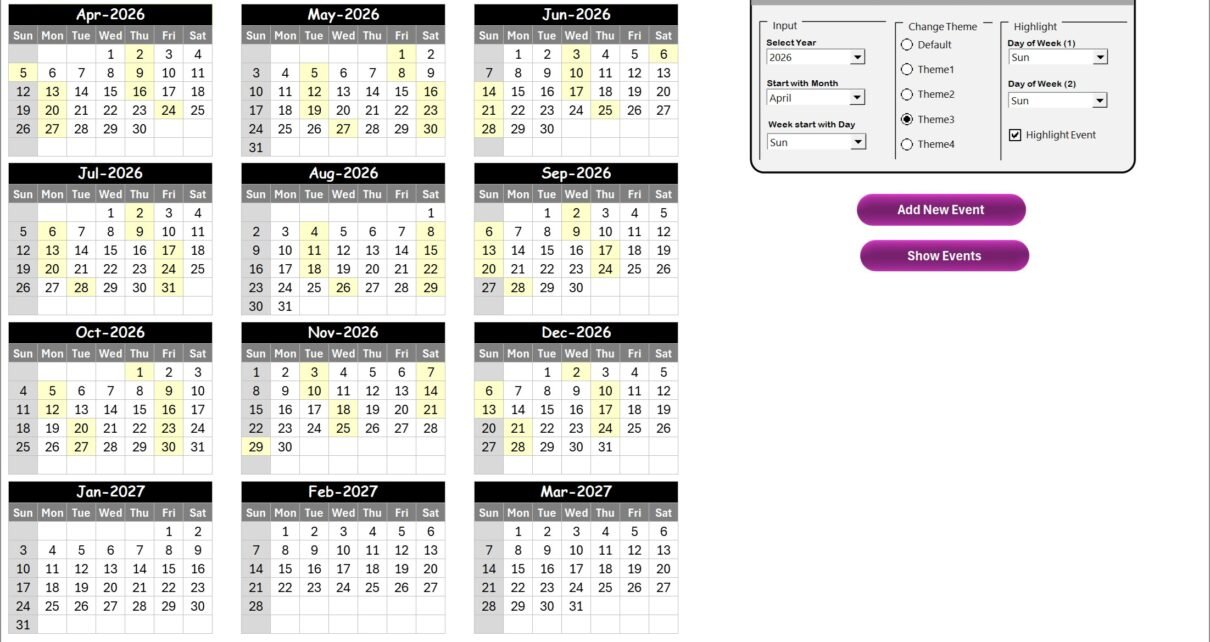
The Annual View Sheet displays calendars for all 12 months with interactive controls.
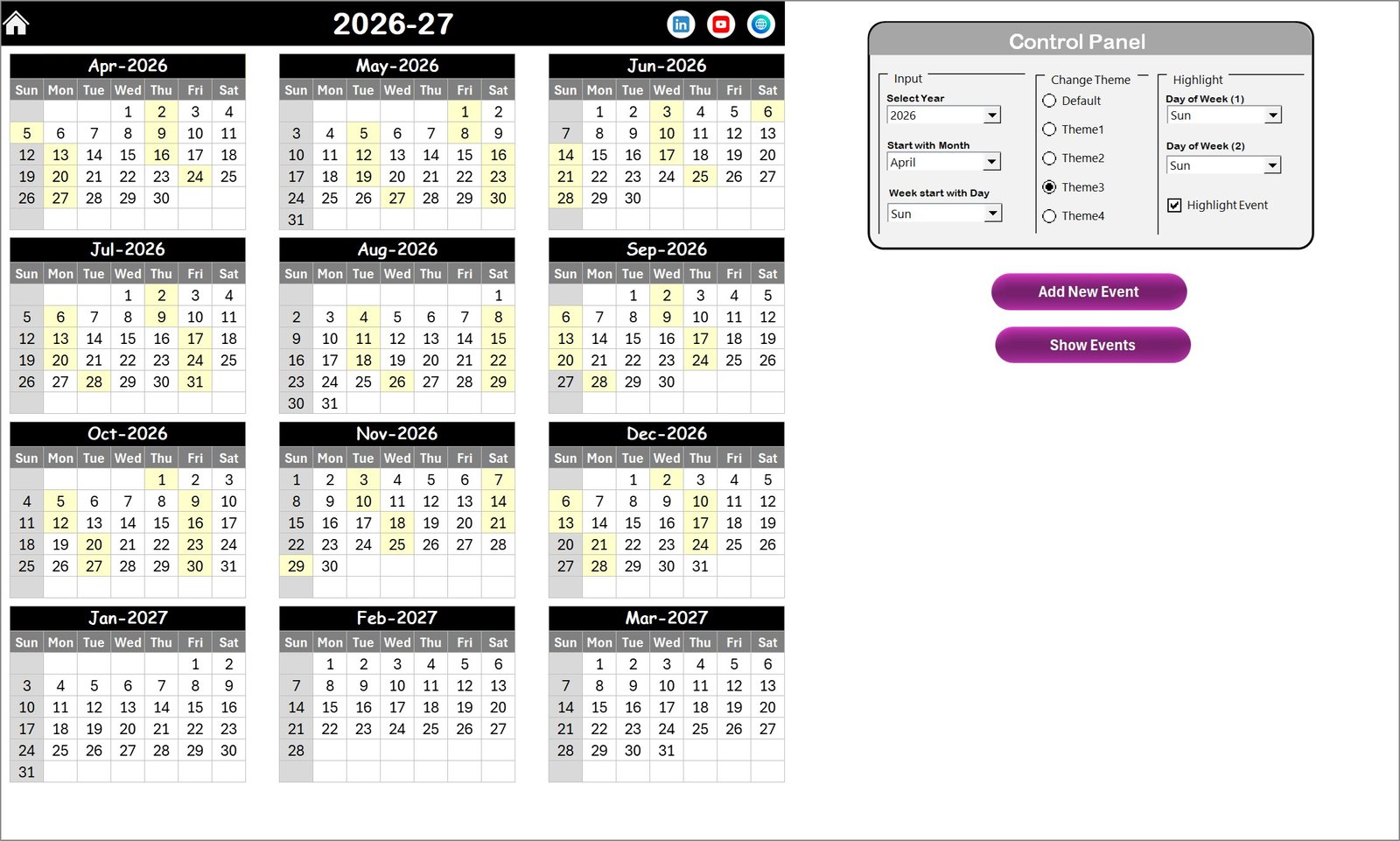
Control Panel Features:
- Input Group: Select the year, starting month, and starting day of the week to update the calendar automatically.
- Change Theme Group: Choose from 5 color themes to personalize the workbook.
- Highlight Group: Highlight two specific weekdays and events using color coding.
Buttons:
- Add New Event: Select a date and add an event through a form.
- Show Event: View all events for a selected date.
3. Monthly View Sheet Tab
This sheet presents a single-month calendar with selectable Month and Year at the top, displaying associated events efficiently.
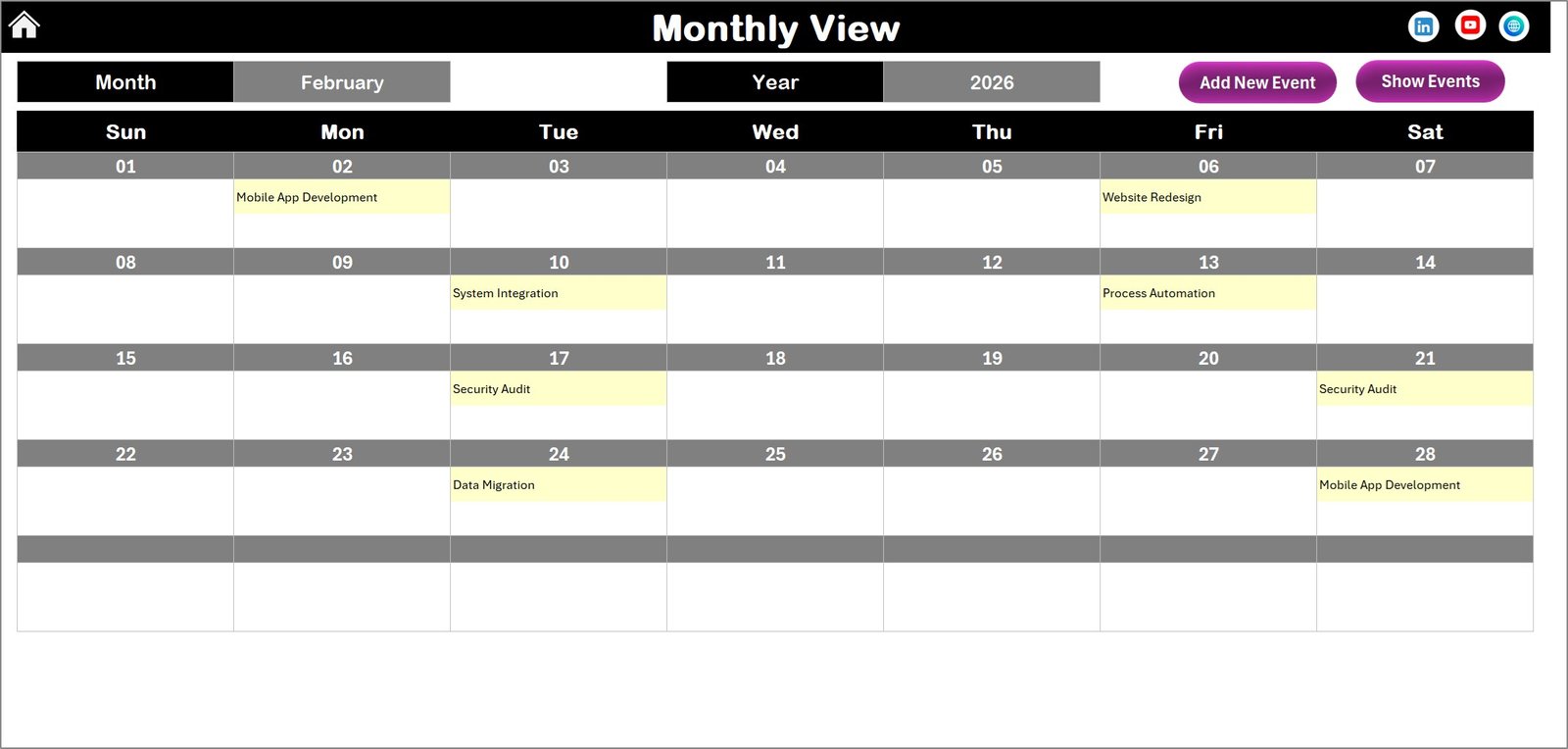
Actions:
- Add New Event button to add events to selected dates.
- Show Event button to display event list for the selected date.
4. Daily View Sheet Tab
Shows detailed events for a selected date range with easy date selection using calendar icons.
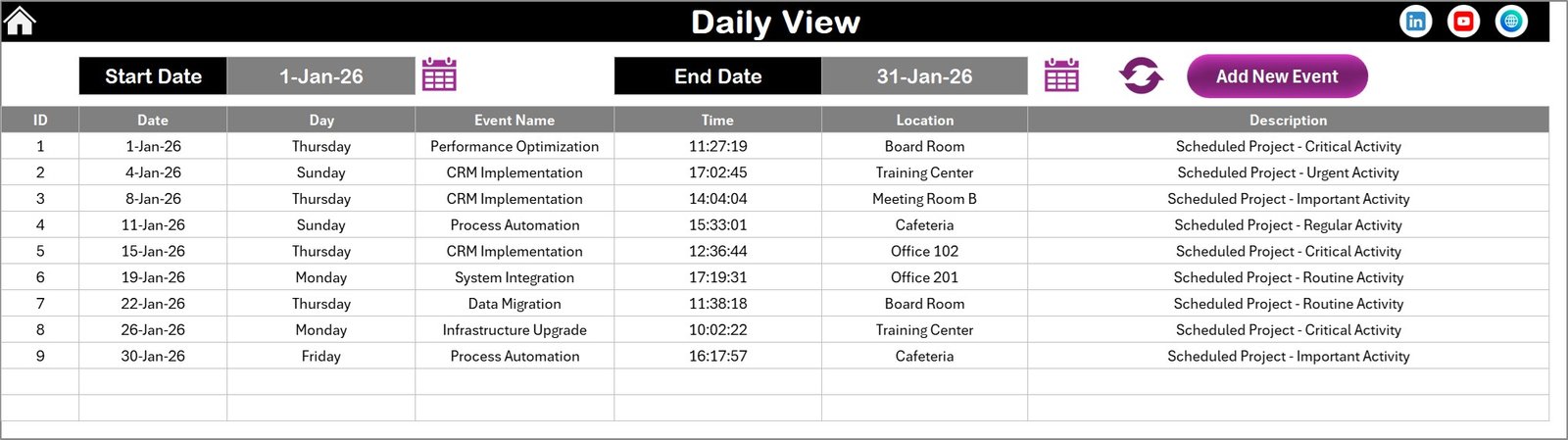
- Select Start and End dates to filter events.
- Refresh button to update event data.
- Add New Event button opens a form to add detailed events.
5. Events Sheet Tab
This is the event database storing all event details, including:
- ID (auto-generated)
- Date of event
- Day of event (e.g., Sunday, Monday)
- Event Name
- Time
- Location
- Description
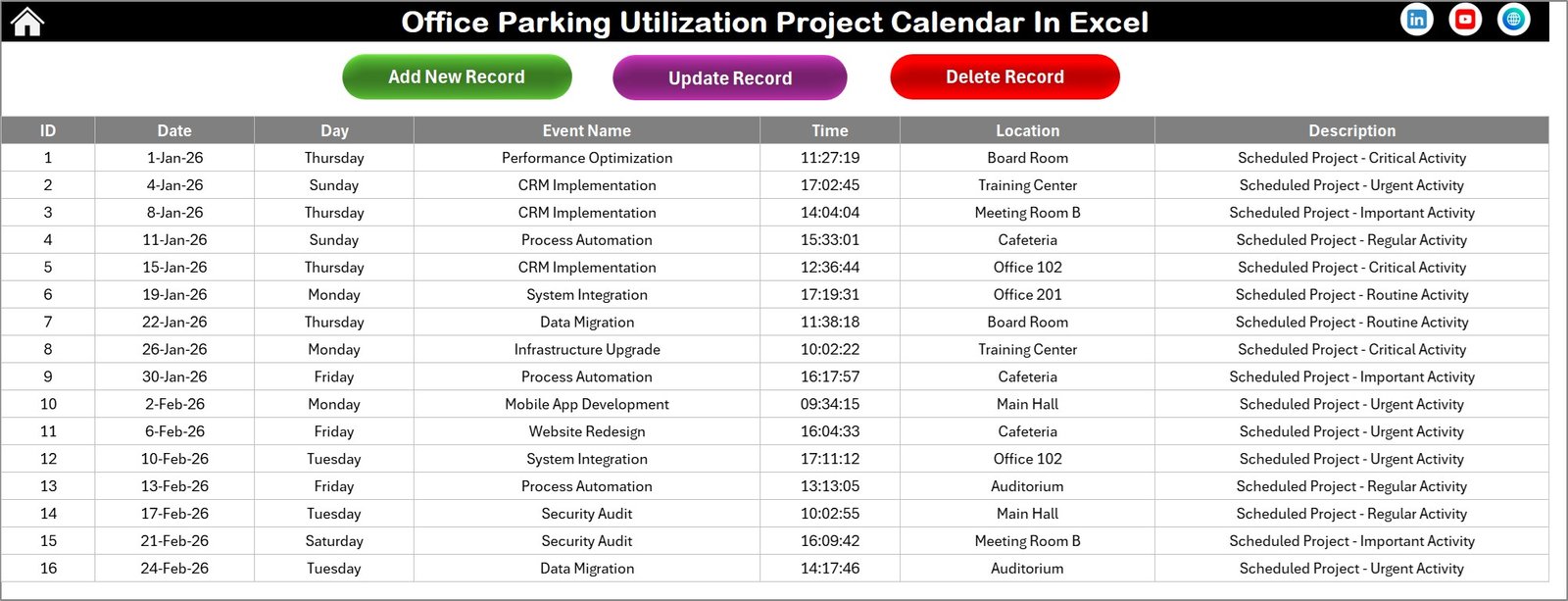
Database Actions:
- Add New Record button – opens a form to create a new event.
- Update Existing Record button – edit events by selecting the event ID.
- Delete Record button – remove event records by ID.
Advantages of Office Parking Utilization Project Calendar In Excel
- Simplifies parking management with multiple calendar views.
- Customizable themes and highlights improve user experience.
- Efficient event tracking and management within Excel.
- Quick navigation through user-friendly dashboard and buttons.
- Automated date adjustments save time and prevent errors.
Opportunities for Improvement
Click to Buy Office Parking Utilization Project Calendar In Excel
- Integration with mobile apps for real-time updates on parking status.
- Adding notifications or reminders for upcoming parking events.
- Support for multiple location calendars within the same workbook.
- Enhanced visual analytics for utilization statistics.
Best Practices
- Regularly update event details to keep data accurate.
- Use consistent naming conventions for events to ease searching.
- Back up the workbook frequently to avoid data loss.
- Leverage theme options to enhance clarity and reduce user fatigue.
FAQs
Click to Buy Office Parking Utilization Project Calendar In Excel
- Can I change the calendar start day?
Yes, the Annual View control panel lets you set the starting day of the week. - How do I add a new parking event?
Select the date in any calendar view and click ‘Add New Event’ to fill out the form. - Is it possible to update or delete event records?
Yes, use the buttons on the Events Sheet to update or delete records by selecting their ID. - How many themes are available?
There are 5 available color themes to customize your calendar. - Can I view events within a specific date range?
Yes, the Daily View sheet allows you to filter and view events by selecting start and end dates.
Conclusion
The Office Parking Utilization Project Calendar In Excel offers a robust solution for managing parking schedules and events efficiently. With intuitive navigation, customizable themes, and detailed event tracking, it helps streamline parking operations and improve organizational productivity.
For further reference, please visit the official Microsoft Excel support page: Microsoft Excel Support.
Visit our YouTube channel to watch the demo.
Click to Buy Office Parking Utilization Project Calendar In Excel