New: NextGenTemplates Academy - video courses on Excel formulas with AI and Pivot Tables & dashboards. Early-bird: 20% off with code EARLYBIRD20 - first 20 orders only.See the courses →
PKComments Off on CHOOSEROWS Function in Excel with Examples
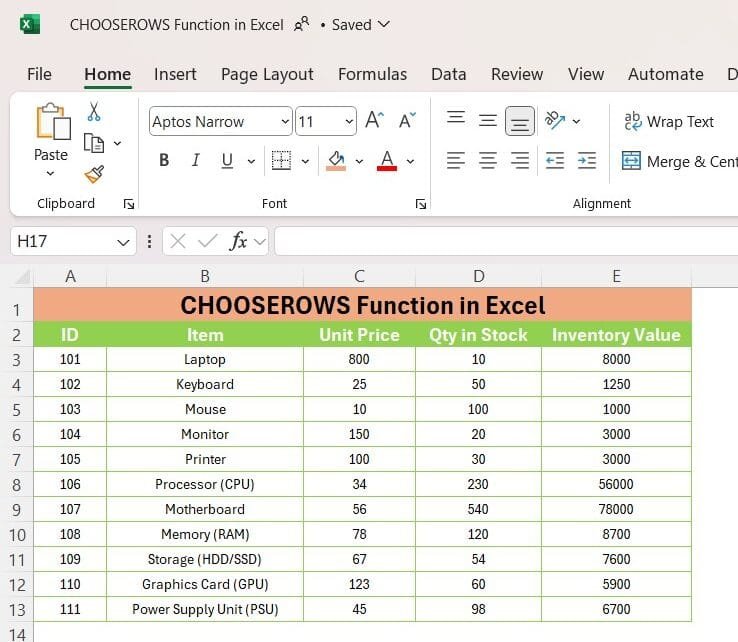
Are you ready to unlock the power of Excel formulas with the CHOOSEROWS function? In this post, we’ll walk you through how to use this handy function with real data
If you’re someone who works with Excel frequently, you’ve probably heard of the XLOOKUP Function in Excel. It’s a game-changer, especially when it comes to searching for data in large
PKComments Off on Dynamic KPI indicator with SEQUENCE and CEILING Function in Excel
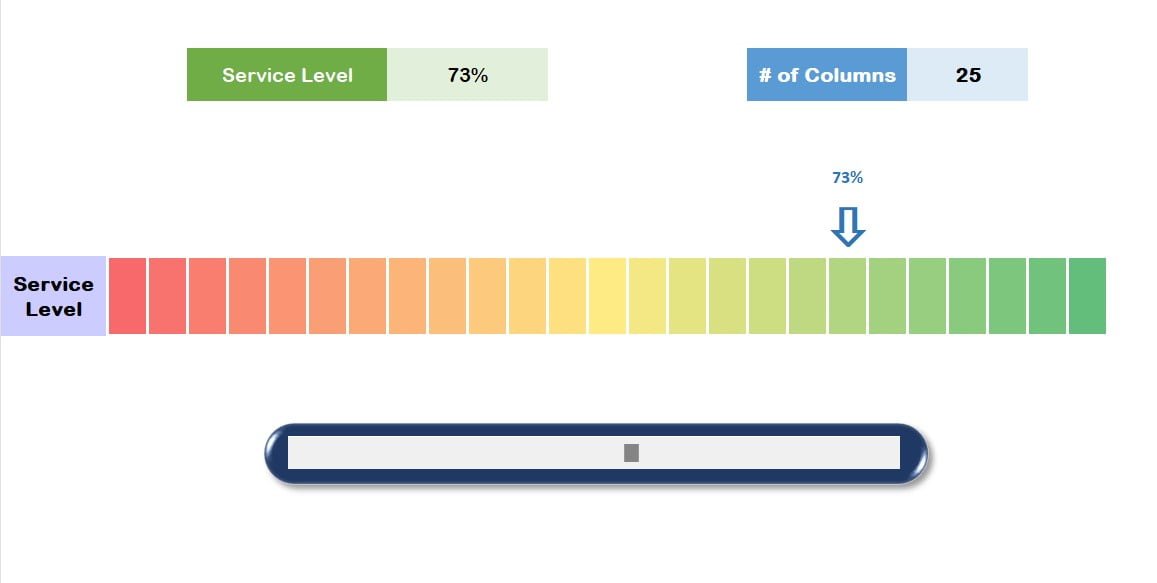
In the competitive landscape of today's business world, tracking and analyzing key performance indicators (KPIs) is vital for assessing and improving your organization's performance. Microsoft Excel provides various functions to
PKComments Off on LAMBDA Function in Excel with Example
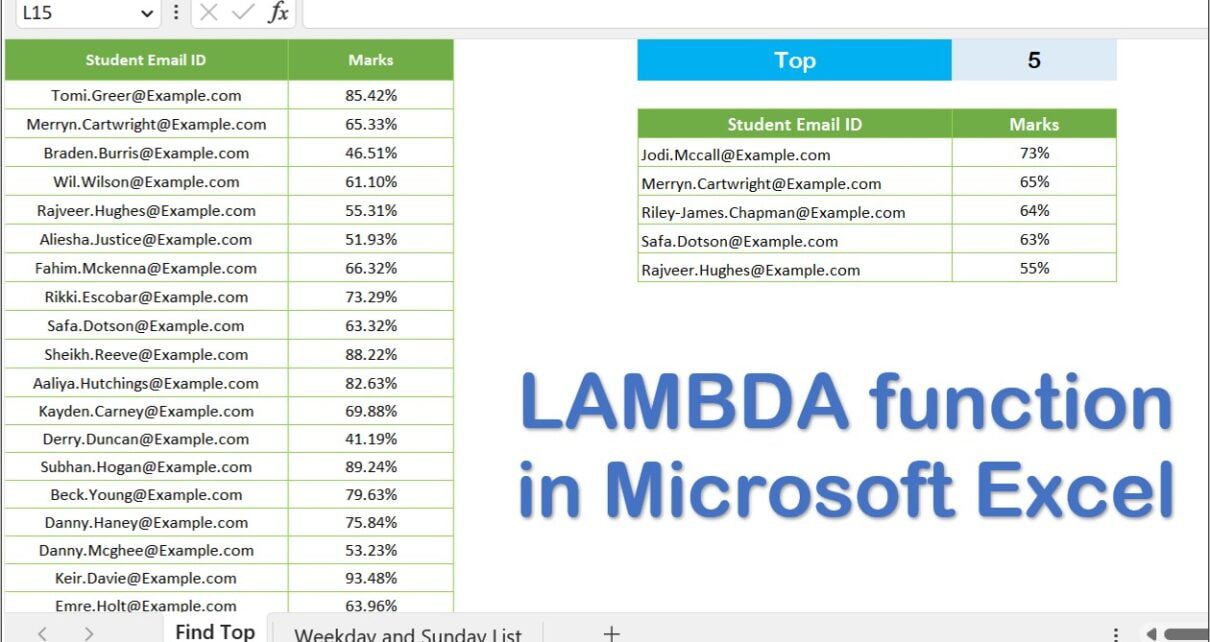
In this article, you will learn how to use the LAMBDA Function in Excel with Example. By utilizing LAMBDA functions, you can generate personalized, reusable functions and give them a
PKComments Off on 5 Quick Productive Tips in Microsoft Excel
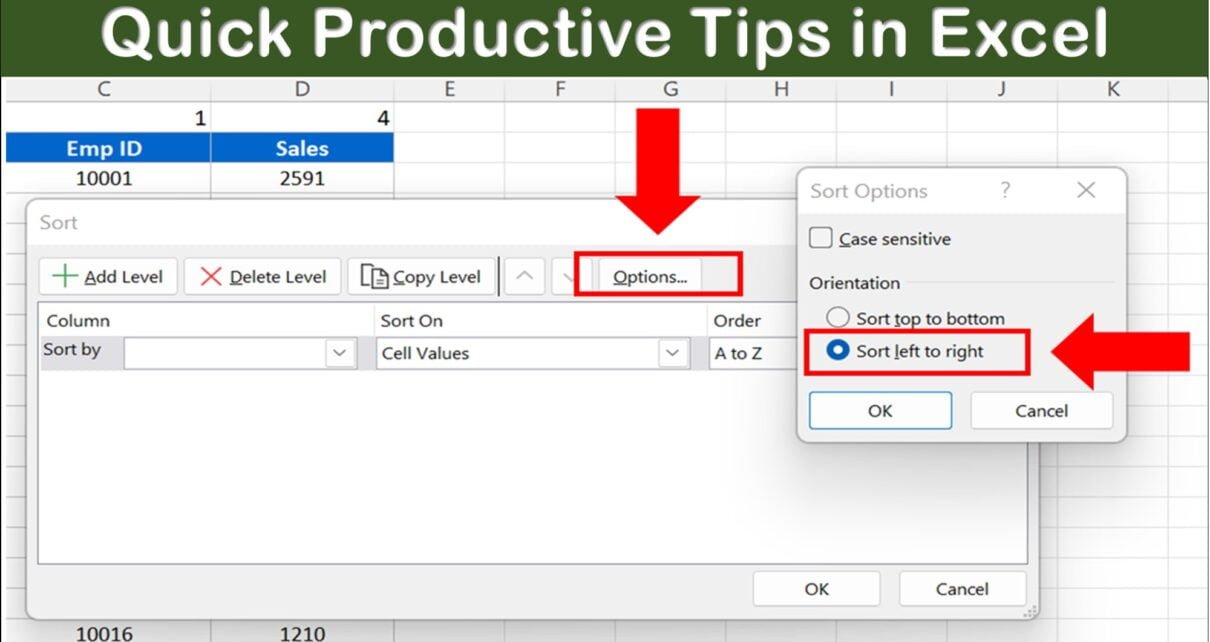
In this article, you will learn the 5 Productive Tips in Microsoft Excel to improve the productivity in Microsoft Excel. 5 Quick Productive Tips in Microsoft Excel Tip #1: Auto
PKComments Off on TEXT Function Use Cases in Excel
In this article, you will learn the use of TEXT Function in Excel. This Function is very powerful function in Excel. You can convert numbers into text in desired format. It
PKComments Off on XLOOKUP and XMATCH Function Step by Step Tutorial
In this article, You will learn how to use XLOOKUP and XMATCH Function in Microsoft Excel. XLOOKUP is very powerful functions. This function is currently available to Microsoft 365 subscribers
PKComments Off on UDF to get the frequency of specific word in a Paragraph
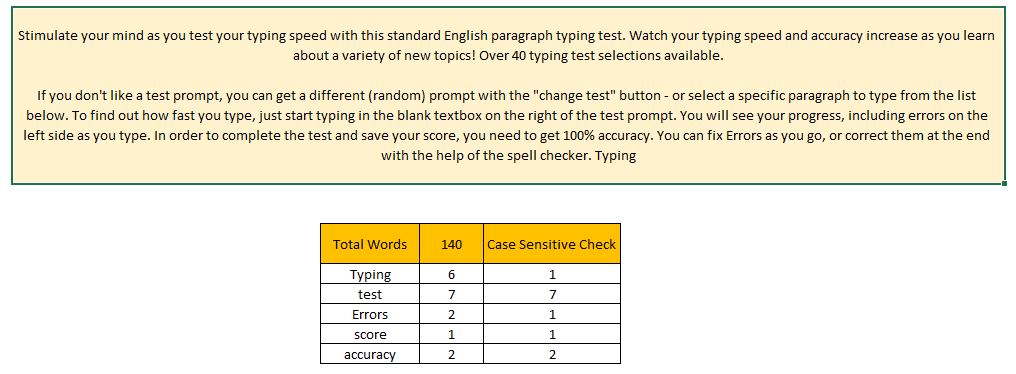
I. Introduction Data analysis - a critical aspect of modern business and organizations - provides valuable insights into various datasets, allowing informed decisions to be made. While Microsoft Excel boasts
PKComments Off on UDF for Evaluate a Formula in Excel: Turn Text into Results
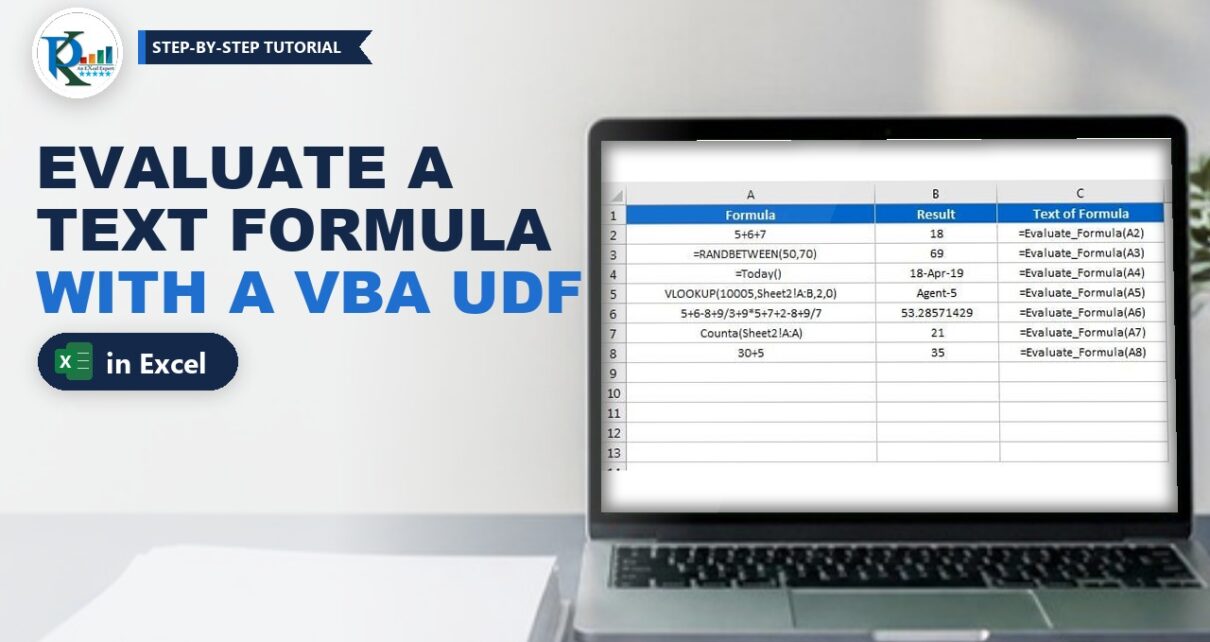
A UDF for evaluate a formula in Excel solves a common annoyance: a formula stored as text, such as 5+6+7 or VLOOKUP(10005,Sheet2!A:B,2,0), just sits in the cell and never calculates.