New: NextGenTemplates Academy - video courses on Excel formulas with AI and Pivot Tables & dashboards. Early-bird: 20% off with code EARLYBIRD20 - first 20 orders only. See the courses →
  • Learn Excel (Free Course)
    • 1. Shortcut Keys
    • 2. Fill & Flash Fill
    • 3. Find & Replace
    • 4. Sort & Filter
    • 5. Formulas & Functions
    • 6. Data Validation
    • 7. Conditional Formatting
    • 8. Basic Charts
    • 9. Advanced Charts
    • 10. Pivot Tables
    • 11. Excel Dashboards
    • 12. VBA Course
    • 13. Excel Formulas with AI
  • Templates
  • Tutorials
    • Charts and Visualization
    • VBA
    • Excel Tips and Tricks
    • Excel Dashboards
    • Power Pivot & DAX
  • Power BI
  • Template Store
    • Ready to Use Templates
  • Courses
  • Academy
    • Excel + AI Mastery: 100 Formulas
    • Excel Pivot Tables & Dashboards
  • About Us
  • Contact Us

PK: An Excel Expert

Transforming Data into Decisions

Tag: Excel Guide

Power Pivot

How to use Geography Option in Excel with Example

September 9, 2024October 10, 2026 PKComments Off on How to use Geography Option in Excel with Example
Have you ever wondered if you could use Excel for more than just numbers? Well, Excel has some pretty cool features that you may not know about, and one of
Read More
Excel Tips and Tricks

How to Check Common Names between two list in Excel

September 7, 2024October 10, 2026 PKComments Off on How to Check Common Names between two list in Excel
Do you often find yourself wondering how to quickly identify Check Common Names between two list across different lists in Excel. Whether you’re comparing attendees for different seminars, members in
Read More
Excel Tips and Tricks

Mastering XLOOKUP: A Comprehensive Guide with 10 Practical Examples

September 3, 2024October 10, 2026 PKComments Off on Mastering XLOOKUP: A Comprehensive Guide with 10 Practical Examples
If you're looking to become an Excel pro, Mastering XLOOKUP function is essential. This powerful tool is not only versatile but also simplifies complex data retrieval tasks that were previously
Read More
Excel Tips and Tricks

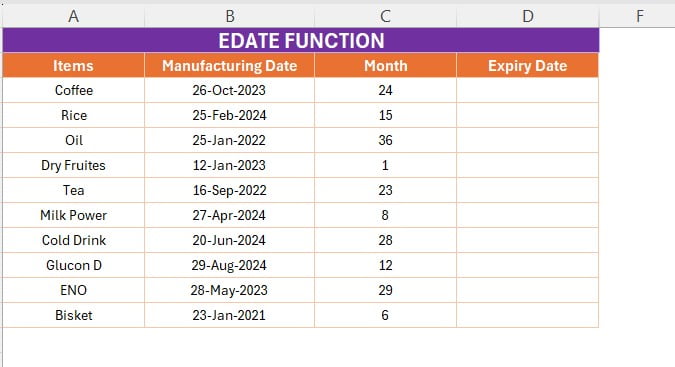
How to use EDATE Function in Excel with Example

September 3, 2024October 10, 2026 PKComments Off on How to use EDATE Function in Excel with Example
Are you looking to manage expiration dates for products effortlessly in Excel? The EDATE function is a powerful tool that can help you calculate future or past dates based on
Read More
Excel Tips and Tricks

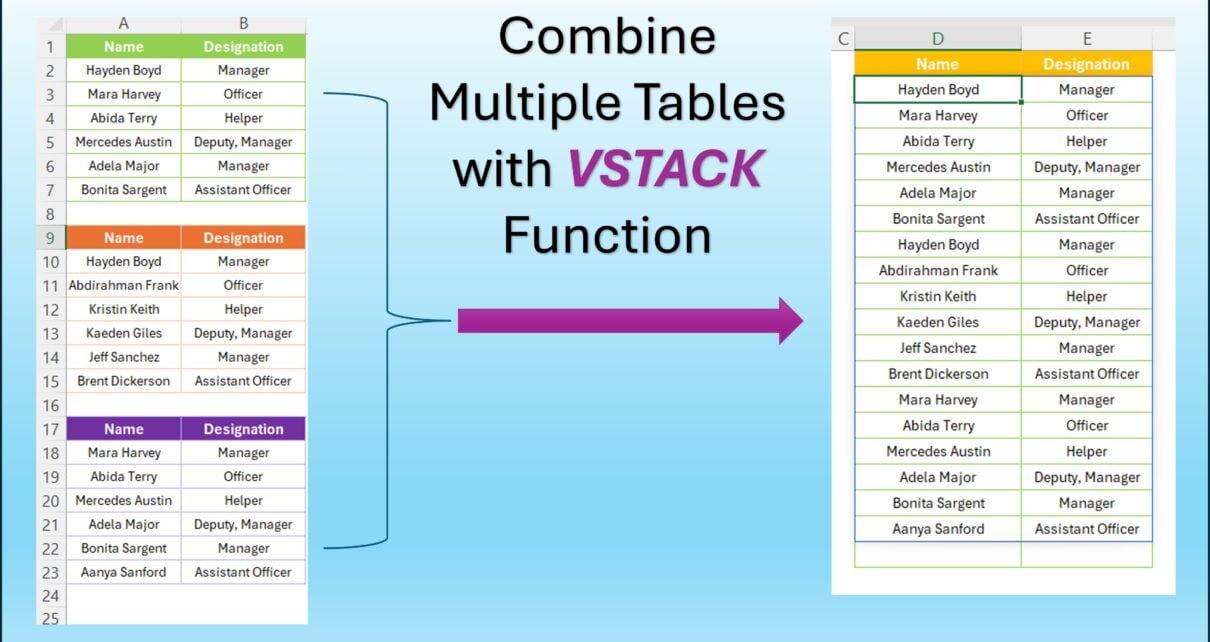
Combine Multiple Tables with VSTACK Function

August 29, 2024October 10, 2026 PKComments Off on Combine Multiple Tables with VSTACK Function
Have you ever had multiple tables in Excel that you needed to combine into one? If so, you're in the right place! In this post, we’re going to walk you
Read More
Create Multiple worksheets
VBA

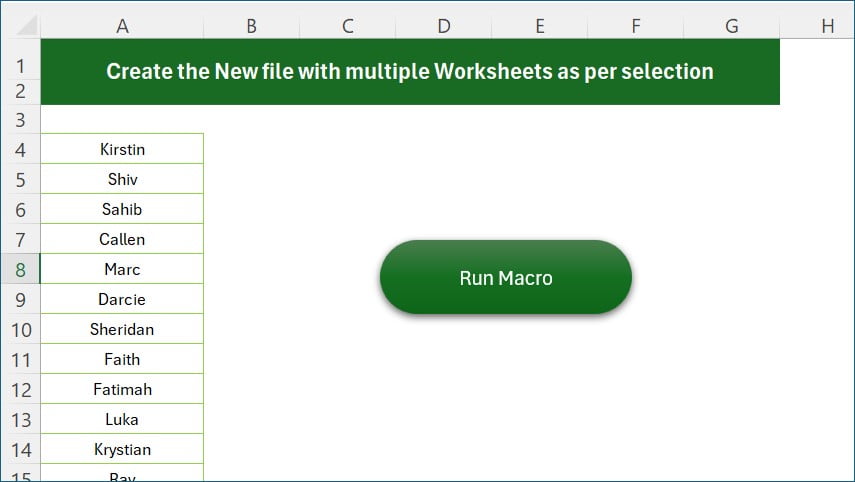
Macro to Create multiple worksheets from selection

August 16, 2024October 10, 2026 PKComments Off on Macro to Create multiple worksheets from selection
Have you ever found yourself in need of an Excel file with multiple worksheets, each customized to fit your needs? If the thought of setting this up seems overwhelming, don’t
Read More
Embed the Files in Excel
Excel Tips and Tricks

Excel Hacks: Seamlessly Embed Files in Excel from Other Apps

February 15, 2024October 10, 2026 PKComments Off on Excel Hacks: Seamlessly Embed Files in Excel from Other Apps
Excel Magic: Embed Files in Excel with Ease Welcome to this productivity and Excel tips article. Today, we will tell you about excellent feature of Microsoft Excel. You can embed
Read More
Show Data Dynamically using Scroll
Excel Tips and Tricks

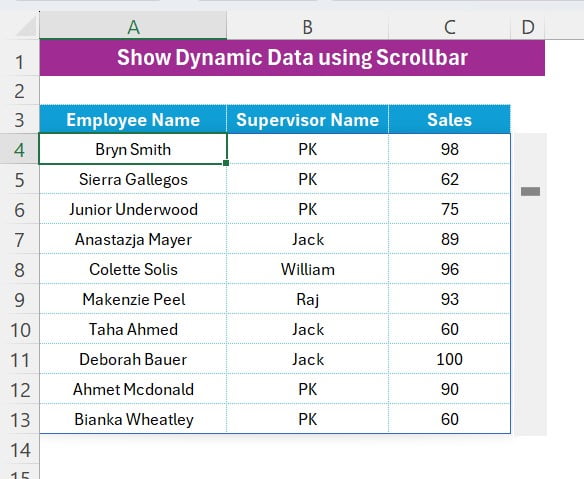
Show Data Dynamically using Vertical Scroll Bar in Excel

January 31, 2024October 10, 2026 PKComments Off on Show Data Dynamically using Vertical Scroll Bar in Excel
Struggling with endless data in Excel? Fear not! Our snazzy video, "Show Data Dynamically using Vertical Scroll Bar in Excel," is your ticket to simplicity and excitement in data handling.
Read More
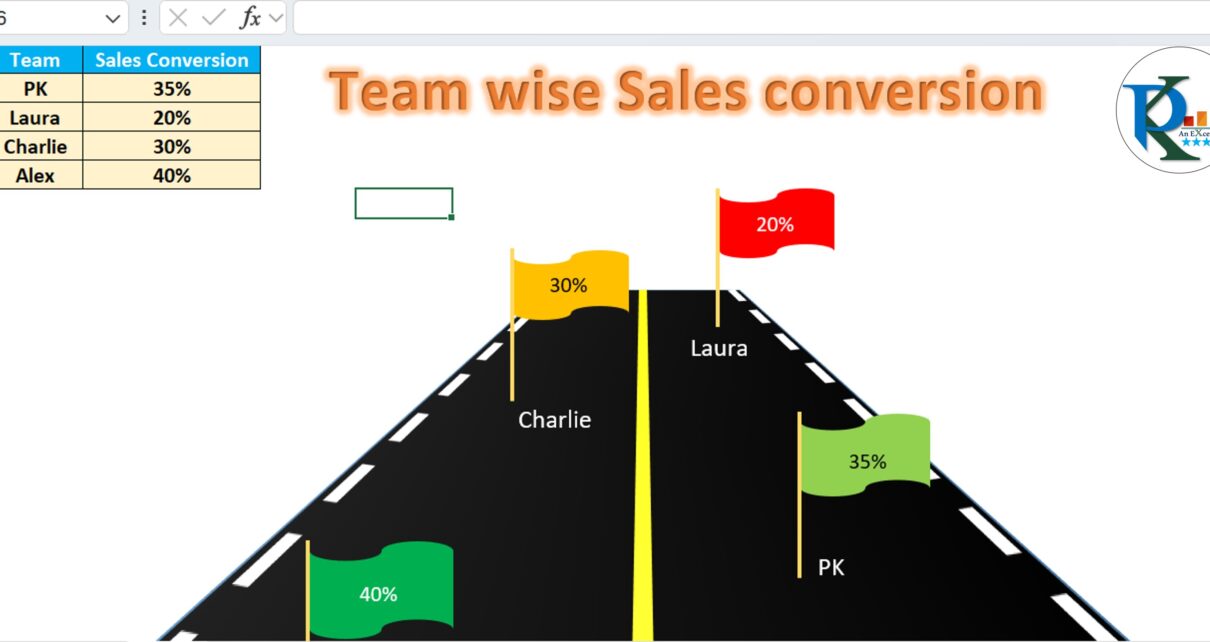
Road and Flag Chart
Charts and Visualization

Road and Flag infographics chart in Excel

January 28, 2024February 28, 2025 PKComments Off on Road and Flag infographics chart in Excel
Introduction Welcome to our fun and informative corner! Today, we're going to unravel the magic behind creating a dynamic "Road and Flag infographics chart" in Excel. This isn't just a
Read More
Number of Working days in a Month
Excel Tips and Tricks

Amazing Excel Hack to Count Working Days in a Month

January 5, 2024October 10, 2026 PKComments Off on Amazing Excel Hack to Count Working Days in a Month
Struggling to keep tabs on working days each month? Tired of the tedious manual counting? Well, here's some exciting news! We've got a super simple Excel trick that will make
Read More

Posts pagination

Previous 1 2 3 4 Next
  • Learn Excel (Free Course)
    • 1. Shortcut Keys
    • 2. Fill & Flash Fill
    • 3. Find & Replace
    • 4. Sort & Filter
    • 5. Formulas & Functions
    • 6. Data Validation
    • 7. Conditional Formatting
    • 8. Basic Charts
    • 9. Advanced Charts
    • 10. Pivot Tables
    • 11. Excel Dashboards
    • 12. VBA Course
    • 13. Excel Formulas with AI
  • Templates
  • Tutorials
    • Charts and Visualization
    • VBA
    • Excel Tips and Tricks
    • Excel Dashboards
    • Power Pivot & DAX
  • Power BI
  • Template Store
    • Ready to Use Templates
  • Courses
  • Academy
    • Excel + AI Mastery: 100 Formulas
    • Excel Pivot Tables & Dashboards
  • About Us
  • Contact Us
Copyright © 2023 PK-AnExcelExpert.com - Privacy Policy