New: NextGenTemplates Academy - video courses on Excel formulas with AI and Pivot Tables & dashboards. Early-bird: 20% off with code EARLYBIRD20 - first 20 orders only. See the courses →
  • Learn Excel (Free Course)
    • 1. Shortcut Keys
    • 2. Fill & Flash Fill
    • 3. Find & Replace
    • 4. Sort & Filter
    • 5. Formulas & Functions
    • 6. Data Validation
    • 7. Conditional Formatting
    • 8. Basic Charts
    • 9. Advanced Charts
    • 10. Pivot Tables
    • 11. Excel Dashboards
    • 12. VBA Course
    • 13. Excel Formulas with AI
  • Templates
  • Tutorials
    • Charts and Visualization
    • VBA
    • Excel Tips and Tricks
    • Excel Dashboards
    • Power Pivot & DAX
  • Power BI
  • Template Store
    • Ready to Use Templates
  • Courses
  • Academy
    • Excel + AI Mastery: 100 Formulas
    • Excel Pivot Tables & Dashboards
  • About Us
  • Contact Us

PK: An Excel Expert

Transforming Data into Decisions
Blogs

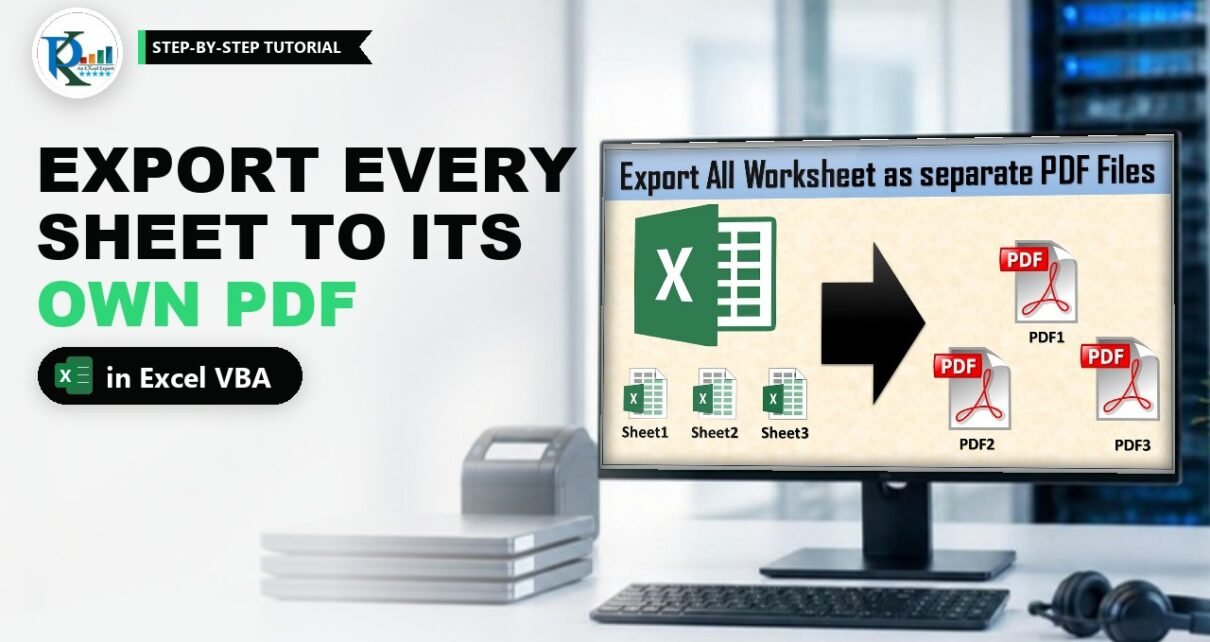
Export All Excel Worksheets in Separate PDF Files (VBA Macro)
VBA

Export All Excel Worksheets in Separate PDF Files (VBA Macro)

October 28, 2019October 9, 2026 PKComments Off on Export All Excel Worksheets in Separate PDF Files (VBA Macro)
Need to export all Excel worksheets in separate PDF files? Doing it by hand means selecting each sheet, choosing Save As PDF and typing a file name, again and again.
Read More
Goal Seek in Excel using VBA: Find Minimum Sales to Hit a Target
VBA

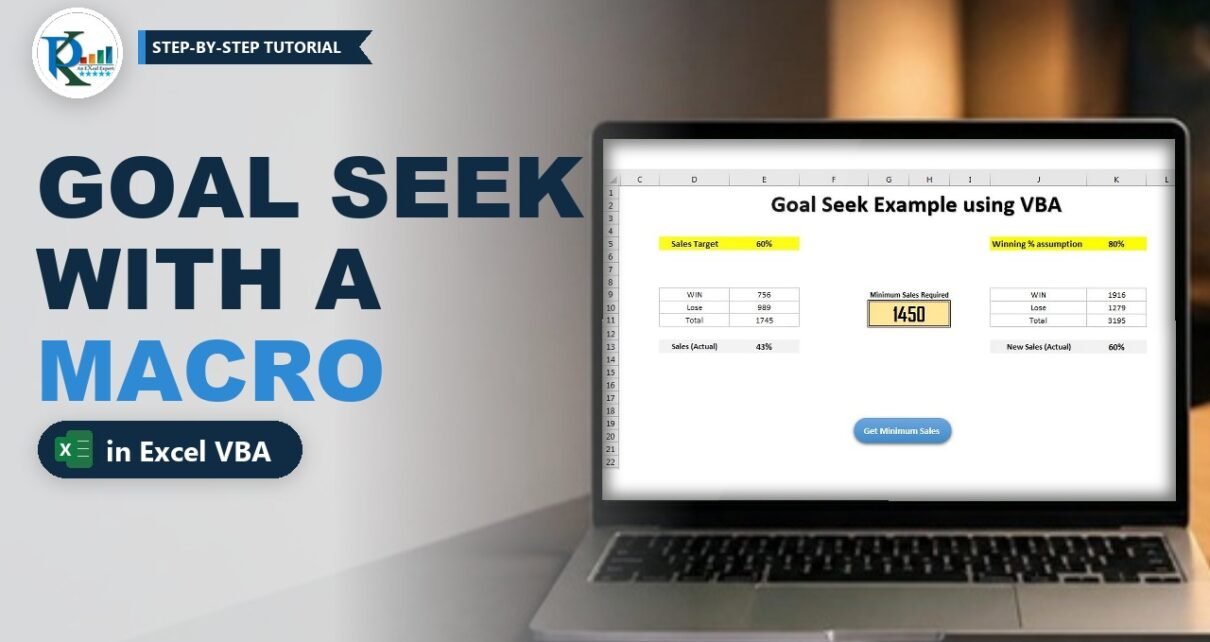
Goal Seek in Excel using VBA: Find Minimum Sales to Hit a Target

October 25, 2019October 9, 2026 PKComments Off on Goal Seek in Excel using VBA: Find Minimum Sales to Hit a Target
Goal Seek in Excel using VBA lets you answer a "how much do I need?" question with one button click instead of opening the What-If Analysis dialog every time. In
Read More
10 Useful Pivot Table Tips in Excel (Free Practice File)
Excel Tips and Tricks

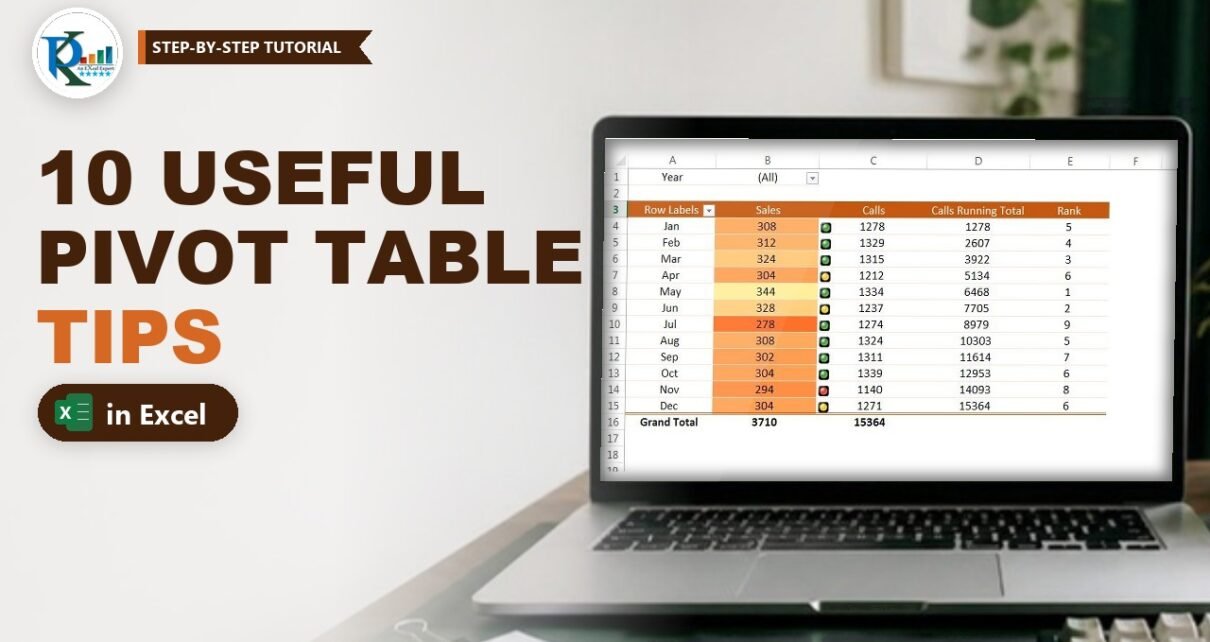
10 Useful Pivot Table Tips in Excel (Free Practice File)

October 25, 2019October 9, 2026 PKComments Off on 10 Useful Pivot Table Tips in Excel (Free Practice File)
These 10 pivot table tips fix the small annoyances that slow down every Excel report: column widths that jump on refresh, running totals and ranks you still build with helper
Read More
Data Driven 3D Table in Excel Using a Linked Picture
Charts and Visualization

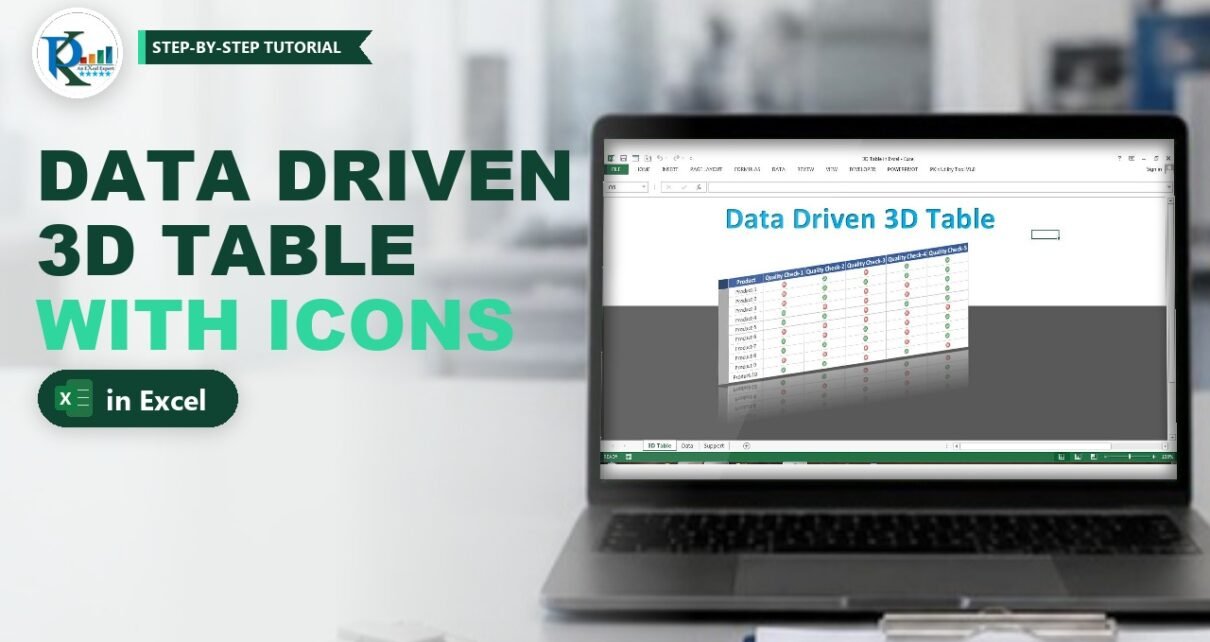
Data Driven 3D Table in Excel Using a Linked Picture

October 17, 2019October 9, 2026 PKComments Off on Data Driven 3D Table in Excel Using a Linked Picture
A data driven 3D table in Excel makes a plain status grid look like a tilted, glossy panel that still updates live with your data. In this tutorial you build
Read More
Timer Chart Visualization in Excel: Stopwatch KPI Chart
Charts and Visualization

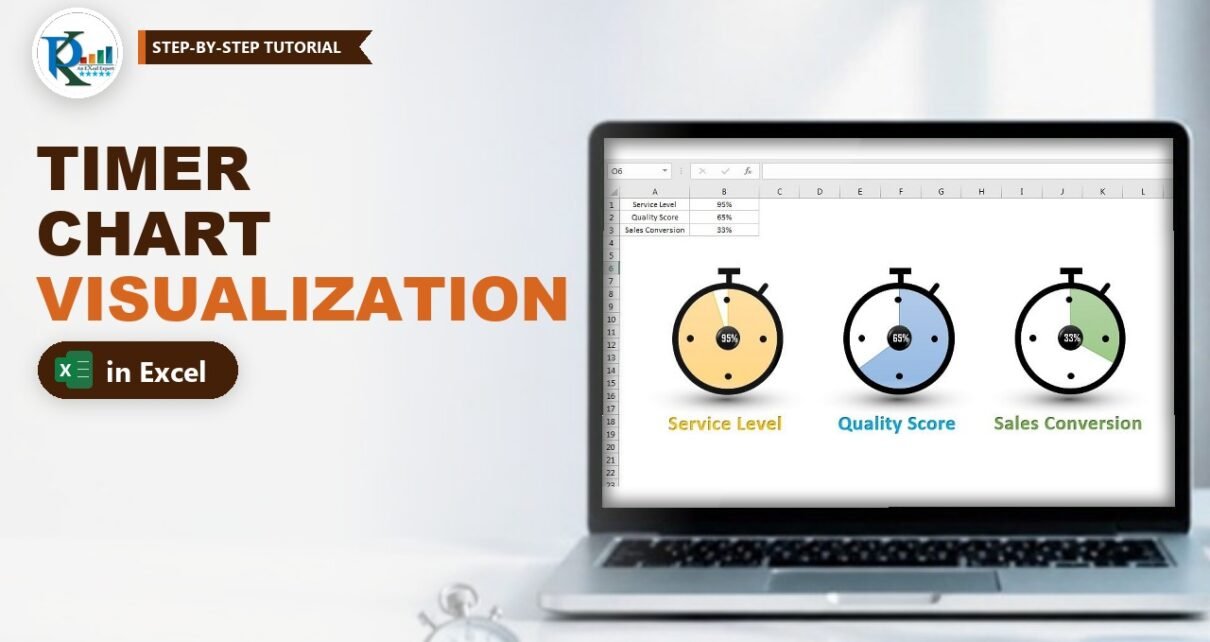
Timer Chart Visualization in Excel: Stopwatch KPI Chart

October 14, 2019October 9, 2026 PKComments Off on Timer Chart Visualization in Excel: Stopwatch KPI Chart
A timer chart visualization in Excel turns a plain percentage into a stopwatch whose face fills up as the value grows. It is a great way to show KPI metrics
Read More
Dynamic Conditional Formatting in Excel with Option Buttons
Charts and Visualization

Dynamic Conditional Formatting in Excel with Option Buttons

October 10, 2019October 9, 2026 PKComments Off on Dynamic Conditional Formatting in Excel with Option Buttons
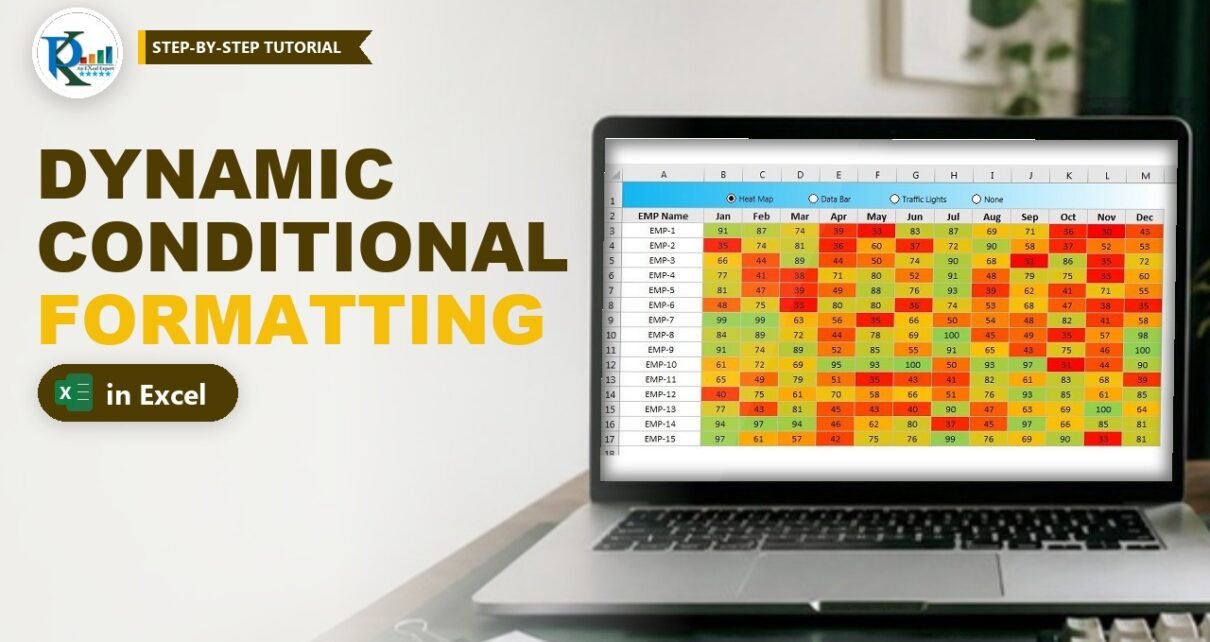
Dynamic conditional formatting in Excel lets one table switch between a heat map, data bars and traffic-light icons with a single click. In this tutorial you build it with four
Read More
Subtotal Feature in Excel: Group, Sum and Outline Your Data
Excel Tips and Tricks

Subtotal Feature in Excel: Group, Sum and Outline Your Data

October 3, 2019October 9, 2026 PKComments Off on Subtotal Feature in Excel: Group, Sum and Outline Your Data
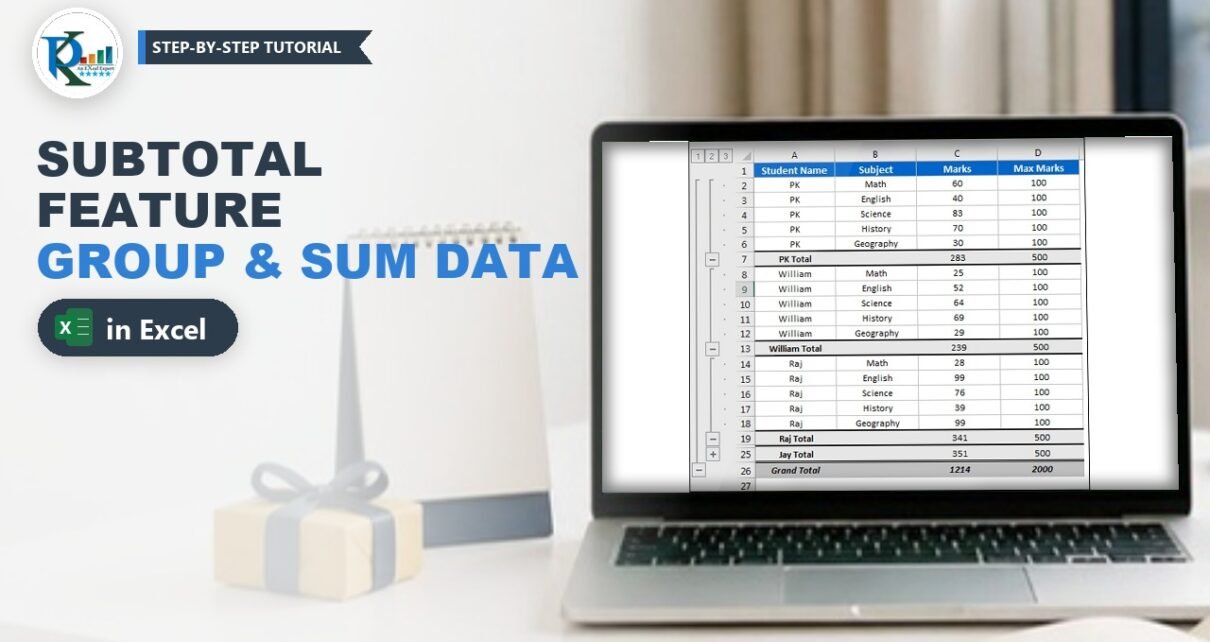
The Subtotal feature in Excel adds a total after every group in a sorted list, adds a grand total at the bottom and builds an outline, so you can collapse
Read More
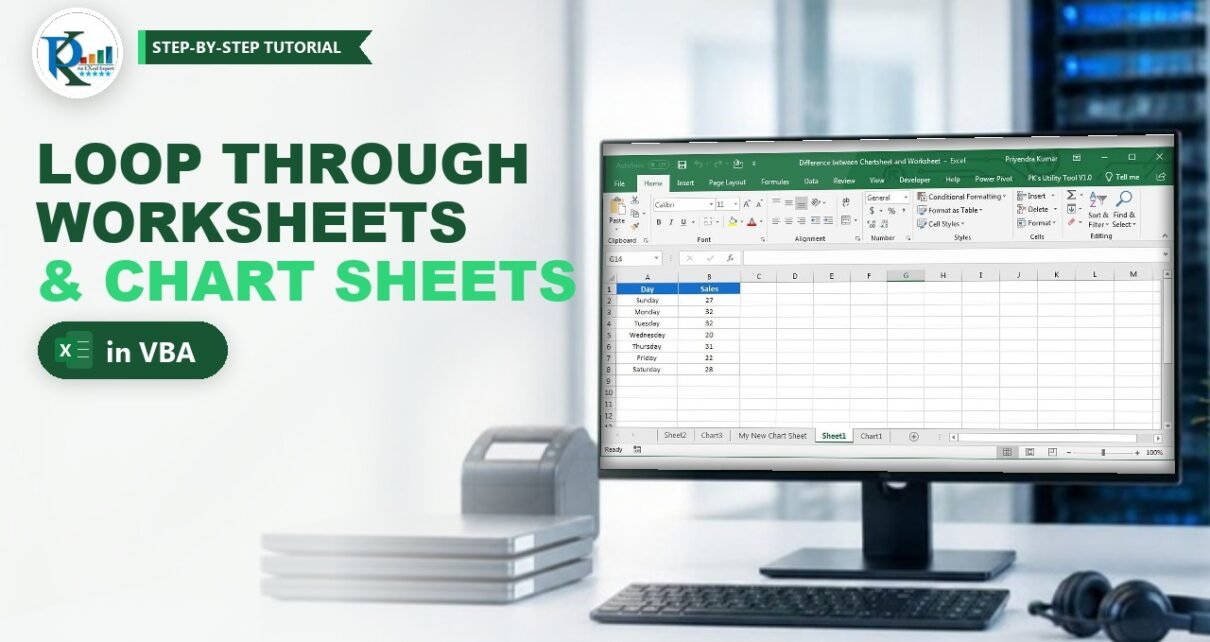
Loop Through Worksheets, Sheets and Chart Sheets in Excel VBA
VBA

Loop Through Worksheets, Sheets and Chart Sheets in Excel VBA

September 30, 2019October 9, 2026 PKComments Off on Loop Through Worksheets, Sheets and Chart Sheets in Excel VBA
To loop through worksheets in VBA you first need to know which kind of sheet you are looping over, because Excel has two: worksheets with cells, and chart sheets that
Read More
Progress Bar in Excel Cells Using Conditional Formatting
Excel Tips and Tricks

Progress Bar in Excel Cells Using Conditional Formatting

September 26, 2019October 9, 2026 PKComments Off on Progress Bar in Excel Cells Using Conditional Formatting
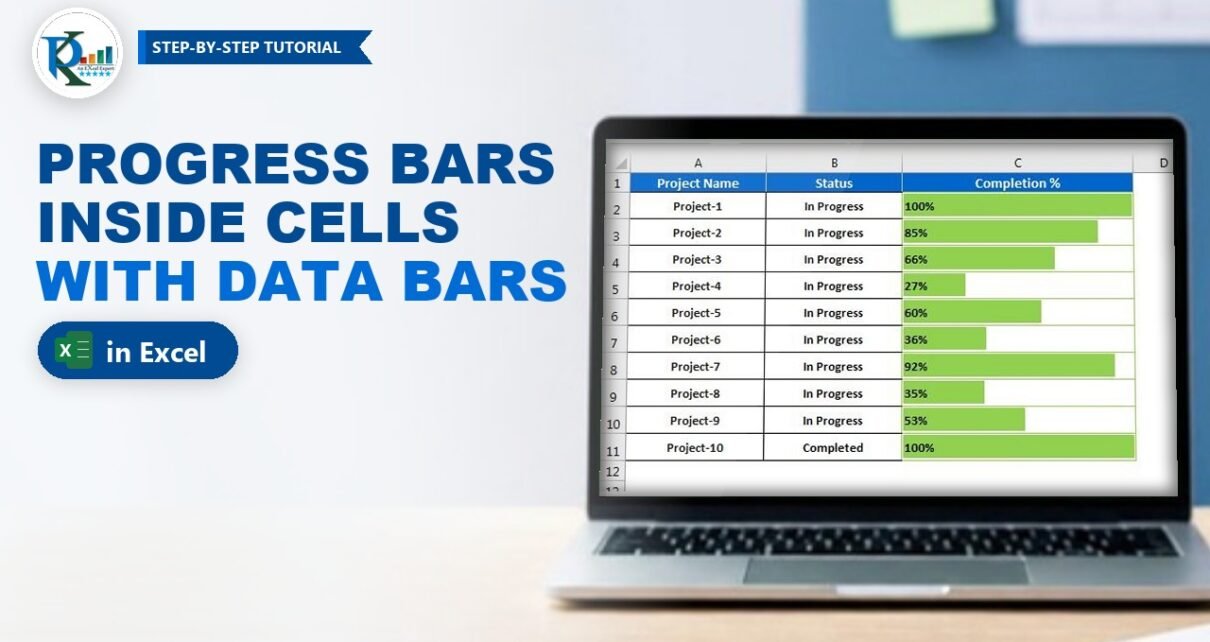
A progress bar in Excel cells turns a column of plain percentages into a row of bars you can read at a glance: 27% shows a short bar, 92% almost
Read More
Animated Filled Spheres in PowerPoint (Free Template)
Power Point Visualization

Animated Filled Spheres in PowerPoint (Free Template)

September 23, 2019October 9, 2026 PKComments Off on Animated Filled Spheres in PowerPoint (Free Template)
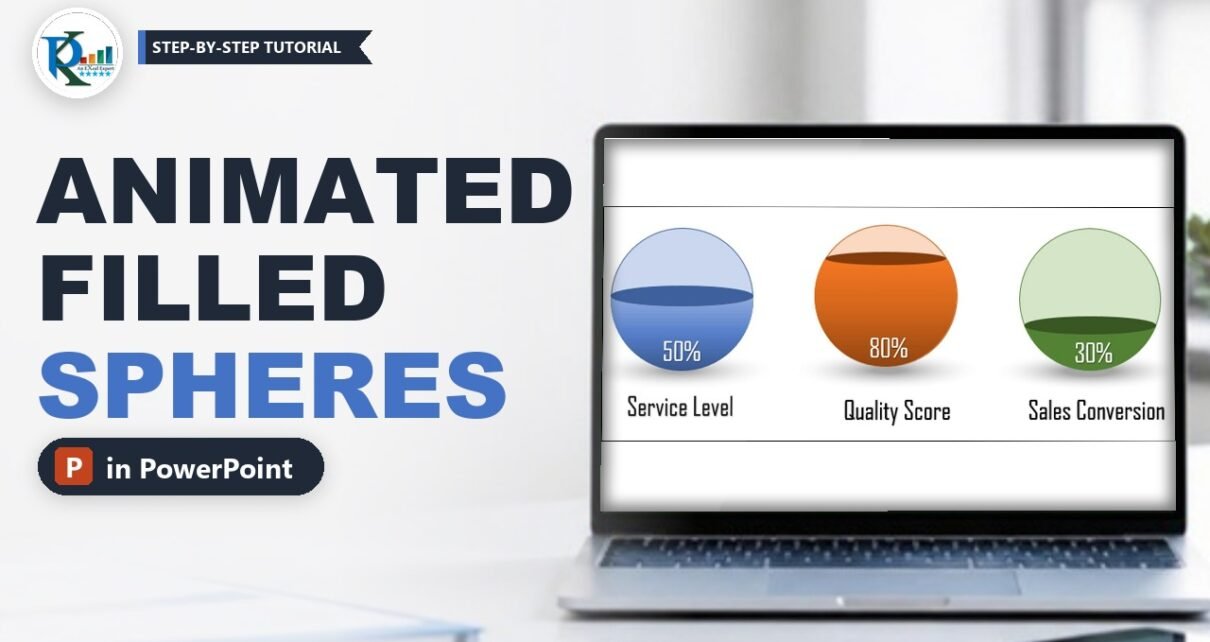
Animated filled spheres in PowerPoint turn plain KPI percentages into glass balls that fill up, one click at a time, while you present. Each sphere shows a metric such as
Read More

Posts pagination

Previous 1 … 284 285 286 … 300 Next
  • Learn Excel (Free Course)
    • 1. Shortcut Keys
    • 2. Fill & Flash Fill
    • 3. Find & Replace
    • 4. Sort & Filter
    • 5. Formulas & Functions
    • 6. Data Validation
    • 7. Conditional Formatting
    • 8. Basic Charts
    • 9. Advanced Charts
    • 10. Pivot Tables
    • 11. Excel Dashboards
    • 12. VBA Course
    • 13. Excel Formulas with AI
  • Templates
  • Tutorials
    • Charts and Visualization
    • VBA
    • Excel Tips and Tricks
    • Excel Dashboards
    • Power Pivot & DAX
  • Power BI
  • Template Store
    • Ready to Use Templates
  • Courses
  • Academy
    • Excel + AI Mastery: 100 Formulas
    • Excel Pivot Tables & Dashboards
  • About Us
  • Contact Us
Copyright © 2023 PK-AnExcelExpert.com - Privacy Policy