New: NextGenTemplates Academy - video courses on Excel formulas with AI and Pivot Tables & dashboards. Early-bird: 20% off with code EARLYBIRD20 - first 20 orders only. See the courses →
  • Learn Excel (Free Course)
    • 1. Shortcut Keys
    • 2. Fill & Flash Fill
    • 3. Find & Replace
    • 4. Sort & Filter
    • 5. Formulas & Functions
    • 6. Data Validation
    • 7. Conditional Formatting
    • 8. Basic Charts
    • 9. Advanced Charts
    • 10. Pivot Tables
    • 11. Excel Dashboards
    • 12. VBA Course
    • 13. Excel Formulas with AI
  • Templates
  • Tutorials
    • Charts and Visualization
    • VBA
    • Excel Tips and Tricks
    • Excel Dashboards
    • Power Pivot & DAX
  • Power BI
  • Template Store
    • Ready to Use Templates
  • Courses
  • Academy
    • Excel + AI Mastery: 100 Formulas
    • Excel Pivot Tables & Dashboards
  • About Us
  • Contact Us

PK: An Excel Expert

Transforming Data into Decisions

Blogs

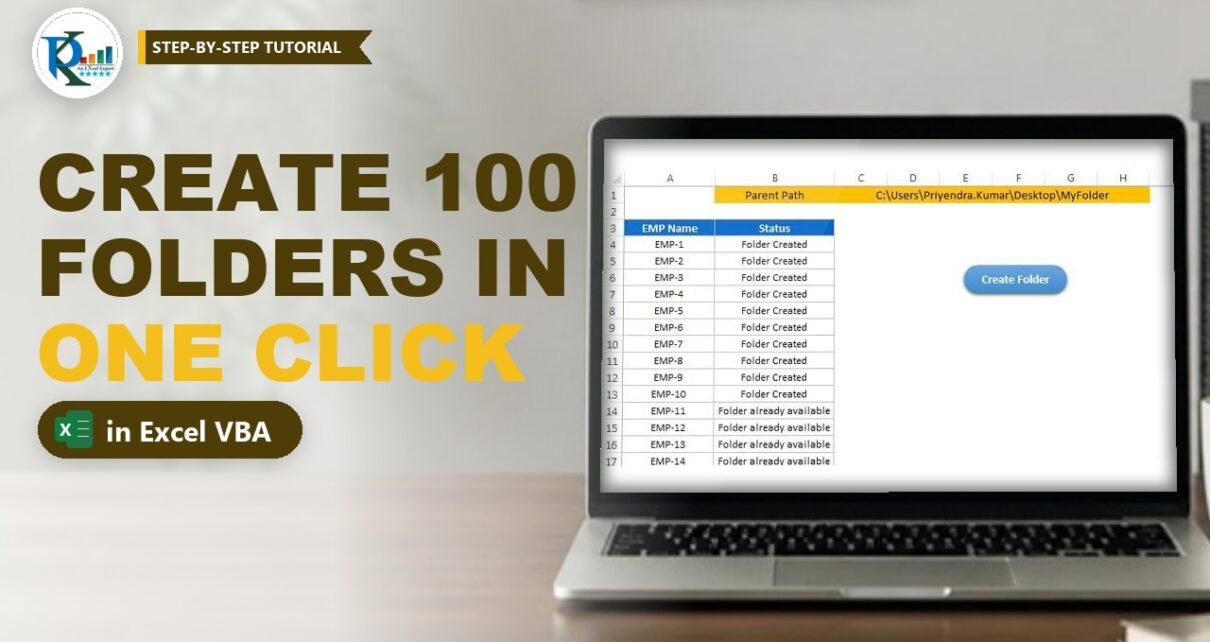
Create Multiple Folders from Excel Range with VBA in One Click
VBA

Create Multiple Folders from Excel Range with VBA in One Click

February 2, 2019October 9, 2026 PKComments Off on Create Multiple Folders from Excel Range with VBA in One Click
To create multiple folders from an Excel range, you only need a short VBA macro that reads a list of names, builds a path for each one and makes the
Read More
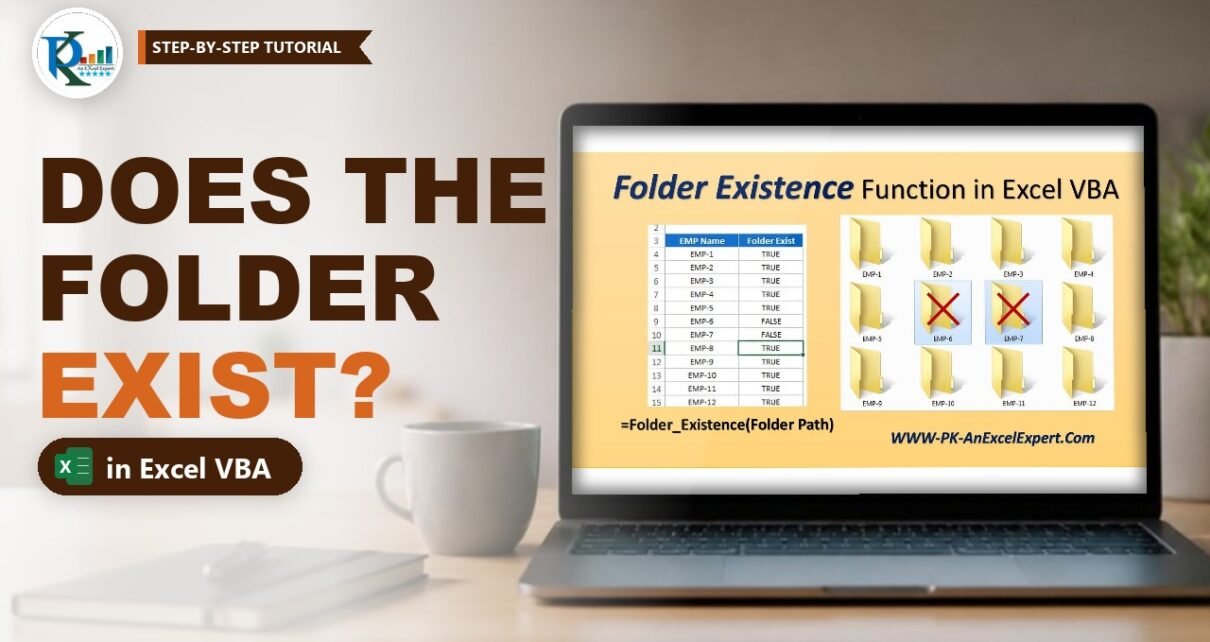
Check Folder Existence Using VBA in Excel (Free UDF)
VBA

Check Folder Existence Using VBA in Excel (Free UDF)

February 1, 2019October 9, 2026 PKComments Off on Check Folder Existence Using VBA in Excel (Free UDF)
Before a macro creates, deletes or saves into a folder, you should check folder existence using VBA. If the folder is missing, the macro stops with a run-time error. If
Read More
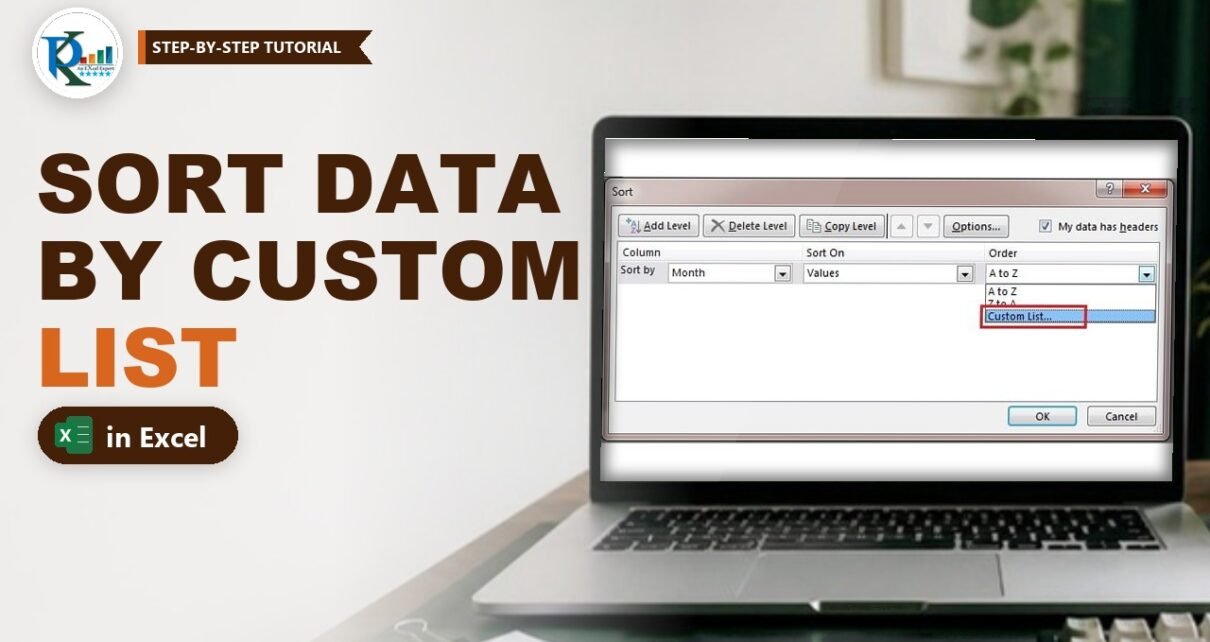
Sort Data by Custom List in Excel (Months, Sizes and More)
Excel Tips and Tricks

Sort Data by Custom List in Excel (Months, Sizes and More)

January 18, 2019October 9, 2026 PKComments Off on Sort Data by Custom List in Excel (Months, Sizes and More)
When you sort data by custom list in Excel, you choose the order yourself instead of accepting A to Z. That matters for month names, T-shirt sizes, priority levels and
Read More
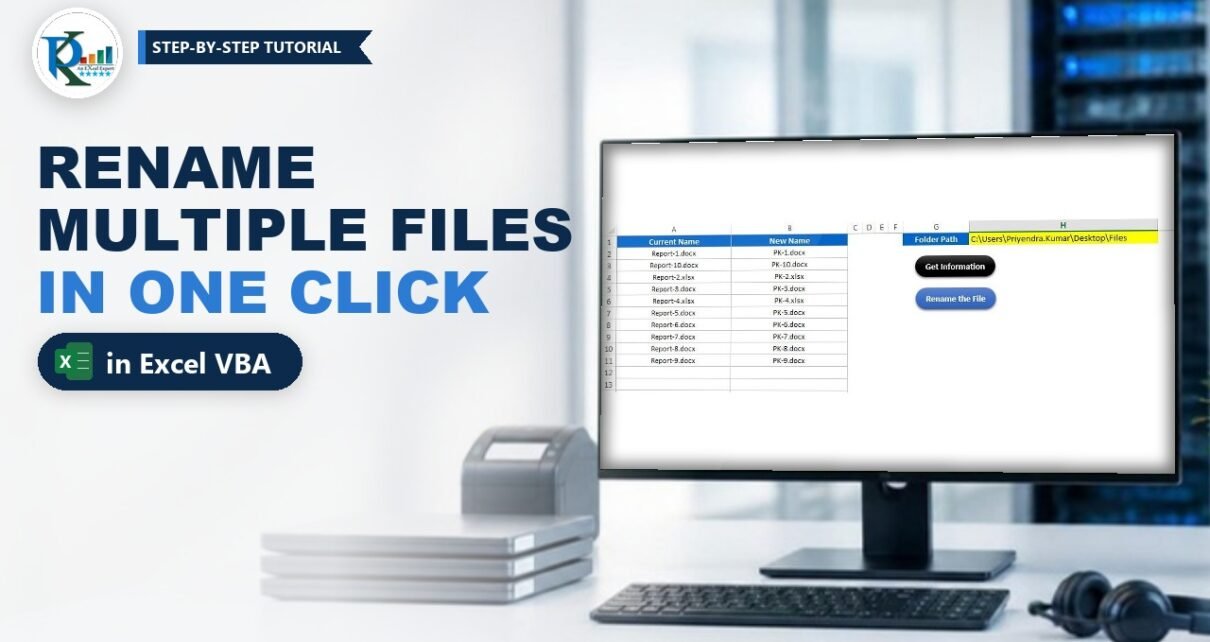
Rename Multiple Files in Excel VBA with One Click
VBA

Rename Multiple Files in Excel VBA with One Click

January 10, 2019October 9, 2026 PKComments Off on Rename Multiple Files in Excel VBA with One Click
To rename multiple files in one go, you don't need a paid utility. A small Excel VBA tool can do it for you. You list the current file names of
Read More
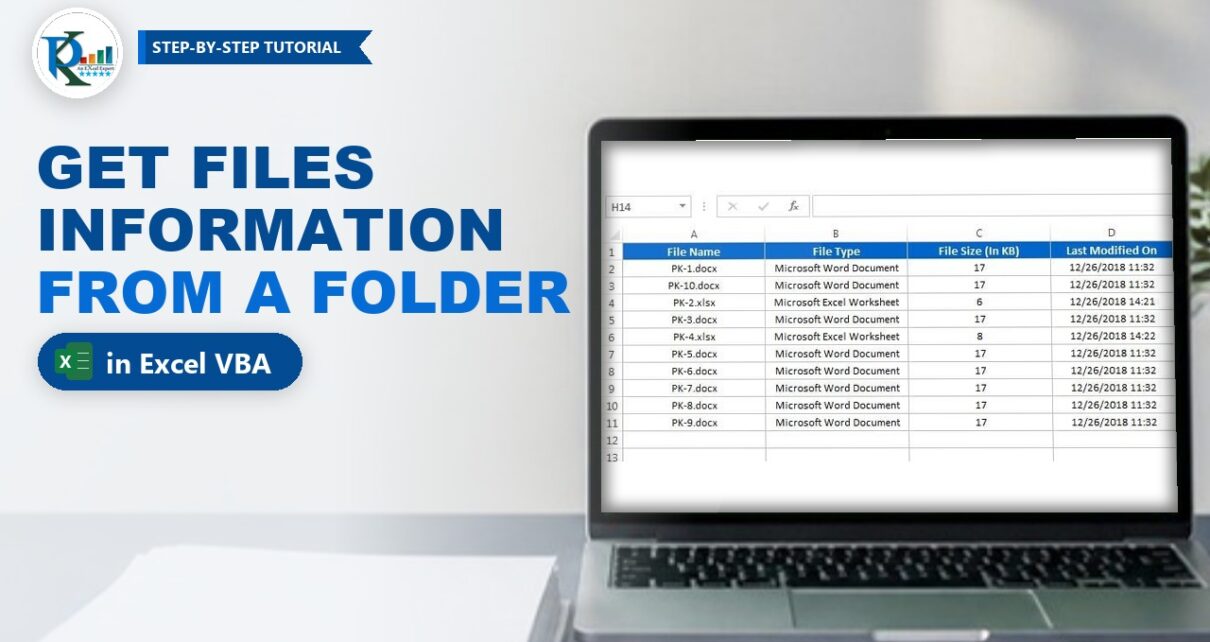
File System Object in VBA: Get Files Information in Excel
VBA

File System Object in VBA: Get Files Information in Excel

January 5, 2019October 9, 2026 PK0
The File System Object lets Excel VBA read a folder and bring the details of every file into a worksheet: the file name, the file type, the size in KB
Read More
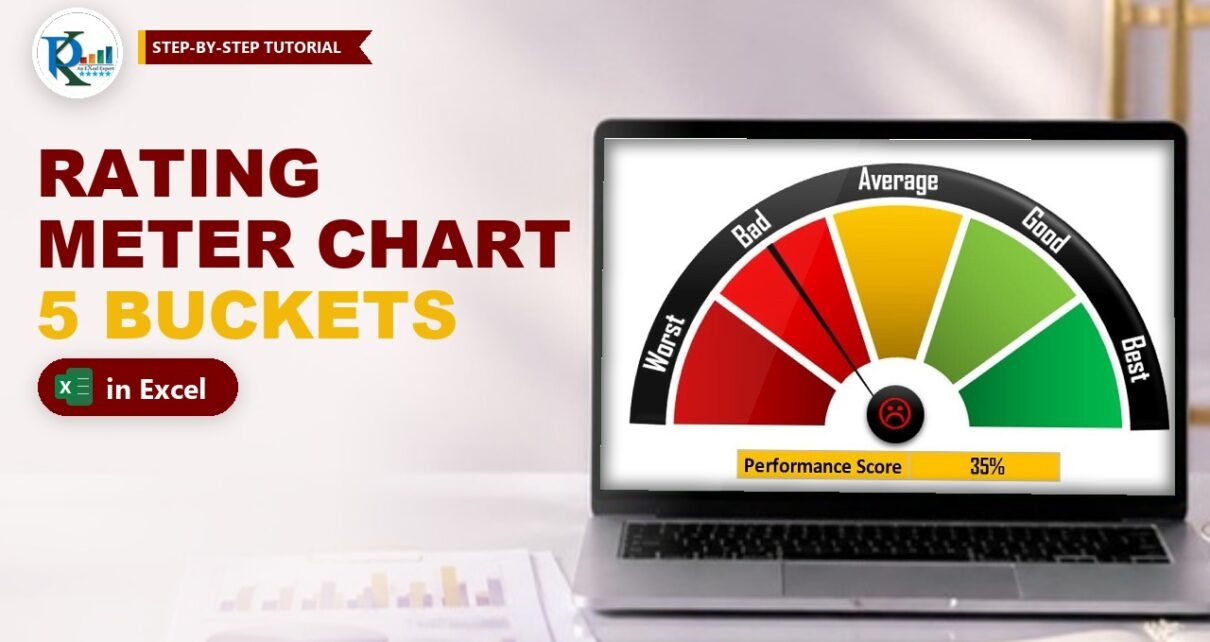
Rating Meter Chart in Excel: 5-Bucket Gauge Step by Step
Charts and Visualization

Rating Meter Chart in Excel: 5-Bucket Gauge Step by Step

January 2, 2019October 9, 2026 PK0
A rating meter chart in Excel turns a single performance score into a speedometer-style gauge that anyone can read in a second. The scale is split into five buckets, Worst,
Read More
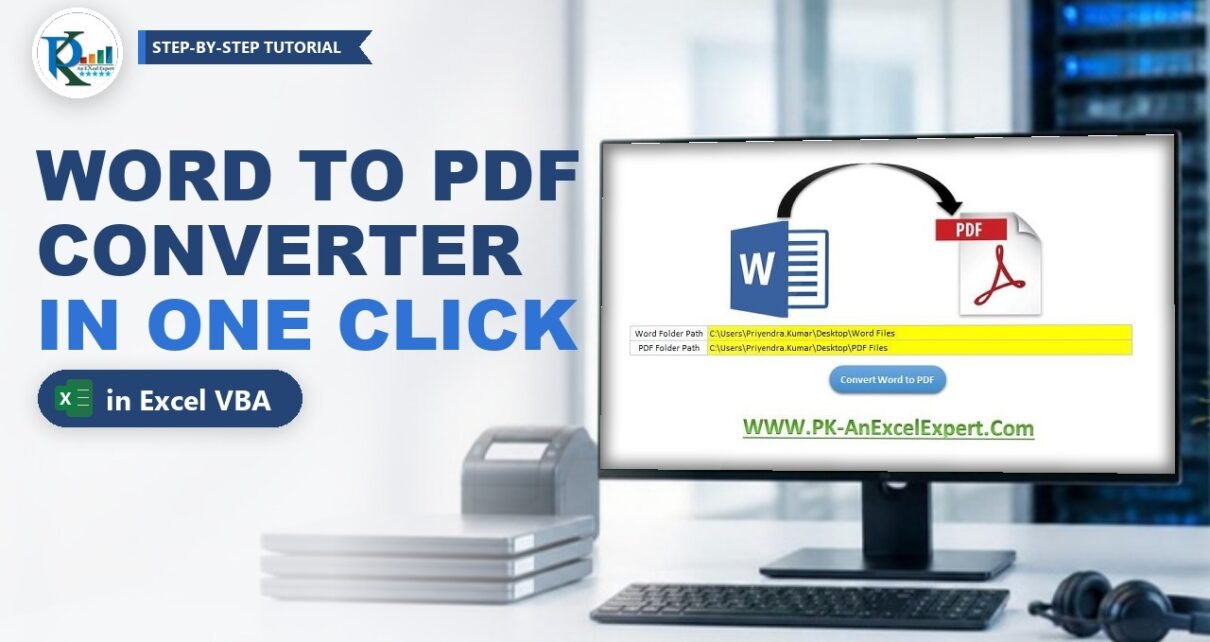
Word to PDF Converter in Excel VBA: Convert Multiple Files
VBA Templates

Word to PDF Converter in Excel VBA: Convert Multiple Files

December 29, 2018October 9, 2026 PK0
A Word to PDF converter built in Excel VBA turns a whole folder of Word documents into PDF files with one click. You type two folder paths on a sheet,
Read More
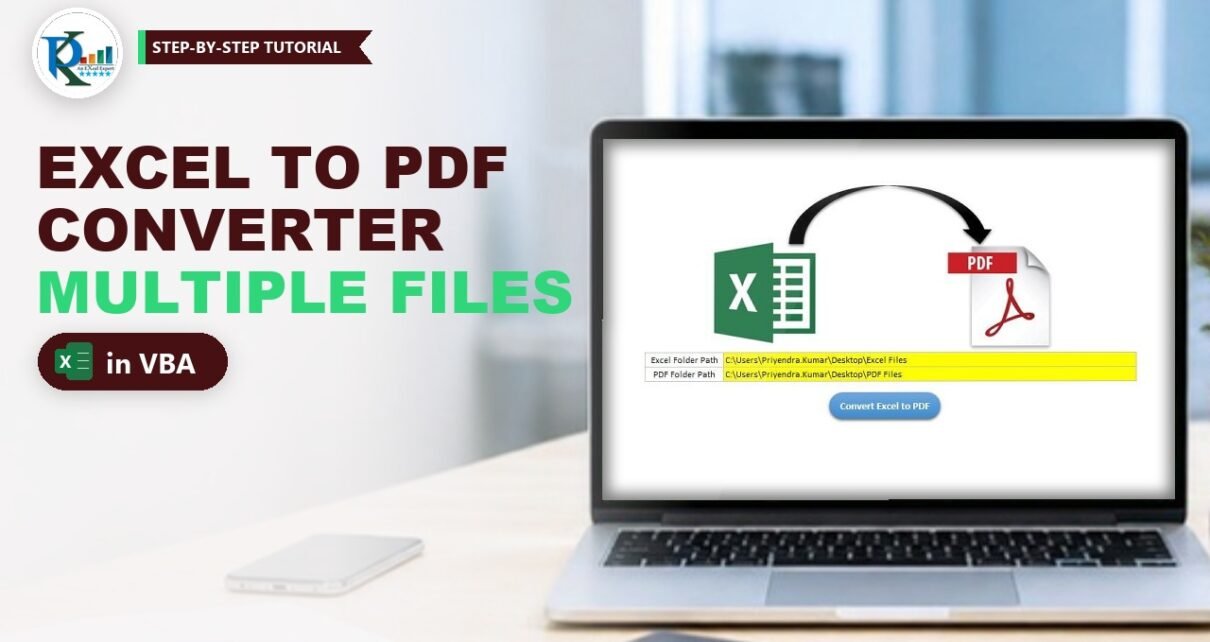
Excel to PDF Converter in VBA: Convert Multiple Files at Once
VBA Templates

Excel to PDF Converter in VBA: Convert Multiple Files at Once

December 26, 2018October 9, 2026 PK0
An Excel to PDF converter in VBA saves you from one of the most boring jobs in the office: opening file after file and choosing Save As PDF. For one
Read More
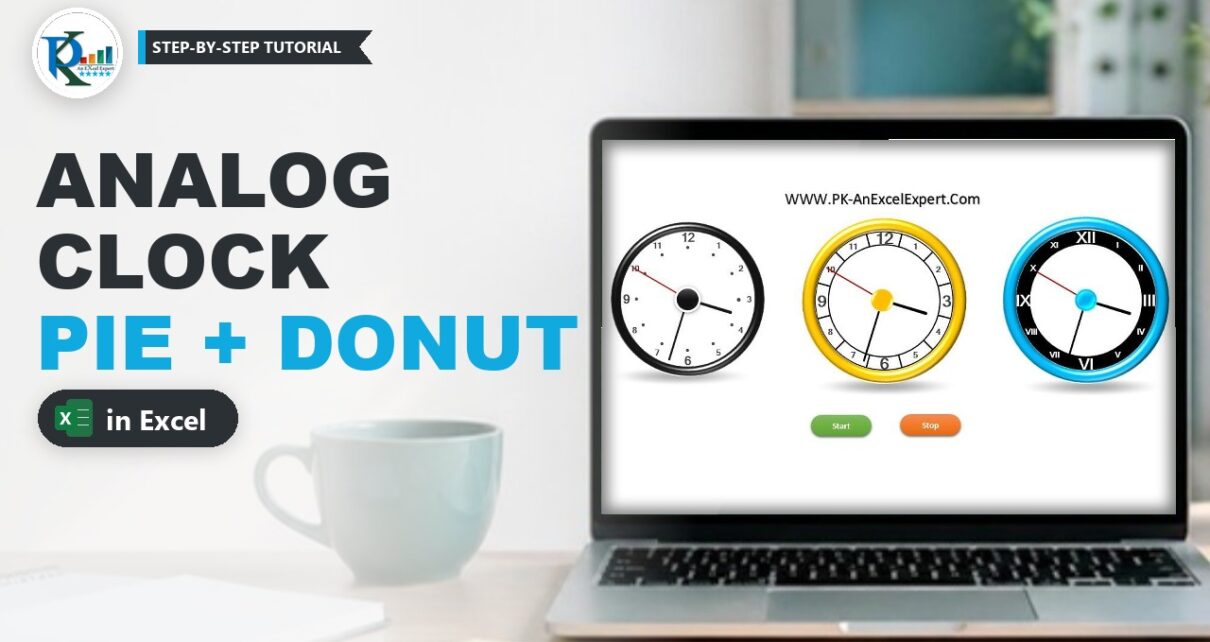
Analog Clock in Excel with Pie and Doughnut Charts (+ VBA)
Excel Tips and Tricks

Analog Clock in Excel with Pie and Doughnut Charts (+ VBA)

December 22, 2018October 9, 2026 PK0
An analog clock in Excel is one of the most eye-catching chart tricks you can learn, and it needs nothing more than a doughnut chart, three pie charts and a
Read More
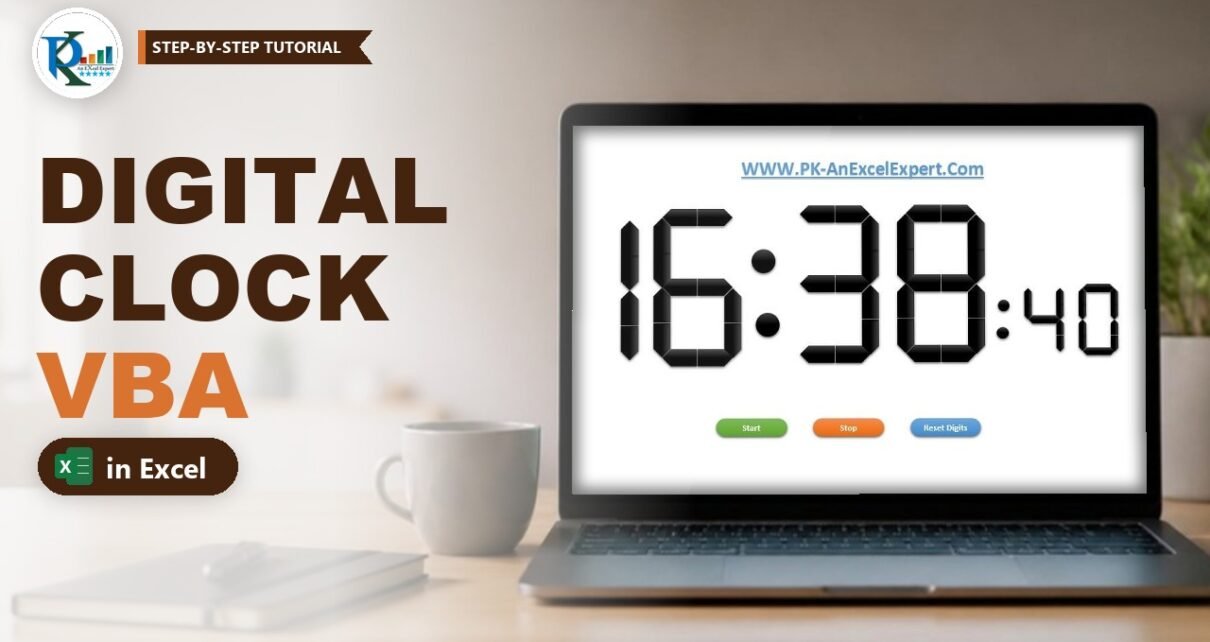
Digital Clock in Excel with Shapes and VBA (Step by Step)
VBA Excel Tips and Tricks

Digital Clock in Excel with Shapes and VBA (Step by Step)

December 16, 2018October 9, 2026 PK0
A digital clock in Excel sounds like something you would need a chart or an add-in for, but this one is built only from Excel shapes and a few lines
Read More

Posts pagination

Previous 1 … 379 380 381 … 387 Next
  • Learn Excel (Free Course)
    • 1. Shortcut Keys
    • 2. Fill & Flash Fill
    • 3. Find & Replace
    • 4. Sort & Filter
    • 5. Formulas & Functions
    • 6. Data Validation
    • 7. Conditional Formatting
    • 8. Basic Charts
    • 9. Advanced Charts
    • 10. Pivot Tables
    • 11. Excel Dashboards
    • 12. VBA Course
    • 13. Excel Formulas with AI
  • Templates
  • Tutorials
    • Charts and Visualization
    • VBA
    • Excel Tips and Tricks
    • Excel Dashboards
    • Power Pivot & DAX
  • Power BI
  • Template Store
    • Ready to Use Templates
  • Courses
  • Academy
    • Excel + AI Mastery: 100 Formulas
    • Excel Pivot Tables & Dashboards
  • About Us
  • Contact Us
Copyright © 2023 PK-AnExcelExpert.com - Privacy Policy