New: NextGenTemplates Academy - video courses on Excel formulas with AI and Pivot Tables & dashboards. Early-bird: 20% off with code EARLYBIRD20 - first 20 orders only. See the courses →
  • Learn Excel (Free Course)
    • 1. Shortcut Keys
    • 2. Fill & Flash Fill
    • 3. Find & Replace
    • 4. Sort & Filter
    • 5. Formulas & Functions
    • 6. Data Validation
    • 7. Conditional Formatting
    • 8. Basic Charts
    • 9. Advanced Charts
    • 10. Pivot Tables
    • 11. Excel Dashboards
    • 12. VBA Course
    • 13. Excel Formulas with AI
  • Templates
  • Tutorials
    • Charts and Visualization
    • VBA
    • Excel Tips and Tricks
    • Excel Dashboards
    • Power Pivot & DAX
  • Power BI
  • Template Store
    • Ready to Use Templates
  • Courses
  • Academy
    • Excel + AI Mastery: 100 Formulas
    • Excel Pivot Tables & Dashboards
  • About Us
  • Contact Us

PK: An Excel Expert

Transforming Data into Decisions
Blogs

Spotlight Visualization in Excel (Part 1): Dynamic RAG Stoplights
Charts and Visualization

Spotlight Visualization in Excel (Part 1): Dynamic RAG Stoplights

June 19, 2019October 9, 2026 PKComments Off on Spotlight Visualization in Excel (Part 1): Dynamic RAG Stoplights
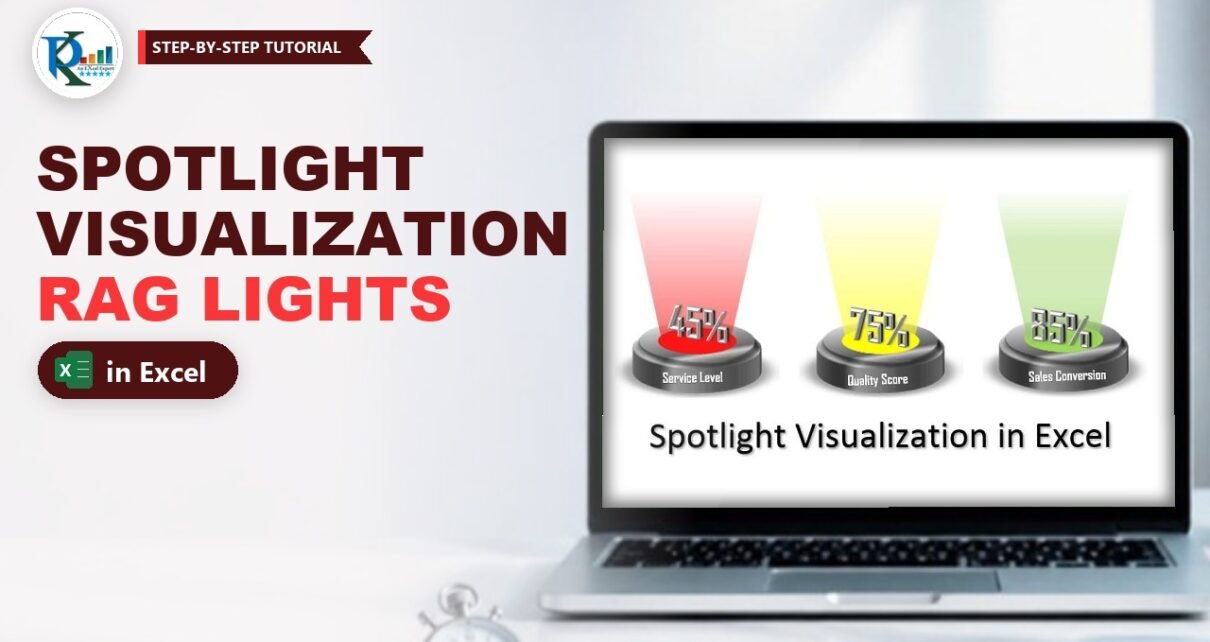
Spotlight visualization in Excel turns three plain KPI percentages into stage-style lights that glow red, amber or green on their own. In this first part you build RAG (Red, Amber
Read More
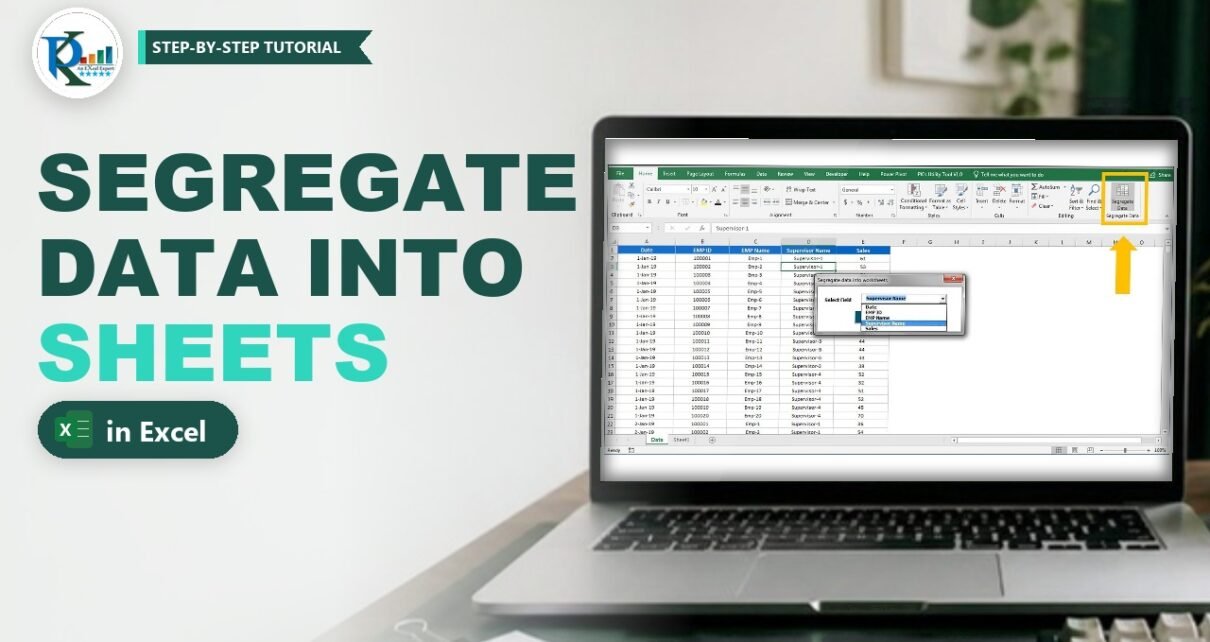
VBA UserForm to Segregate Data into Multiple Worksheets
VBA

VBA UserForm to Segregate Data into Multiple Worksheets

June 17, 2019October 9, 2026 PKComments Off on VBA UserForm to Segregate Data into Multiple Worksheets
When you need to segregate data into multiple worksheets, one sheet per supervisor, per employee or per date, copying and filtering by hand takes ages and is easy to get
Read More
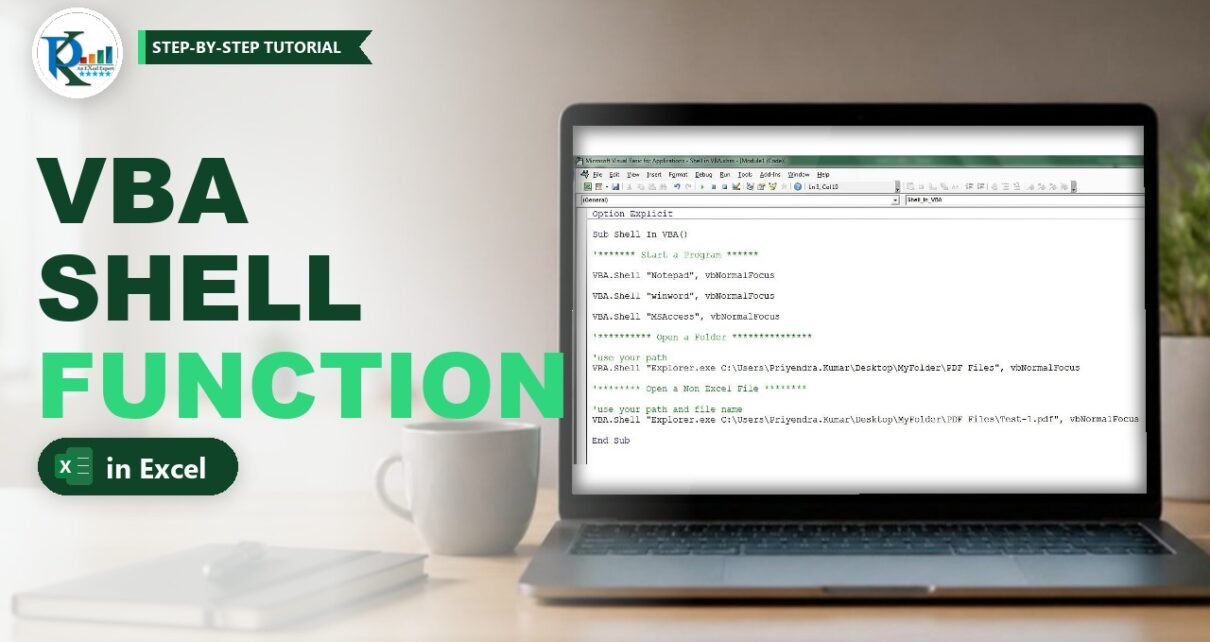
Shell Function in VBA: Open Programs, Folders and Files
VBA

Shell Function in VBA: Open Programs, Folders and Files

June 14, 2019October 9, 2026 PKComments Off on Shell Function in VBA: Open Programs, Folders and Files
The Shell function in VBA lets your macro start another program, exactly as if you had double-clicked it. In this tutorial you use it in the three ways PK shows
Read More
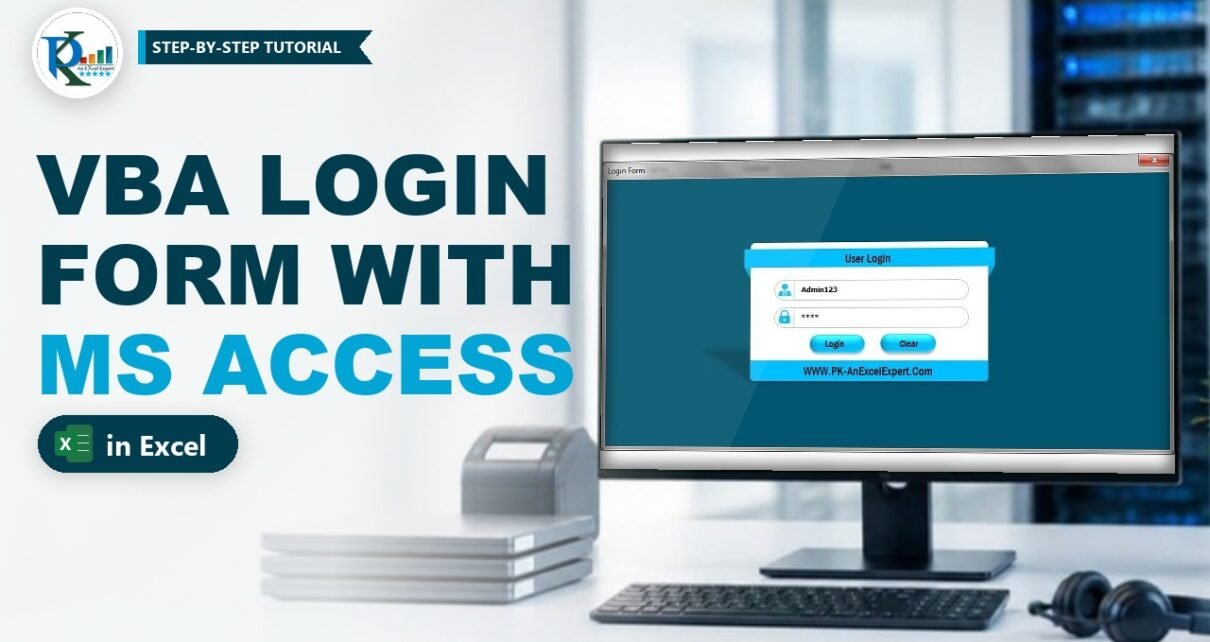
Login Form for Excel VBA Application with MS Access Database
VBA

Login Form for Excel VBA Application with MS Access Database

June 12, 2019October 9, 2026 PKComments Off on Login Form for Excel VBA Application with MS Access Database
A login form for an Excel VBA application gives your tool a professional front door: users type a user ID and password, and the form checks them against a user
Read More
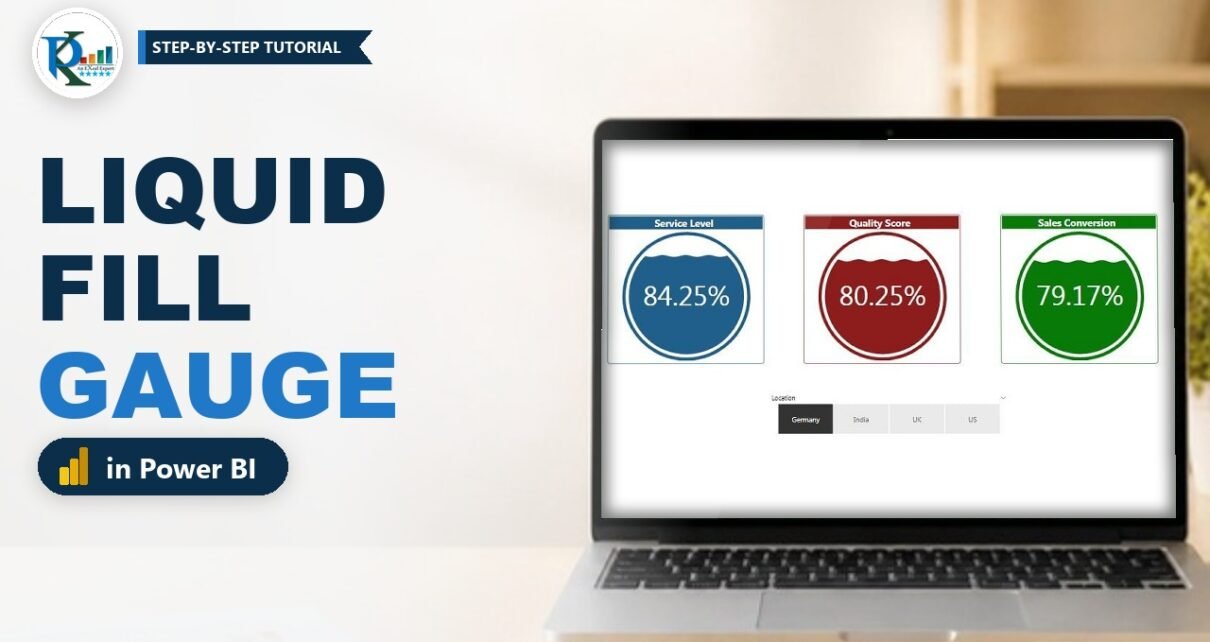
Liquid Fill Gauge in Power BI: Custom Visual Setup Guide
Power BI

Liquid Fill Gauge in Power BI: Custom Visual Setup Guide

June 10, 2019October 9, 2026 PKComments Off on Liquid Fill Gauge in Power BI: Custom Visual Setup Guide
The Liquid Fill Gauge in Power BI is a custom visual that shows a single percentage as a circle filling with animated liquid. It is an eye-catching way to show
Read More
Stylish Traffic Lights in Excel: Shapes + Conditional Formatting
Charts and Visualization

Stylish Traffic Lights in Excel: Shapes + Conditional Formatting

June 5, 2019October 9, 2026 PKComments Off on Stylish Traffic Lights in Excel: Shapes + Conditional Formatting
Stylish traffic lights in Excel give your dashboard a glossy, 3-D status lamp for every KPI that turns red, amber or green on its own. The trick is simple: a
Read More
PDF to Word Converter Macro in Excel VBA: Convert Multiple PDFs
VBA

PDF to Word Converter Macro in Excel VBA: Convert Multiple PDFs

June 3, 2019October 9, 2026 PKComments Off on PDF to Word Converter Macro in Excel VBA: Convert Multiple PDFs
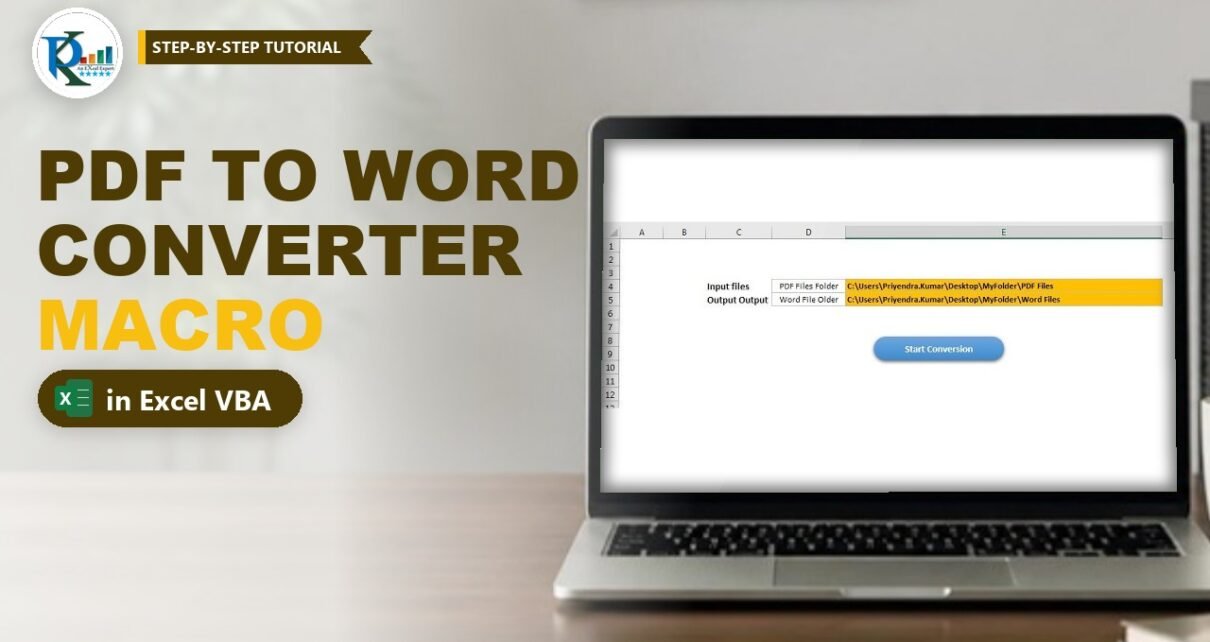
A PDF to Word converter macro in Excel VBA turns a whole folder of PDF files into editable Word documents with one click. You type two folder paths on a
Read More
33 Useful VBA Shortcut Keys (Full List with Examples)
VBA

33 Useful VBA Shortcut Keys (Full List with Examples)

May 30, 2019October 10, 2026 PKComments Off on 33 Useful VBA Shortcut Keys (Full List with Examples)
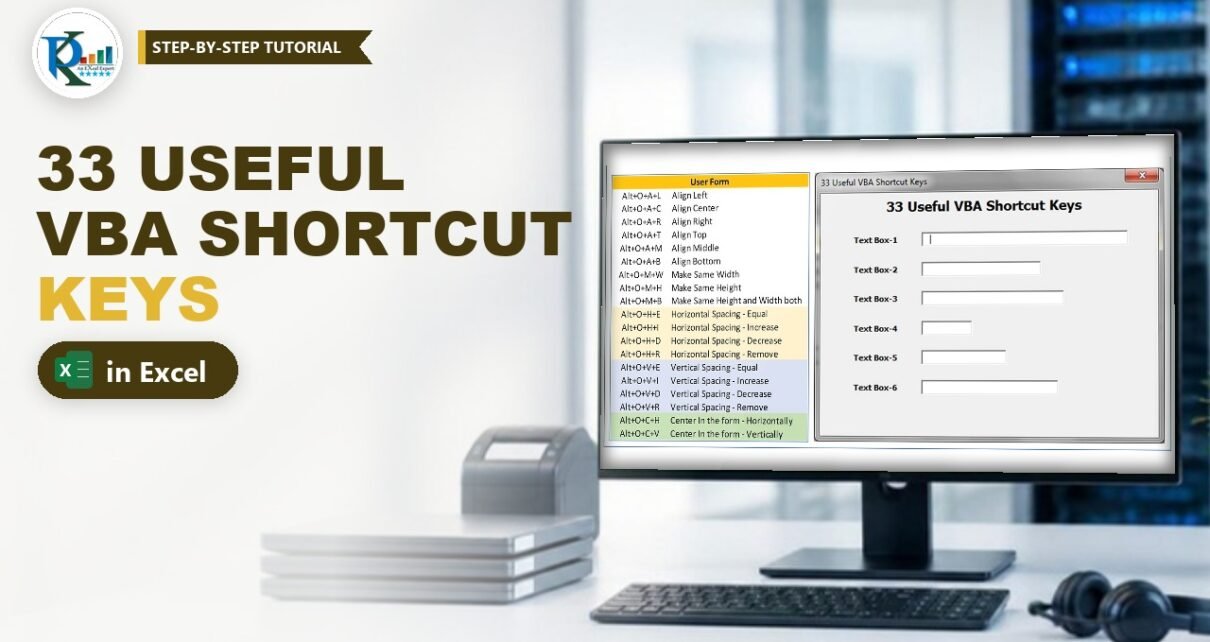
These 33 useful VBA shortcut keys help you write, test and debug macros faster and lay out UserForms in seconds instead of minutes. Below you will find all 33 in
Read More
Stylish Pivot Chart with Slicer in Excel (Step by Step)
Charts and Visualization

Stylish Pivot Chart with Slicer in Excel (Step by Step)

May 27, 2019October 9, 2026 PKComments Off on Stylish Pivot Chart with Slicer in Excel (Step by Step)
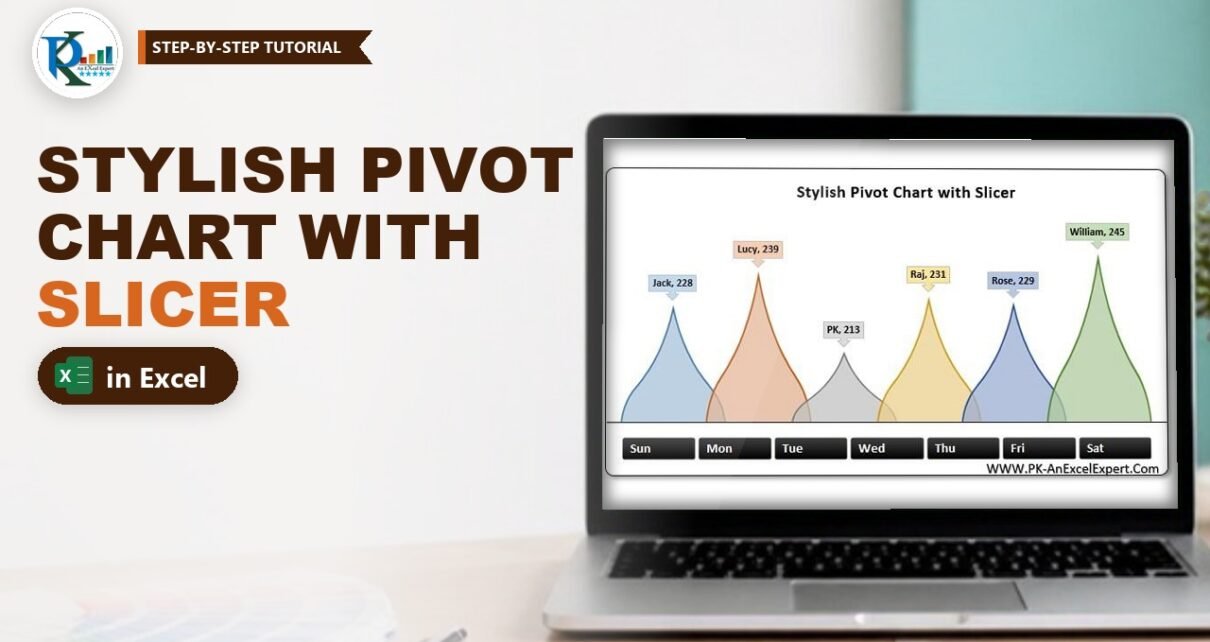
A stylish pivot chart with slicer in Excel turns a plain employee sales report into an eye-catching, clickable visual. In this tutorial you build PK's teardrop chart step by step:
Read More
Sales Dashboard in Power BI: Design, Publish and Share
Power BI

Sales Dashboard in Power BI: Design, Publish and Share

May 22, 2019October 9, 2026 PKComments Off on Sales Dashboard in Power BI: Design, Publish and Share
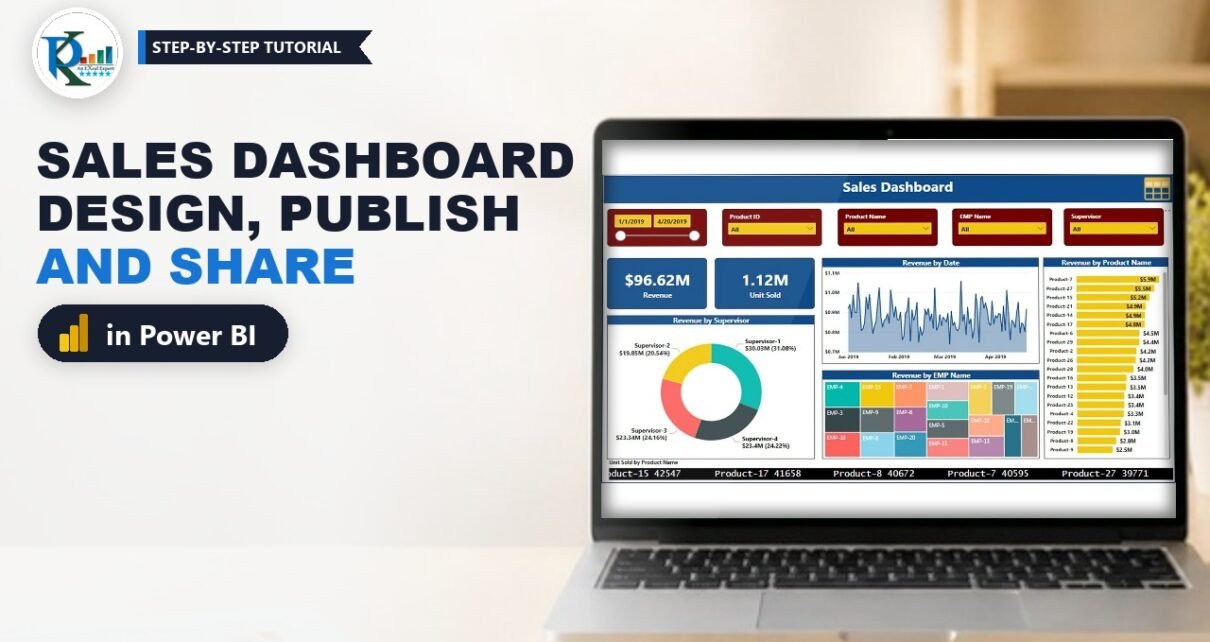
A sales dashboard in Power BI turns three plain Excel tables into an interactive report your team can open in a browser. In this tutorial you build the full project
Read More

Posts pagination

Previous 1 … 288 289 290 … 300 Next
  • Learn Excel (Free Course)
    • 1. Shortcut Keys
    • 2. Fill & Flash Fill
    • 3. Find & Replace
    • 4. Sort & Filter
    • 5. Formulas & Functions
    • 6. Data Validation
    • 7. Conditional Formatting
    • 8. Basic Charts
    • 9. Advanced Charts
    • 10. Pivot Tables
    • 11. Excel Dashboards
    • 12. VBA Course
    • 13. Excel Formulas with AI
  • Templates
  • Tutorials
    • Charts and Visualization
    • VBA
    • Excel Tips and Tricks
    • Excel Dashboards
    • Power Pivot & DAX
  • Power BI
  • Template Store
    • Ready to Use Templates
  • Courses
  • Academy
    • Excel + AI Mastery: 100 Formulas
    • Excel Pivot Tables & Dashboards
  • About Us
  • Contact Us
Copyright © 2023 PK-AnExcelExpert.com - Privacy Policy