New: NextGenTemplates Academy - video courses on Excel formulas with AI and Pivot Tables & dashboards. Early-bird: 20% off with code EARLYBIRD20 - first 20 orders only. See the courses →
  • Learn Excel (Free Course)
    • 1. Shortcut Keys
    • 2. Fill & Flash Fill
    • 3. Find & Replace
    • 4. Sort & Filter
    • 5. Formulas & Functions
    • 6. Data Validation
    • 7. Conditional Formatting
    • 8. Basic Charts
    • 9. Advanced Charts
    • 10. Pivot Tables
    • 11. Excel Dashboards
    • 12. VBA Course
    • 13. Excel Formulas with AI
  • Templates
  • Tutorials
    • Charts and Visualization
    • VBA
    • Excel Tips and Tricks
    • Excel Dashboards
    • Power Pivot & DAX
  • Power BI
  • Template Store
    • Ready to Use Templates
  • Courses
  • Academy
    • Excel + AI Mastery: 100 Formulas
    • Excel Pivot Tables & Dashboards
  • About Us
  • Contact Us

PK: An Excel Expert

Transforming Data into Decisions
Blogs

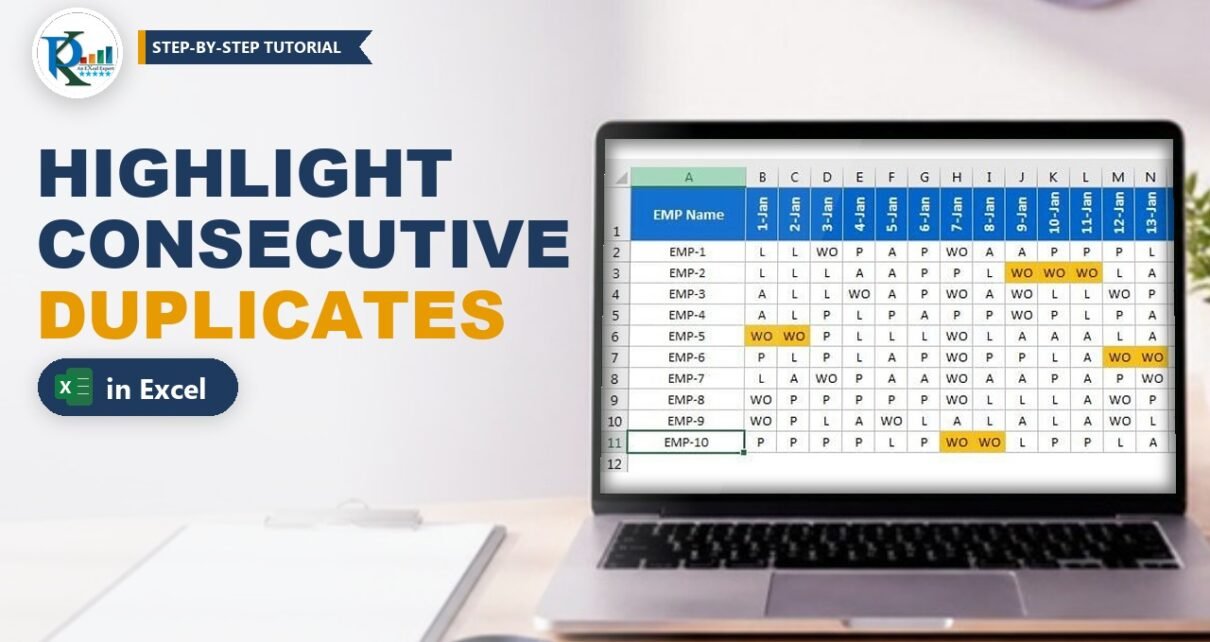
Highlight Consecutive Duplicates in Excel with a Simple Formula
Excel Tips and Tricks

Highlight Consecutive Duplicates in Excel with a Simple Formula

April 22, 2019October 9, 2026 PKComments Off on Highlight Consecutive Duplicates in Excel with a Simple Formula
To highlight consecutive duplicates in Excel, you only need one conditional formatting rule with a short OR formula. It colours a value only when the same value sits directly above
Read More
UDF for Evaluate a Formula in Excel: Turn Text into Results
VBA

UDF for Evaluate a Formula in Excel: Turn Text into Results

April 18, 2019October 9, 2026 PKComments Off on UDF for Evaluate a Formula in Excel: Turn Text into Results
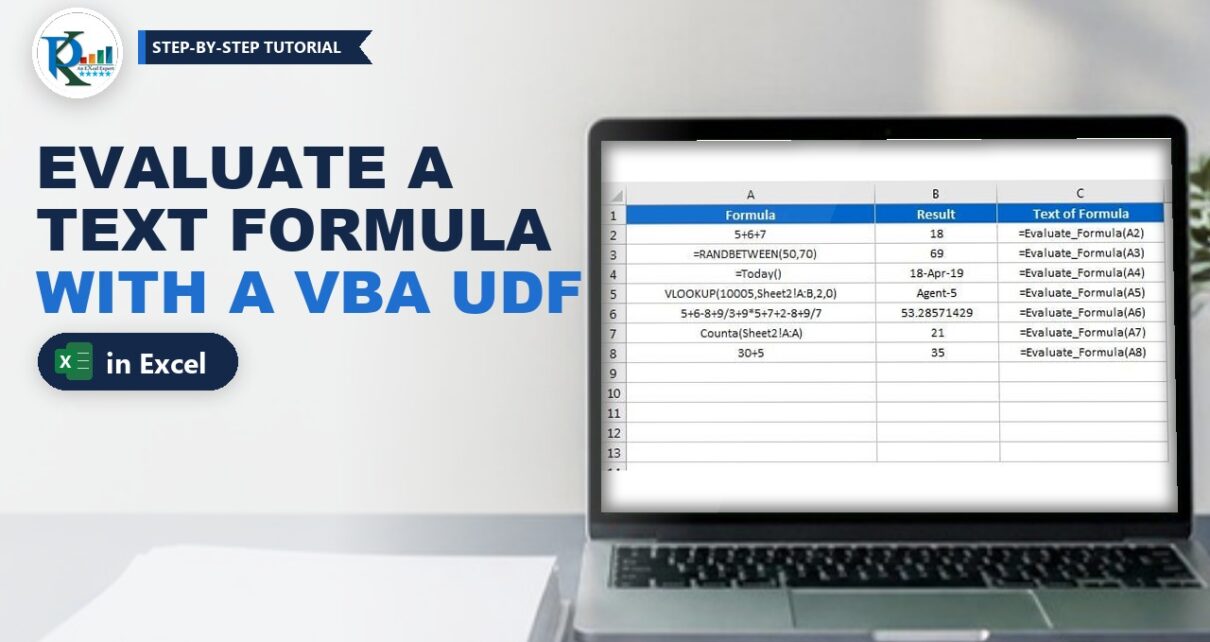
A UDF for evaluate a formula in Excel solves a common annoyance: a formula stored as text, such as 5+6+7 or VLOOKUP(10005,Sheet2!A:B,2,0), just sits in the cell and never calculates.
Read More
Merge Cells with Same Value in Excel Using VBA (Quick Macro)
VBA

Merge Cells with Same Value in Excel Using VBA (Quick Macro)

April 16, 2019November 27, 2026 PKComments Off on Merge Cells with Same Value in Excel Using VBA (Quick Macro)
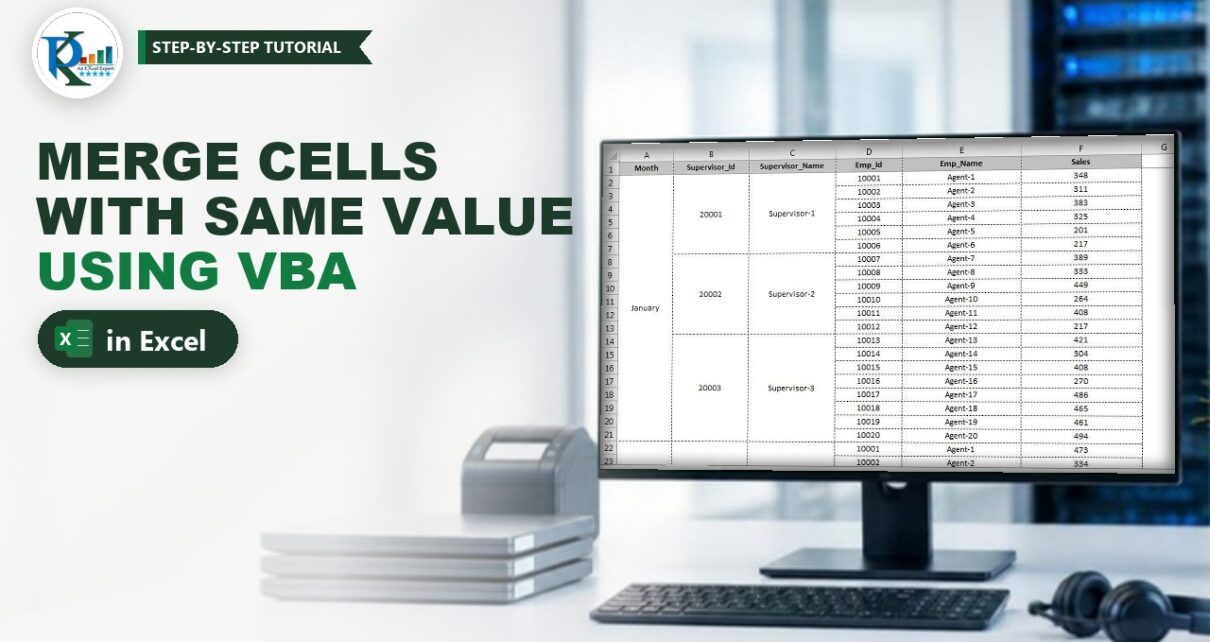
In this article you will learn how to quickly merge same cells in Excel using VBA. Using this VBA code, you can merge multiple columns data together. This trick can
Read More
3D Disk Pie Chart in Excel: Rounded 3-D Bevel Pie (Free File)
Charts and Visualization

3D Disk Pie Chart in Excel: Rounded 3-D Bevel Pie (Free File)

April 11, 2019October 9, 2026 PKComments Off on 3D Disk Pie Chart in Excel: Rounded 3-D Bevel Pie (Free File)
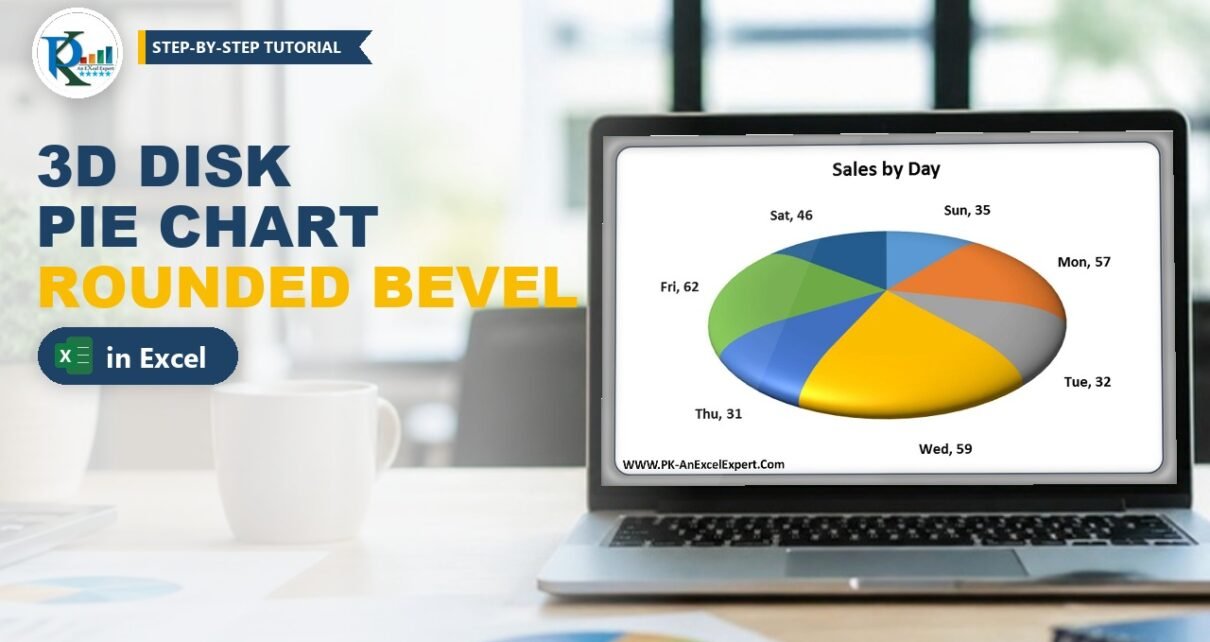
A 3D disk pie chart in Excel is a normal 3-D pie with one formatting trick: a large rounded bevel on the top and bottom of the series. That bevel
Read More
Data Consolidator
VBA

Data Consolidation: Allow User to select files on Runtime

April 8, 2019March 11, 2025 PKComments Off on Data Consolidation: Allow User to select files on Runtime
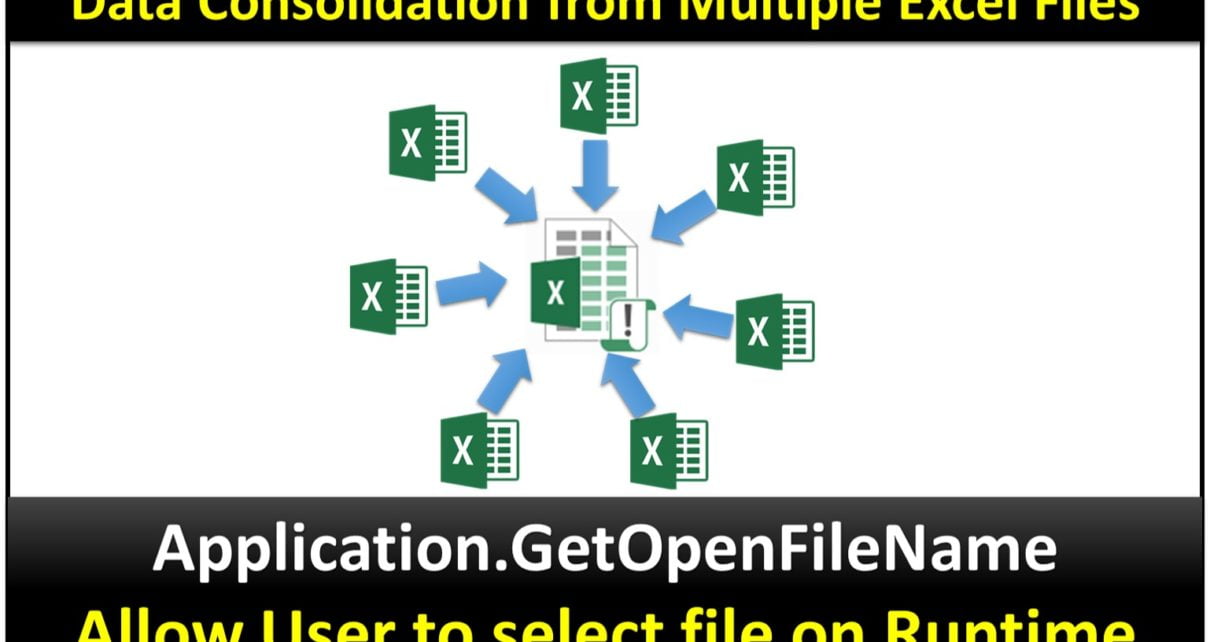
In this article, we will explain to you the Data Consolidation from multiple Excel files using Application.GetOpenFileName in VBA. You can easily allow the user to select multiple excel files
Read More
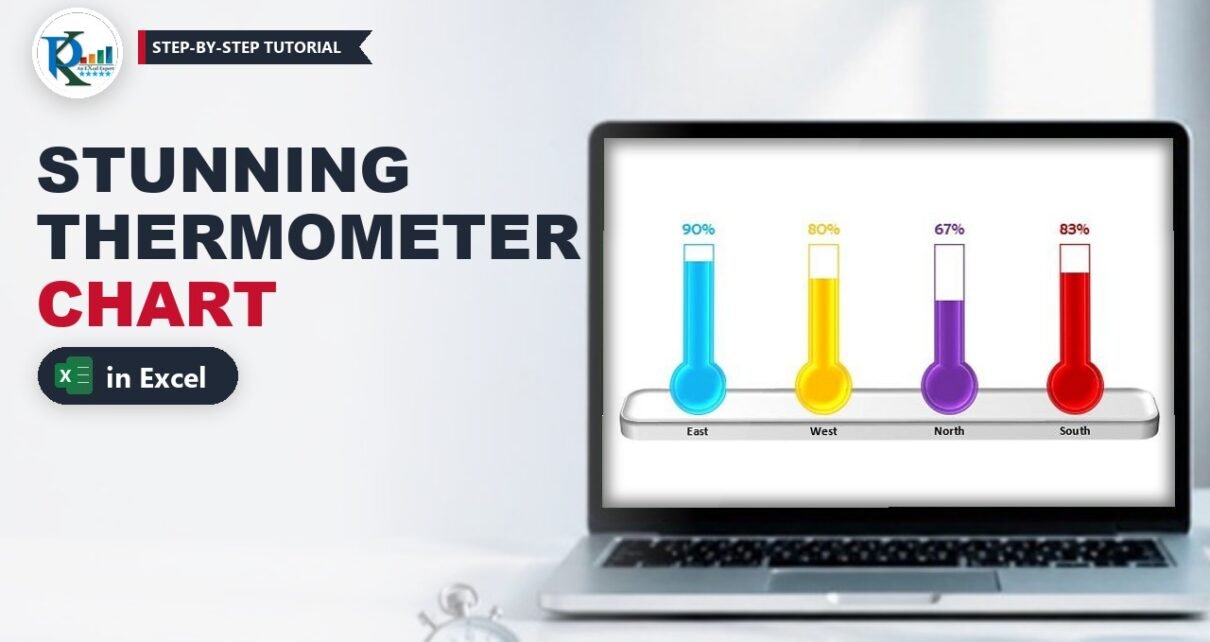
Thermometer Chart in Excel: Stunning Infographic Step by Step
Charts and Visualization

Thermometer Chart in Excel: Stunning Infographic Step by Step

April 3, 2019October 9, 2026 PKComments Off on Thermometer Chart in Excel: Stunning Infographic Step by Step
A thermometer chart in Excel is one of the clearest ways to show progress against a target: each bulb fills up to the actual value, and the empty glass above
Read More
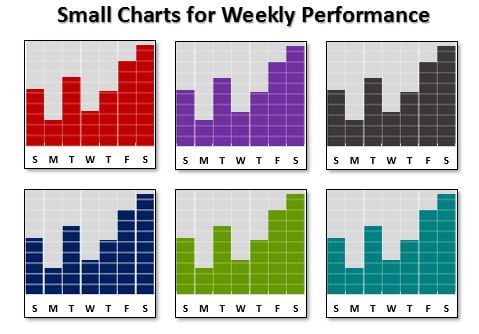
Small Charts for Weekly Performance
Charts and Visualization

Small Charts for Weekly Performance

March 31, 2019March 5, 2025 PKComments Off on Small Charts for Weekly Performance
While creating a dashboard, many times it happens when you don’t have sufficient space to place your multiple charts. However, there is a solution that is small charts. By using
Read More
Stylish Circle Chart
Charts and Visualization

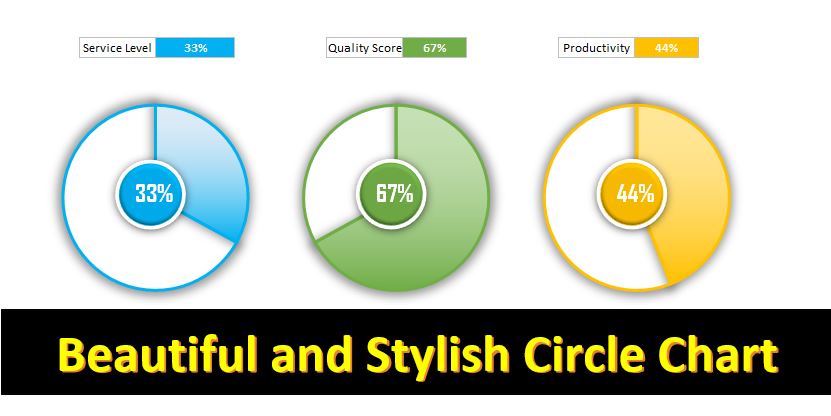
Beautiful and Stylish Circle Chart in Excel

March 28, 2019March 4, 2025 PKComments Off on Beautiful and Stylish Circle Chart in Excel
In today's data-driven world, visualization of data is an essential aspect of decision-making. Excel is a powerful tool which can help you to create beautiful and effective visualizations for your
Read More
Emp Rating Table
Charts and Visualization

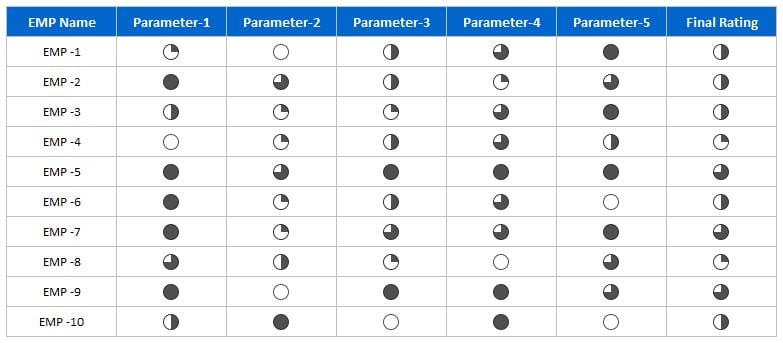
Employee Rating Table in Excel

March 25, 2019March 10, 2025 PKComments Off on Employee Rating Table in Excel
An Employee Rating Table in Excel can be a powerful template to visualize and track employee performance across various parameters. So, instead of displaying simple numerical ratings, you can use
Read More
Resize and Relocate a Chart Using Excel Range with VBA
Charts and Visualization VBA

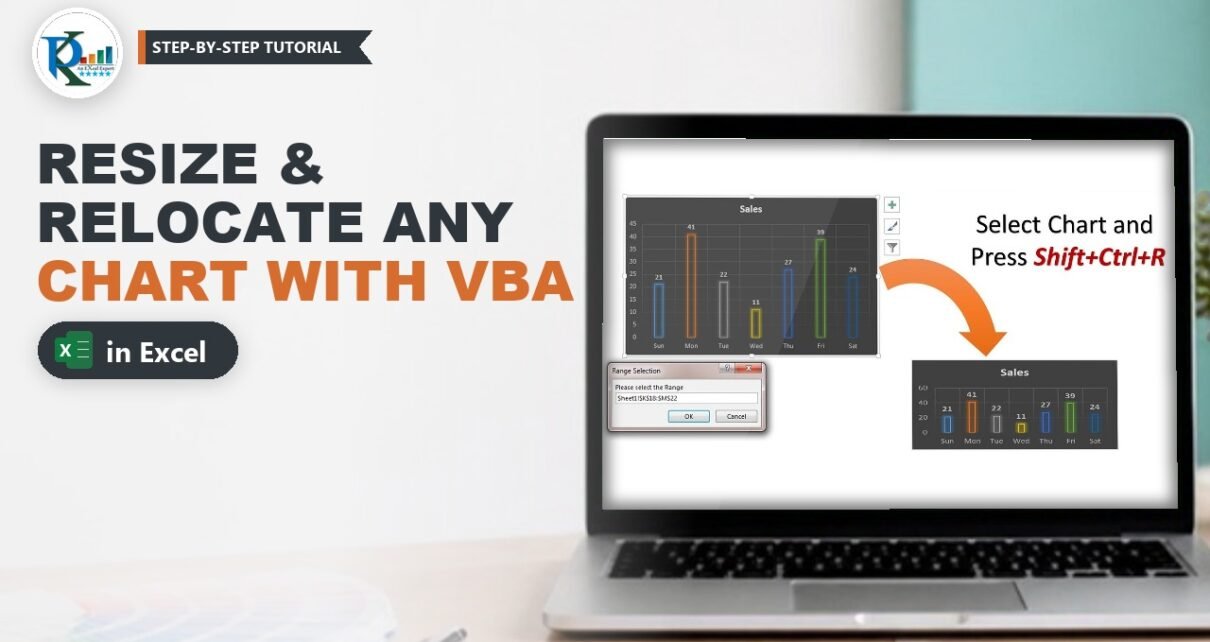
Resize and Relocate a Chart Using Excel Range with VBA

March 23, 2019October 9, 2026 PKComments Off on Resize and Relocate a Chart Using Excel Range with VBA
Want to resize and relocate a chart using an Excel range in one keystroke instead of dragging its corners around? In this tutorial you build a short VBA macro that
Read More

Posts pagination

Previous 1 … 290 291 292 … 300 Next
  • Learn Excel (Free Course)
    • 1. Shortcut Keys
    • 2. Fill & Flash Fill
    • 3. Find & Replace
    • 4. Sort & Filter
    • 5. Formulas & Functions
    • 6. Data Validation
    • 7. Conditional Formatting
    • 8. Basic Charts
    • 9. Advanced Charts
    • 10. Pivot Tables
    • 11. Excel Dashboards
    • 12. VBA Course
    • 13. Excel Formulas with AI
  • Templates
  • Tutorials
    • Charts and Visualization
    • VBA
    • Excel Tips and Tricks
    • Excel Dashboards
    • Power Pivot & DAX
  • Power BI
  • Template Store
    • Ready to Use Templates
  • Courses
  • Academy
    • Excel + AI Mastery: 100 Formulas
    • Excel Pivot Tables & Dashboards
  • About Us
  • Contact Us
Copyright © 2023 PK-AnExcelExpert.com - Privacy Policy