New: NextGenTemplates Academy - video courses on Excel formulas with AI and Pivot Tables & dashboards. Early-bird: 20% off with code EARLYBIRD20 - first 20 orders only. See the courses →
  • Learn Excel (Free Course)
    • 1. Shortcut Keys
    • 2. Fill & Flash Fill
    • 3. Find & Replace
    • 4. Sort & Filter
    • 5. Formulas & Functions
    • 6. Data Validation
    • 7. Conditional Formatting
    • 8. Basic Charts
    • 9. Advanced Charts
    • 10. Pivot Tables
    • 11. Excel Dashboards
    • 12. VBA Course
    • 13. Excel Formulas with AI
  • Templates
  • Tutorials
    • Charts and Visualization
    • VBA
    • Excel Tips and Tricks
    • Excel Dashboards
    • Power Pivot & DAX
  • Power BI
  • Template Store
    • Ready to Use Templates
  • Courses
  • Academy
    • Excel + AI Mastery: 100 Formulas
    • Excel Pivot Tables & Dashboards
  • About Us
  • Contact Us

PK: An Excel Expert

Transforming Data into Decisions
Blogs

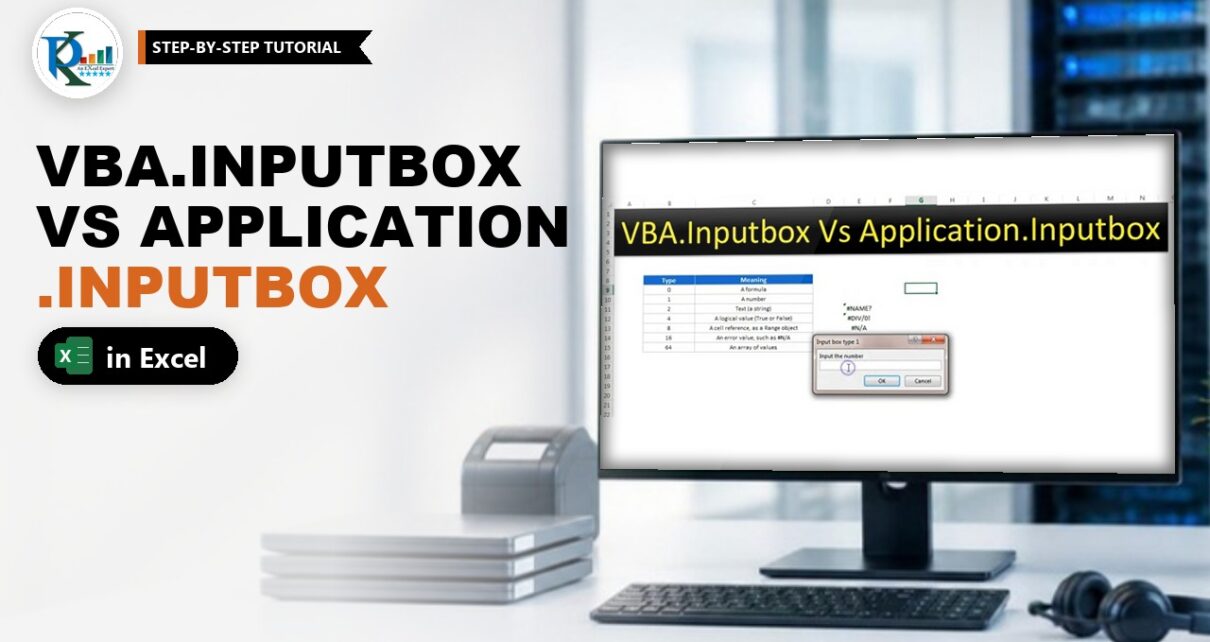
VBA.InputBox vs Application.InputBox in Excel VBA (7 Types)
VBA

VBA.InputBox vs Application.InputBox in Excel VBA (7 Types)

March 21, 2019October 9, 2026 PKComments Off on VBA.InputBox vs Application.InputBox in Excel VBA (7 Types)
VBA.InputBox vs Application.InputBox is one of the first choices you make when a macro needs to ask the user for something at run time. Both show a small dialog with
Read More
Checkbox in Excel Table: Highlight Rows and Sum Checked Items
Excel Tips and Tricks

Checkbox in Excel Table: Highlight Rows and Sum Checked Items

March 7, 2019October 9, 2026 PKComments Off on Checkbox in Excel Table: Highlight Rows and Sum Checked Items
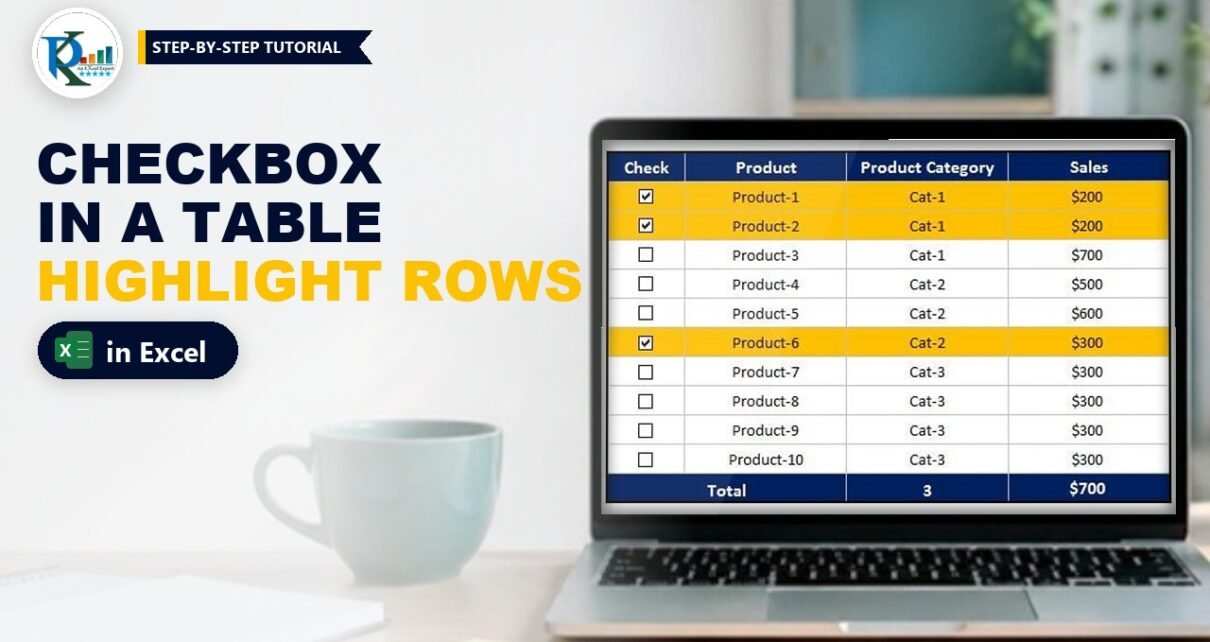
A checkbox in an Excel table is one of the quickest ways to let users pick rows. In this Excel tip you put one Form Control check box in every
Read More
Fish Chart in Excel: Step-by-Step Tutorial with Random Fish
Charts and Visualization

Fish Chart in Excel: Step-by-Step Tutorial with Random Fish

February 25, 2019October 9, 2026 PKComments Off on Fish Chart in Excel: Step-by-Step Tutorial with Random Fish
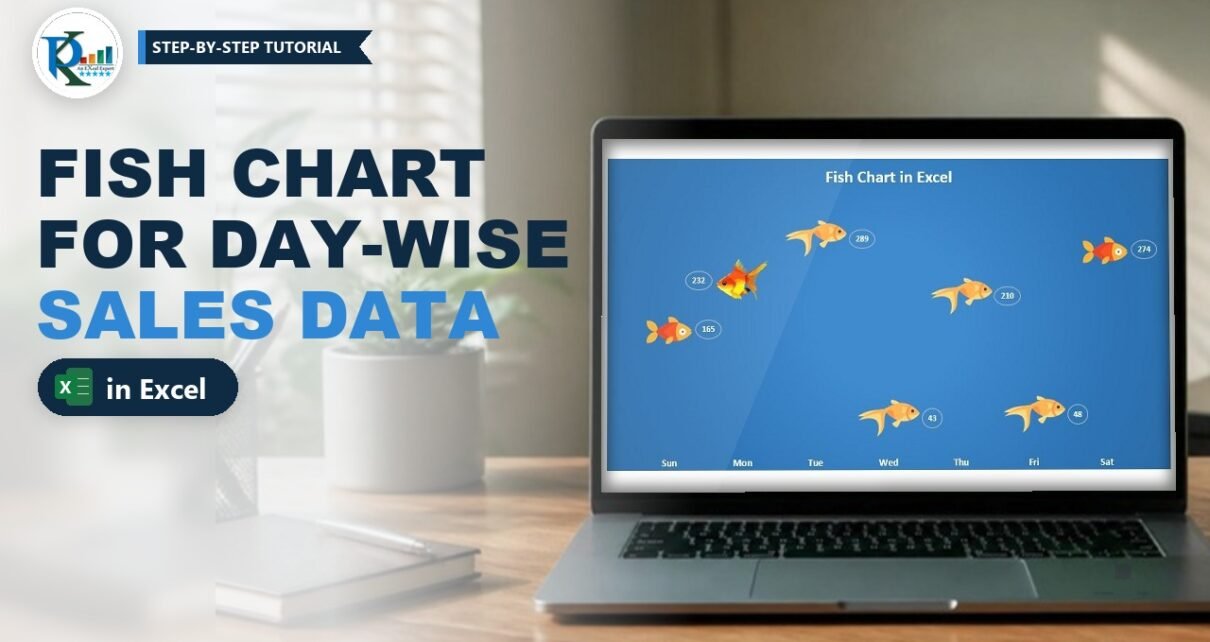
A fish chart in Excel turns a plain day-wise sales report into a small aquarium. Each day's sales value is shown by a fish that swims at the height of
Read More
Conditional Formatting in a Lollipop Chart in Excel (4 Variants)
Charts and Visualization

Conditional Formatting in a Lollipop Chart in Excel (4 Variants)

February 23, 2019October 9, 2026 PKComments Off on Conditional Formatting in a Lollipop Chart in Excel (4 Variants)
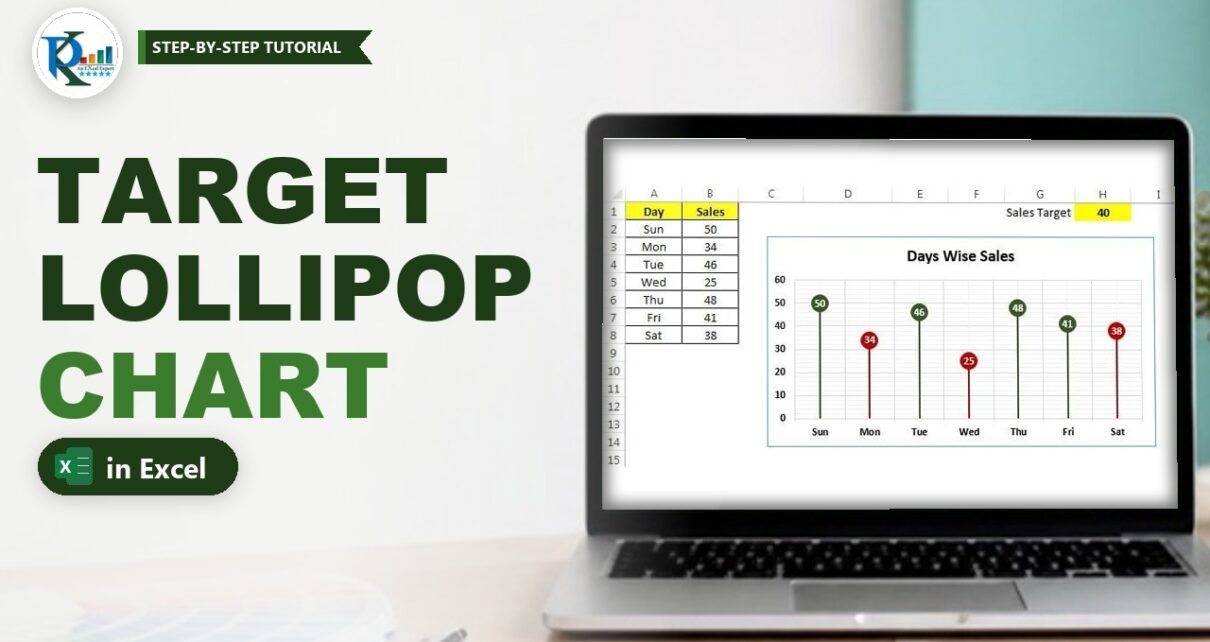
Adding conditional formatting in a lollipop chart in Excel lets your audience see at a glance which days hit the sales target and which did not: every value above the
Read More
3D Glass Chart
Charts and Visualization

3D Glass Chart in Excel

February 20, 2019March 4, 2025 PKComments Off on 3D Glass Chart in Excel
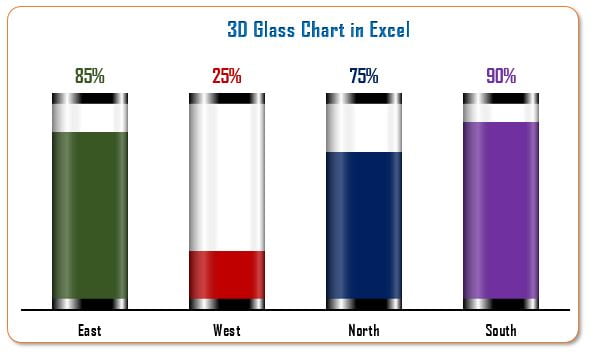
I am back with a very innovative and Informative chart that is 3D Glass Chart in Excel. This chart can be used to display a KPI metrics like Service Level,
Read More
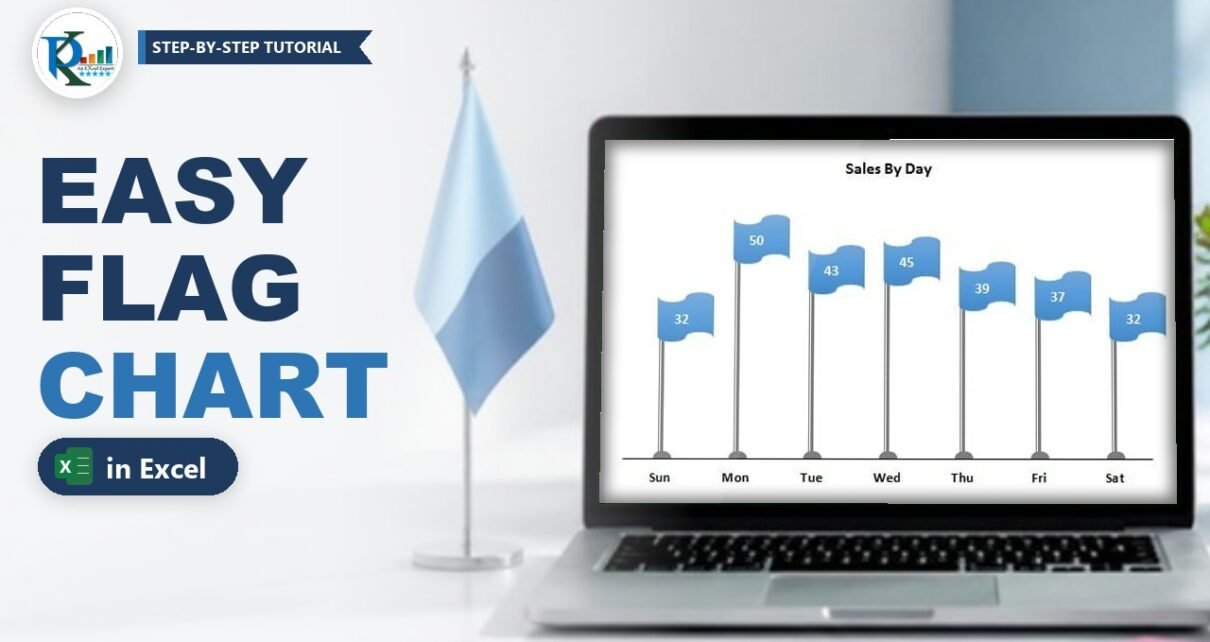
Flag Chart in Excel: Infographic with Error Bars and Shapes
Charts and Visualization

Flag Chart in Excel: Infographic with Error Bars and Shapes

February 16, 2019October 9, 2026 PKComments Off on Flag Chart in Excel: Infographic with Error Bars and Shapes
A flag chart in Excel turns a plain column chart into an eye-catching infographic: every value becomes a flag on a pole, and the pole height shows the number. It
Read More
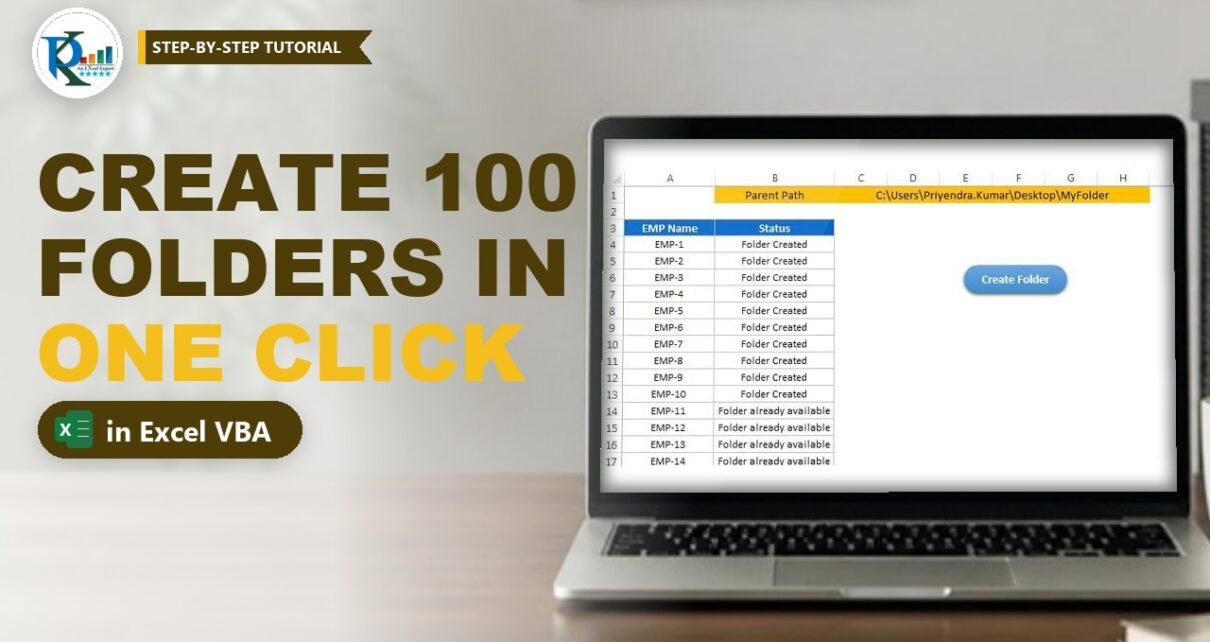
Create Multiple Folders from Excel Range with VBA in One Click
VBA

Create Multiple Folders from Excel Range with VBA in One Click

February 2, 2019October 9, 2026 PKComments Off on Create Multiple Folders from Excel Range with VBA in One Click
To create multiple folders from an Excel range, you only need a short VBA macro that reads a list of names, builds a path for each one and makes the
Read More
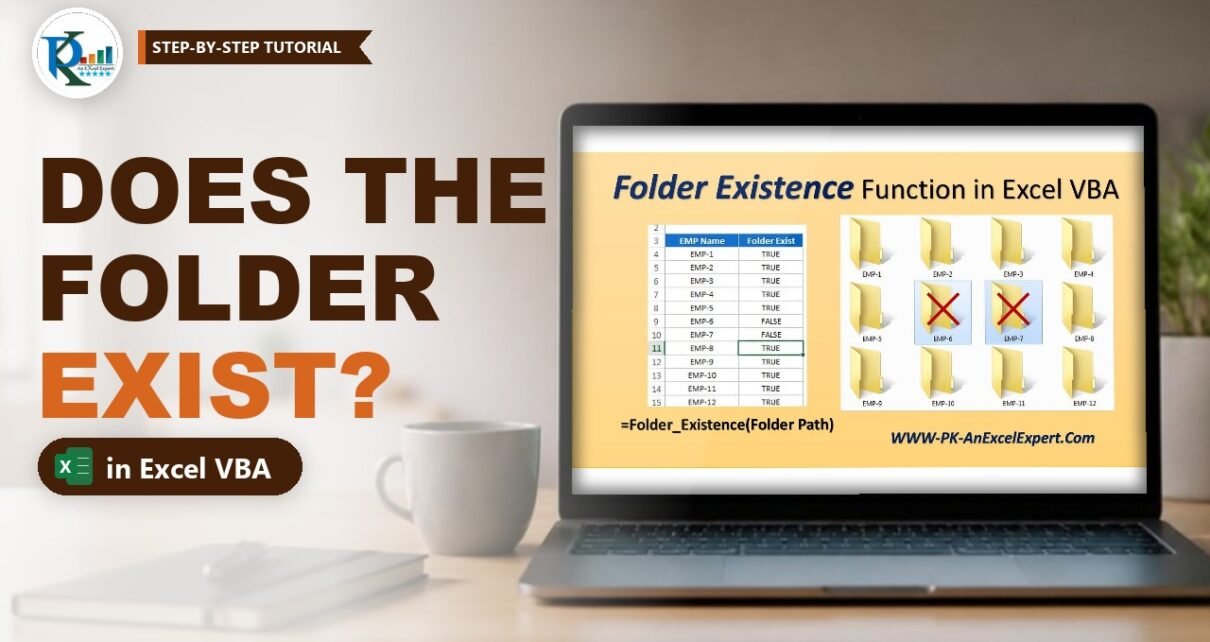
Check Folder Existence Using VBA in Excel (Free UDF)
VBA

Check Folder Existence Using VBA in Excel (Free UDF)

February 1, 2019October 9, 2026 PKComments Off on Check Folder Existence Using VBA in Excel (Free UDF)
Before a macro creates, deletes or saves into a folder, you should check folder existence using VBA. If the folder is missing, the macro stops with a run-time error. If
Read More
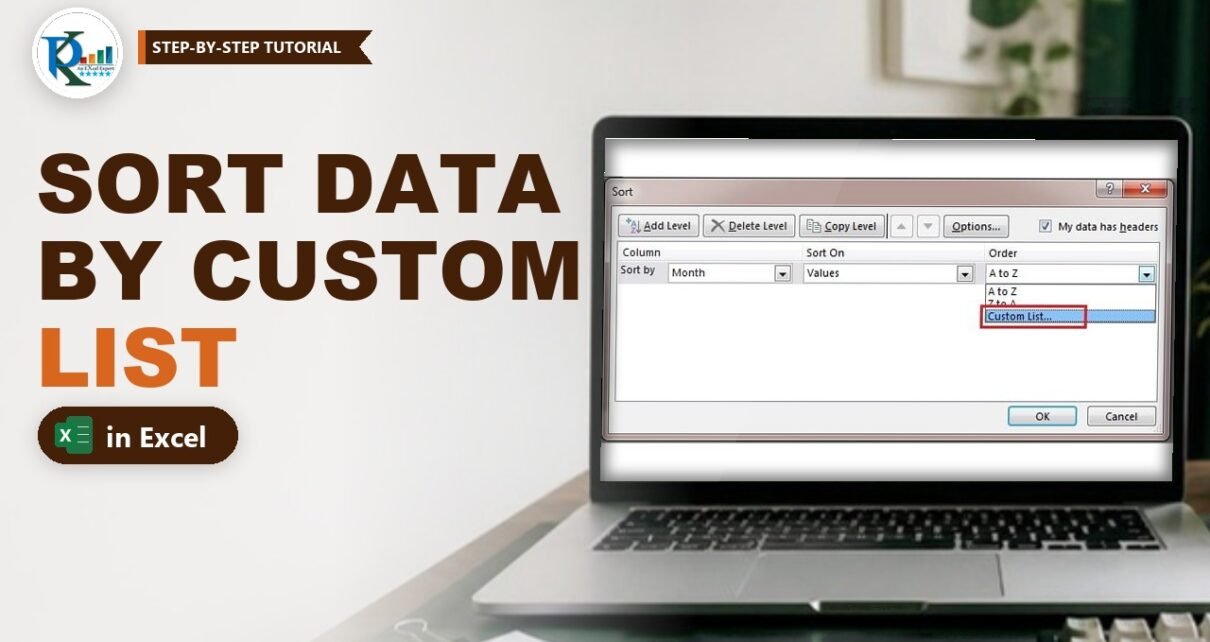
Sort Data by Custom List in Excel (Months, Sizes and More)
Excel Tips and Tricks

Sort Data by Custom List in Excel (Months, Sizes and More)

January 18, 2019October 9, 2026 PKComments Off on Sort Data by Custom List in Excel (Months, Sizes and More)
When you sort data by custom list in Excel, you choose the order yourself instead of accepting A to Z. That matters for month names, T-shirt sizes, priority levels and
Read More
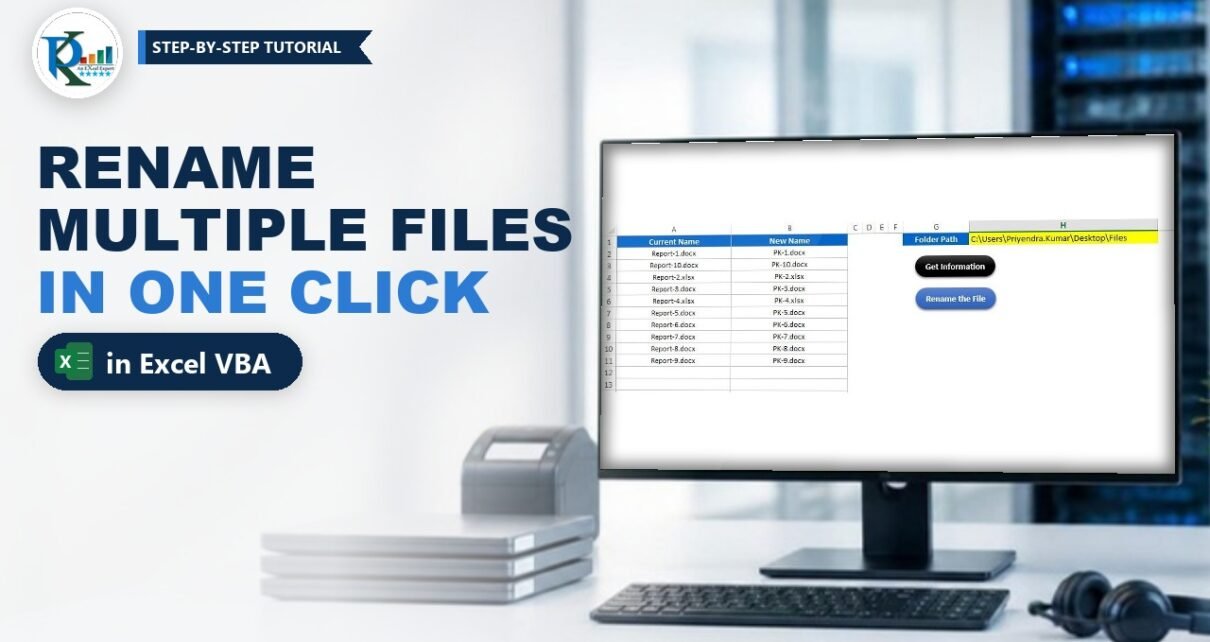
Rename Multiple Files in Excel VBA with One Click
VBA

Rename Multiple Files in Excel VBA with One Click

January 10, 2019October 9, 2026 PKComments Off on Rename Multiple Files in Excel VBA with One Click
To rename multiple files in one go, you don't need a paid utility. A small Excel VBA tool can do it for you. You list the current file names of
Read More

Posts pagination

Previous 1 … 291 292 293 … 300 Next
  • Learn Excel (Free Course)
    • 1. Shortcut Keys
    • 2. Fill & Flash Fill
    • 3. Find & Replace
    • 4. Sort & Filter
    • 5. Formulas & Functions
    • 6. Data Validation
    • 7. Conditional Formatting
    • 8. Basic Charts
    • 9. Advanced Charts
    • 10. Pivot Tables
    • 11. Excel Dashboards
    • 12. VBA Course
    • 13. Excel Formulas with AI
  • Templates
  • Tutorials
    • Charts and Visualization
    • VBA
    • Excel Tips and Tricks
    • Excel Dashboards
    • Power Pivot & DAX
  • Power BI
  • Template Store
    • Ready to Use Templates
  • Courses
  • Academy
    • Excel + AI Mastery: 100 Formulas
    • Excel Pivot Tables & Dashboards
  • About Us
  • Contact Us
Copyright © 2023 PK-AnExcelExpert.com - Privacy Policy