New: NextGenTemplates Academy - video courses on Excel formulas with AI and Pivot Tables & dashboards. Early-bird: 20% off with code EARLYBIRD20 - first 20 orders only. See the courses →
  • Learn Excel (Free Course)
    • 1. Shortcut Keys
    • 2. Fill & Flash Fill
    • 3. Find & Replace
    • 4. Sort & Filter
    • 5. Formulas & Functions
    • 6. Data Validation
    • 7. Conditional Formatting
    • 8. Basic Charts
    • 9. Advanced Charts
    • 10. Pivot Tables
    • 11. Excel Dashboards
    • 12. VBA Course
    • 13. Excel Formulas with AI
  • Templates
  • Tutorials
    • Charts and Visualization
    • VBA
    • Excel Tips and Tricks
    • Excel Dashboards
    • Power Pivot & DAX
  • Power BI
  • Template Store
    • Ready to Use Templates
  • Courses
  • Academy
    • Excel + AI Mastery: 100 Formulas
    • Excel Pivot Tables & Dashboards
  • About Us
  • Contact Us

PK: An Excel Expert

Transforming Data into Decisions
Blogs

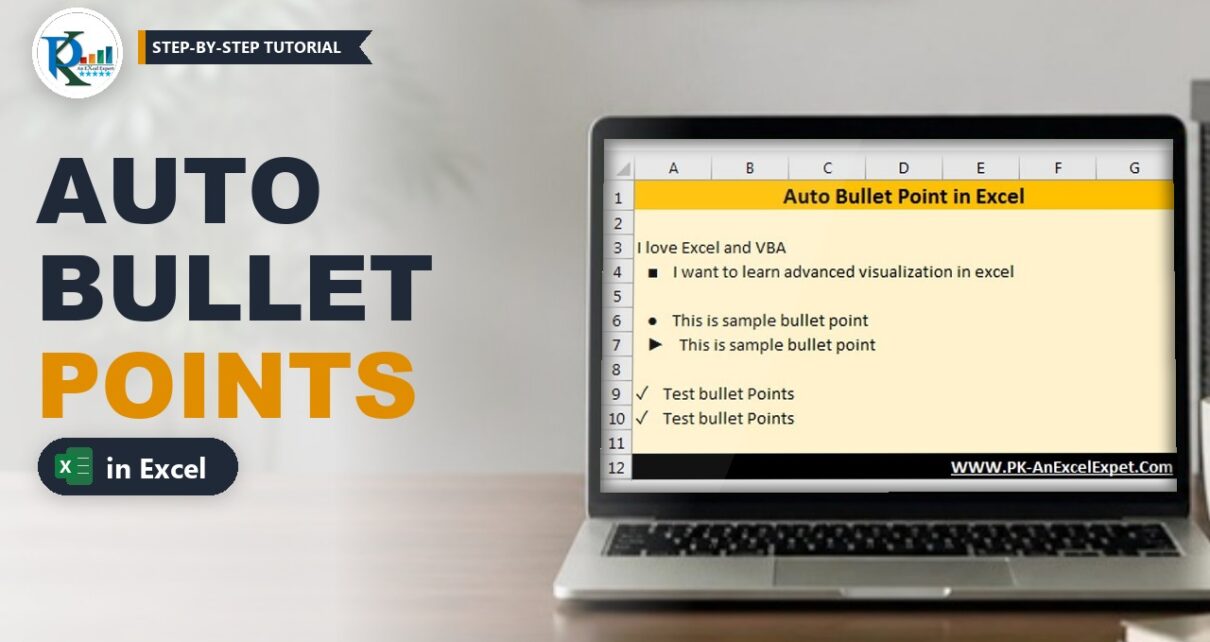
Auto Bullet Points in Excel with Custom Number Formatting
Excel Tips and Tricks

Auto Bullet Points in Excel with Custom Number Formatting

August 16, 2019October 10, 2026 PKComments Off on Auto Bullet Points in Excel with Custom Number Formatting
Auto bullet points in Excel are easy once you know the trick. Word, Outlook and PowerPoint have a Bullets button, but Excel doesn't, so most people type a symbol at
Read More
Dynamic Chart with Scroll Bar in Excel: Form Control Method
Charts and Visualization

Dynamic Chart with Scroll Bar in Excel: Form Control Method

August 13, 2019October 9, 2026 PKComments Off on Dynamic Chart with Scroll Bar in Excel: Form Control Method
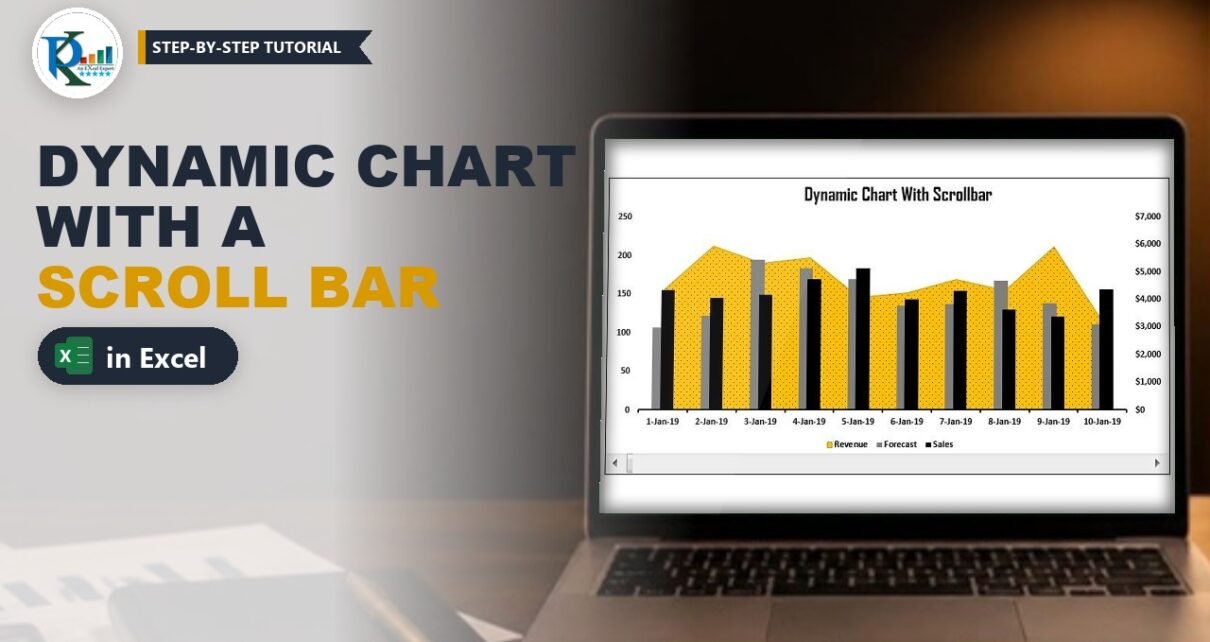
A dynamic chart with scroll bar lets you show a long daily data set in a small, readable chart: drag the scroll bar and the chart slides forward or back
Read More
Word Cloud in Excel Using VBA (Free Download)
Charts and Visualization

Word Cloud in Excel Using VBA (Free Download)

August 8, 2019October 9, 2026 PKComments Off on Word Cloud in Excel Using VBA (Free Download)
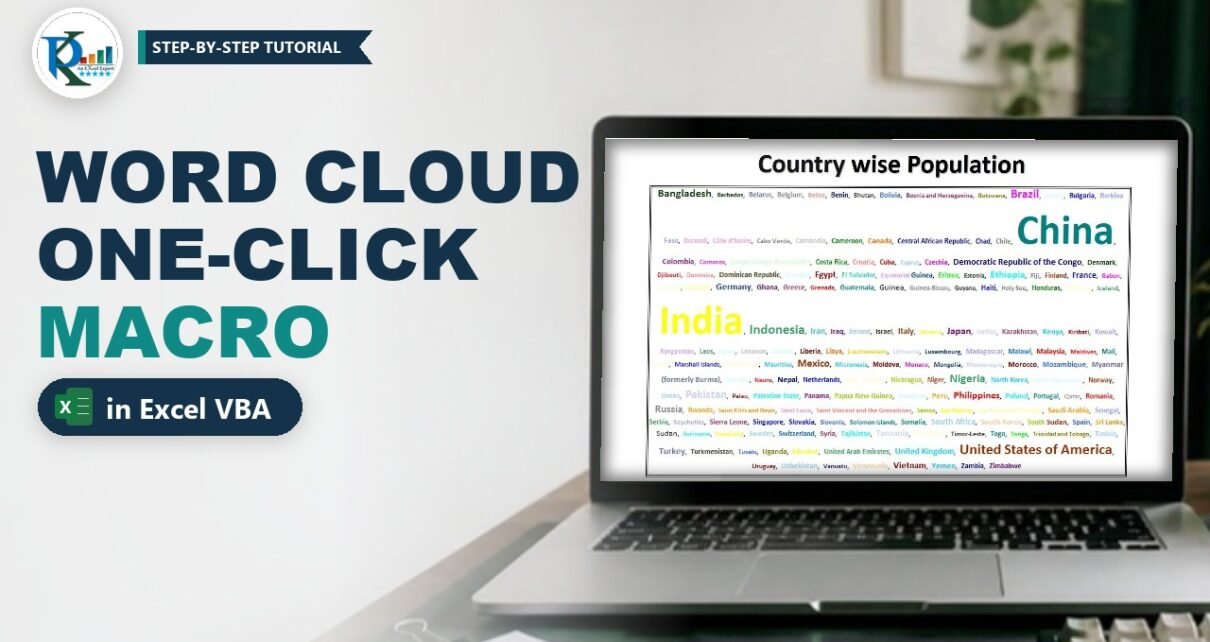
A word cloud in Excel using VBA turns a simple two-column list into an eye-catching visual where every word is sized by its value. Word clouds, also called tag clouds
Read More
PDF to Excel Converter in Excel VBA: Convert a Folder of PDFs
VBA Templates

PDF to Excel Converter in Excel VBA: Convert a Folder of PDFs

August 5, 2019November 27, 2026 PKComments Off on PDF to Excel Converter in Excel VBA: Convert a Folder of PDFs
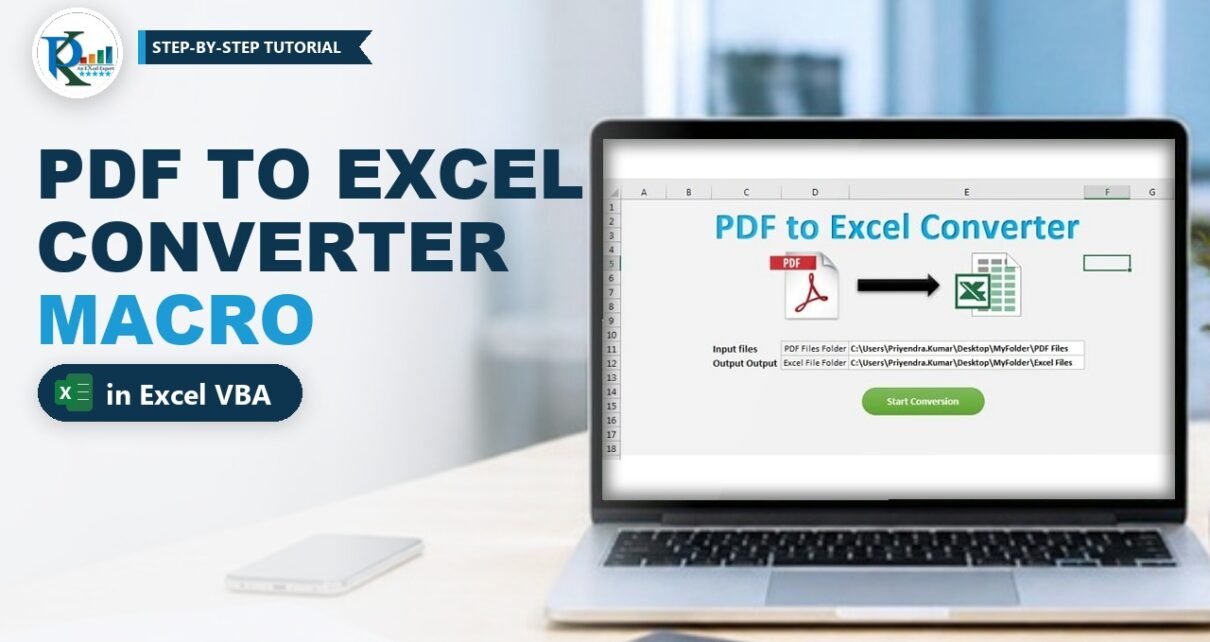
In this article, you will learn how to create a PDF to Excel converter using Excel VBA. We have created a Setting worksheet wherein we are taking 2 folders inputs
Read More
Forecast vs Actual Chart with Safe Zone Range in Excel
Charts and Visualization

Forecast vs Actual Chart with Safe Zone Range in Excel

July 31, 2019October 9, 2026 PKComments Off on Forecast vs Actual Chart with Safe Zone Range in Excel
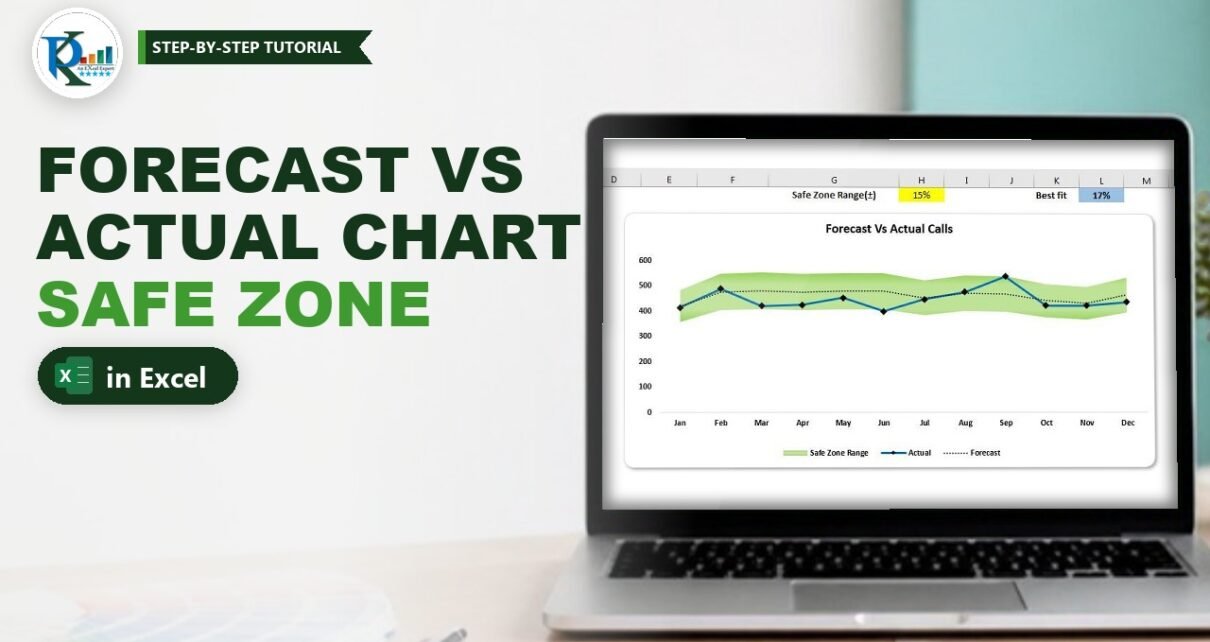
A forecast vs actual chart with a safe zone range in Excel shows at a glance whether your real numbers stay close to plan. The actual values run as a
Read More
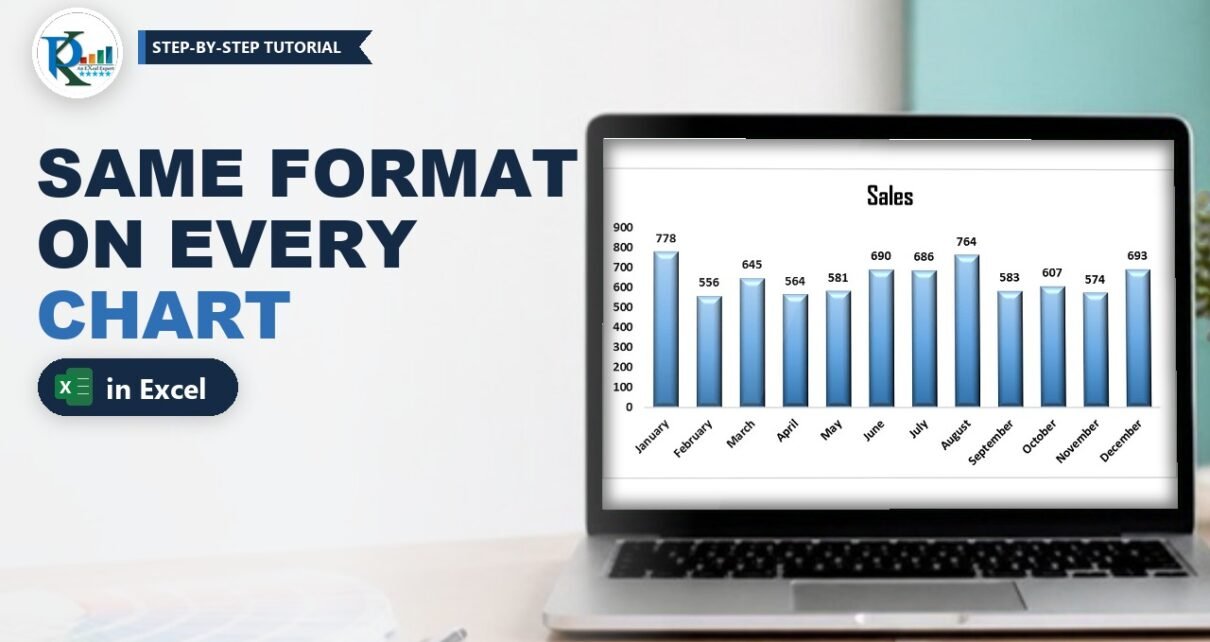
Apply the Same Format to Other Charts in Excel (2 Quick Ways)
Excel Tips and Tricks

Apply the Same Format to Other Charts in Excel (2 Quick Ways)

July 29, 2019October 9, 2026 PKComments Off on Apply the Same Format to Other Charts in Excel (2 Quick Ways)
Want to apply the same format to other charts in Excel without redoing every click? When you build a dashboard, you usually style one chart carefully (fonts, data labels, gradient
Read More
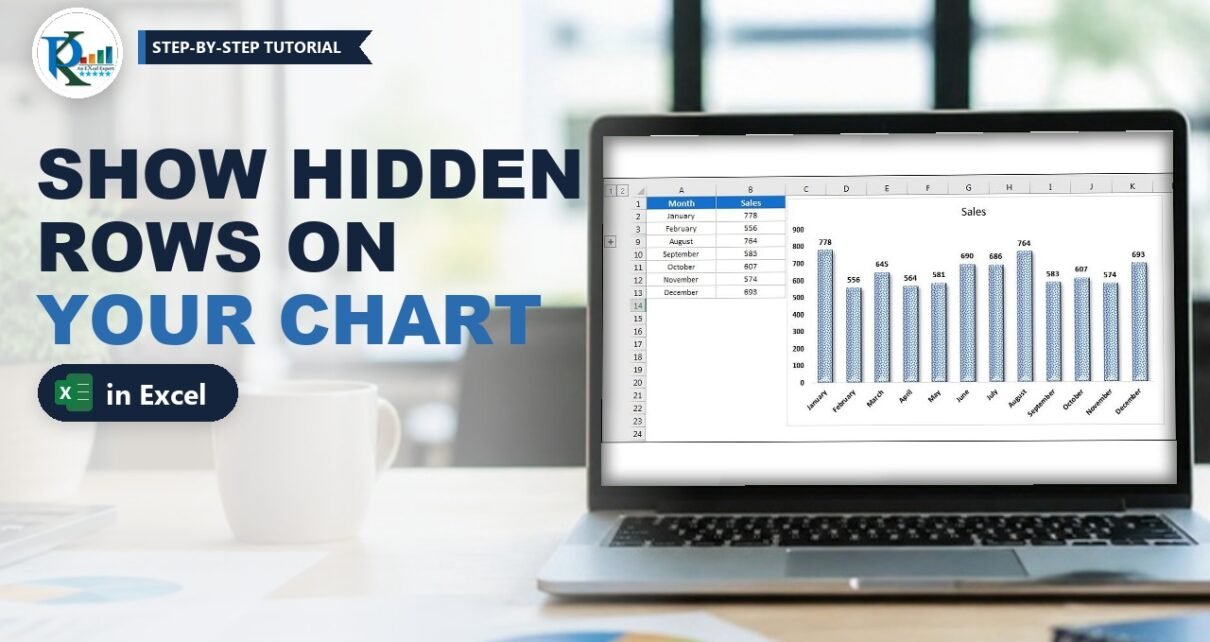
Show Hidden Data on an Excel Chart (Hidden and Collapsed Rows)
Excel Tips and Tricks

Show Hidden Data on an Excel Chart (Hidden and Collapsed Rows)

July 26, 2019October 9, 2026 PKComments Off on Show Hidden Data on an Excel Chart (Hidden and Collapsed Rows)
If you want to show hidden data on an Excel chart, there is one checkbox you need to know about. By default, an Excel chart only plots the cells you
Read More
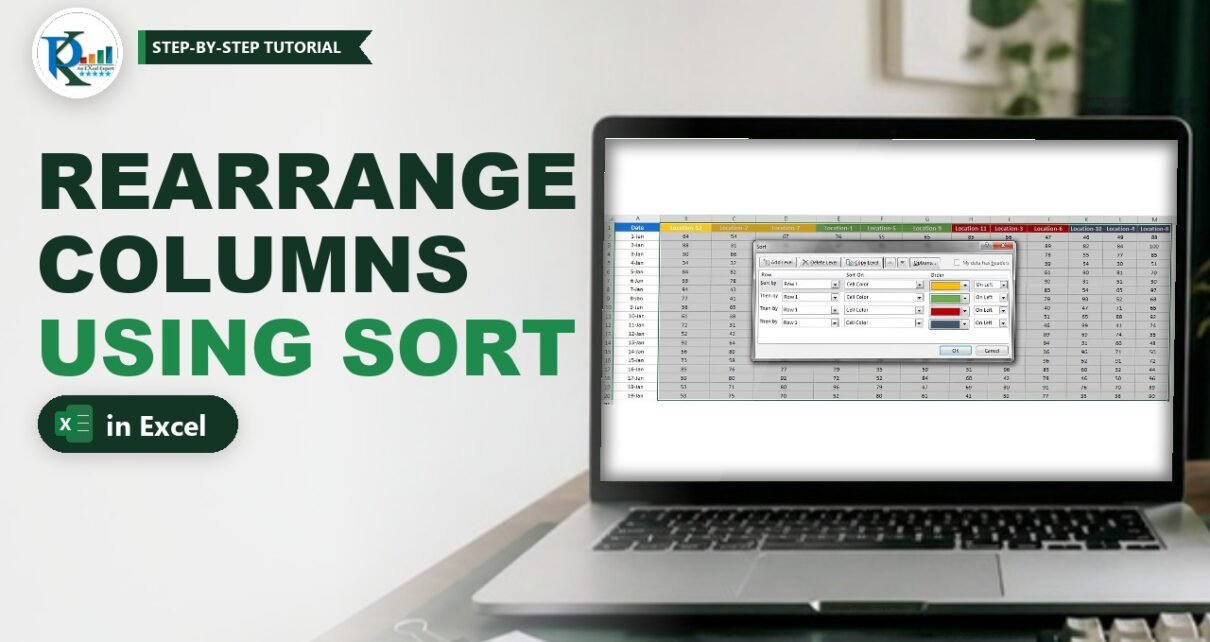
Rearrange Columns in Excel Using Data Sorting (3 Quick Ways)
Excel Tips and Tricks

Rearrange Columns in Excel Using Data Sorting (3 Quick Ways)

July 24, 2019October 9, 2026 PKComments Off on Rearrange Columns in Excel Using Data Sorting (3 Quick Ways)
To rearrange columns in Excel without endless cut and paste, let the Sort command do the work. Most people only ever sort rows from top to bottom, but Excel can
Read More
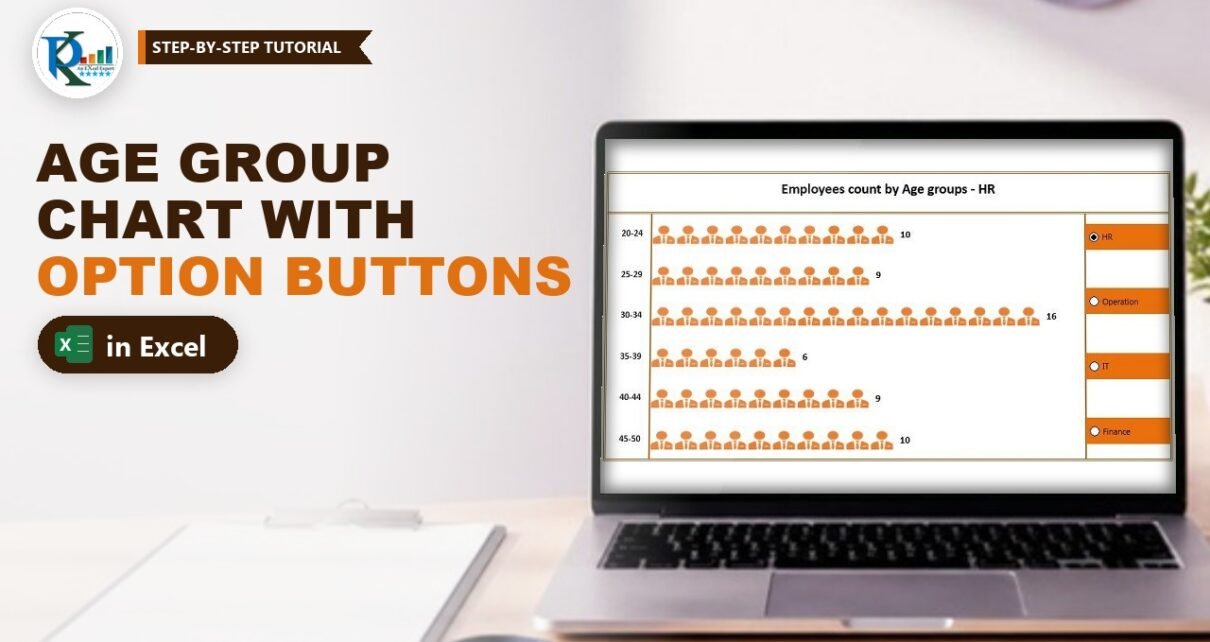
Dynamic Chart with Option Buttons in Excel: Age Group Count
Charts and Visualization

Dynamic Chart with Option Buttons in Excel: Age Group Count

July 22, 2019October 9, 2026 PKComments Off on Dynamic Chart with Option Buttons in Excel: Age Group Count
A dynamic chart with option buttons in Excel lets you pick a department with one click and see its employees counted by age group, drawn as rows of people icons.
Read More
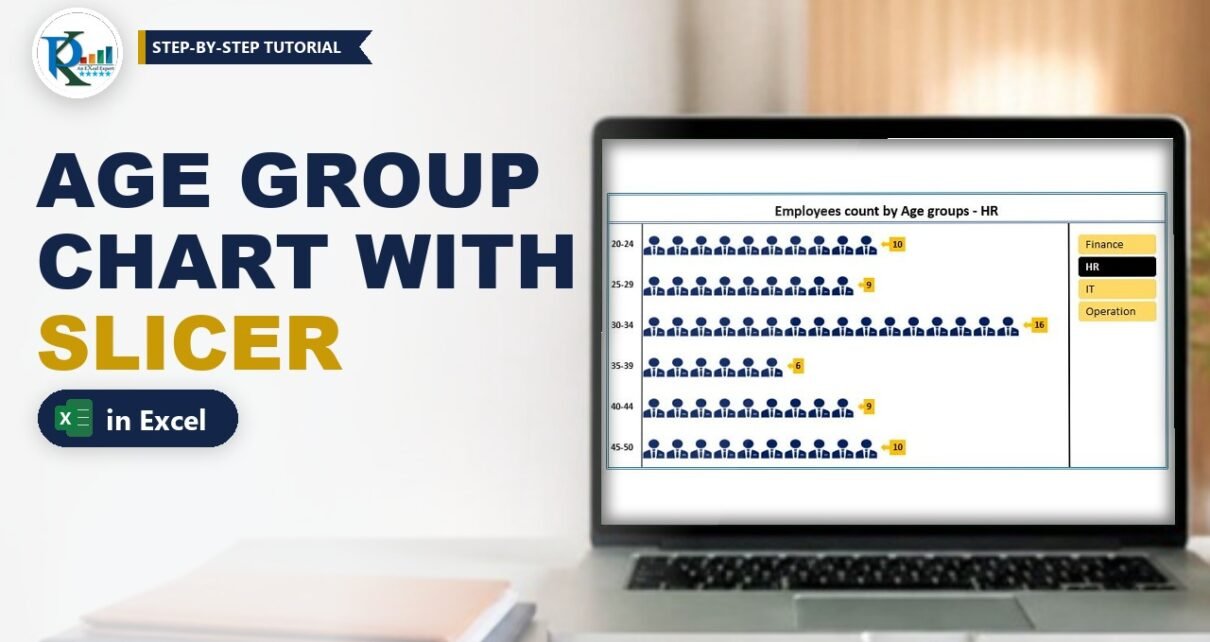
Dynamic Chart with Slicer in Excel: Employees by Age Group
Charts and Visualization

Dynamic Chart with Slicer in Excel: Employees by Age Group

July 17, 2019October 9, 2026 PKComments Off on Dynamic Chart with Slicer in Excel: Employees by Age Group
A dynamic chart with slicer in Excel lets anyone click a department and instantly see how many employees fall into each age group. In this tutorial you build it from
Read More

Posts pagination

Previous 1 … 286 287 288 … 300 Next
  • Learn Excel (Free Course)
    • 1. Shortcut Keys
    • 2. Fill & Flash Fill
    • 3. Find & Replace
    • 4. Sort & Filter
    • 5. Formulas & Functions
    • 6. Data Validation
    • 7. Conditional Formatting
    • 8. Basic Charts
    • 9. Advanced Charts
    • 10. Pivot Tables
    • 11. Excel Dashboards
    • 12. VBA Course
    • 13. Excel Formulas with AI
  • Templates
  • Tutorials
    • Charts and Visualization
    • VBA
    • Excel Tips and Tricks
    • Excel Dashboards
    • Power Pivot & DAX
  • Power BI
  • Template Store
    • Ready to Use Templates
  • Courses
  • Academy
    • Excel + AI Mastery: 100 Formulas
    • Excel Pivot Tables & Dashboards
  • About Us
  • Contact Us
Copyright © 2023 PK-AnExcelExpert.com - Privacy Policy