Free written courses for every Excel skill, and one premium video course for people who want to go deep. All free courses are built from the 500+ tutorials on this site, arranged in the order a beginner should learn them.
Free courses
Excel Learning Path: Beginner to Advanced
12 modules · 100+ chapters
The recommended order through everything below. Start here if you are not sure where to begin.
Fill, Auto Fill and Flash Fill
3 chapters
Series, custom lists and pattern-based filling of columns.
Excel Formulas and Functions
100+ functions
VLOOKUP, INDEX MATCH, SUMIFS, TEXT, date functions and more, each on its own page with examples.
Data Validation
10 chapters
Drop-down lists, date and number rules, custom formulas, messages and alerts.
Advanced Charts and Infographics
6 projects
Speedometer, battery, progress circle, moving man and dynamic check-box charts.
Excel Dashboards
9 free dashboards with videos
Performance, sales, project, process, incentive, zonal, C-SAT and quick dashboards.
Excel VBA Course
18 chapters
Macro recording to loops, UDFs, error handling and ADODB, plus 300+ VBA projects.
Power BI Tutorials
1,400+ dashboard walkthroughs
Data modelling, DAX and report design, taught through real dashboards.
Excel Tips and Tricks
190+ short lessons
Five-minute techniques, from XLOOKUP to LAMBDA and Python in Excel.
Excel Pivot Tables for Data Analysis: Basic to Advanced
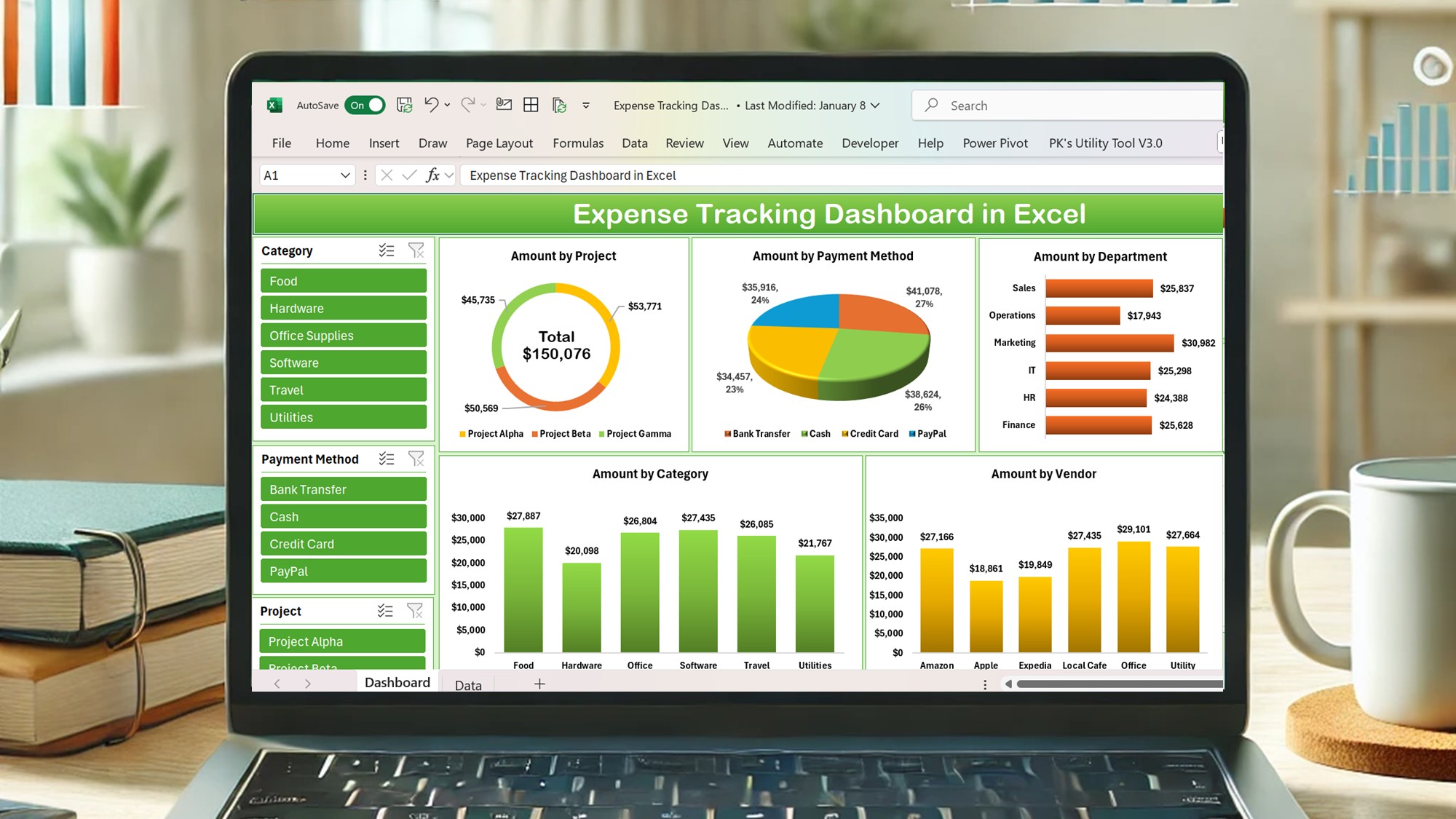
The free written chapters, taught on video with projects, downloadable datasets and a dashboard capstone. Built for analysts who want to go from raw exports to interactive reports.
- Build pivot tables from scratch and summarise with Sum, Count, Average, Min and Max
- Show Values As: percentages, running totals and differences
- Label, value and report filters, slicers and timelines
- Pivot charts, calculated fields and items, GETPIVOTDATA
- Interactive dashboards with pivots, charts and slicers
Frequently asked questions
Which course should I start with?
If you are new to Excel, the learning path. If you already use Excel daily, go straight to Formulas, Pivot Tables or VBA depending on what you need at work.
Are the free courses complete?
Yes. Each free course is a complete set of chapters with screenshots and practice files. The premium course adds video, projects and a certificate.
Do you offer corporate or one-to-one training?
Yes, customised Excel, VBA and Power BI training for individuals and teams. See consulting and training services or contact us.