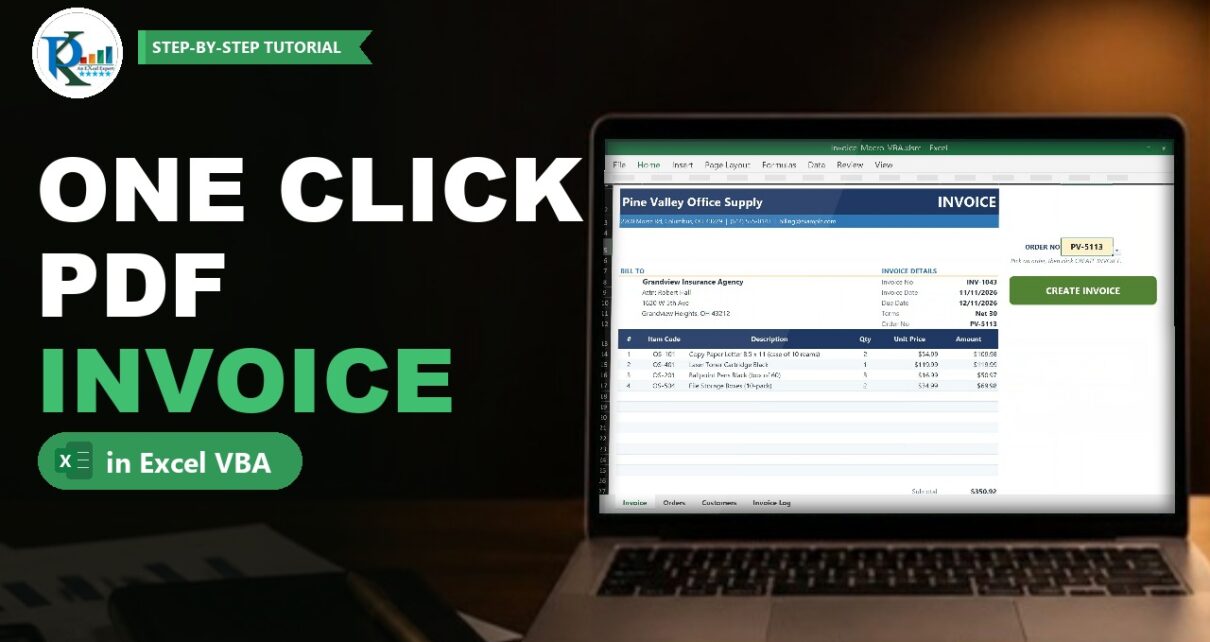
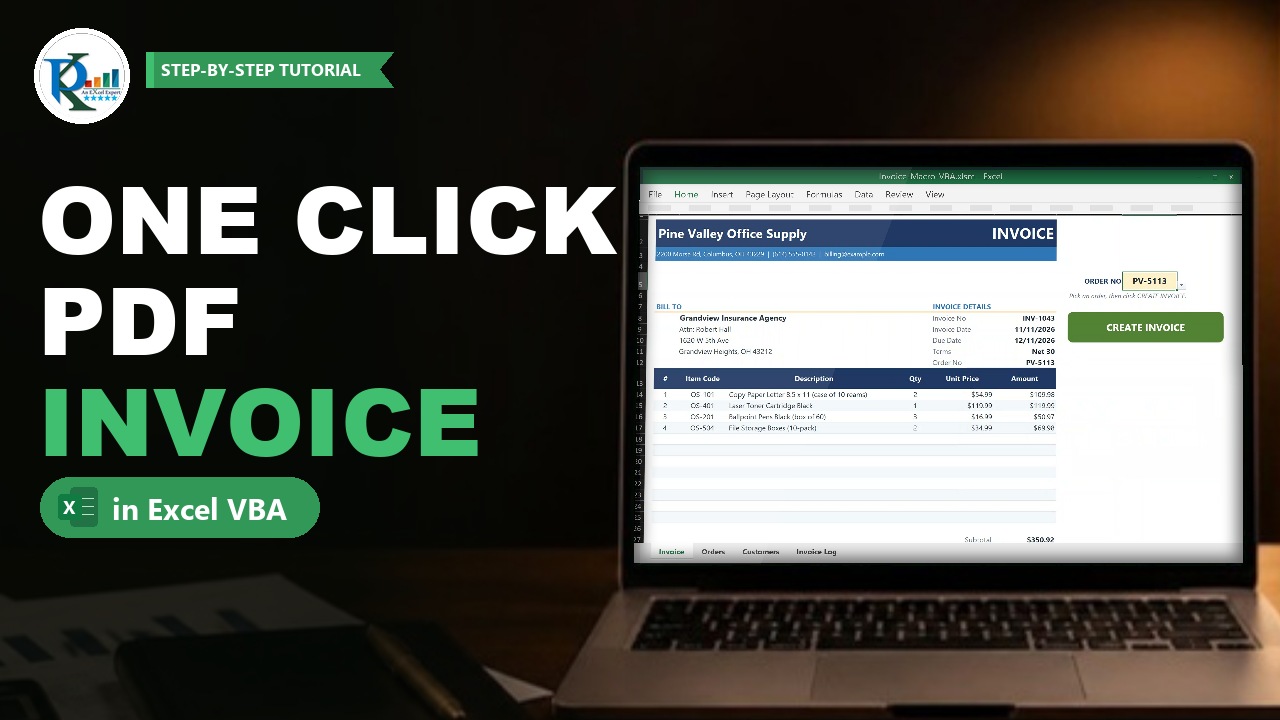
This tutorial builds an automatic invoice in Excel VBA. You pick an order number, click one button, and the macro fills the invoice, blocks duplicates, adds sales tax and shipping, numbers the invoice, saves a PDF and logs it. The example business is a fictional office supply company in Columbus, Ohio.
⬇️ Join Free on Skool & Download the Practice File
Free membership · takes 1 minute · the file is in Classroom → Free Downloads from YouTube.
- Billing and invoice system in Excel
- Customer payment reminder tool in Excel VBA
- Payroll management system in Excel VBA
- Microsoft reference: Worksheet.ExportAsFixedFormat
To learn VBA step by step, join Excel VBA Basics with AI on Next Gen Templates Academy. Code BF40 gives 40% off until 1 December 2026, 23:59 IST.
Frequently asked questions
Can Excel create an invoice automatically?
Yes. A short VBA macro can read the order number, copy the order lines and customer details, calculate tax and shipping, number the invoice and save it as a PDF.
How does the macro stop duplicate invoices?
Before it builds anything, it searches the Invoice Log for the order number with Range.Find. If the order is already there, it shows the existing invoice number and stops.
Why does the PDF save fail from a OneDrive folder?
ThisWorkbook.Path returns a web address for a synced OneDrive file. The macro checks for that and saves to your Documents folder instead.
How many lines can one invoice hold?
This layout has twelve line rows. The macro warns you if an order has more, so you can add rows to the invoice first.
Why use WorksheetFunction.Round instead of Round?
The VBA Round function uses banker’s rounding. WorksheetFunction.Round rounds the same way the ROUND formula does on the sheet.
Do I need to save the file as xlsm?
Yes. A normal xlsx workbook cannot keep macros, so save it as an Excel macro-enabled workbook.
Download the free practice file
The zip holds the practice workbook, the solution workbook and the code module.
⬇️ Join Free on Skool & Download the Practice File
Free membership · takes 1 minute · the file is in Classroom → Free Downloads from YouTube
Practice file, solution workbook and the VBA code · .zip
Conclusion
One macro now handles the whole invoice: it checks the log, builds the page, calculates the money, saves the PDF and records it. Change the constants and the sheet layout to match your own business.