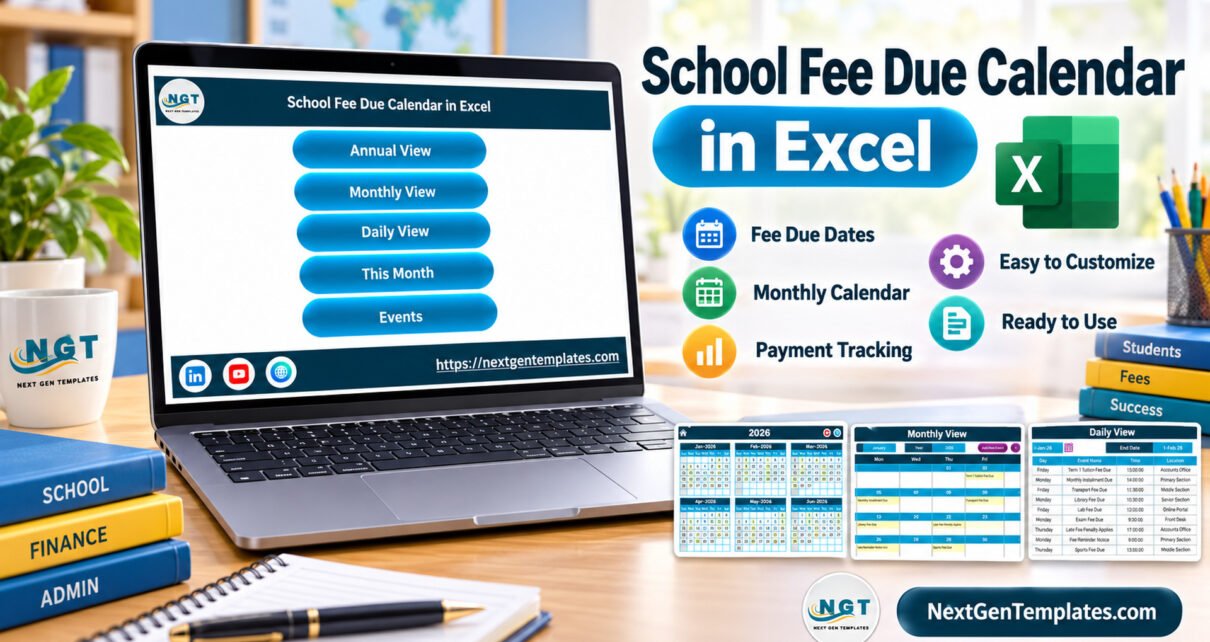
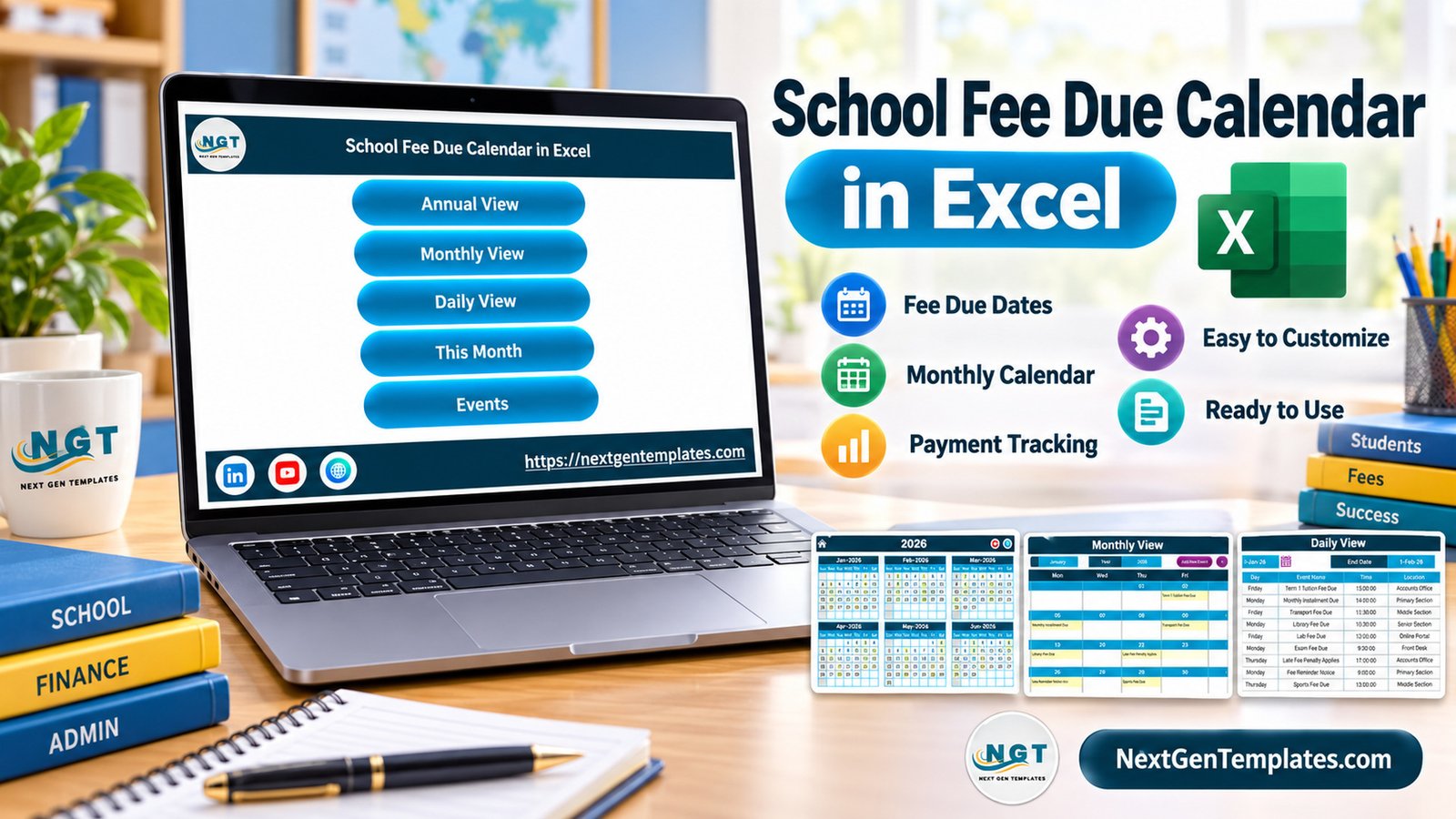
School Fee Due Calendar in Excel is a ready-to-use macro-enabled workbook for schools and tuition centers that want a cleaner way to organize fee due dates. Instead of tracking tuition deadlines, transport fee dates, library fee dues, lab fee collections, scholarship deadlines, and reminder windows across separate notes, the workbook gives your admin team one structured Excel calendar.
The template is made for Microsoft Excel desktop on Windows. It uses macros for workbook navigation and record controls, so macros need to be enabled. This is important: it is not an online payment system, student billing ledger, receipt generator, or automatic reminder platform. It is a practical calendar workbook for planning and reviewing fee-related dates.
You can get the template from NextGenTemplates. For related spreadsheet resources, browse the PK-AnExcelExpert templates section. For Microsoft guidance about opening macro-enabled files, see Microsoft’s macro security guidance.
School Fee Due Calendar in Excel Overview
The workbook includes a Home screen, Annual View, Monthly View, Daily View, This Month summary, and Events record section. The sample data is built around school fee administration: term tuition fee due dates, monthly installments, transport fee dues, library fee due dates, lab fee dues, exam fee dates, fee reminder notices, online payment window notes, and fee receipt distribution dates.
Because it is an Excel file, your team can customize the records for your own academic year, school branch, fee cycle, or internal terminology. You can keep the structure and simply replace the examples with your real fee calendar.
What Makes This Excel Calendar Useful
- Annual View: Review the full year and quickly see how fee due days are distributed across months.
- Monthly View: Focus on one month at a time and see fee events inside a calendar layout.
- Daily View: Check event name, time, location, and description in a table format.
- This Month summary: See active days, locations used, next seven days, and top locations.
- Events table: Add, update, and delete records from the macro-enabled event management section.
- Editable school examples: Start with realistic fee due records and adapt them to your own process.
Who Should Use It
This calendar is useful for school accounts teams, fee counters, administrative offices, tuition centers, coaching institutes, and small academies. It is especially helpful when fee deadlines repeat across departments or locations, and the team needs a shared internal workbook for planning.
How the Workbook Helps School Administration
Fee calendars often involve more than one type of date. A school may need to plan tuition deadlines, transport fee collection dates, receipt distribution days, concession application deadlines, scholarship submission dates, exam-fee windows, and reminder dates. The workbook helps bring those dates into one view so the office can prepare communication, counter staffing, and internal follow-up work.
The Events section also gives each record a location and description. That makes the workbook useful for teams that need to distinguish Accounts Office, Primary Section, Middle Section, Senior Section, Front Desk, or Online Portal activity.
Excel for Windows and Macro Requirement
This is a macro-enabled Excel template. Use it in Microsoft Excel desktop for Windows and enable macros when opening the file. If your organization blocks macros, or if you mainly work in Excel Online, Google Sheets, mobile Excel, or Apple Numbers, this workbook will not provide the intended button-driven experience.
What It Does Not Include
The template does not collect payments, post transactions to an accounting system, send automatic reminders, calculate outstanding balances, connect to a parent portal, or generate official fee receipts. It is a fee due date calendar, not a complete fee management ERP.
How to Get Started
- Download and extract the ZIP package.
- Open the macro-enabled workbook in Excel desktop for Windows.
- Enable macros when prompted.
- Replace the sample school fee events with your own dates and descriptions.
- Review the Annual, Monthly, Daily, and This Month views before sharing the plan internally.
When to Choose This Template
Choose this file when you want a simple, editable, offline planning workbook. It is a strong fit for teams that already use Excel and need calendar visibility without deploying a web app or database system.
The workbook is also useful when a school wants one file for yearly planning and monthly review. It keeps the workflow familiar for teams that already maintain admin work in spreadsheets. The goal is clean scheduling, not complicated software rollout.
FAQ
Is this a payment tracker?
It can help schedule fee due dates and review fee-related events, but it is not a payment processing or student ledger system.
Can I customize the events?
Yes. The sample records are editable. You can change the event name, date, time, location, and description.
Does it work on Excel Online?
No. Use Microsoft Excel desktop for Windows because the workbook is macro-enabled.
Does it send automatic reminders?
No. You can schedule reminder dates inside the workbook, but it does not send messages automatically.
Download the Template
The product package includes the School Fee Due Calendar in Excel workbook and user manual inside a ZIP file. It is designed to help school admin teams manage fee due dates with clear Excel calendar views.