Schools, coaching centers, and training teams often manage timetable changes through scattered messages, printed notes, and separate spreadsheets. The Class Timetable Calendar in Excel gives one structured workbook for annual, monthly, daily, and this-month timetable planning. It is built for Microsoft Excel desktop on Windows and uses macros for workbook navigation and event-management buttons.
Key Features of Class Timetable Calendar in Excel
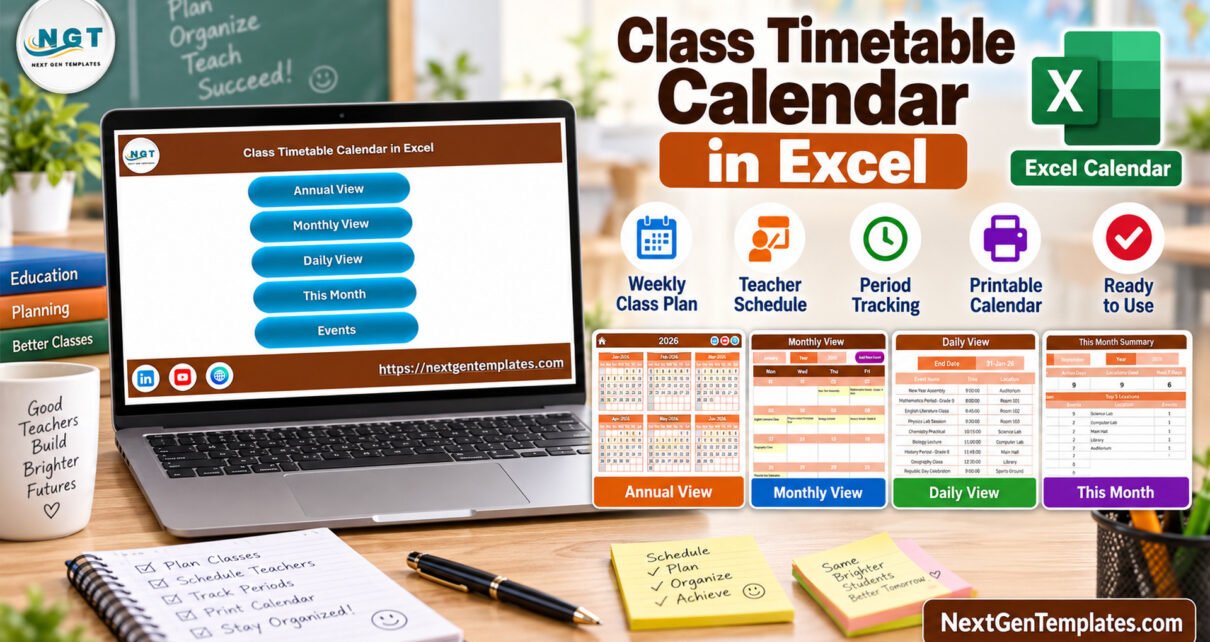
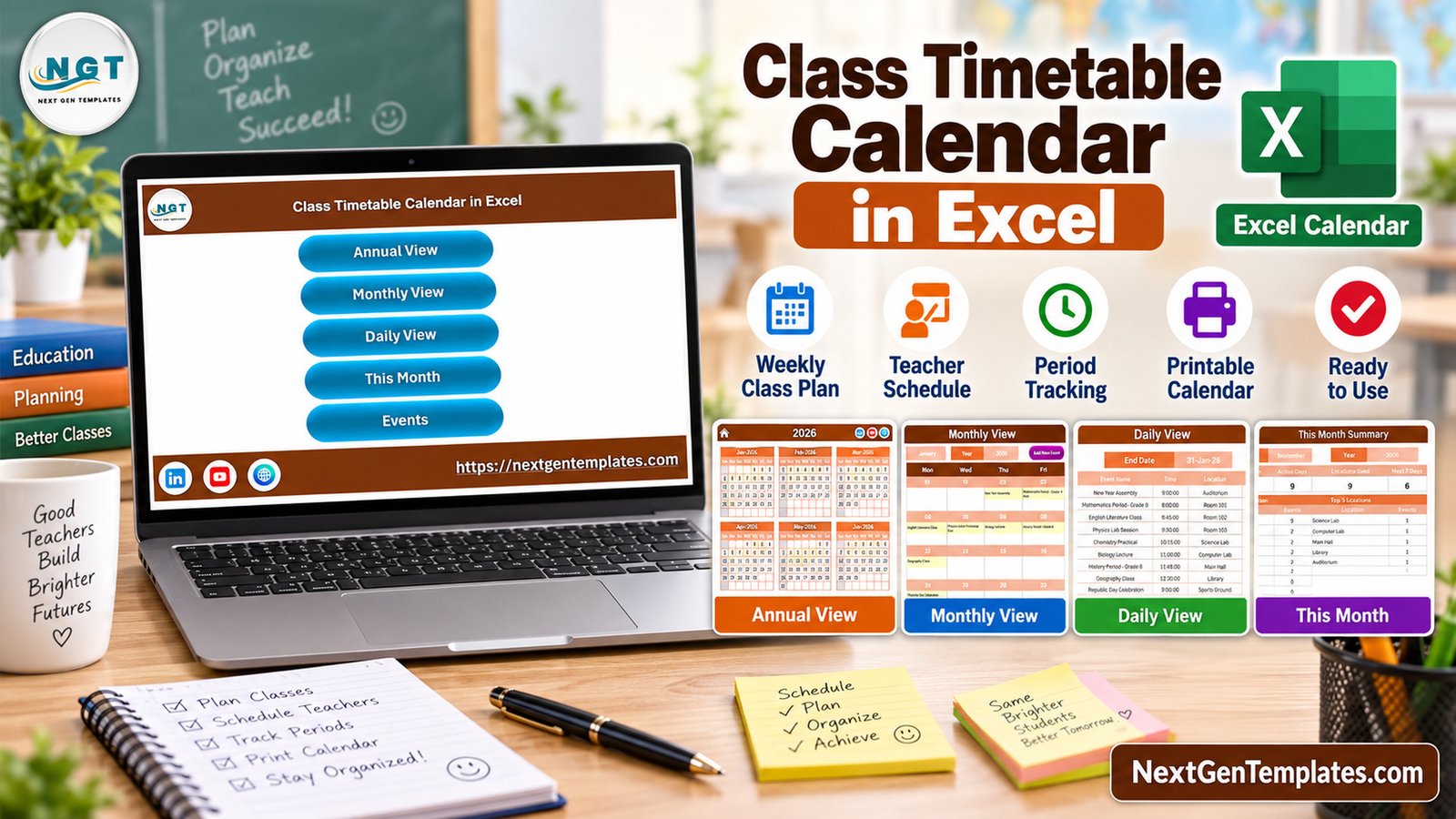
The template focuses on practical classroom scheduling, not generic calendar decoration. It includes a home screen, annual calendar, monthly planner, daily list, this-month summary, and event records. The workbook is useful for class periods, teacher schedules, room planning, practical sessions, assemblies, and academic events.
- Annual view for a full-year school calendar.
- Monthly view for visible class and event planning.
- Daily view with event name, time, location, and description.
- This-month summary for active days, top locations, and upcoming schedule activity.
- Macro-enabled navigation buttons for faster workflow inside Excel.
- Sample school timetable data that can be replaced with real class entries.
Workbook Pages Explanation
Home Navigation
The home page gives quick buttons for Annual View, Monthly View, Daily View, This Month, and Events. Because this is a macro-enabled workbook, the buttons are intended for Excel desktop on Windows with macros enabled.
Annual View
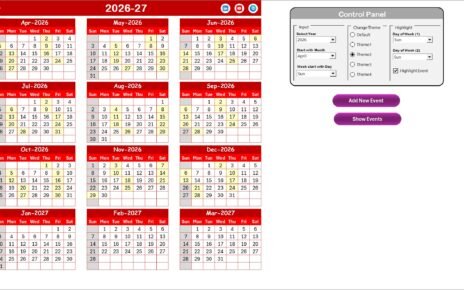
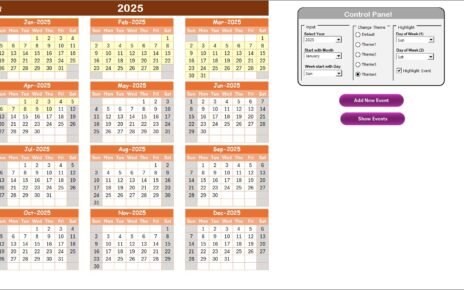
The annual view displays the full year in a compact calendar layout. It is useful when teachers or coordinators need to see term-level planning, holidays, examinations, and academic events at a glance.
Monthly View
The monthly page shows class events inside a calendar layout. It helps users map lectures, practical sessions, assemblies, holidays, and recurring timetable entries across the month.
Daily View
The daily view lists schedule records with date, day, event name, time, location, and description. This is the most practical page for checking a specific date range.
This Month Summary
The summary page gives a quick readout of active days, locations used, upcoming activity, and top locations. It is a planning view, not an attendance or student-performance dashboard.
Class Timetable Calendar in Excel vs. Google Sheets Calendar vs. Paid School Scheduling Software – Feature Comparison
| Feature | Excel timetable calendar | Google Sheets calendar | Paid school scheduling software |
|---|---|---|---|
| Best use | Desktop timetable planning | Shared online planning | Full institutional scheduling |
| Macros | Supported in Excel desktop | Not applicable | Usually not Excel-based |
| Setup | Open, enable macros, update sample events | Copy and configure sharing | Configure users, classes, rules, and permissions |
| Offline use | Yes, after download | Limited | Depends on vendor |
| Year-1 cost at 5 users | One-time template price | Usually low | Often subscription-based |
Who Should Use This Template
Use this template if you are a teacher, tutor, school coordinator, coaching-center manager, or training administrator who prefers Excel and wants a cleaner way to manage class schedules. It works best when one person or a small team owns the timetable file.
Do not use it as a full ERP, student database, attendance register, LMS, or automated conflict-detection system. The workbook does not send reminders, sync with Outlook, or connect to live school databases.
Real-World Use Cases
Teacher weekly planning: Map subject periods, practical sessions, classroom activities, and assemblies before the week starts.
Coaching center batch planning: Schedule batches by date, room, subject, and time without using a large SaaS system.
School admin noticeboard: Print monthly or daily views for staff-room reference.
Advantages of Class Timetable Calendar in Excel
The biggest advantage is familiarity. Many academic teams already use Excel, so they can adjust sample data, print views, and maintain schedules without learning a new platform. The workbook also keeps the planning pages together instead of spreading timetable details across separate files.
Opportunities for Improvement
The template is intentionally simple. Future versions could add deeper teacher allocation logic, subject-wise summaries, room-conflict checks, and reminder integrations. For now, it should be treated as a planning calendar, not a full school operations platform.
Best Practices
Keep one master copy, protect backup copies before major timetable changes, and standardize event names such as class, lab, assembly, exam, meeting, and holiday. Microsoft explains macro security and trusted documents in its official guidance: enable or disable macros in Microsoft 365 files.
Explore Relevant Templates
You can get the product here: Class Timetable Calendar in Excel. For more options, explore Excel calendar templates and Microsoft Excel templates.
Frequently Asked Questions
Is this template macro-enabled?
Yes. The Class Timetable Calendar in Excel is a macro-enabled workbook for Excel desktop on Windows.
Can it be used in Excel Online?
Excel Online may not support the macro behavior used by this workbook, so Windows desktop Excel is the recommended platform.
Can I replace the sample school events?
Yes. The workbook includes sample timetable entries that should be replaced with your own classes, rooms, subjects, and events.
Does it include attendance tracking?
No. It is a class timetable and calendar planner, not an attendance management system.
What files are included?
The download ZIP includes the macro-enabled Excel workbook and the Excel Calendar user manual.
About the Author
Built by PK – Microsoft Certified Professional with 15+ years of Excel, Google Sheets, and Power BI experience. Founder of NextGenTemplates, reaching 300K+ subscribers across YouTube channels. Every template is hand-built and tested before release.
Conclusion
The Class Timetable Calendar in Excel is a practical choice for educators who want a downloadable timetable planner with annual, monthly, daily, and current-month views. It is honest about its scope: it helps organize school schedules in Excel, while larger workflows such as student records, attendance, and automated notifications belong in dedicated systems. For broader Excel learning, explore more Excel tips and tricks from PK-AnExcelExpert.
For more Excel tutorials and template walkthroughs, visit PK: An Excel Expert on YouTube.