If you have ever wanted a complete library of working Excel VBA applications — not formula templates, but real software with login screens, UserForms, navigation menus and one-click reporting — the Excel VBA Tools & Utilities Pack is exactly that. It brings together 8 of the most-downloaded VBA systems from NextGenTemplates’ VBA Tool library into a single download, priced at $63.99 instead of the $105.92 you would pay buying them one at a time.
That is a saving of $41.93 (40% off) — and more importantly, it gives you a coherent toolkit that covers inventory, order-to-invoice, HR leave, healthcare operations, document conversion and project management, all built on the same Excel VBA foundation you already know.
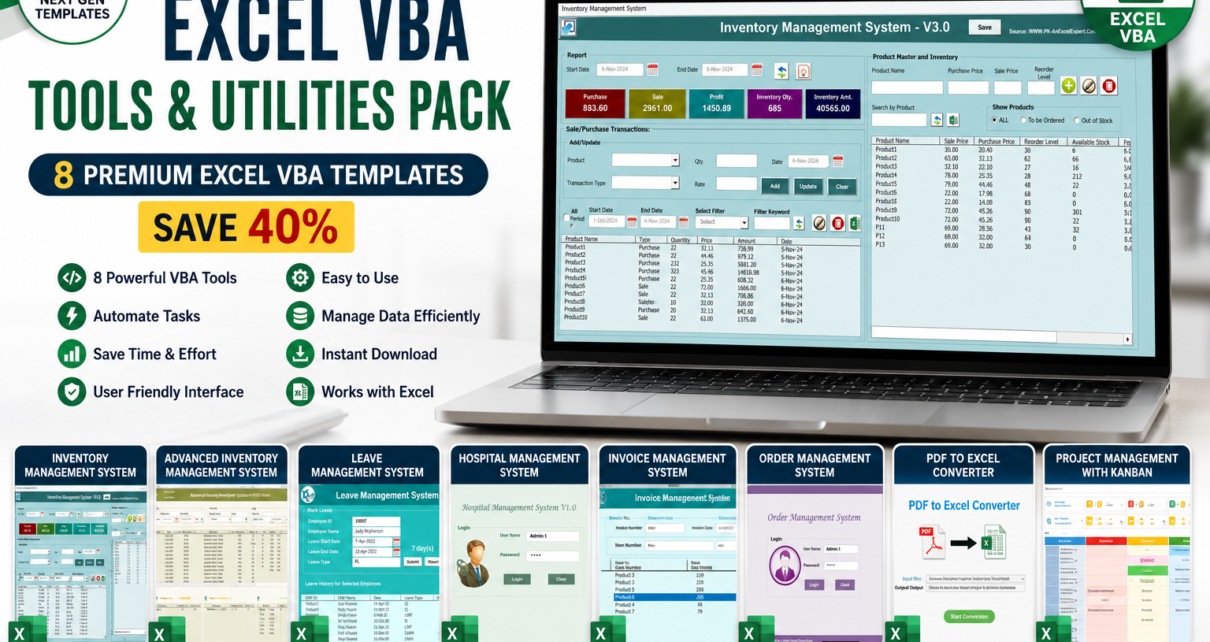
Excel VBA Tools & Utilities Pack — 8 Premium VBA Systems
$105.92 $63.99
You save $41.93 — 40% off
👉 Click Here to Purchase the Bundle
Why an Excel VBA Bundle Makes Sense in 2026
Every one of these tools solves a problem that most businesses currently pay a monthly subscription to solve. A cloud inventory platform runs $29–$249 per month. An invoicing SaaS is $15–$50. A hospital or clinic management system starts at $50 and climbs fast. Add a Kanban tool and a PDF converter and you are comfortably past $100 per month — forever.
The Excel VBA Tools & Utilities Pack replaces that stack with a one-time $63.99 purchase. Everything runs offline, inside Microsoft Excel, on hardware you already own. There is no vendor lock-in, no user seat limits, no data leaving your machine, and no renewal invoice next January.
There is a second reason developers buy this pack: the VBA source is open and editable. If you build Excel tools for clients or for your own team, these 8 systems are a working reference library of login authentication, UserForm design, dynamic listbox population, record CRUD against a sheet-backed database, and PDF/Excel report export routines. Study them, adapt them, rebrand them.
What’s Inside the Excel VBA Tools & Utilities Pack
1. Inventory Management System V3.0 — $19.99
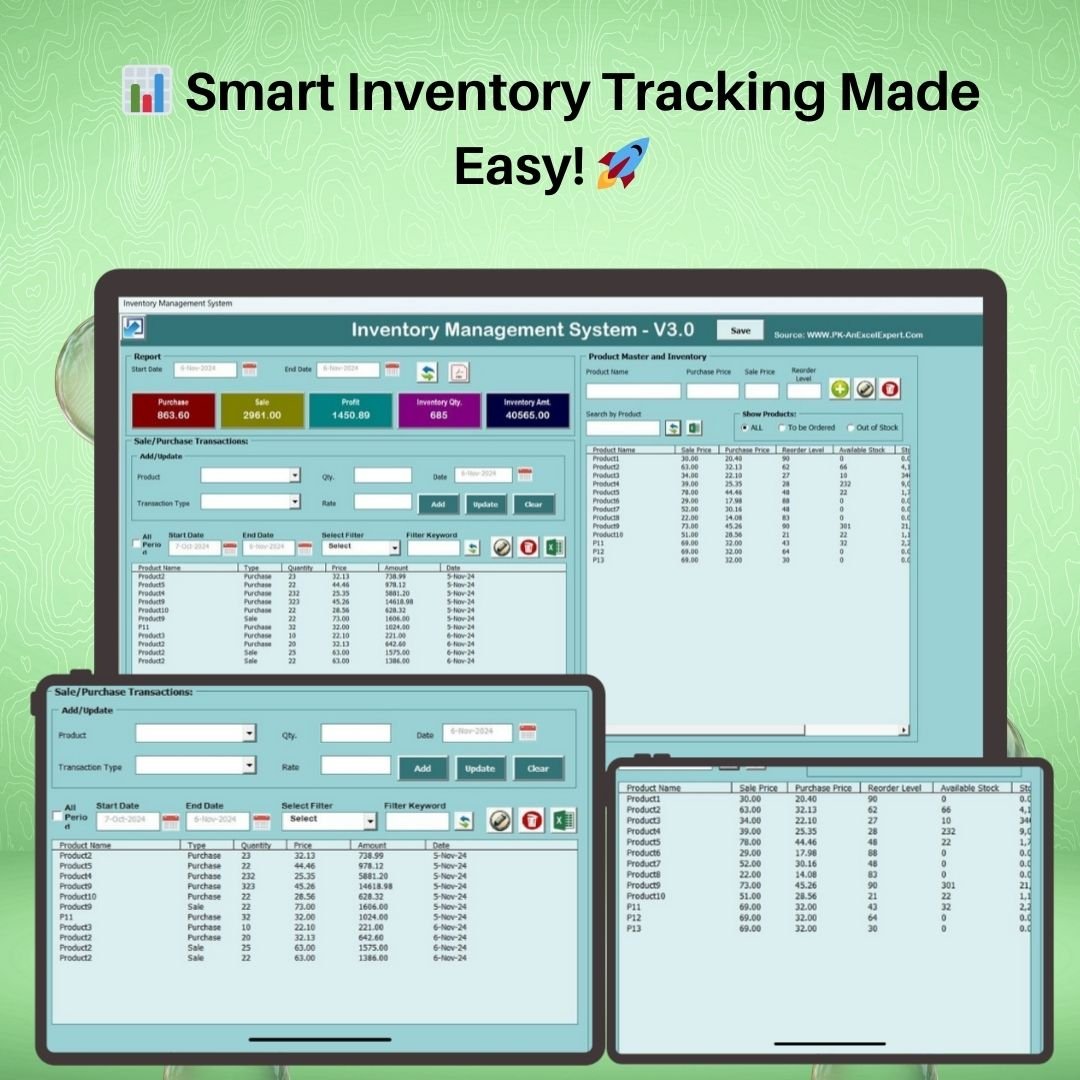
A full VBA inventory application with a password-protected login screen, KPI dashboard (purchase value, sales value, gross profit, stock quantity, inventory value), a searchable product master, purchase/sale transaction entry via UserForms, automatic stock adjustment on every movement, reorder-level alerts, and date-filtered reports exportable to Excel or PDF in one click.
2. Advanced Inventory Management System V1.0 — $19.99
The bigger sibling. Everything V3.0 does, plus multi-warehouse stock tracking and barcode scanning support, with more granular stock-movement reporting for operations running several locations or thousands of SKUs. Having both in the pack means you can start simple and graduate to the advanced system without buying twice.

3. Leave Management System — $6.99
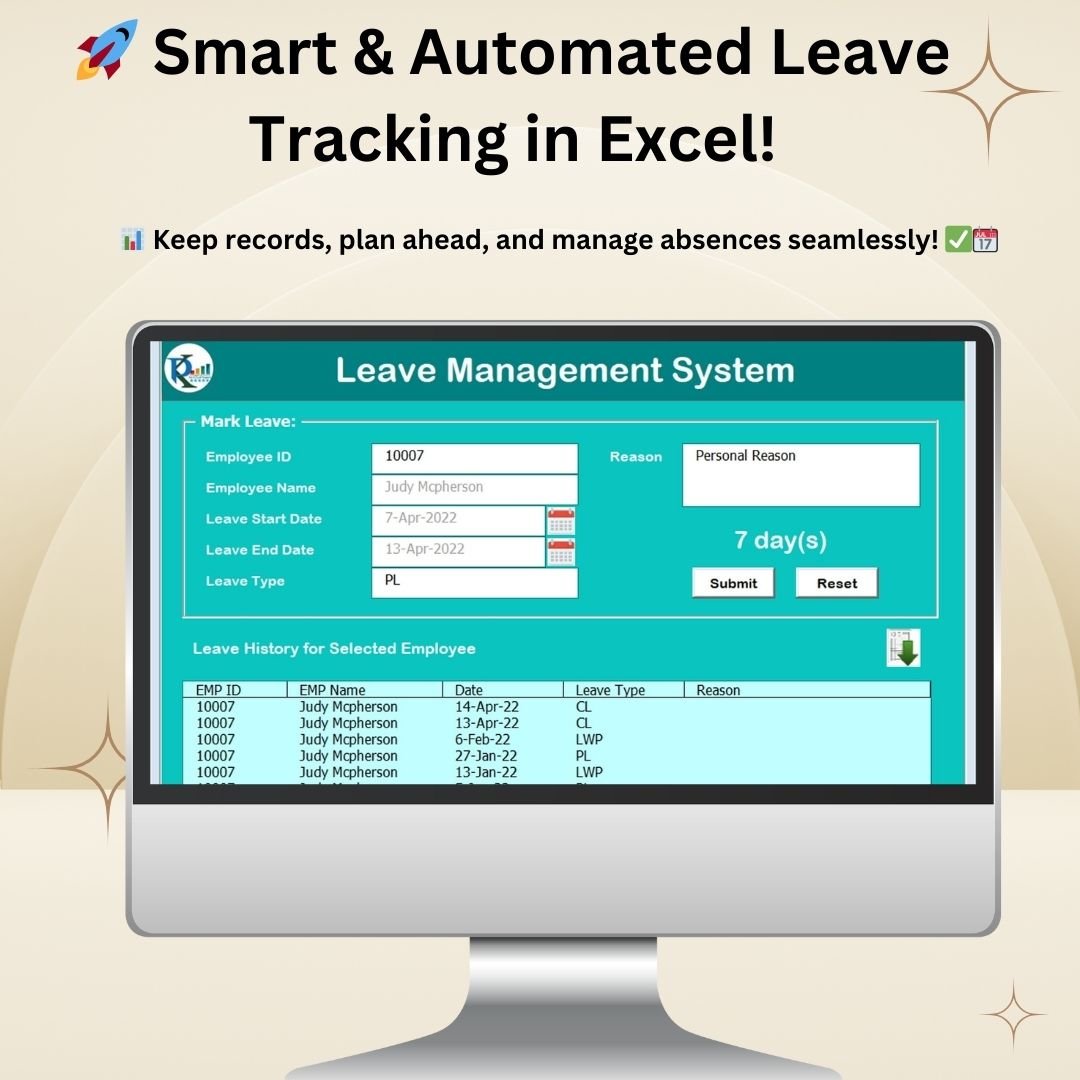
An automated leave tracker for HR teams: employee master, leave applications, approval status, leave-balance calculation by type, and a calendar-style view of who is off and when. It removes the shared-spreadsheet chaos that most small HR teams still live with.
4. Hospital Management System V1.0 — $19.99
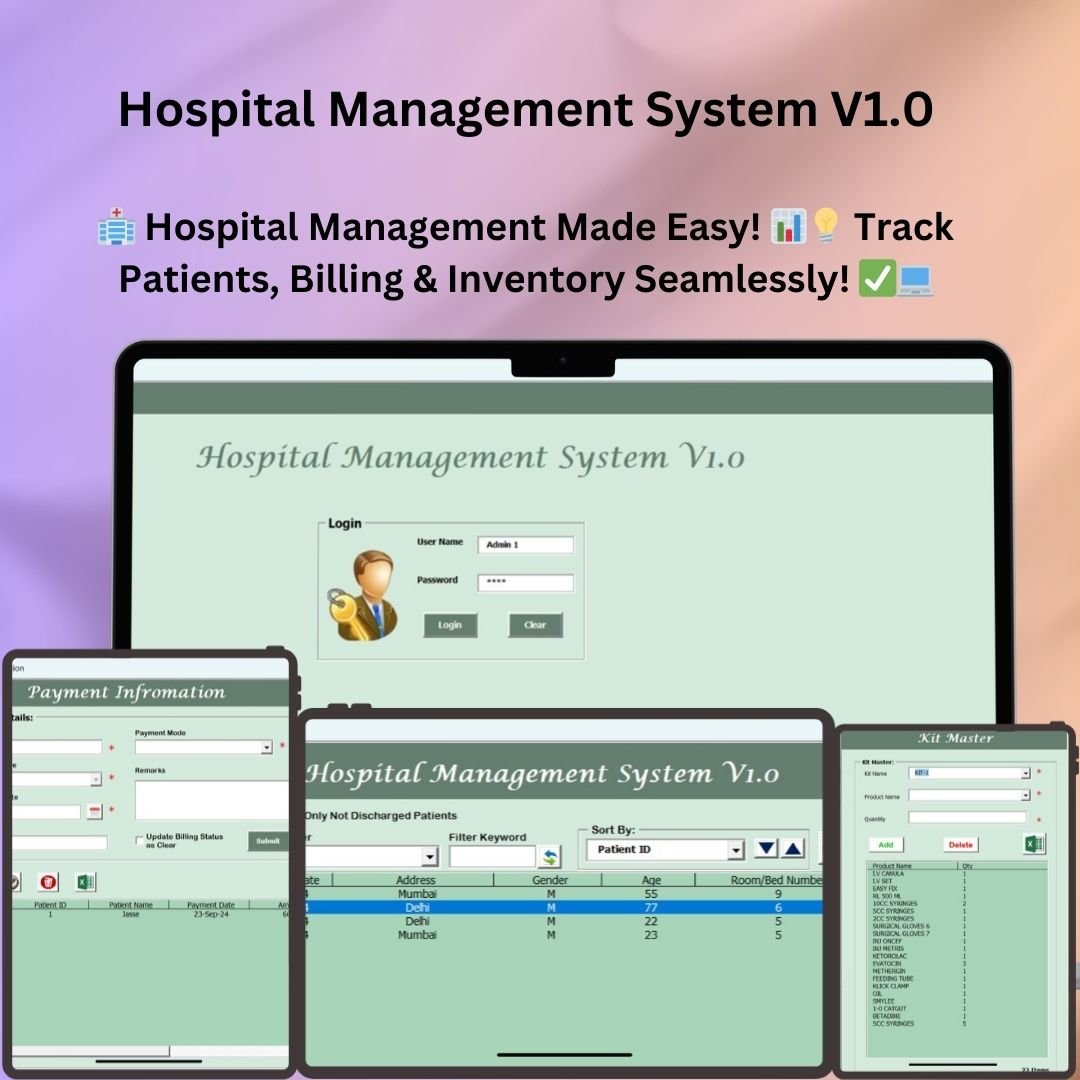
A complete clinic/hospital operations tool in Excel VBA: patient registration, doctor master, appointment scheduling, treatment records and billing, with printable reports. Popular with small clinics, dental practices and diagnostic labs that cannot justify a full HMS licence.
5. Order Management System V1.0 — $19.99
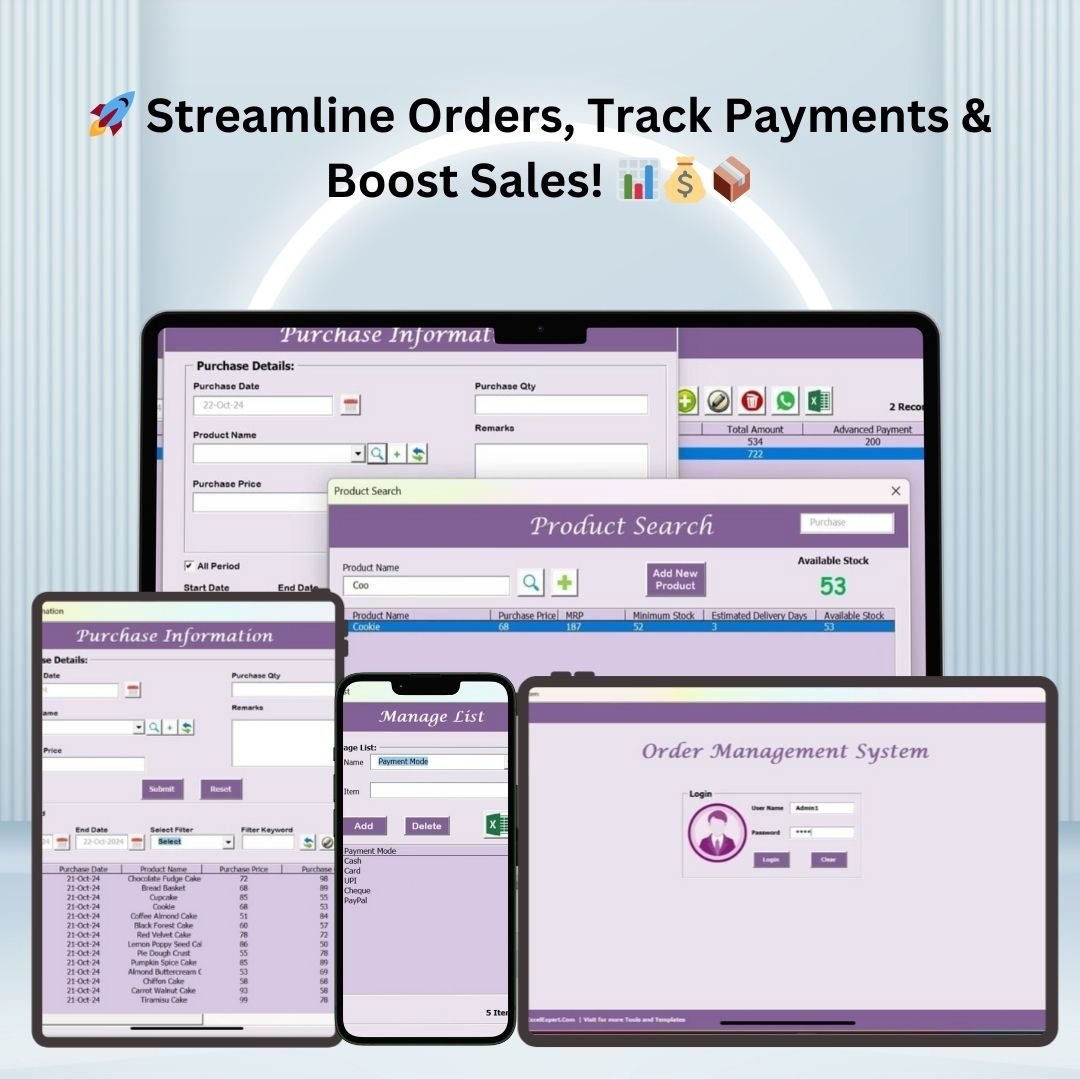
Capture customer orders, track fulfilment status through the pipeline, manage the customer master, and report on order value and delivery performance. Pairs naturally with the inventory systems — orders out, stock down.
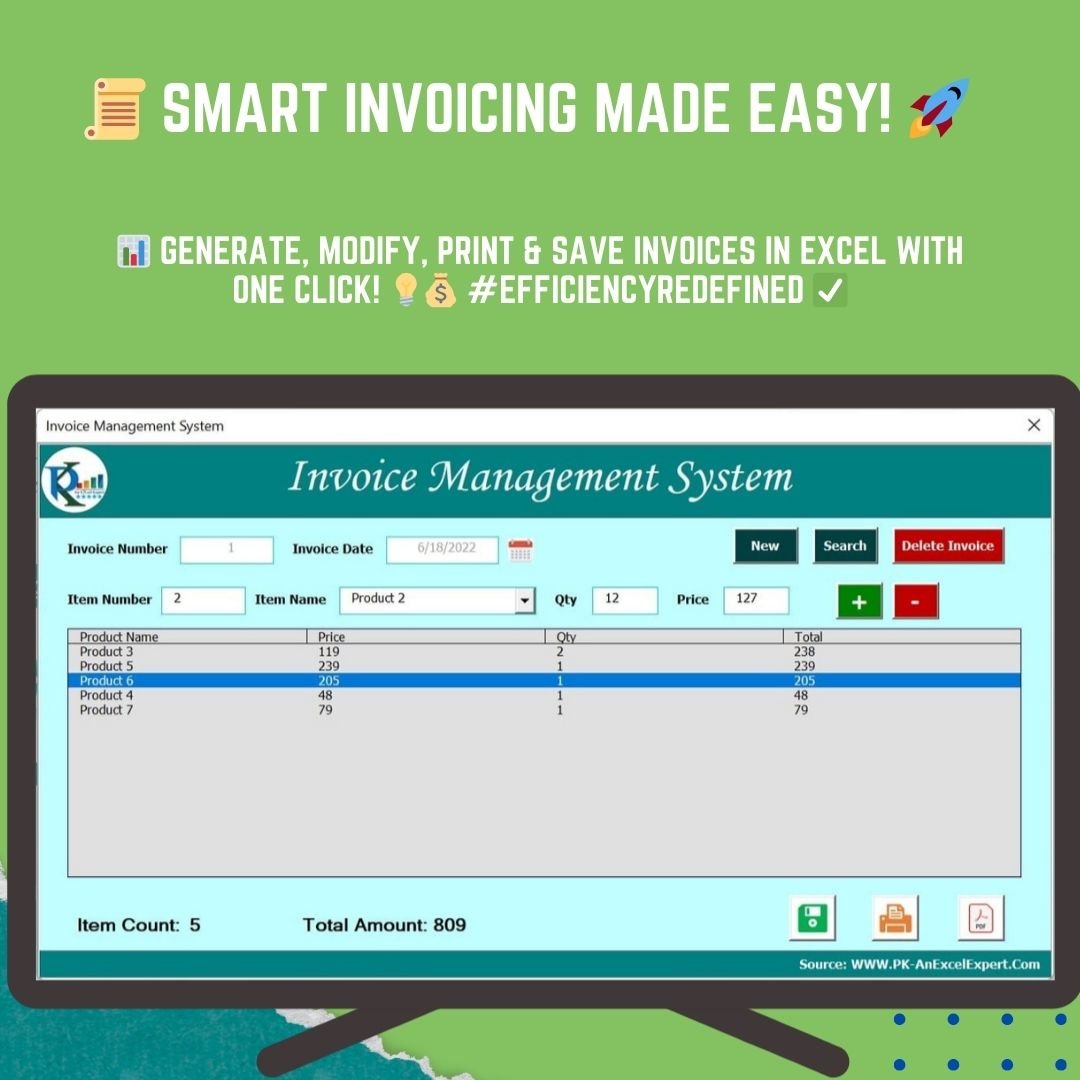
6. Invoice Management System V1.0 — $6.99
Generate professional invoices from a UserForm, maintain a customer and item master, keep a permanent invoice log, and print or export any invoice to PDF. This is the piece that closes the order-to-cash loop inside the same workbook family.
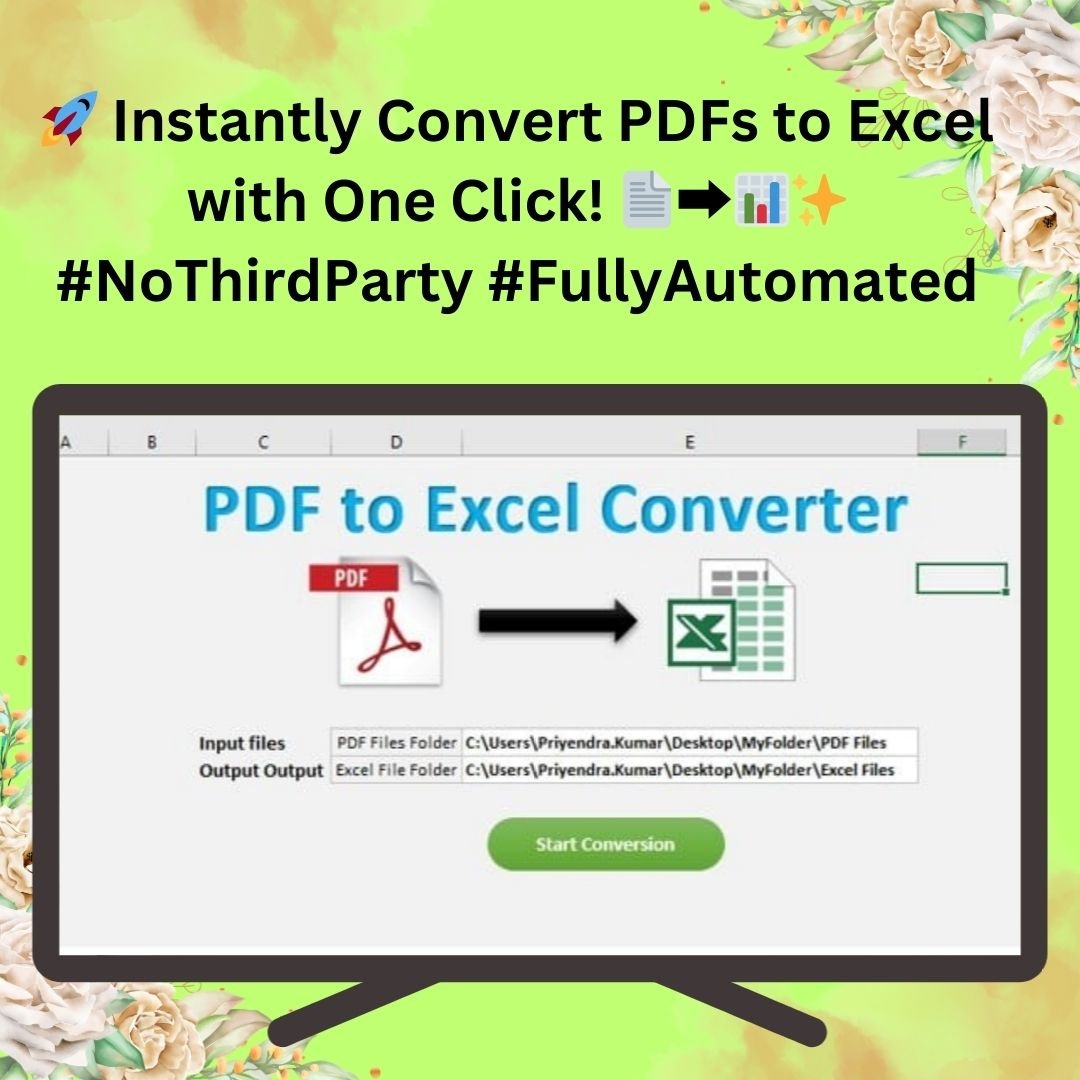
7. PDF to Excel Converter in Excel VBA — $6.99
A pure utility, and quietly one of the biggest time-savers here. Point it at a PDF and it pulls the text and tabular content into a worksheet — no online converter, no uploading confidential statements to a third-party website, no per-file credit system.
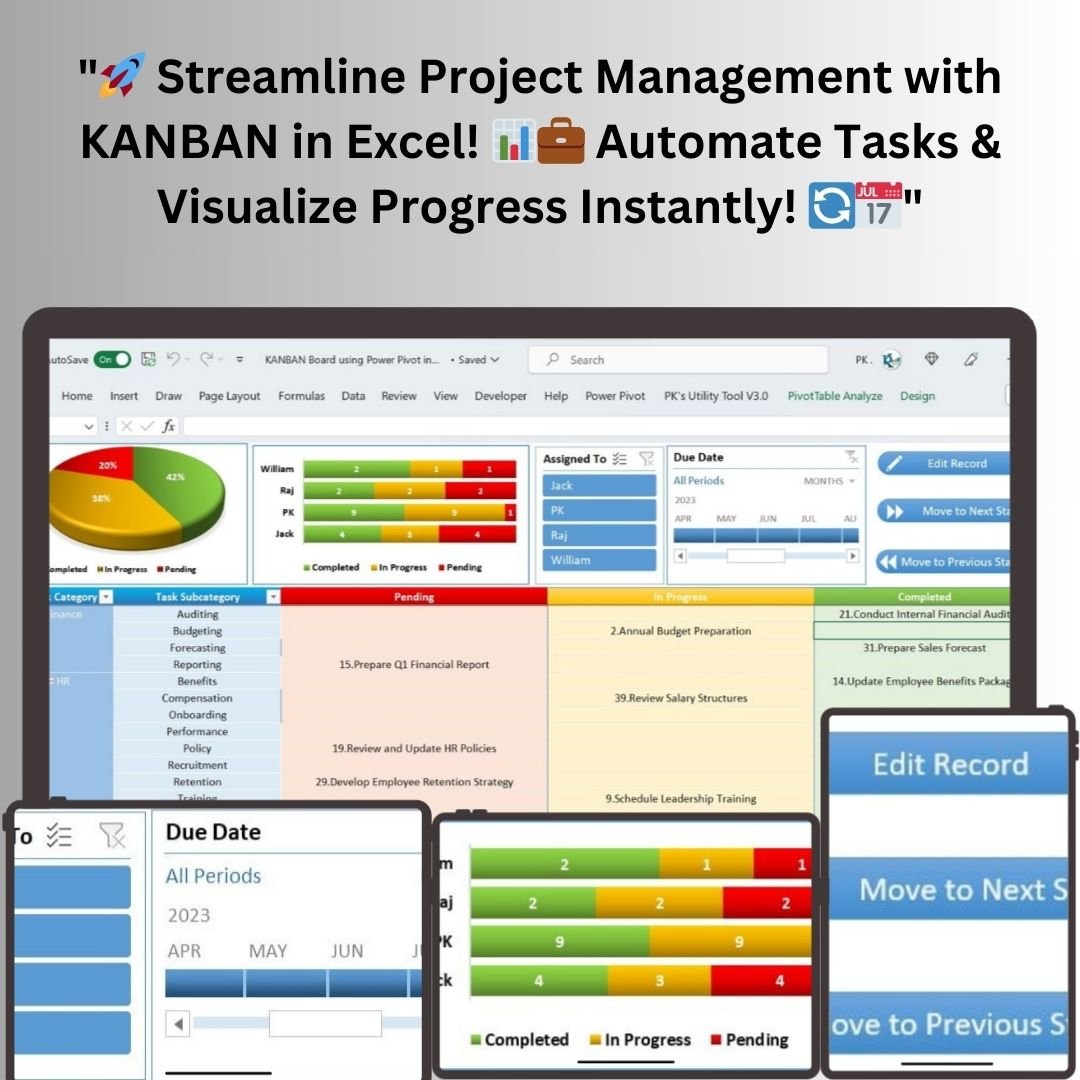
8. KANBAN Board with Power Pivot and VBA — $4.99
A drag-free Kanban board for project management, driven by Power Pivot on the back end and VBA on the front. Move tasks across stages, filter by owner or project, and let the data model handle the aggregation. A neat demonstration of Power Pivot and VBA working together.
Smart Comparison — Individual vs Bundle
| # | Product | Platform | Individual Price |
|---|---|---|---|
| 1 | Inventory Management System V3.0 | Excel VBA | $19.99 |
| 2 | Advanced Inventory Management System V1.0 | Excel VBA | $19.99 |
| 3 | Leave Management System | Excel VBA | $6.99 |
| 4 | Hospital Management System V1.0 | Excel VBA | $19.99 |
| 5 | Order Management System V1.0 | Excel VBA | $19.99 |
| 6 | Invoice Management System V1.0 | Excel VBA | $6.99 |
| 7 | PDF to Excel Converter in Excel VBA | Excel VBA | $6.99 |
| 8 | KANBAN Board with Power Pivot and VBA | Excel VBA + Power Pivot | $4.99 |
| Total if bought individually | $105.92 | ||
| Excel VBA Tools & Utilities Pack (bundle price) | $63.99 | ||
| You save | $41.93 (40%) | ||
Advantages of Buying the Bundle Over Individual Tools
- 40% cheaper — the two inventory systems alone ($39.98) plus the hospital and order systems ($39.98) already exceed the bundle price. The remaining four tools are effectively free.
- One consistent VBA architecture — all 8 workbooks follow the same design language: login → navigation menu → UserForm entry → sheet-backed database → report export. Learn one, and you can operate all of them.
- Covers the full back-office — stock, orders, invoices, staff leave, patients, documents and projects. Most small businesses need three or four of these; buying them separately is where the money leaks.
- A reusable code library — for developers and consultants, this is 8 working examples of production VBA patterns you can lift into client work.
- No subscription, ever — one payment, lifetime access, offline operation, and your data never leaves your machine.
Best Practices for Deploying the Pack
- Unzip everything into one folder and keep the folder structure intact — each workbook is self-contained but easier to manage together.
- Enable macros before anything else. None of these tools function with macros disabled. See our guide on 4 easy ways to enable macros in Excel VBA.
- Change the default login credentials immediately in every system you deploy. The defaults are documented, which is fine for evaluation and unwise for production.
- Start with one system, not all eight. Pick the tool that solves your most painful problem — usually inventory or invoicing — get it running with real data, then expand.
- Back up your workbooks on a schedule. These are sheet-backed databases; a weekly copy to a dated folder costs nothing and saves everything.
- Keep master data consistent across tools — if you use both the Order and Invoice systems, use the same customer names and codes so reports reconcile.
Who Should Buy the Excel VBA Tools & Utilities Pack
- 👨💻 Excel power users who want working applications rather than another formula template.
- 🛠️ VBA developers and consultants looking for a reference library of login, UserForm, CRUD and report-export patterns.
- 🏪 Small and mid-sized businesses running stock, orders and invoicing on spreadsheets that have outgrown themselves.
- 🏥 Clinics, labs and small hospitals that need patient and billing records without an enterprise HMS licence.
- 👥 HR teams tired of chasing leave requests through email threads.
- 📊 Project managers who want a Kanban view that lives where their data already lives.
Explore More Excel & VBA Templates
- 🧰 All Excel VBA Tools
- 📦 Inventory Management Templates
- 📊 All MS Excel Templates & Dashboards
- 🗂️ Browse the full NextGenTemplates store
Frequently Asked Questions
What is the Excel VBA Tools & Utilities Pack?
It is a bundle of 8 premium Excel VBA applications — Inventory Management System V3.0, Advanced Inventory Management System V1.0, Leave Management System, Hospital Management System V1.0, Order Management System V1.0, Invoice Management System V1.0, PDF to Excel Converter, and a Power Pivot Kanban Board — sold together for $63.99 instead of the $105.92 individual total.
How much do I save with the bundle?
You save $41.93, which is 40% off the combined individual price of $105.92. The bundle regular price is $79.99 and the current sale price is $63.99.
Do these tools require macros to be enabled?
Yes. Every tool in the pack is VBA-driven — login screens, UserForms, automated calculations and PDF/Excel export all depend on macros. Excel will prompt you on first open; click “Enable Content”. Our macro setup guide walks through it.
Will these work on Mac or in Google Sheets?
They are built for Excel on Windows (2016, 2019, 2021 and Microsoft 365). Excel for Mac has limited VBA support, so UserForms and PDF export may not behave correctly. Google Sheets does not run VBA at all — for cloud-based alternatives, look at the Google Sheets web-app systems on NextGenTemplates.
Can I edit the VBA code?
Yes. The VBA project is accessible and editable, which is why developers and consultants buy this pack — it doubles as a reference library of working automation patterns you can adapt for client work.
Is this a subscription?
No. It is a one-time purchase with lifetime access and unlimited use on your own machines. There are no renewal fees, no seat limits and no internet dependency.
Do I get all 8 tools in one download?
Yes — the bundle is delivered as a single ZIP containing all 8 systems, each in its own folder with its workbook and documentation.
Get the Excel VBA Tools & Utilities Pack Today
Eight production-ready VBA applications, one price, no subscription. Whether you are running a business that has outgrown its spreadsheets or building Excel tools professionally, this pack pays for itself the first time you avoid a monthly SaaS invoice.
Ready to get all 8 Excel VBA systems?
$105.92 $63.99 Save 40%
For step-by-step video tutorials on every tool in this pack, visit our YouTube channel: Youtube.com/@PKAnExcelExpert