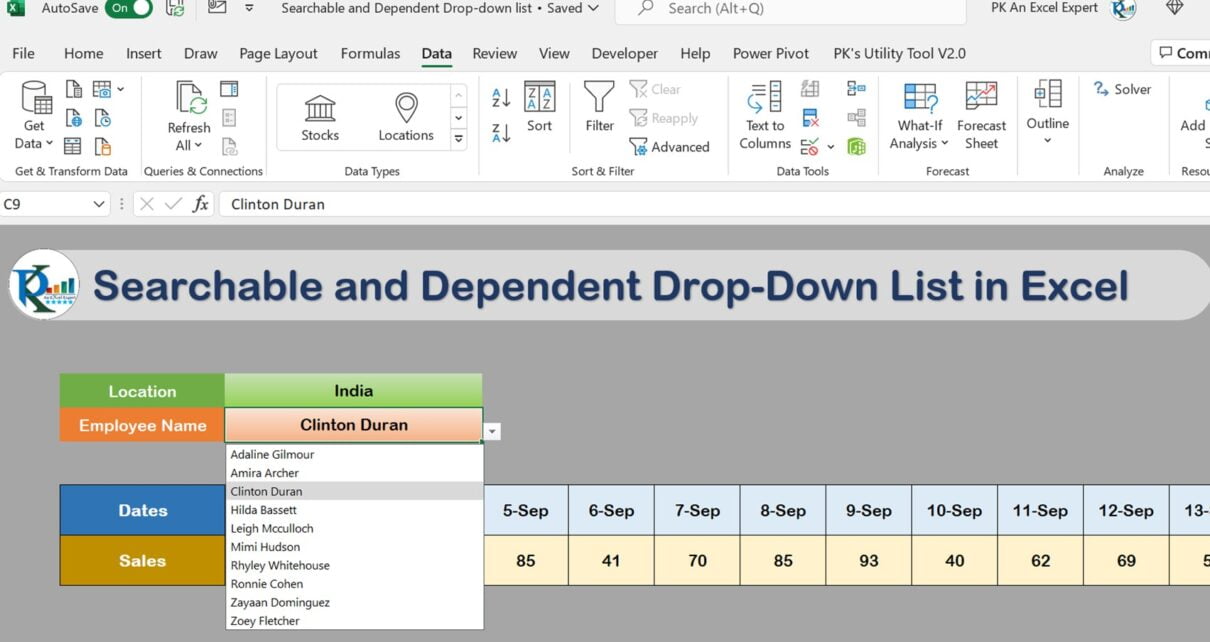
In this article, we have created a Searchable and Dependent Drop-down list in Microsoft Excel. We have used Dynamic Array function of office 365 to create the drop-down list.
We have used UNIQUE, FILTER and SORT function.
Also see below tutorials:
- 6 Powerful Dynamic Array Function in Excel
- Searchable Drop down list for Multiple Cells
- Universal Searchable Drop-down List in Excel
Visit our YouTube channel to learn step-by-step video tutorials
Watch the step-by-step video tutorial:
Click here to download the practice file
Want the ready-made Universal Searchable Drop-down List in Excel?
Skip the build and get the finished, fully working template, ready to use with your own data.
Want to master these skills step by step? Join the video course Excel + AI Mastery: 100 Essential Formulas and Real-World Projects.