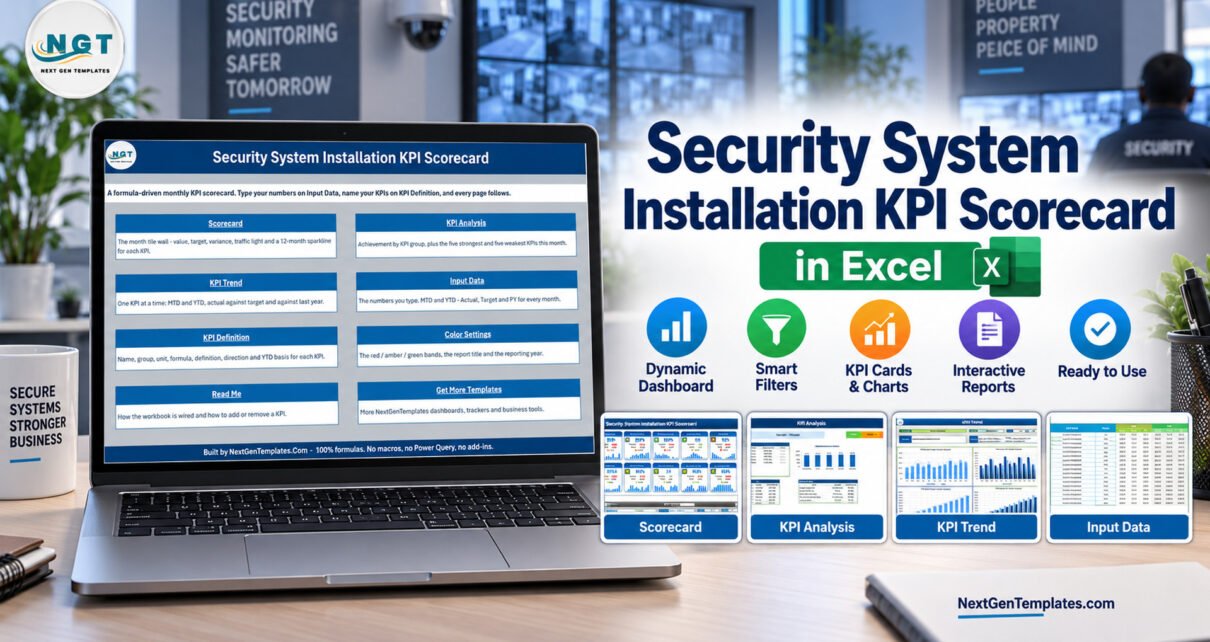
Security System Installation KPI Scorecard in Excel gives security installation teams a practical way to review monthly job performance in Excel. Instead of copying figures into a blank report each month, you can update the input data, review 10 KPI cards, check the KPI Analysis page and compare actual-versus-target movement on the trend page. For many installers, the useful question is not whether they own a full operations system. It is whether the month-end numbers are visible enough to act on.
KPI Scorecard in Excel Features for Security Installation Teams
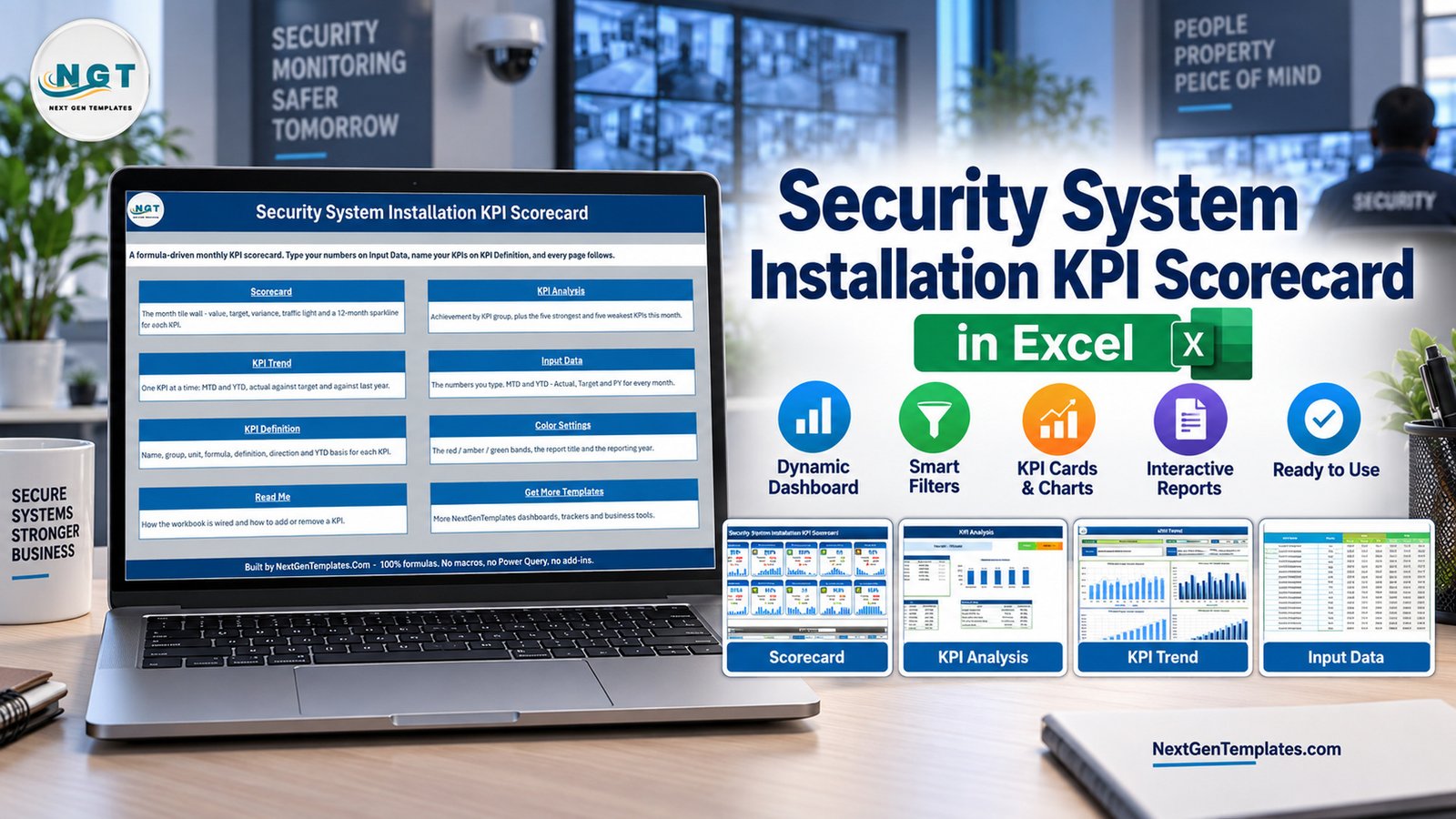
The workbook is designed around recurring management review. It tracks installs completed, quote win rate, on-time completion rate, average install lead time, callback rework rate, revenue per install, first-time fix rate, jobs per technician day, customer satisfaction and safety compliance rate. Those KPIs appear as compact cards on the Scorecard page, with target comparison and visual status.
The supporting pages give more context. KPI Analysis groups performance, KPI Trend shows month-by-month movement, Input Data stores editable monthly rows, and Settings controls the report title, year and RAG thresholds. This makes the Security System Installation KPI Scorecard in Excel useful as a reporting layer over data you already collect.
Dashboard Pages Explanation
Scorecard
The Scorecard page is the executive view. It summarizes 10 installation KPIs with actual values, targets, change indicators and small trend charts.
KPI Analysis
The analysis page separates performance into groups so a manager can see which KPIs are green, amber or red for the selected reporting month.
KPI Trend
The trend page compares actuals and targets across the year. It is useful for spotting whether callbacks, lead time or job volume are improving.
Input Data and Settings
The input page is where your monthly numbers live. Settings and KPI Definition pages let you adjust labels, targets, units and performance bands.
Security System Installation KPI Scorecard in Excel vs. Google Sheets vs. Paid CRM/SaaS – Feature Comparison
| Decision point | This Excel scorecard | Google Sheets scorecard | Paid field-service SaaS |
|---|---|---|---|
| Best fit | Monthly security installation KPI review in Excel | Shared browser-based review | Full ticketing, dispatch and CRM workflow |
| Setup time | Open the workbook, replace sample input data and review the linked pages | Copy the sheet and connect team inputs | Configure users, roles, workflows and integrations |
| Cost | One-time template purchase | One-time template purchase | Recurring licence fees |
| KPI view | Scorecard, KPI Analysis, KPI Trend and KPI Definition pages | Similar monthly scorecard in the browser | Depends on the vendor reporting module |
| Custom fields | Edit the input table and KPI definition areas in Excel | Edit sheet fields and formulas with care | Usually configurable, but limited by plan |
| Year-1 cost at 5 users | $9.99 sale price today | Usually lower than SaaS but needs Google Workspace familiarity | Often hundreds or thousands per year |
Who Should Use This Template
Use this workbook if you manage security system installation work and need a repeatable Excel report for monthly reviews. It suits independent security installers, small operations teams, office coordinators, service managers and owners who want a clean KPI summary without moving the entire business into a new platform.
It is less suitable when your real requirement is technician dispatch, appointment booking, customer ticketing, mobile job sheets, alarm monitoring or accounting automation.
Real-World Use Cases
Monthly operations meeting: bring one scorecard to review installs completed, on-time completion and callback rework.
Sales and installation handoff: compare quote win rate with install lead time to see whether growth is creating delivery pressure.
Technician performance review: use jobs per technician day and first-time fix rate as discussion points, while keeping the workbook as a reporting tool rather than an HR system.
Advantages of Security System Installation KPI Scorecard in Excel
The main advantage is clarity. The workbook keeps KPI definitions, input rows, trends and visual cards in one Excel file. It is also easy to adapt: change the sample data, tune targets and use the scorecard in the way your security installation team already works.
Opportunities for Improvement
This is not connected to live job systems by default. If you want automated refreshes, connect your own exports or build a more advanced workflow around the workbook. It also does not replace a CRM, field-service app or monitoring platform.
Best Practices
Keep one row per month and define each KPI consistently before comparing periods. Review targets quarterly, especially for quote win rate, lead time and callback rework. Microsoft also maintains helpful guidance for Excel users in Microsoft Excel Support.
Explore Relevant Templates
For more Excel learning, explore the PK-AnExcelExpert blog, the Excel templates archive, and the dashboard tutorials.
For a more dashboard-led Excel product, review the Security System Installation KPI Dashboard in Excel. For CCTV-focused installers, use the CCTV Installation KPI Scorecard in Excel. Related contractor workflows can also compare with the Home Renovation Contractor KPI Scorecard in Excel.
Frequently Asked Questions
Is this the same as a full security installation CRM?
No. It is a KPI scorecard for monthly reporting and performance review, not a scheduling, dispatch, alarm monitoring or customer-management system.
Which Excel version should I use?
Use the Microsoft Excel desktop app for best results. The workbook is designed for standard Excel editing, charts and formulas.
Can I change the KPI names and targets?
Yes. The KPI Definition and Settings pages are built so you can adapt target values, thresholds and labels to your own installation operation.
Does it include security customer data?
No. The included records are sample data for demonstration. Replace them with your own internal operational numbers before using the scorecard for decisions.
Can this scorecard be used for CCTV installers?
It can be adapted, but a dedicated CCTV Installation KPI Scorecard in Excel is a better fit when CCTV is the whole service line.
What happens after purchase?
You receive a ZIP download containing the Excel workbook and user manual. Unzip it, open the workbook and replace the sample rows with your own monthly data.
About the Author
Built by PK – Microsoft Certified Professional with 15+ years of Excel, Google Sheets, and Power BI experience. Founder of NextGenTemplates, reaching 300K+ subscribers across YouTube channels. Every template is hand-built and tested before release.
Conclusion
The Security System Installation KPI Scorecard in Excel is a focused workbook for monthly installation reporting. It helps you turn basic operational figures into scorecards, analysis and trend views without committing to a new SaaS system. For more Excel template tutorials, visit PK: An Excel Expert on YouTube.