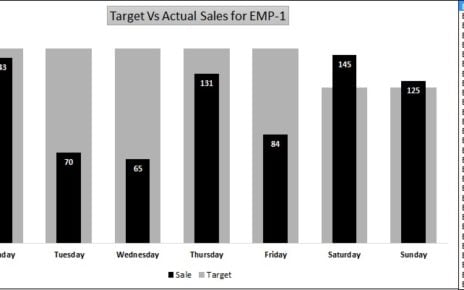
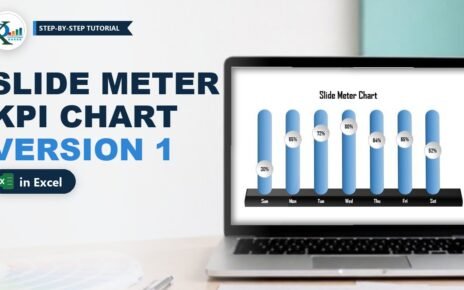
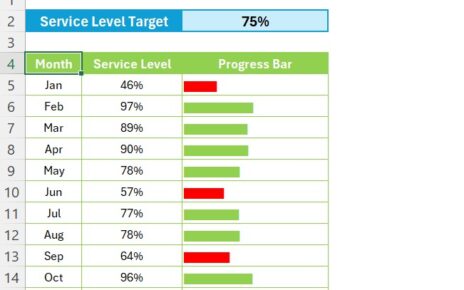
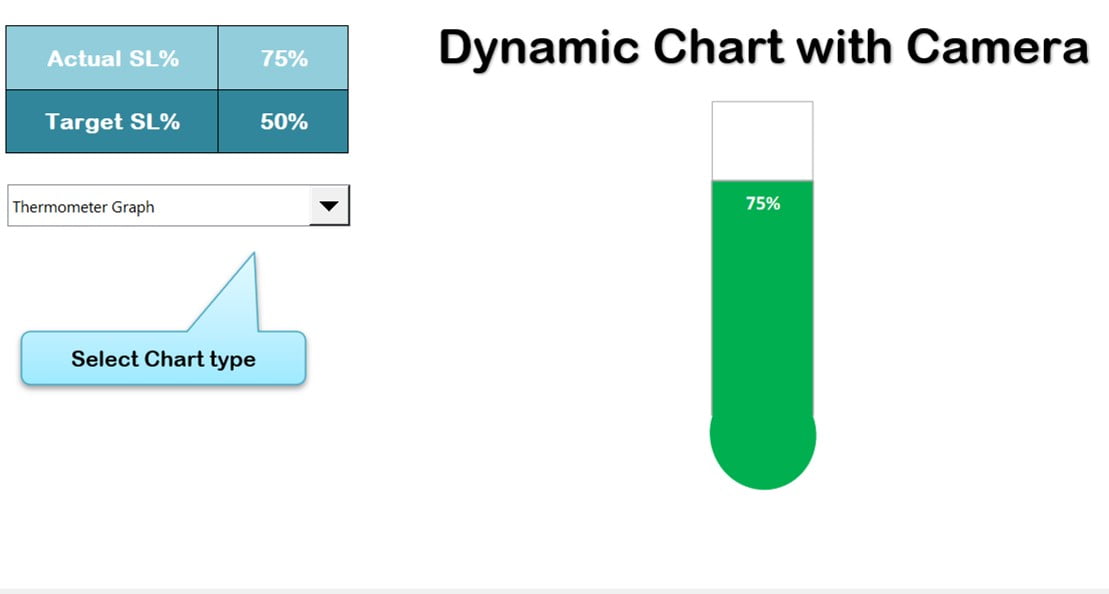
In this article, we have created a dynamic graph with Camera functionality of Excel. We have used conditional formatting in Chart. You can change the chart type using Form Control combo box.
Dynamic Graph with Camera
Visit our YouTube channel to learn step-by-step video tutorials
Watch the step-by-step video tutorial:
Click here to download the practice file
Looking for ready-made Excel Chart Templates?
Browse finished, fully working templates you can use with your own data straight away.
Want to master these skills step by step? Join the video course Excel Pivot Tables & Dashboards: Basic to Advanced.