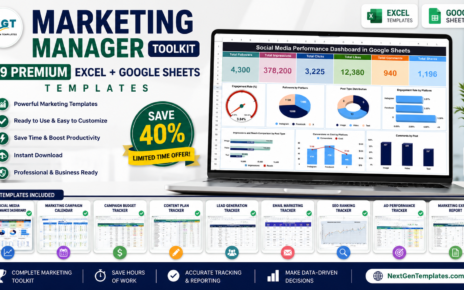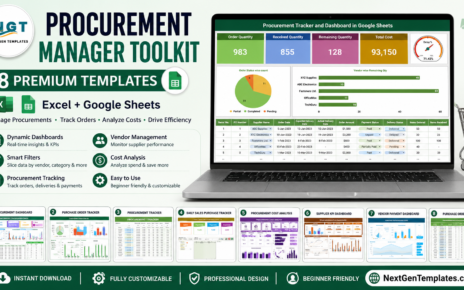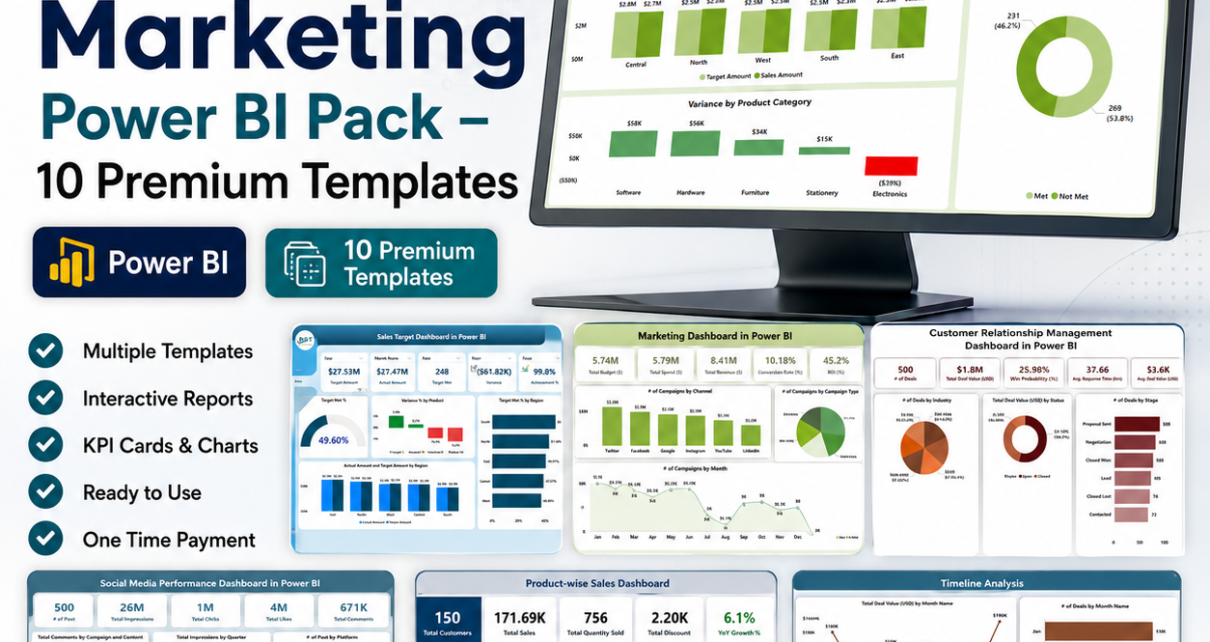
If you run sales or marketing analytics, you already know the pain: a separate dashboard for every question, scattered spreadsheets, and hours lost rebuilding the same reports. The Sales & Marketing Power BI Pack solves that in one download. It bundles 10 premium, ready-to-use Power BI dashboards covering your entire revenue engine — recruitment, CRM, sales targets, channel sales, product-wise sales, marketing ROI, social media, and customer satisfaction. Bought individually these dashboards cost $179.90. As a bundle you pay just $100.99 and save $78.91 (44% off).
Sales & Marketing Power BI Pack — 10 Dashboards
$179.90 → $100.99 | Save 44%
Why a Sales & Marketing Power BI Bundle Makes Sense
Sales and marketing generate more data than any other function in a business — leads, deals, campaigns, channels, tickets, and revenue. Trying to analyze all of it with one-off reports is slow and inconsistent. A connected suite of Power BI dashboards gives every team the same source of truth, from the SDR checking pipeline to the CMO reviewing ROI. This pack was assembled specifically for Sales Operations teams and Marketing Analysts who need enterprise-grade visibility without building from scratch or paying for expensive SaaS analytics subscriptions. Every dashboard is a native Power BI (.pbix) file driven by a simple Excel data source, so setup takes minutes, not weeks.
What’s Included in the Pack
Here is every dashboard you get, with a quick look at what each one does.
1. Recruitment Pipeline Dashboard in Power BI
Track applications by month, position, source, and stage; monitor candidates through each hiring stage; analyze source effectiveness, interview performance, time-to-hire, and salary trends. Ideal for talent teams feeding the top of your revenue funnel. View dashboard.

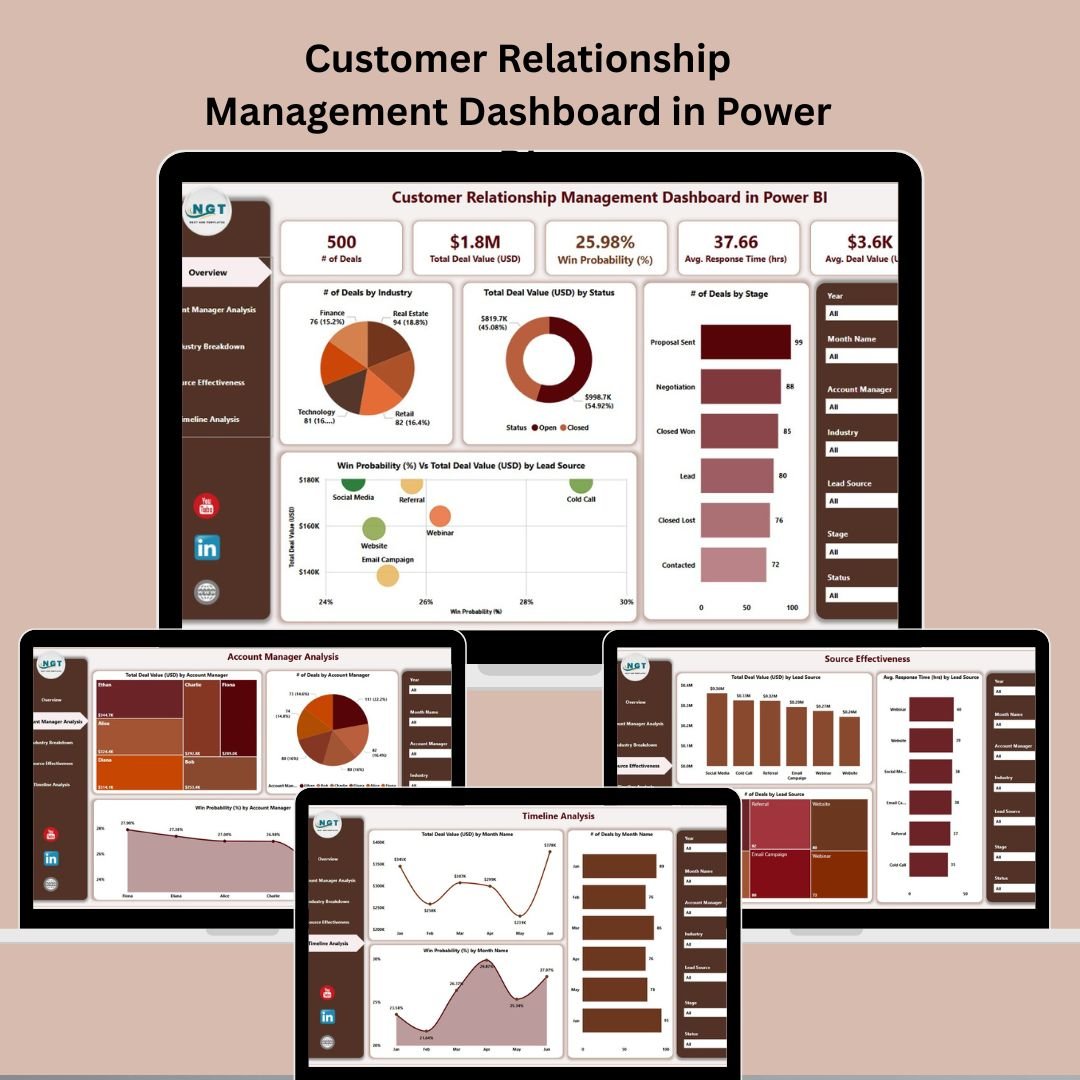
2. Customer Relationship Management (CRM) Dashboard in Power BI
A centralized CRM view with seven slicers, deal-value KPIs, win-proclivity, account-manager analysis, industry breakdowns, lead-source effectiveness, and timeline trends. View dashboard.
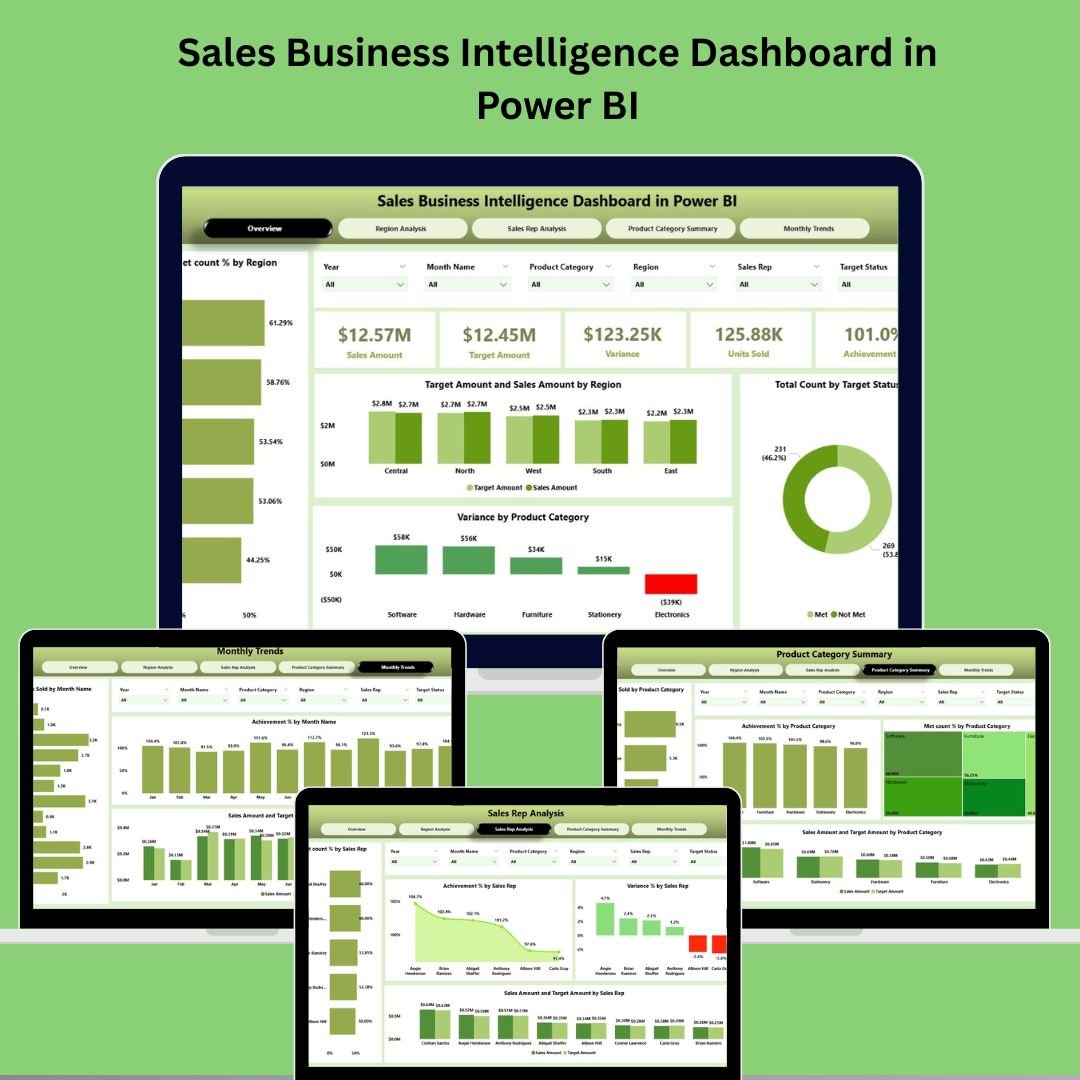
3. Sales Business Intelligence Dashboard in Power BI
A five-page sales command center: overview KPIs, region analysis, sales-rep analysis, product-category summary, and monthly trends, all filterable by six slicers. View dashboard.
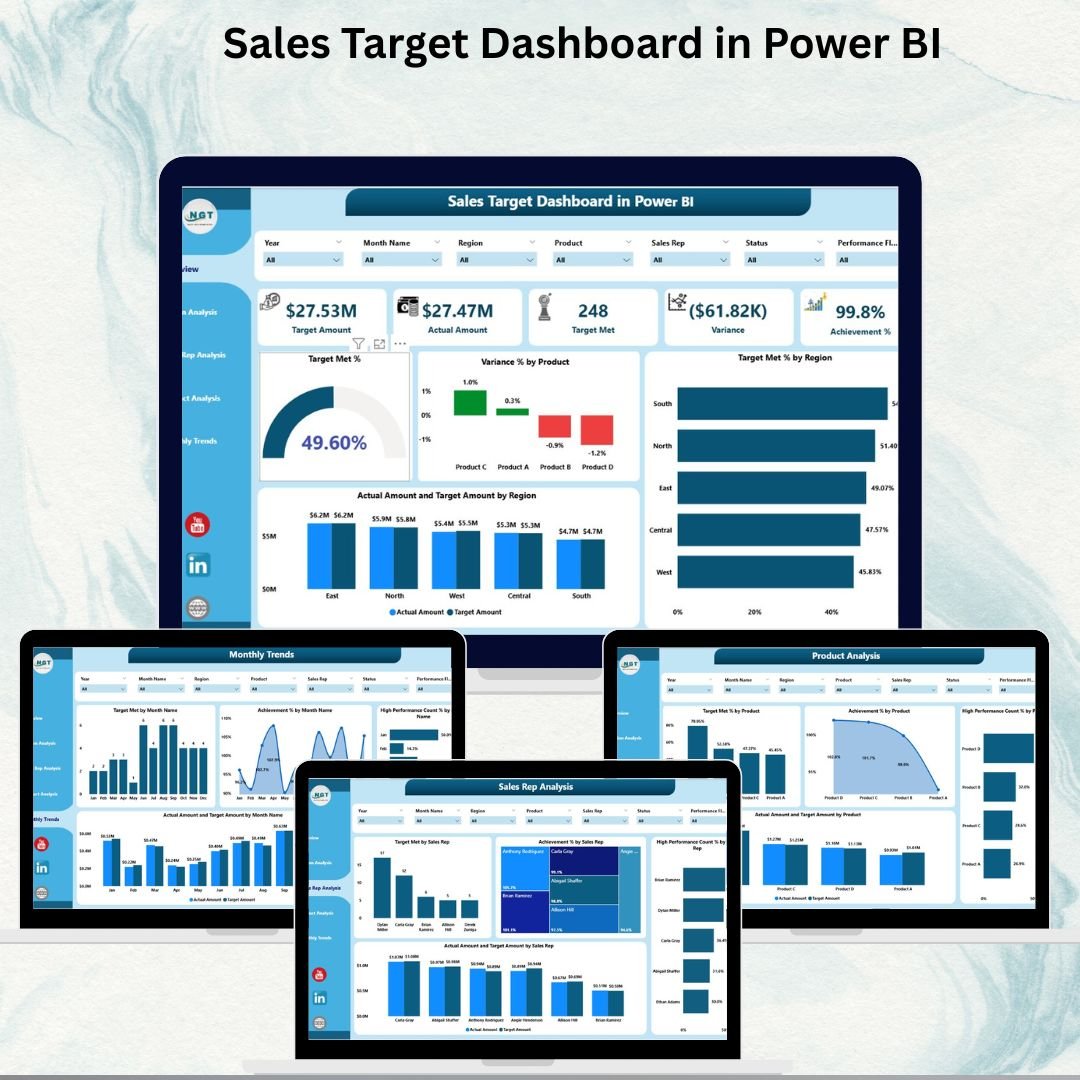
4. Sales Target Dashboard in Power BI
Compare actual sales versus targets across regions, reps, and products with Target Met %, Variance %, Achievement %, and MTD/YTD comparisons against the previous year. View dashboard.
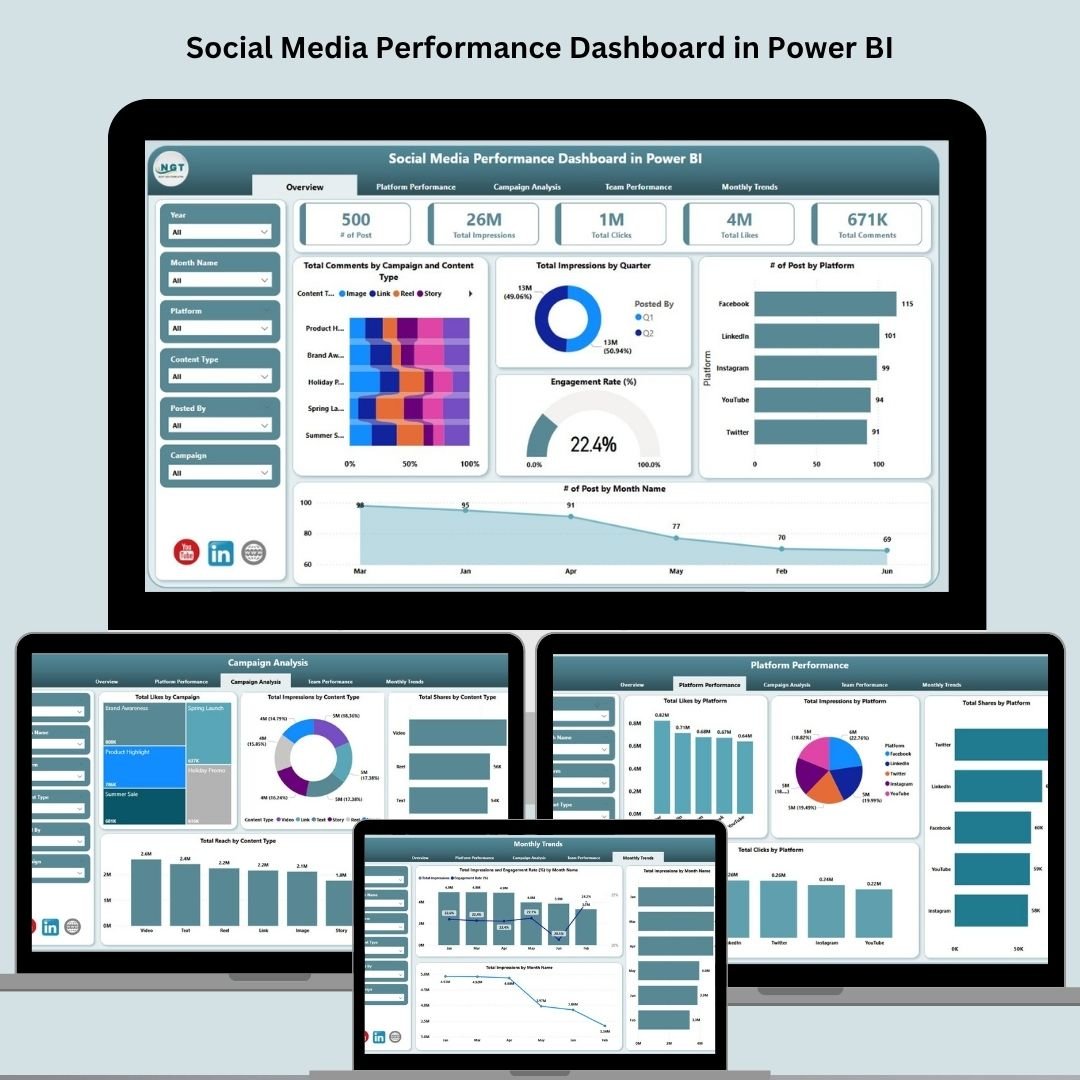
5. Social Media Performance Dashboard in Power BI
Five pages tracking engagement rate, impressions, comments, campaign performance, platform comparison, and team contributions across all your social channels. View dashboard.
6. Marketing Dashboard in Power BI
Monitor spend, revenue, ROI, budget-vs-spend, conversions, and campaign details with drill-through reporting and conditional formatting to spot growth and red flags instantly. View dashboard.Sales & Marketing Power BI Pack

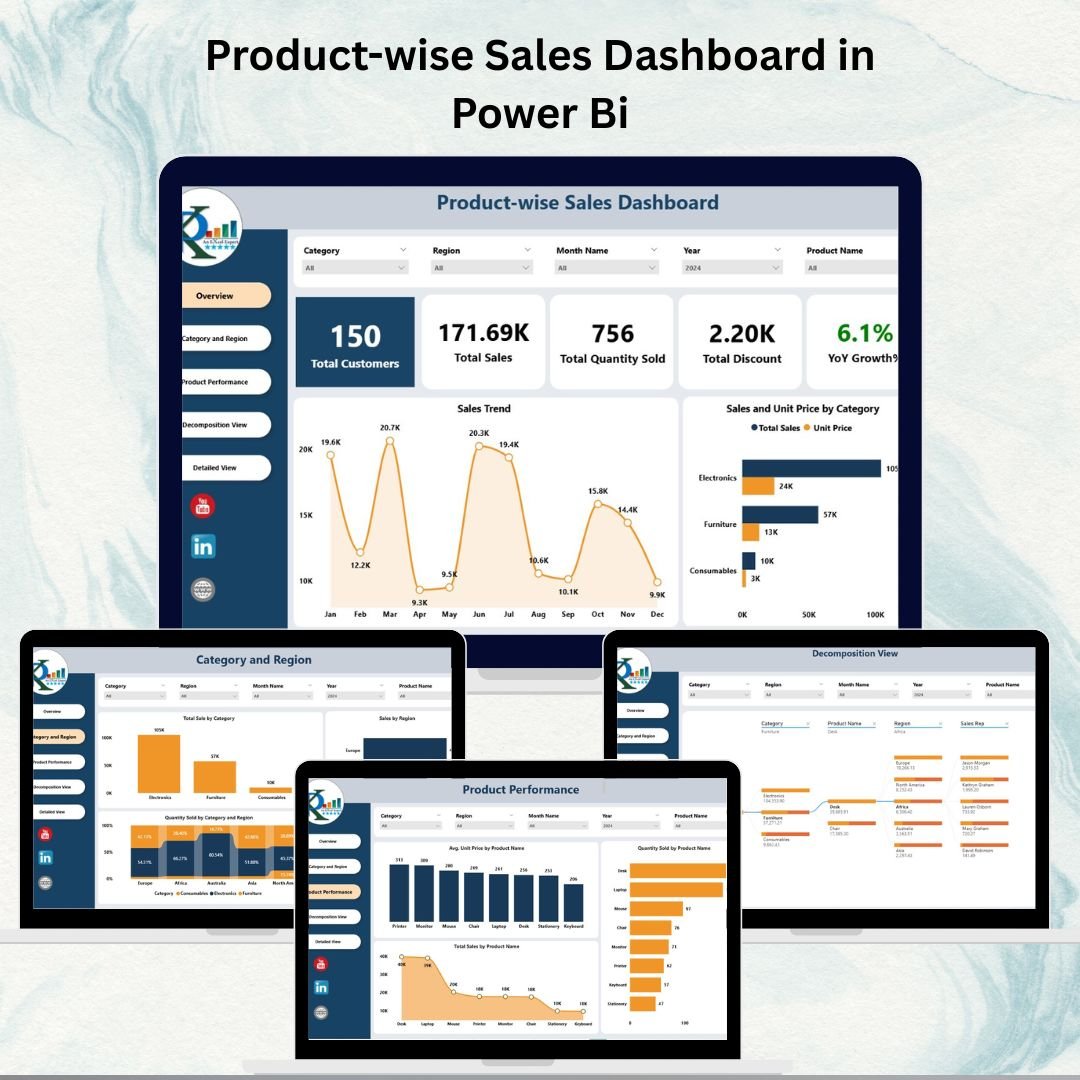
7. Product-wise Sales Dashboard in Power BI
Analyze product-level sales, quantity sold, discounts, and YOY growth, with a decomposition tree and transaction-level detail view for deep exploration. View dashboard.Sales & Marketing Power BI Pack
8. Customer Satisfaction Dashboard in Power BI
Measure total tickets, satisfaction scores, response and resolution times, SLA breaches, channel performance, and issue types — with a decomposition view for root-cause analysis. View dashboard.Sales & Marketing Power BI Pack

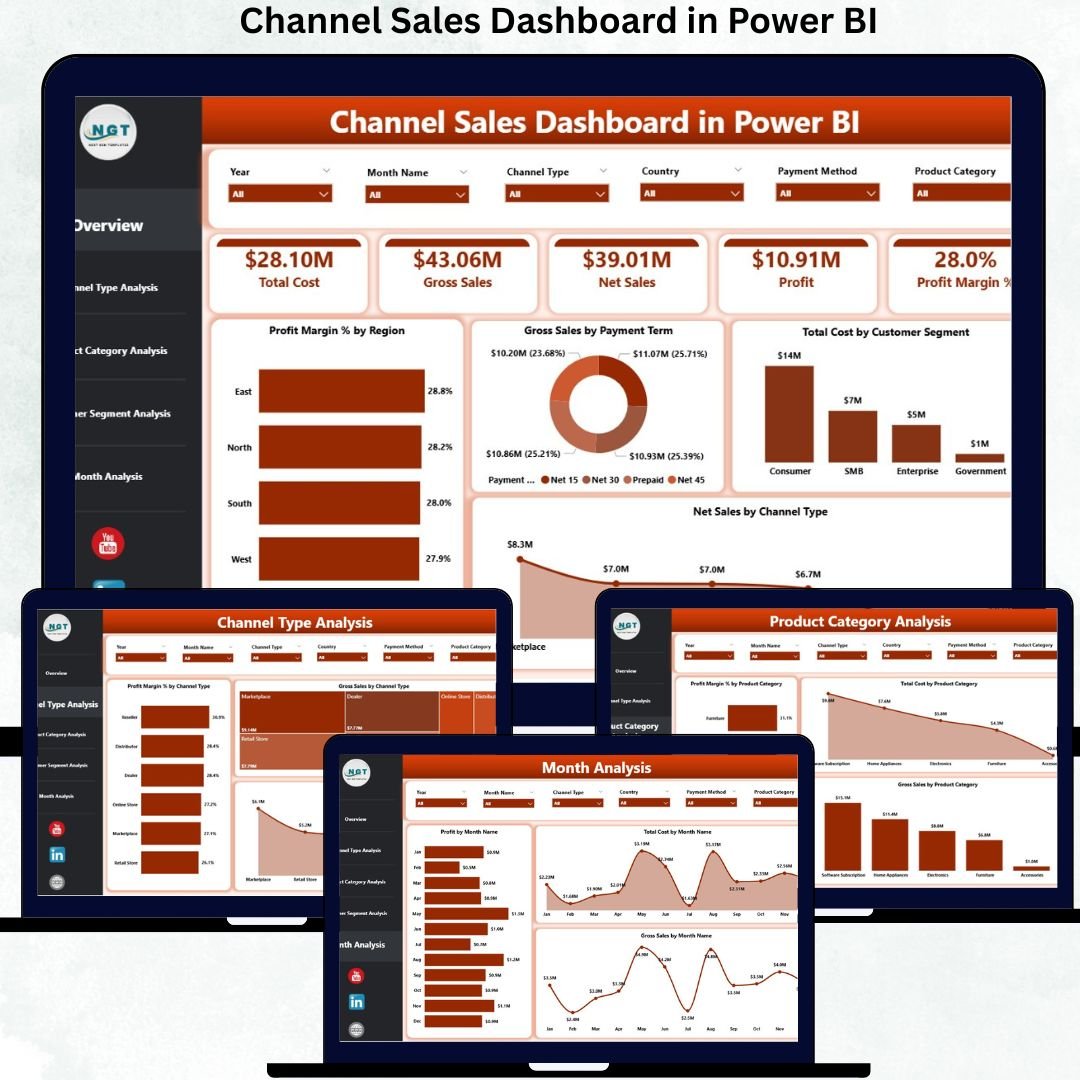
9. Channel Sales Dashboard in Power BI
Compare profitability across direct, distributor, reseller, and online channels by region, product category, and customer segment, with monthly trend tracking for forecasting. View dashboard.
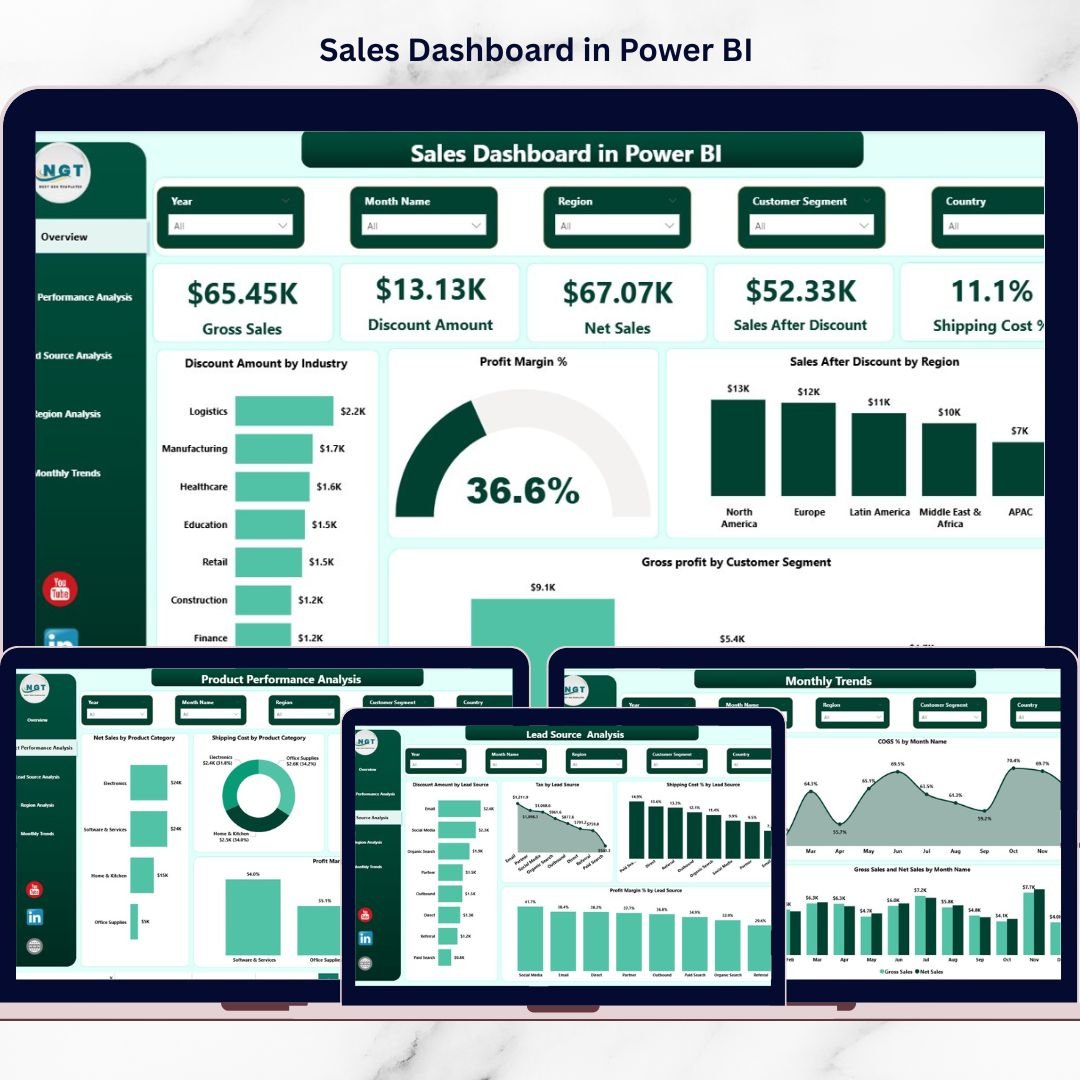
10. Sales Dashboard in Power BI
A profit-focused sales command center tracking gross/net sales, margin %, discount impact, shipping cost %, lead-source performance, region analysis, and monthly trends. View dashboard.Sales & Marketing Power BI Pack
Individual vs Bundle: The Numbers
| Option | Dashboards | Price | You Save |
|---|---|---|---|
| Buying all 10 individually | 10 | $179.90 | — |
| Sales & Marketing Power BI Pack | 10 | $100.99 | $78.91 (44%) |
Key Advantages of the Bundle
- One source of truth. Sales, marketing, and customer teams work from a connected set of dashboards instead of conflicting reports.
- Massive savings. You get $179.90 of templates for $100.99 — the equivalent of getting more than four dashboards free.
- No subscriptions. Every template is a one-time purchase with lifetime access, unlike per-seat SaaS analytics tools.
- Excel-powered and refreshable. Update your data in the included Excel files, hit Refresh, and every visual updates automatically.
- Fully customizable. Edit KPIs, colors, and visuals to match your brand and data model.
Best Practices for Deploying the Pack
Start by identifying which two or three dashboards map to your most urgent questions — often the Sales Dashboard, Sales Target Dashboard, and Marketing Dashboard — and roll those out first. Standardize your Excel input columns so the same data feeds multiple dashboards without rework. Once your team is comfortable, publish the reports to Power BI Service and schedule automatic refreshes so leadership always sees current numbers. Finally, use the bundle as a template library: duplicate a dashboard and re-point it at new data whenever a fresh reporting need appears.
Who Should Buy This Pack
This bundle is built for Sales Operations teams, Marketing Analysts, sales and marketing managers, business owners, and consultants who want complete revenue visibility without hiring a dedicated BI team. If your work touches pipeline, campaigns, channels, or customer experience, these dashboards belong in your toolkit.
Frequently Asked Questions
Do I need a paid Power BI license? No. All dashboards open and work in the free Power BI Desktop. A Power BI Service license is only needed if you want to publish and share online.
Can I use my own data? Yes. Each dashboard connects to an included Excel data source — replace the sample data with yours and refresh.
Is this a one-time purchase or a subscription? A one-time purchase with lifetime access. No recurring fees.
Can I customize the dashboards? Absolutely. You can edit KPIs, visuals, colors, and add new pages or measures.
What format do I receive? You get the Power BI (.pbix) files plus their Excel data templates, delivered as an instant download.
What if I already own some of these dashboards? The bundle is still the most economical way to complete your set — the per-dashboard cost in the pack is far lower than buying the rest individually.
Get the Sales & Marketing Power BI Pack
📺 For step-by-step Power BI tutorials, visit our YouTube channel.