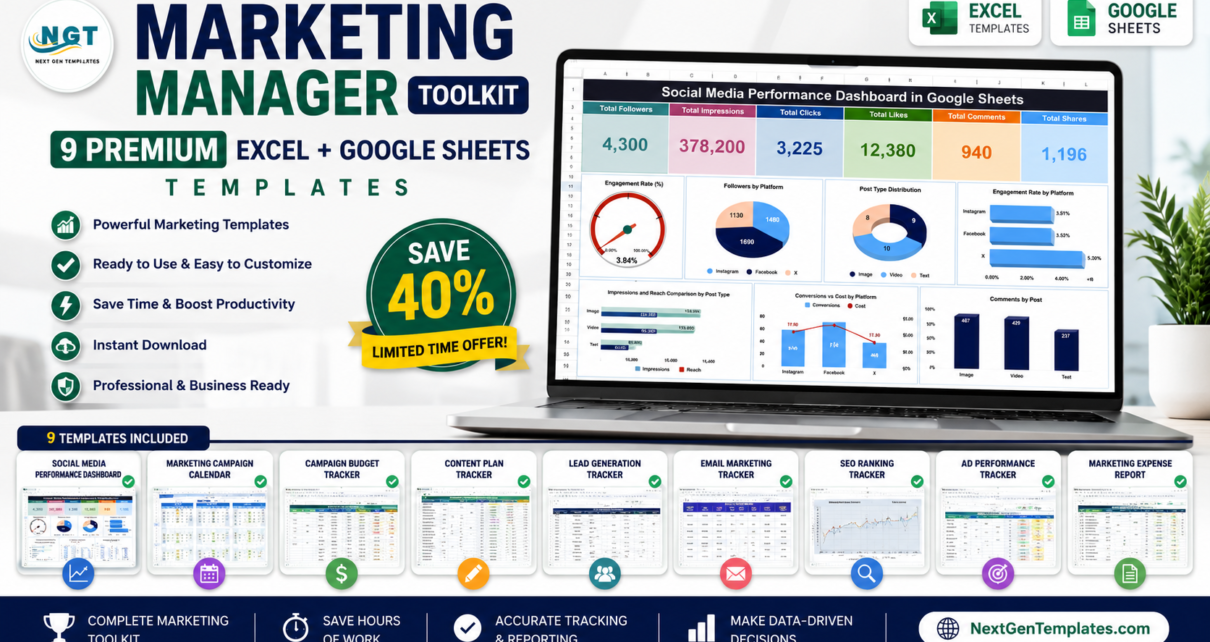
If you manage marketing, you already know the pain: one tool for social analytics, another for campaign tracking, a separate calendar for planning, and a pile of loose spreadsheets for everything else. The Marketing Manager Toolkit fixes that. It is a single, affordable bundle of 9 premium Excel and Google Sheets templates — dashboards, calendars, and KPI trackers — that together cover the entire marketing workflow, from planning campaigns to proving ROI.
Bought separately, these nine templates would cost $154.91. As the Marketing Manager Toolkit, you get them all for a one-time $92.99 — a 40% saving of $61.92. No subscriptions, no per-seat fees, no logins to manage. Just download, plug in your data, and start reporting like a pro.
🚀 Grab the Marketing Manager Toolkit
9 premium Excel + Google Sheets templates in one download.
$154.91 $92.99 Save 40%
Why a Marketing Manager Needs This Toolkit
Marketing is measured across dozens of moving parts — social engagement, campaign spend, lead conversion, content cadence, community growth, even team morale. Trying to juggle those in disconnected files means wasted hours, version chaos, and reports that never quite line up. The Marketing Manager Toolkit brings the essentials into one consistent, professionally designed set of templates so every number lives in a predictable place.
Because the bundle spans both Excel and Google Sheets, you are never locked into one environment. Prefer offline workbooks with pivot tables and slicers? The Excel dashboards deliver. Need live, shareable collaboration with your team? The Google Sheets templates copy straight to your Drive. Every file uses clean layouts, dynamic charts, and auto-updating KPI cards, so the moment you enter data the visuals respond — no formulas to rebuild, no charts to redraw.
What’s Included in the Marketing Manager Toolkit
Here is every template in the bundle, with a quick look at what each one does:
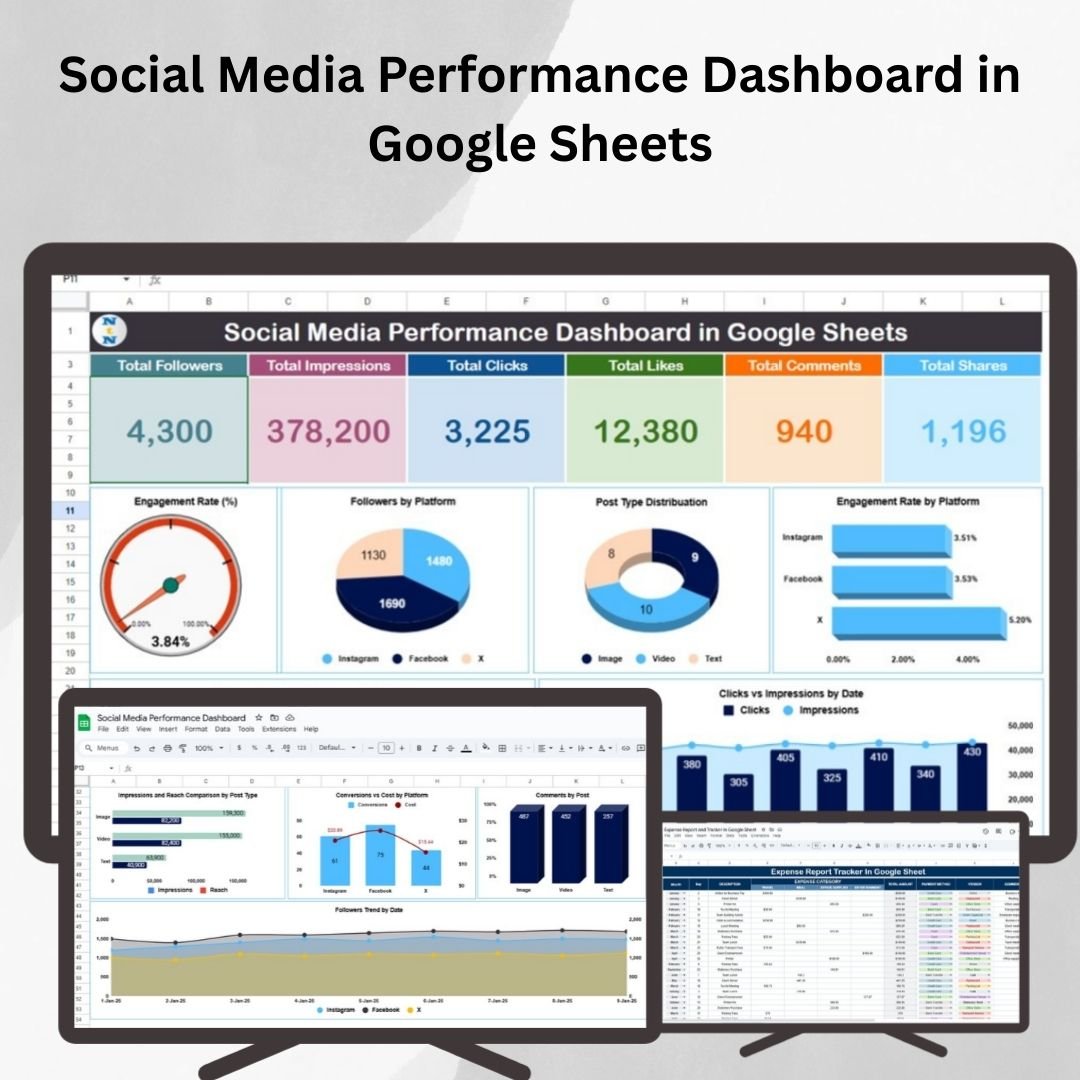
1. Social Media Performance Dashboard (Google Sheets)
Track likes, comments, shares, reach, and engagement rate across every platform in one place. Campaign-level breakdowns and auto-updating charts make it easy to see what content is working and where your audience is growing.
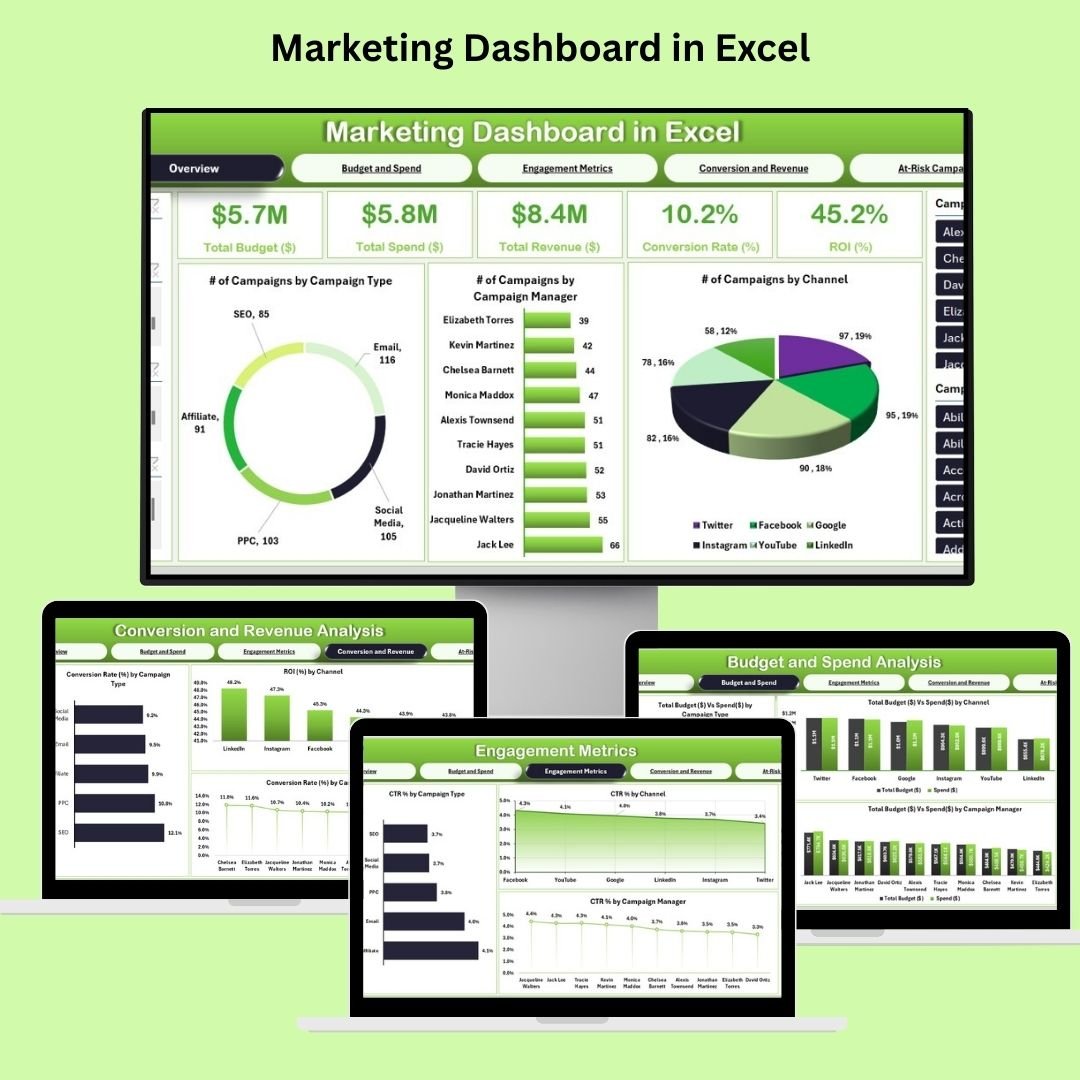
2. Marketing Dashboard (Excel)
A complete marketing command center covering leads, conversions, channel performance, and spend in one interactive Excel workbook — ideal for a monthly or quarterly marketing review.
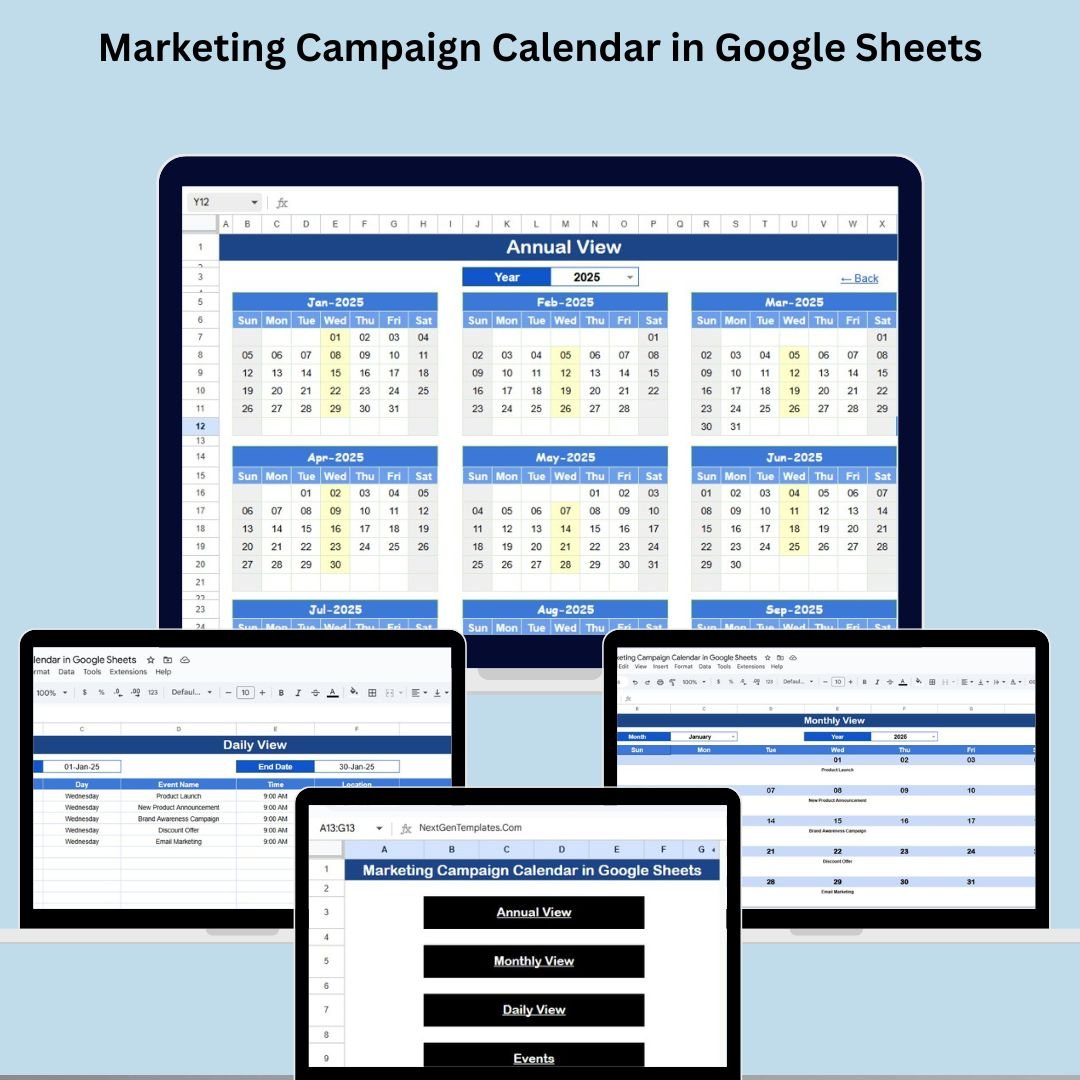
3. Marketing Campaign Calendar (Google Sheets)
Plan, schedule, and coordinate every campaign across channels with a clear, color-coded calendar view that keeps your whole team aligned on what is launching and when.
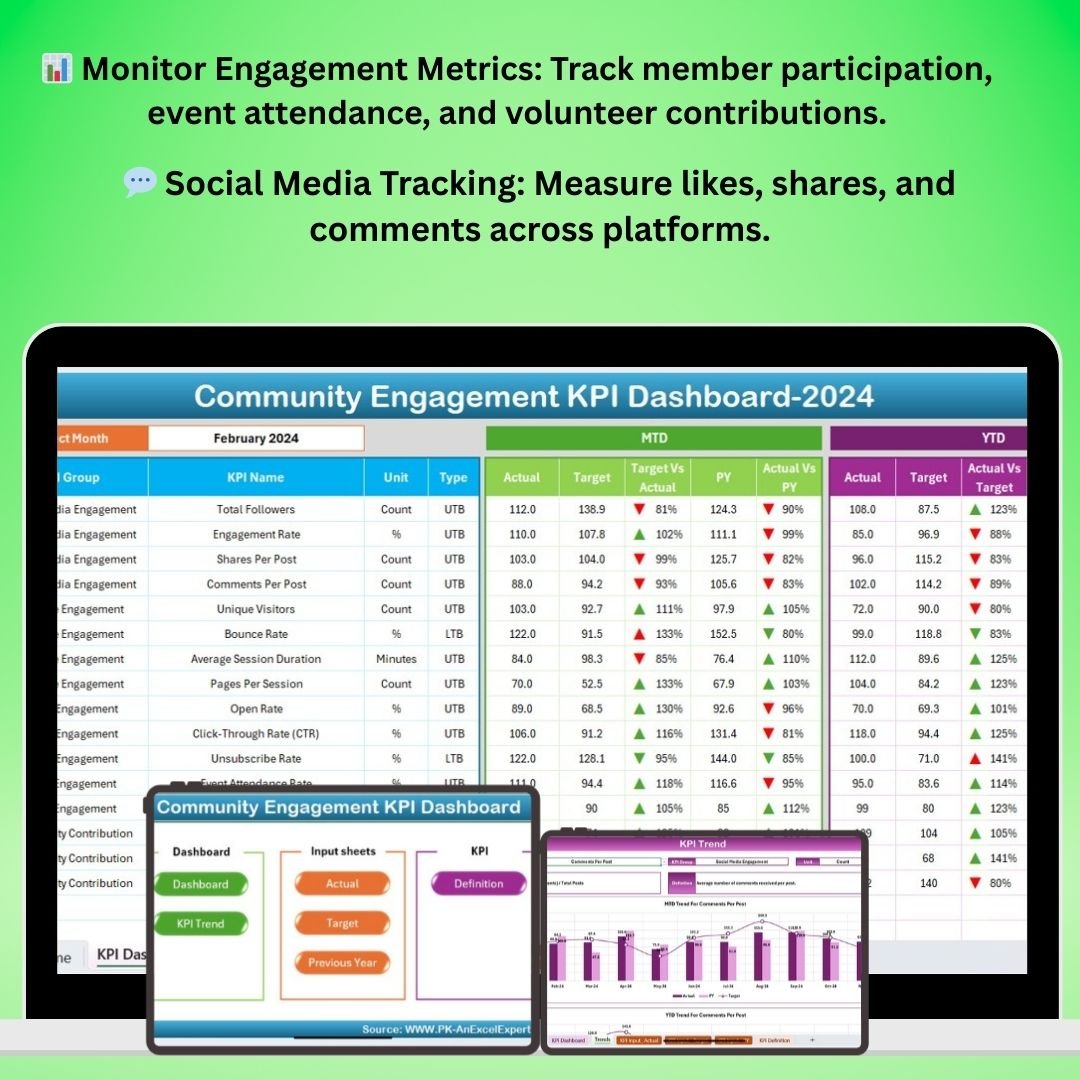
4. Community Engagement KPI Dashboard (Excel)
Monitor community growth, participation, sentiment, and engagement KPIs so you can keep your audience active, loyal, and continually expanding.
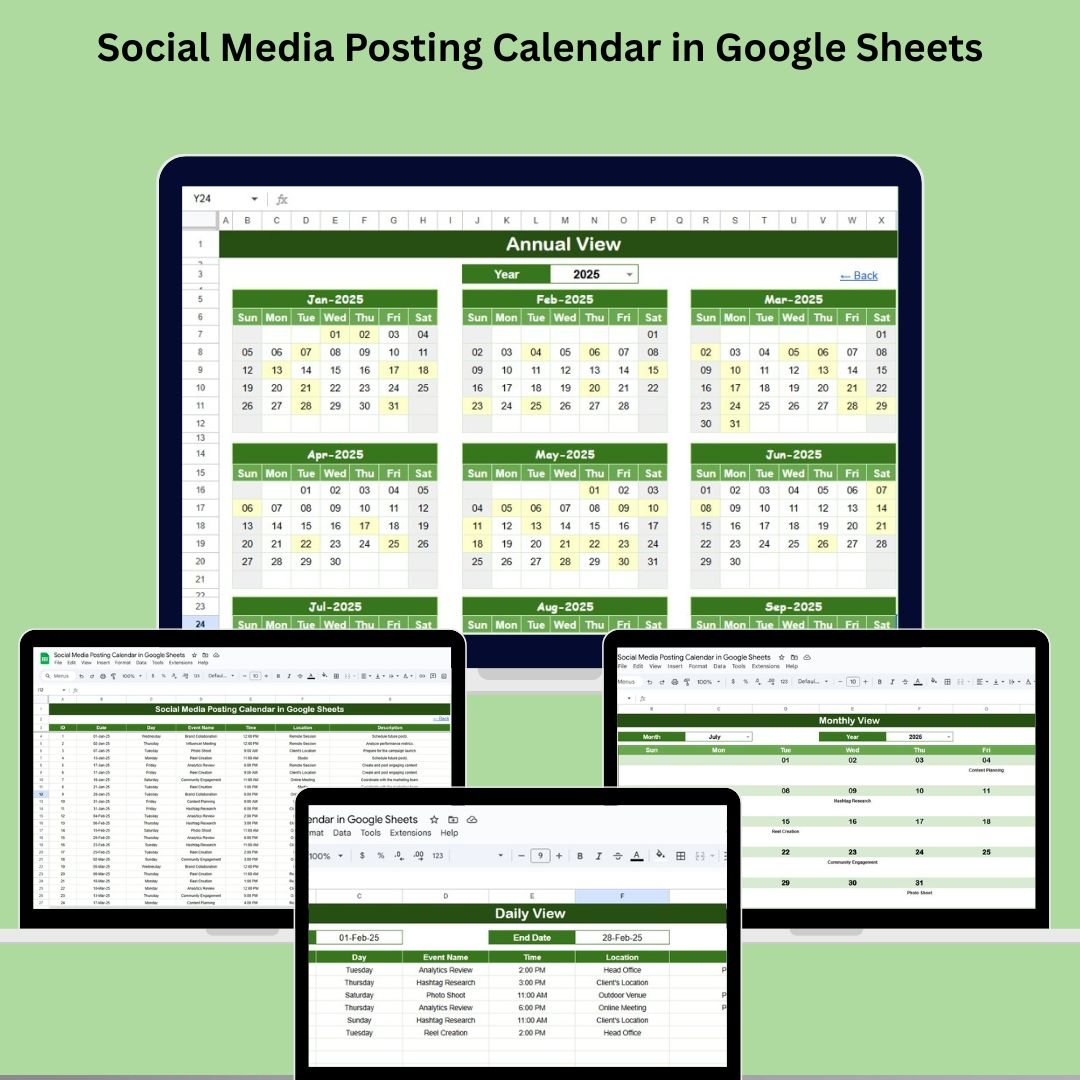
5. Social Media Posting Calendar (Google Sheets)
Organize your content pipeline with a ready-made posting calendar that keeps every platform filled, on-brand, and published on schedule.
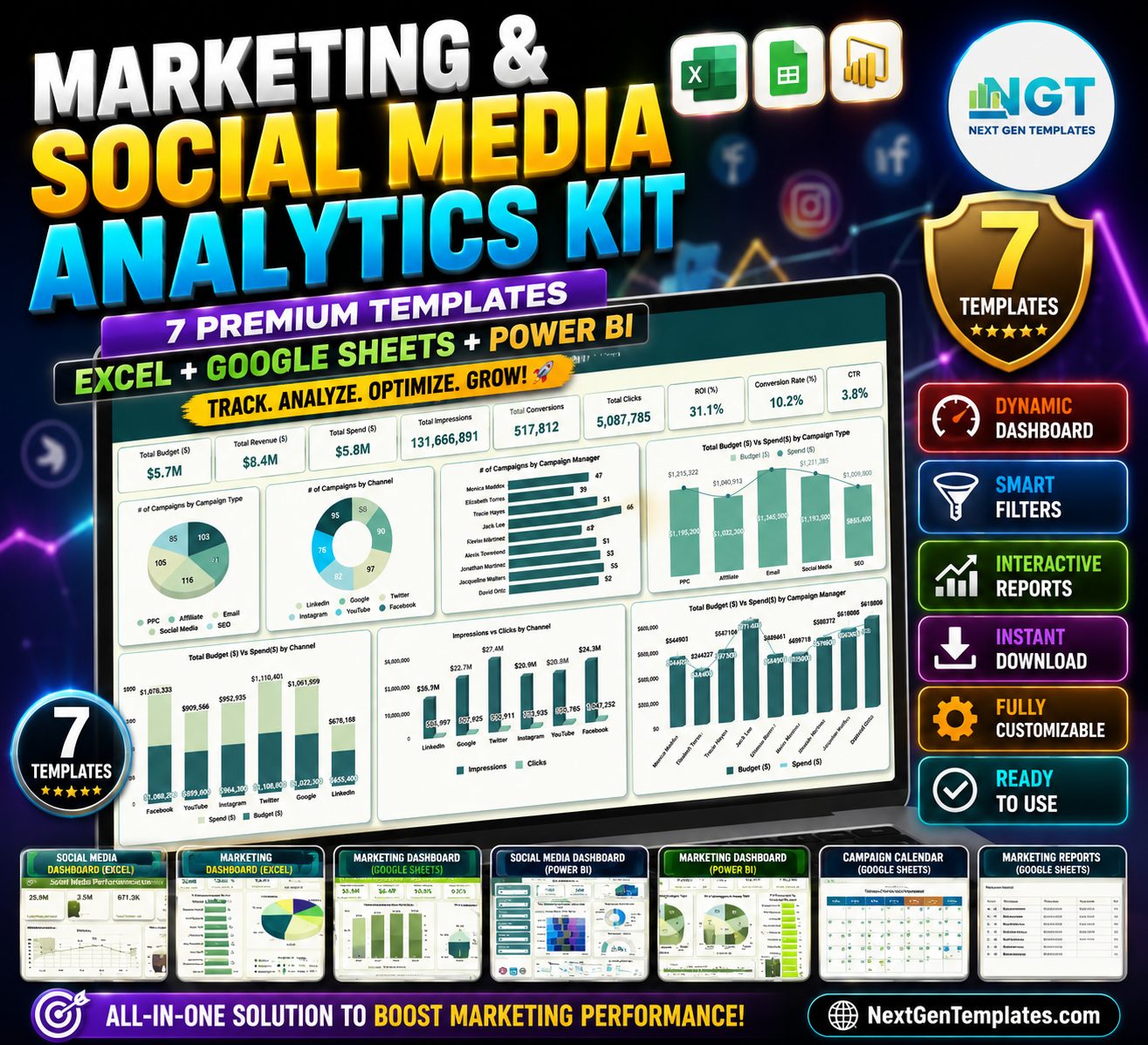
6. Marketing & Social Media Analytics Kit — 7 Premium Templates (Excel + Google Sheets + Power BI)
The bonus centerpiece of the bundle: a mega-kit that packs seven analytics templates across three platforms, giving you deep, cross-channel reporting for serious marketing analysis.
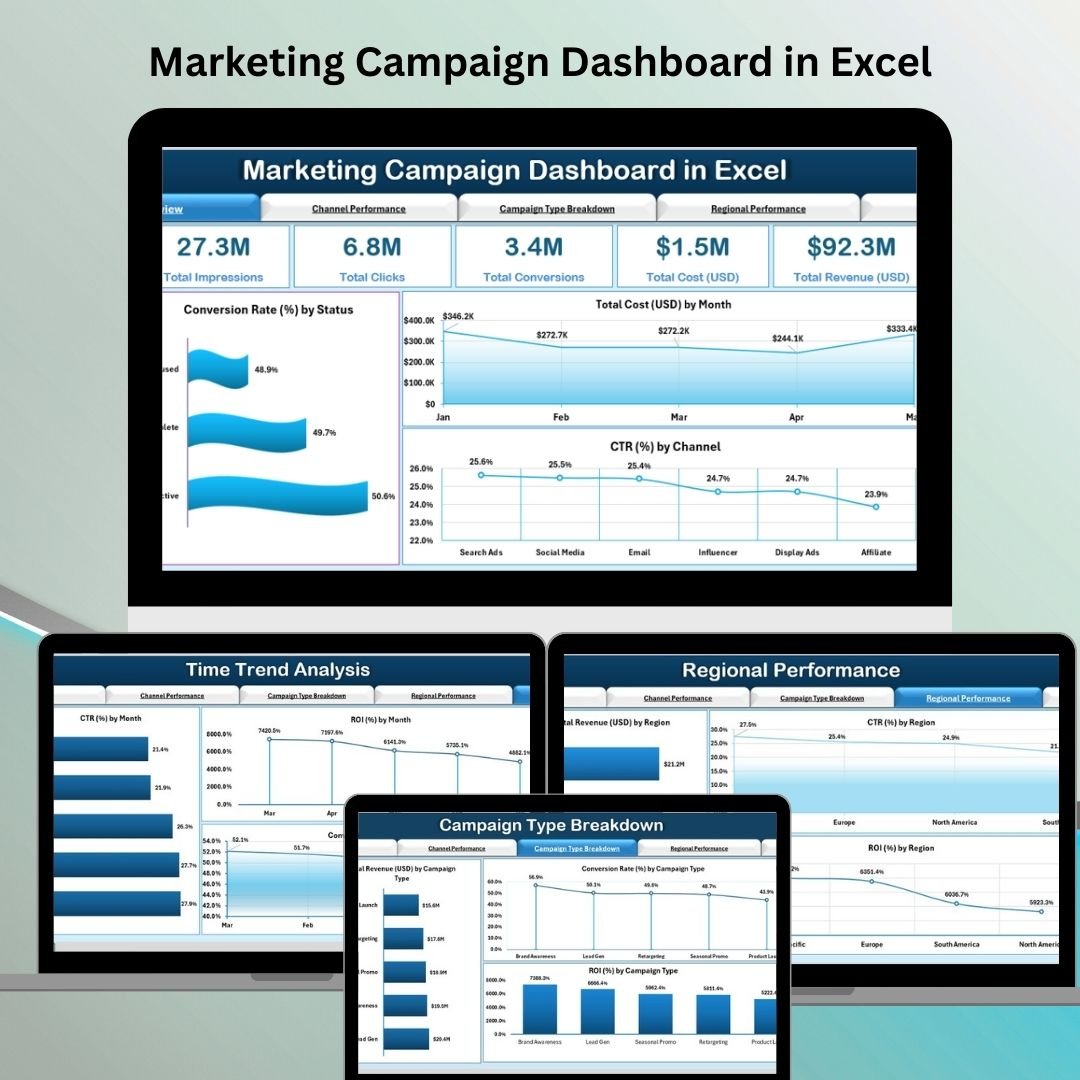
7. Marketing Campaign Dashboard (Excel)
Measure campaign performance, budget versus actual, ROI, and conversions with dynamic charts and slicers that let you drill into any campaign in seconds.
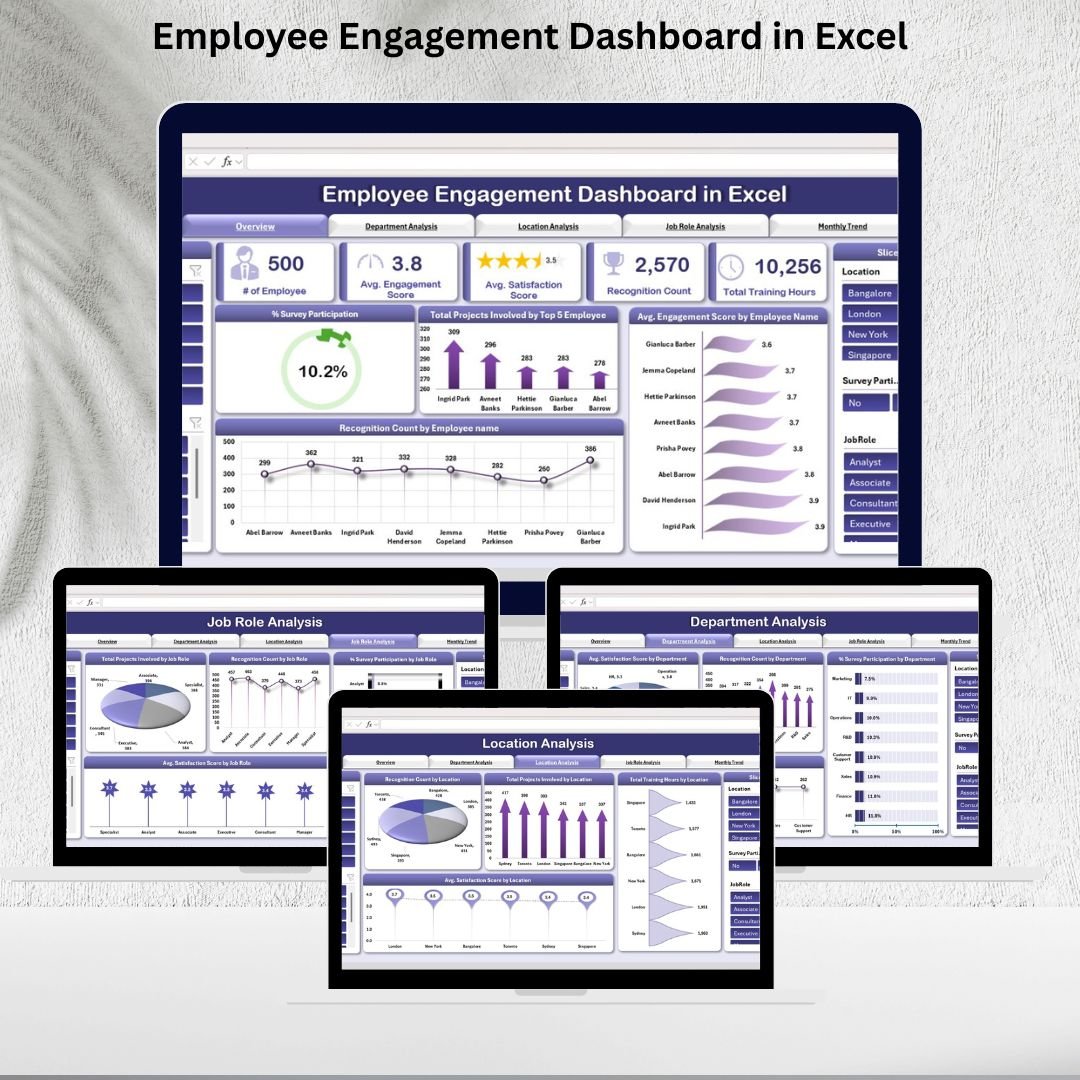
8. Employee Engagement Dashboard (Excel)
Track team satisfaction, participation, and engagement scores to build a motivated, high-performing marketing team — because great marketing starts with an engaged team.
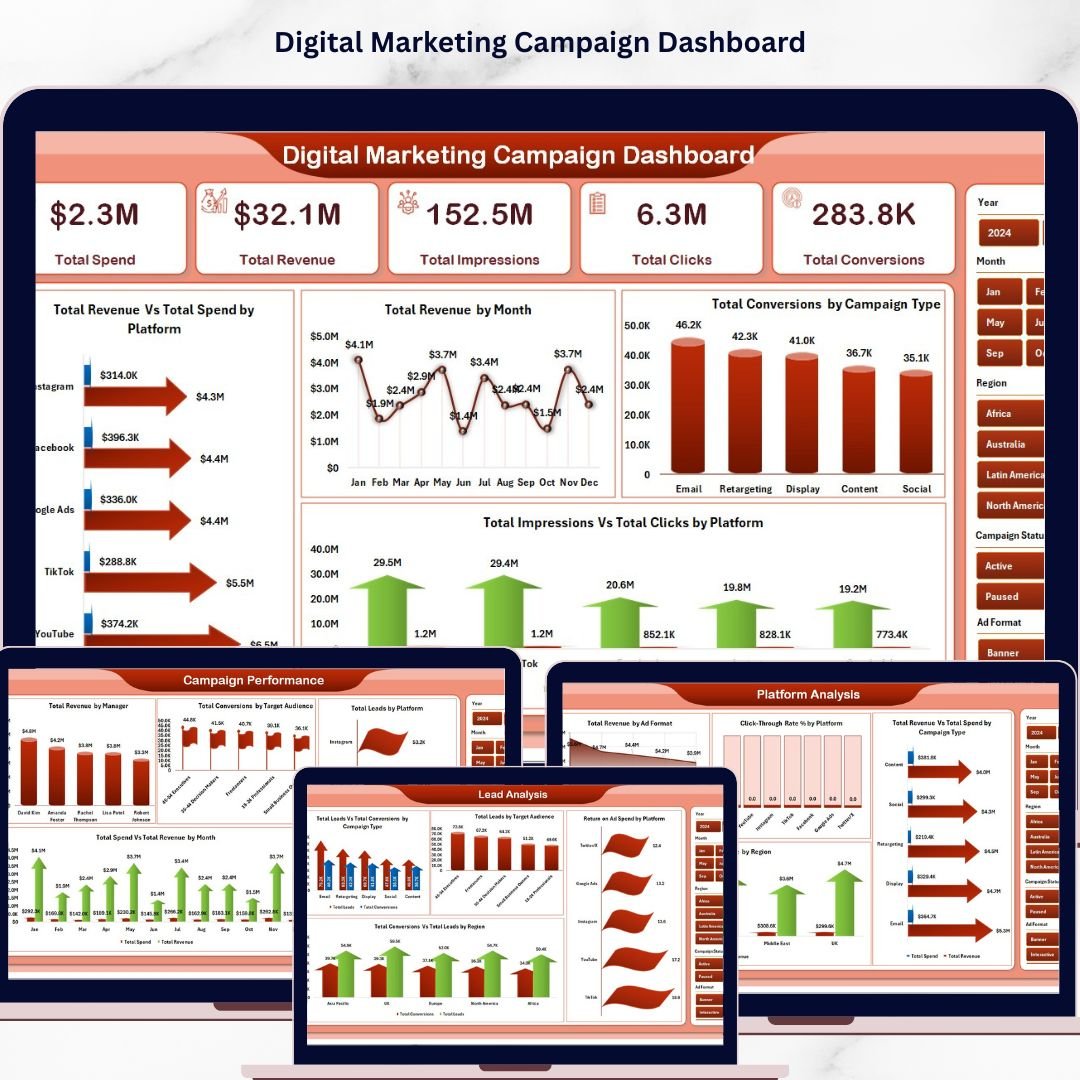
9. Digital Marketing Campaign Dashboard (Excel)
Analyze paid and organic campaigns by platform, with lead, ROI, and channel-level insights presented in a polished, presentation-ready Excel dashboard.
Individual vs Bundle — The Smart Comparison
| # | Template | Platform | Individual Price |
|---|---|---|---|
| 1 | Social Media Performance Dashboard | Google Sheets | $9.99 |
| 2 | Marketing Dashboard | Excel | $17.99 |
| 3 | Marketing Campaign Calendar | Google Sheets | $4.99 |
| 4 | Community Engagement KPI Dashboard | Excel | $12.99 |
| 5 | Social Media Posting Calendar | Google Sheets | $4.99 |
| 6 | Marketing & Social Media Analytics Kit (7 Templates) | Excel + GS + Power BI | $49.99 |
| 7 | Marketing Campaign Dashboard | Excel | $17.99 |
| 8 | Employee Engagement Dashboard | Excel | $17.99 |
| 9 | Digital Marketing Campaign Dashboard | Excel | $17.99 |
| Individual Total | $154.91 | ||
| Bundle Price | $92.99 | ||
| You Save | $61.92 (40%) | ||
Advantages of Buying the Bundle
One price, everything covered. Instead of evaluating and purchasing nine templates one at a time, you get a curated, complete marketing stack in a single checkout — and pocket $61.92 in the process.
Consistency across every report. Because the templates share a design language, your dashboards look like they belong together. That makes stakeholder decks cleaner and month-over-month comparisons effortless.
Both platforms, zero lock-in. Excel for heavy analysis, Google Sheets for live collaboration — use whichever fits each task, or hand different templates to different team members based on how they work.
Own it forever. This is a one-time purchase, not a subscription. Use the templates on as many projects and for as long as you like, with no recurring cost.
Best Practices for Getting the Most From the Toolkit
Start with the calendars. Load your campaign and posting calendars first so your planning and execution are locked in before you begin measuring.
Feed the dashboards weekly. Set a recurring 15-minute slot to update your social, campaign, and digital marketing dashboards. Small, regular updates keep your data trustworthy and your reports always ready.
Use the analytics kit for deep dives. Reach for the 7-template Analytics Kit when you need cross-channel analysis or a Power BI view for leadership.
Don’t skip team health. The Employee Engagement Dashboard is easy to overlook, but an engaged marketing team is what turns good campaigns into great ones — track it alongside your external metrics.
Explore More Templates
Looking for even more ways to level up your reporting? Browse these collections on NextGenTemplates:
- All Template Bundles — save more by buying curated packs.
- Marketing Templates for Google Sheets — more dashboards, calendars, and trackers.
- The full NextGenTemplates catalog — 2,000+ Excel, Google Sheets, Power BI, and web-app templates.
Frequently Asked Questions
What’s included in the Marketing Manager Toolkit?
Nine premium templates: five Excel dashboards, three Google Sheets calendars and dashboards, and one bonus 7-template Analytics Kit that spans Excel, Google Sheets, and Power BI — covering social media, campaigns, community, digital marketing, and team engagement.
Do I need both Excel and Google Sheets?
No. You can use whichever platform you prefer. The Excel files work in Microsoft Excel, and the Google Sheets templates copy directly to your Google Drive. Having both simply gives you flexibility.
How much do I save compared to buying individually?
The nine templates total $154.91 when purchased separately. The bundle is $92.99, so you save $61.92 — a 40% discount.
Is this a subscription?
No. The Marketing Manager Toolkit is a one-time purchase with no recurring fees. Once you buy it, the templates are yours to keep and reuse.
Can my whole team use the templates?
Yes. The Google Sheets templates are perfect for live team collaboration, and you can share the Excel workbooks across your organization for internal use.
Can I customize the dashboards for my brand?
Absolutely. Every template is fully editable — adjust colors, labels, metrics, and layouts to match your brand and your specific reporting needs.
Ready to Streamline Your Marketing Reporting?
Get all 9 premium templates in the Marketing Manager Toolkit today.
$154.91 $92.99 Save $61.92 (40%)
Want step-by-step video walkthroughs of these templates? Visit our YouTube channel for tutorials on building and using marketing dashboards in Excel and Google Sheets.