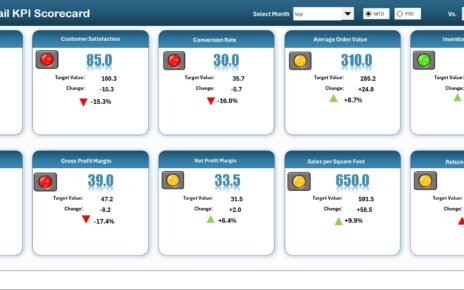
The HR & Workforce Analytics Bundle is a comprehensive collection of 10 premium HR templates built across Excel, Google Sheets, and Power BI — designed for HR managers, CHROs, People Operations teams, and HR business partners who demand data-driven workforce insights. Buying these templates individually would cost you $169.90, but with this bundle you get everything for just $89.99 — a 47% discount that saves you $79.91.
Whether you need to track employee turnover, evaluate performance ratings, monitor attendance and overtime, manage disciplinary actions, handle grievances, ensure workplace safety compliance, or measure productivity — this bundle has you covered from end to end.
🔥 HR & Workforce Analytics Bundle
$169.90 → $89.99
💰 Save $79.91 (47% OFF)
🛒 Click Here to Purchase the Bundle
🔑 Key Features of the HR & Workforce Analytics Bundle
This bundle stands apart from generic HR templates because it covers the complete employee lifecycle — from hiring and onboarding metrics to attendance tracking, performance evaluation, misconduct management, and exit analytics. Here is what makes this collection indispensable for modern HR departments:
The bundle includes 10 professionally designed templates spanning three major platforms: Microsoft Excel (7 templates), Google Sheets (2 templates), and Power BI (1 template). Every template features interactive dashboards, auto-updating charts, and plug-and-play data entry — meaning you simply replace sample data with your own and the visuals update instantly.
Several templates include VBA-powered automation with secure login systems, data entry forms, and user management panels — perfect for sensitive HR data like disciplinary records and employee grievances. The multi-platform approach ensures maximum flexibility across desktop, cloud, and advanced BI environments.
📦 What’s Included in the HR & Workforce Analytics Bundle
1. Employee Turnover Dashboard in Excel
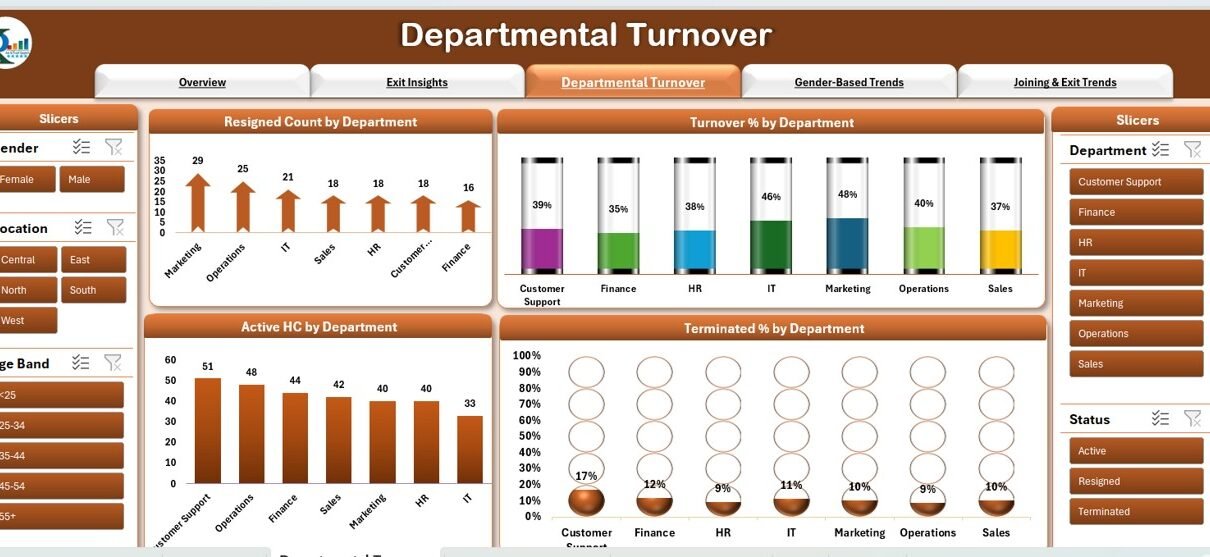
This Excel dashboard tracks resignations, terminations, active headcount, and turnover percentages. It features five insightful tabs covering overview metrics, exit insights by location and age band, departmental turnover analysis, gender-based trends, and joining versus exit trends. Interactive slicers allow instant filtering by department, location, and status.
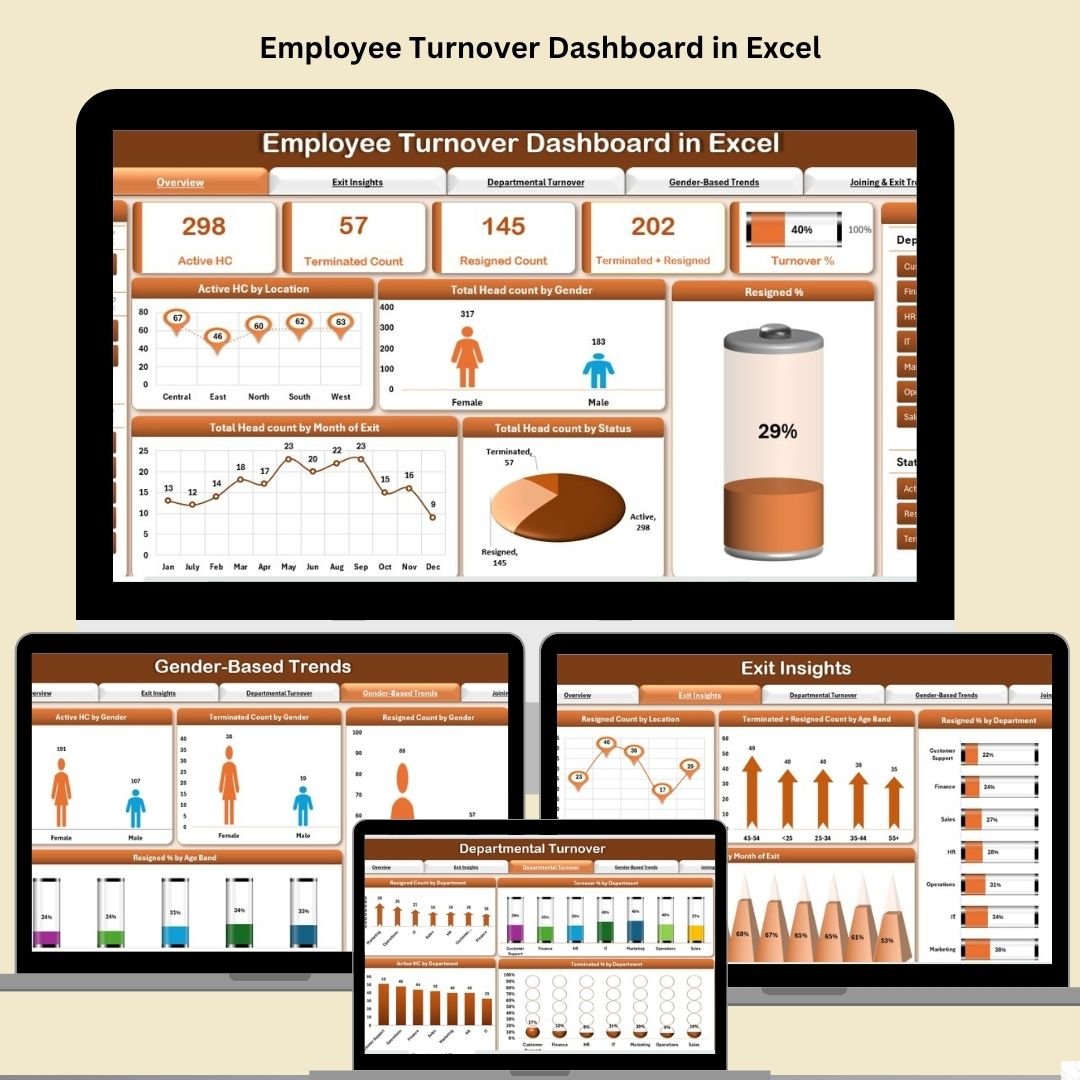
Employee Turnover Dashboard in Excel
2. Employee Performance Rating Card and Dashboard in Excel
Evaluate employees across 10 key performance parameters including job competence, work quality, problem-solving, teamwork, leadership, and adaptability. Features customizable weightages, automated scoring calculations, and supervisor-wise performance visualizations with donut and bar charts.

Employee Performance Rating Card and Dashboard in Excel
3. Employee Disciplinary Action Tracker in Excel
A VBA-powered tracker with secure login, intuitive data entry forms, interactive dashboard, and user management panel. Track misconduct types, actions taken, HR responsibilities, and department-wise statistics with dynamic charts and slicers.
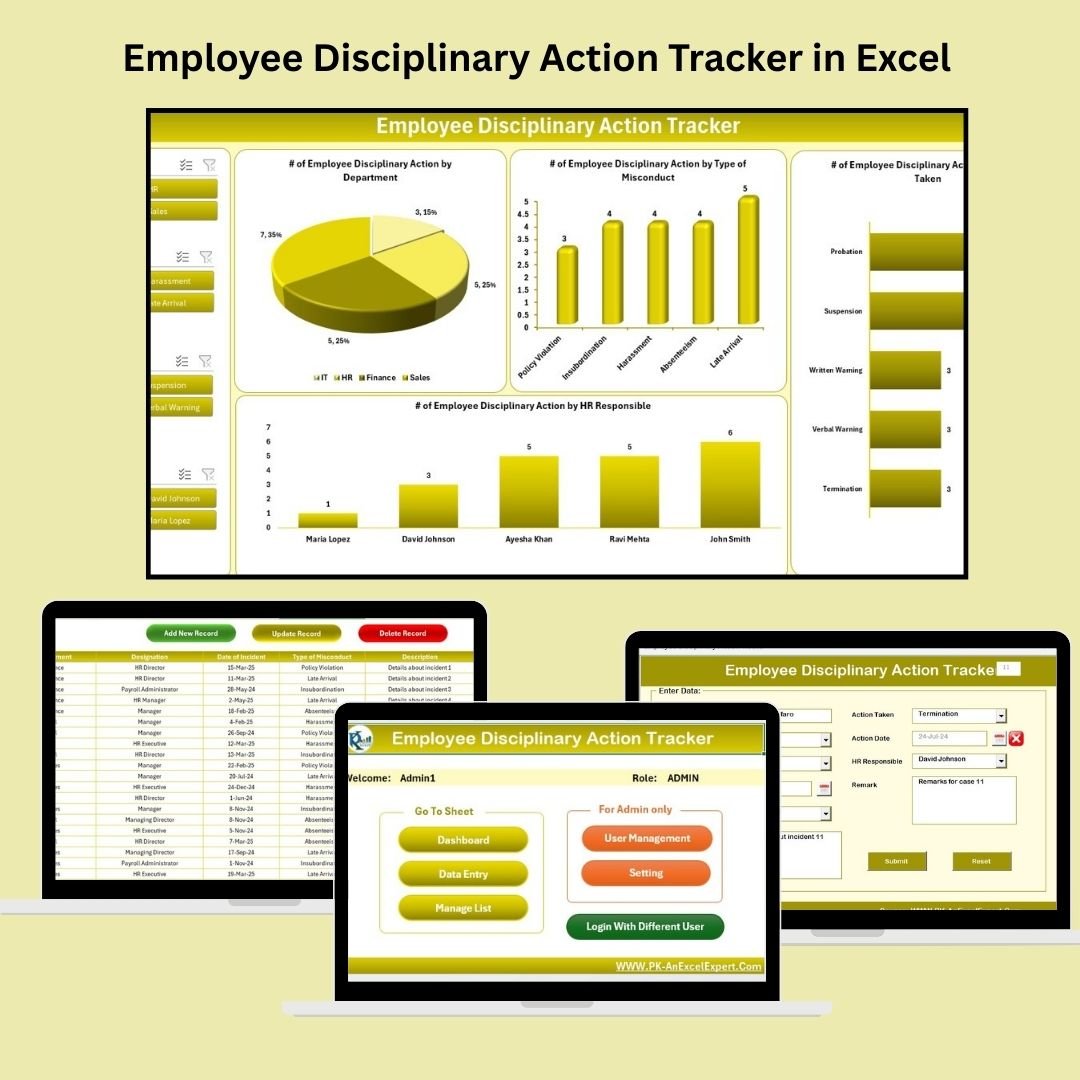
Employee Disciplinary Action Tracker in Excel
4. Employee Turnover Dashboard in Power BI
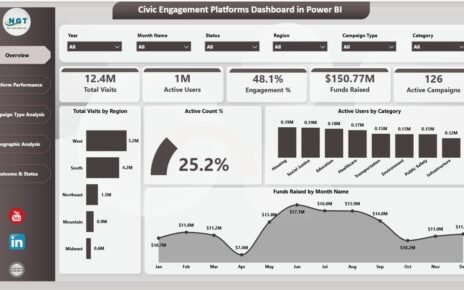
An interactive Power BI solution with 5 pages covering workforce overview, exit insights, departmental turnover percentages, gender-based demographic analysis, and historical joining and exit trends. Power BI’s dynamic filtering makes deep-dive analysis effortless.

Employee Turnover Dashboard in Power BI
5. Attendance and Overtime Dashboard in Excel
VBA-enhanced attendance management with automated data entry forms, overtime tracking by date, department-wise attendance analysis, leave type categorization, and an employee master sheet for centralized workforce data.
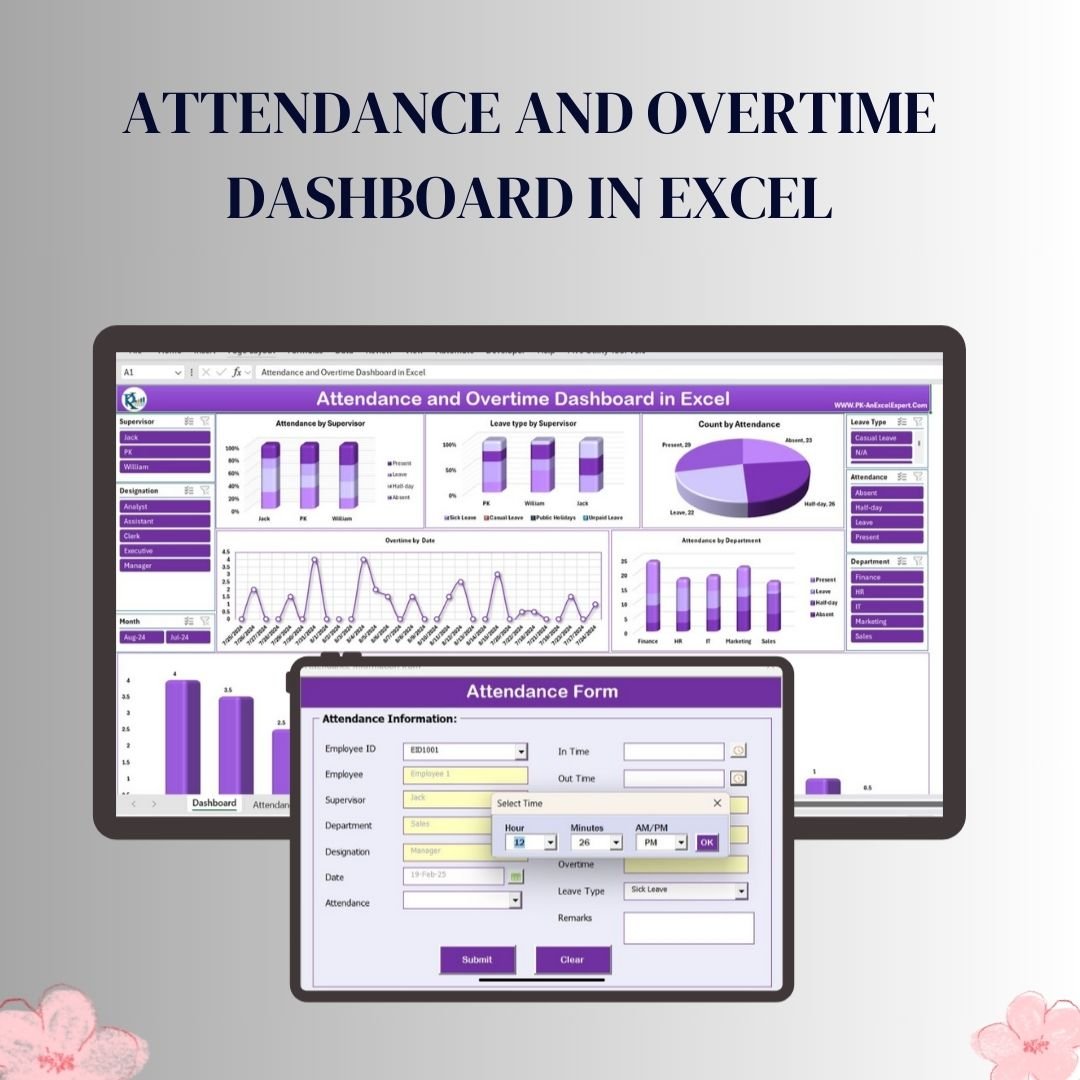
Attendance and Overtime Dashboard in Excel
6. Employee Health and Safety Dashboard in Excel
Track workplace incidents, severity levels, department and regional trends, preventive actions taken, and monthly safety patterns. Includes medical attention tracking, resolution progress monitoring, and risk mapping capabilities.
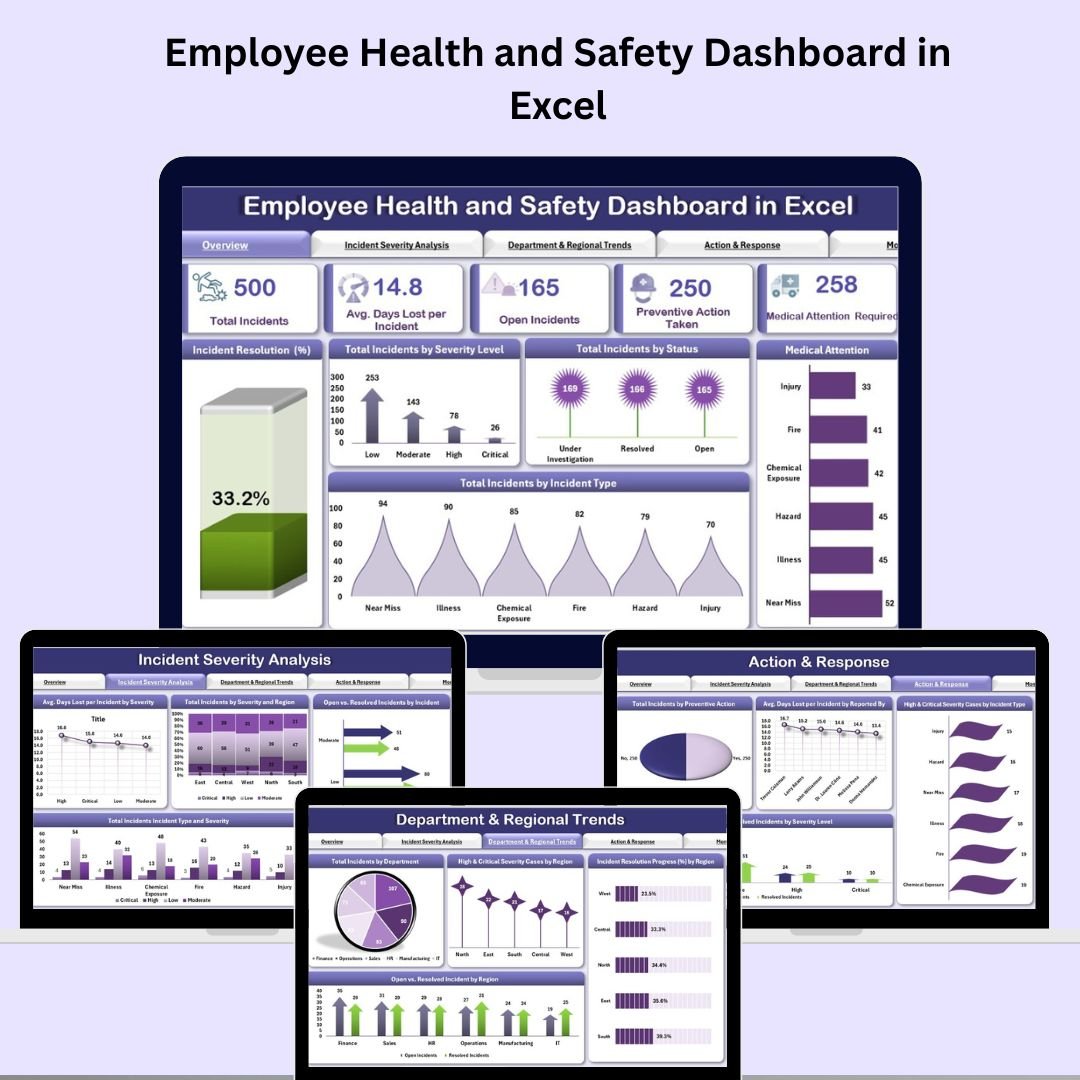
Employee Health and Safety Dashboard in Excel
7. Attendance Sheet Template in Google Sheet
A cloud-based attendance tracker with color-coded status indicators, automated calculations for attendance totals and percentages, real-time multi-user collaboration, and customizable leave type categories.

Attendance Sheet Template in Google Sheet
8. Employee Grievance Tracker in Excel
VBA-powered grievance management featuring secure login, smart complaint entry forms, interactive dashboard with 4 slicers, customizable dropdown lists, and a user management panel for role-based access control.
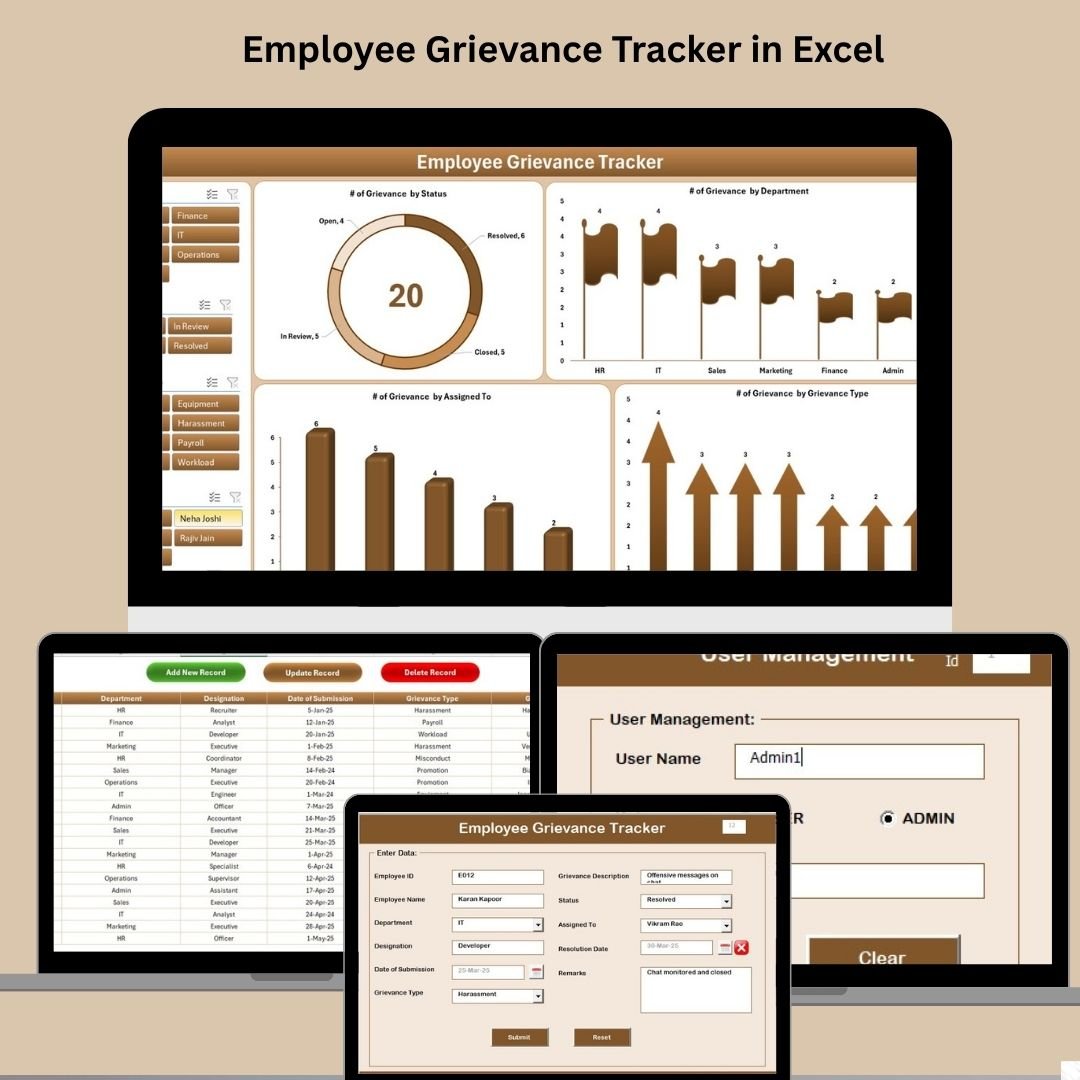
Employee Grievance Tracker in Excel
9. HR Performance Dashboard in Excel
Comprehensive HR performance monitoring covering KPIs like employee productivity scores, training completion rates, attendance engagement levels, and team performance insights with customizable metrics and visual reporting.

HR Performance Dashboard in Excel
10. Employee Productivity Dashboard in Google Sheets
Cloud-based productivity analytics with customizable KPIs, visual charts and graphs, real-time collaboration capabilities, task completion monitoring, and project timeline tracking for distributed HR teams.
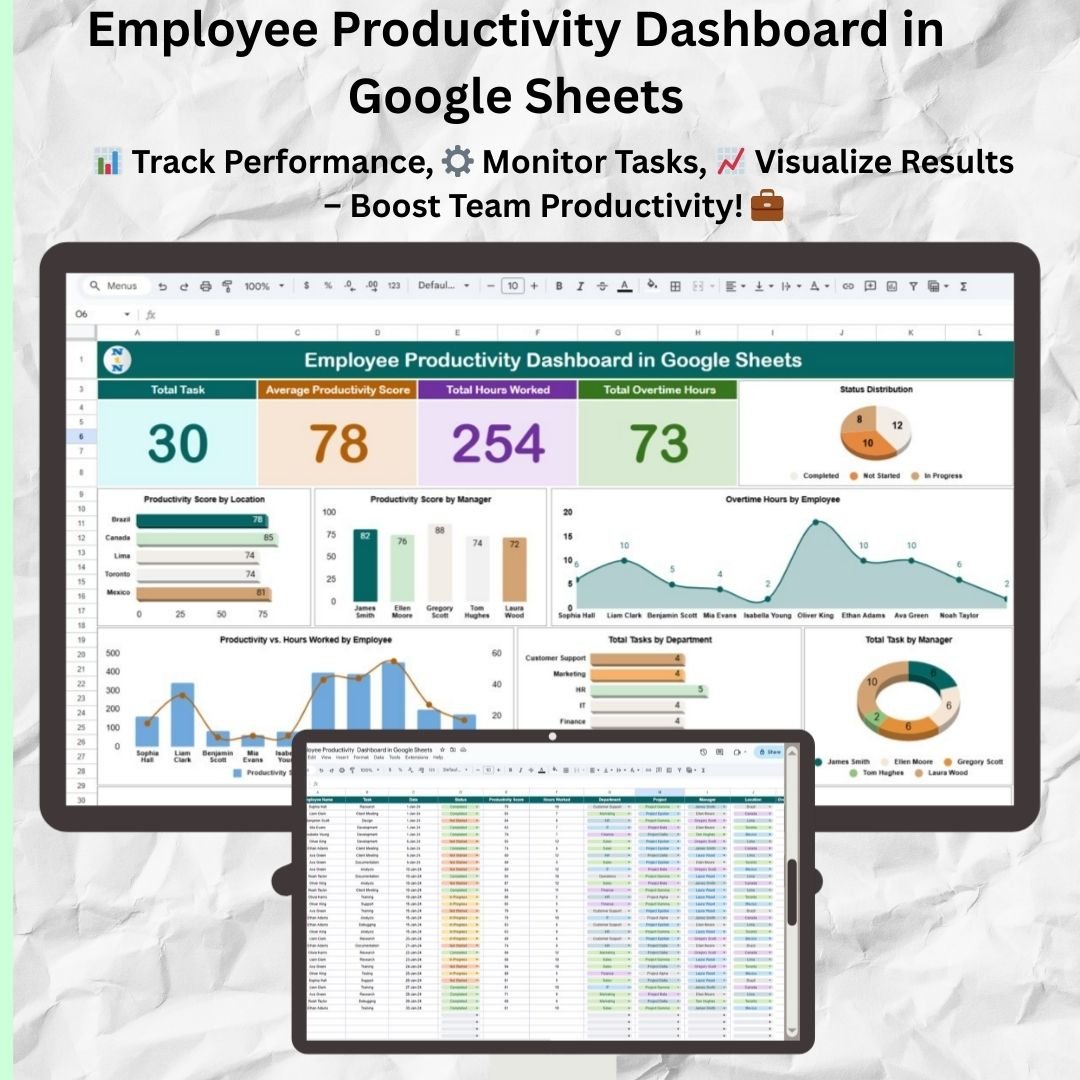
Employee Productivity Dashboard in Google Sheets
💡 Smart Comparison — Individual vs Bundle Pricing
| # | Product Name | Platform | Individual Price |
|---|---|---|---|
| 1 | Employee Turnover Dashboard in Excel | Excel | $17.99 |
| 2 | Employee Performance Rating Card and Dashboard in Excel | Excel | $17.99 |
| 3 | Employee Disciplinary Action Tracker in Excel | Excel | $9.99 |
| 4 | Employee Turnover Dashboard in Power BI | Power BI | $21.99 |
| 5 | Attendance and Overtime Dashboard in Excel | Excel | $17.99 |
| 6 | Employee Health and Safety Dashboard in Excel | Excel | $17.99 |
| 7 | Attendance Sheet Template in Google Sheet | Google Sheets | $9.99 |
| 8 | Employee Grievance Tracker in Excel | Excel | $9.99 |
| 9 | HR Performance Dashboard in Excel | Excel | $17.99 |
| 10 | Employee Productivity Dashboard in Google Sheets | Google Sheets | $17.99 |
| Total if Purchased Individually | |||
| 🔥 Bundle Sale Price | $89.99 | ||
| 💰 You Save | $79.91 (47%) | ||
🎯 Advantages of Buying the Bundle vs Individual Templates
Cost Efficiency: The most obvious advantage is the pricing. Getting 10 templates for $89.99 instead of $169.90 means each template effectively costs under $9 — compared to $10–$22 individually. For HR departments operating on tight budgets, this bundle delivers enterprise-level analytics at a fraction of the cost.
Complete HR Coverage: Rather than piecing together individual tools for different HR functions, this bundle provides a unified analytics ecosystem. You get turnover analysis, performance evaluation, attendance tracking, compliance tools, safety monitoring, and productivity measurement all in one package.
Multi-Platform Flexibility: With templates across Excel, Google Sheets, and Power BI, your team can choose the platform that best fits their technical comfort level and infrastructure requirements. Desktop users benefit from Excel’s VBA automation, collaborative teams leverage Google Sheets’ real-time features, and data analysts unlock Power BI’s advanced filtering.
Consistent Design Language: All 10 templates follow a professional visual standard with clean layouts, interactive slicers, auto-updating charts, and emoji-enhanced formatting — making it easy to present findings across departments with a polished, consistent look.
⚙️ Best Practices for Deploying the HR & Workforce Analytics Bundle
1. Start with your most urgent HR need. If turnover is your top concern, begin with the Employee Turnover Dashboards (Excel and Power BI). If compliance is the priority, start with the Disciplinary Action and Grievance Trackers.
2. Standardize data entry across departments. The templates work best when your employee data is structured consistently — use the included data sheets as a guide for formatting employee IDs, dates, departments, and designations.
3. Leverage VBA-powered features for sensitive data. The Disciplinary Action Tracker and Grievance Tracker include secure login systems and user management — use these to restrict access to authorized HR personnel only.
4. Schedule regular dashboard reviews. Set up monthly or quarterly reviews using these dashboards in HR leadership meetings to track trends, measure progress, and align workforce strategies with organizational goals.
5. Customize for your organization. All templates support customization of dropdown lists, KPI parameters, department names, and chart types to match your specific HR policies and reporting requirements.
📚 Explore More HR & Workforce Templates
Explore our full collection of HR & Payroll Templates for even more workforce analytics solutions. You can also browse our Excel Dashboard Templates, Google Sheets Dashboard Templates, and Power BI Dashboard Templates for additional department-specific analytics tools.
❓ Frequently Asked Questions (FAQs)
What platforms are included in the HR & Workforce Analytics Bundle?
The bundle includes templates for Microsoft Excel (7 templates), Google Sheets (2 templates), and Power BI (1 template). This multi-platform approach gives you maximum flexibility to work on desktop, cloud, or advanced BI environments.
Do I need VBA or coding knowledge to use these templates?
No coding skills are required. The VBA-powered templates (Disciplinary Action Tracker, Grievance Tracker, and Attendance Dashboard) come pre-built with automated forms, login systems, and user management. Just enable macros in Excel and you are ready to go.
Can I customize the dashboards with my company’s data?
Every template is fully customizable. Simply replace the sample data with your organization’s employee records, and all charts, KPI cards, and calculations will auto-update. You can also modify dropdown lists, department names, and evaluation parameters.
Is the bundle a one-time purchase?
Yes, this is a one-time purchase with no recurring subscription fees. You get lifetime access to all 10 templates and can use them across your organization without per-seat licensing.
Who is the HR & Workforce Analytics Bundle best suited for?
This bundle is ideal for HR Managers, CHROs, People Operations teams, HR Business Partners, HR Consultants, and small to medium business owners who want enterprise-grade HR analytics without the cost of expensive HR software platforms.
What is included in the download?
You will receive a ZIP file containing all 10 template files — Excel (.xlsx and .zip for VBA tools), Google Sheets (PDF guides with copy links), and Power BI (.pbix file). Each template comes with sample data pre-loaded so you can explore features before adding your own data.
✅ Conclusion
The HR & Workforce Analytics Bundle is the most cost-effective way to equip your HR department with professional-grade analytics tools across Excel, Google Sheets, and Power BI. With 10 ready-to-use templates covering turnover, performance, attendance, safety, discipline, grievance, and productivity — you get end-to-end HR management capabilities at a 47% discount.
Stop buying templates one by one. Get the complete HR toolkit today and transform how your organization tracks, analyzes, and improves workforce performance.
🔥 HR & Workforce Analytics Bundle
$169.90 → $89.99
💰 Save $79.91 (47% OFF)
🎥 Visit our YouTube channel Youtube.com/@PKAnExcelExpert for step-by-step video tutorials on all our templates.