Introduction
Small Business Cash Flow Calendar in Excel is a powerful tool designed to help business owners manage their cash flow efficiently throughout the year. This ready-to-use Excel template offers various views and features that simplify tracking income and expenses, enabling better financial planning and decision-making.
Key Features of Small Business Cash Flow Calendar in Excel
- Five well-organized worksheets: Home, Annual View, Monthly View, Daily View, and Events database.
- Easy navigation through interactive buttons on the Home sheet.
- Customizable calendar views including annual, monthly, and daily perspectives.
- Control panel to update year, starting month/day, and switch between themes.
- Event management with options to add, view, update, and delete events.
- Highlight specific weekdays or events for quick visual reference.
Dashboard Pages Explanation
Home Sheet Tab
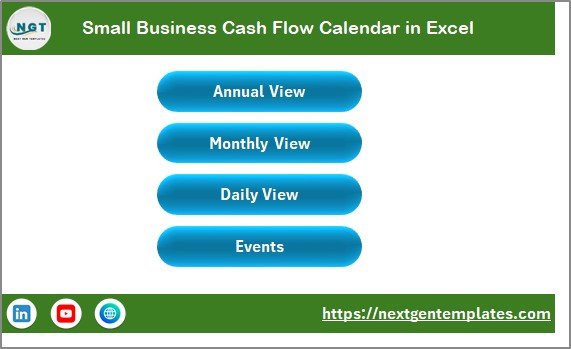
This is the main index page with four buttons for easy navigation to other sheets:
- Annual View
- Monthly View
- Daily View
- Events
Annual View Sheet Tab
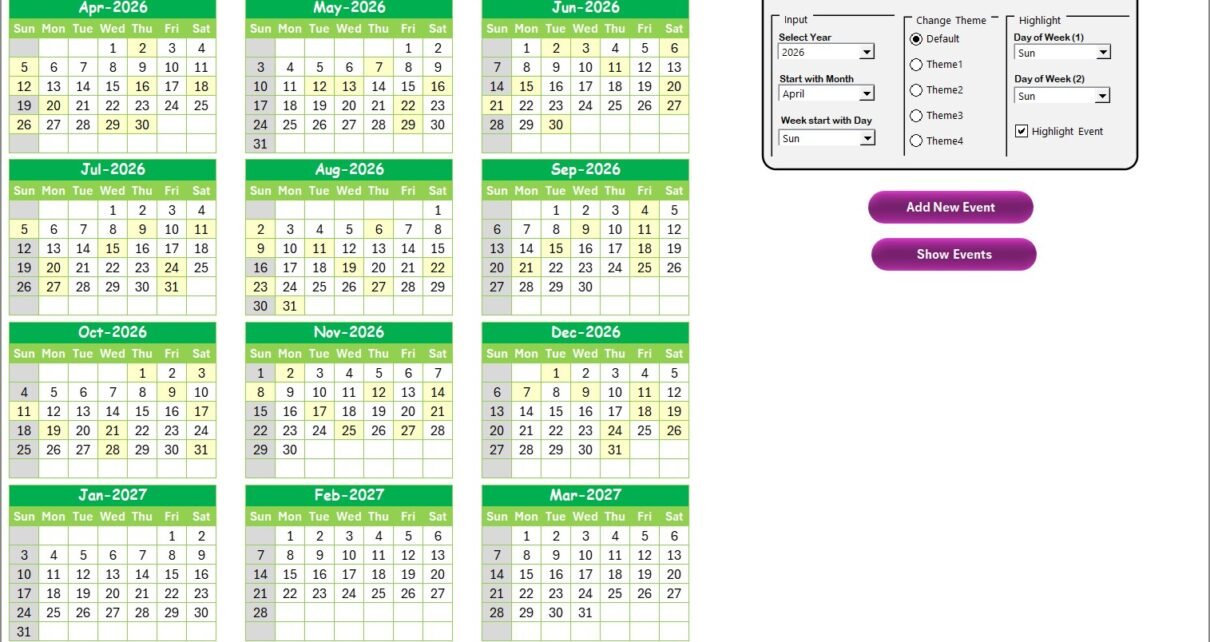
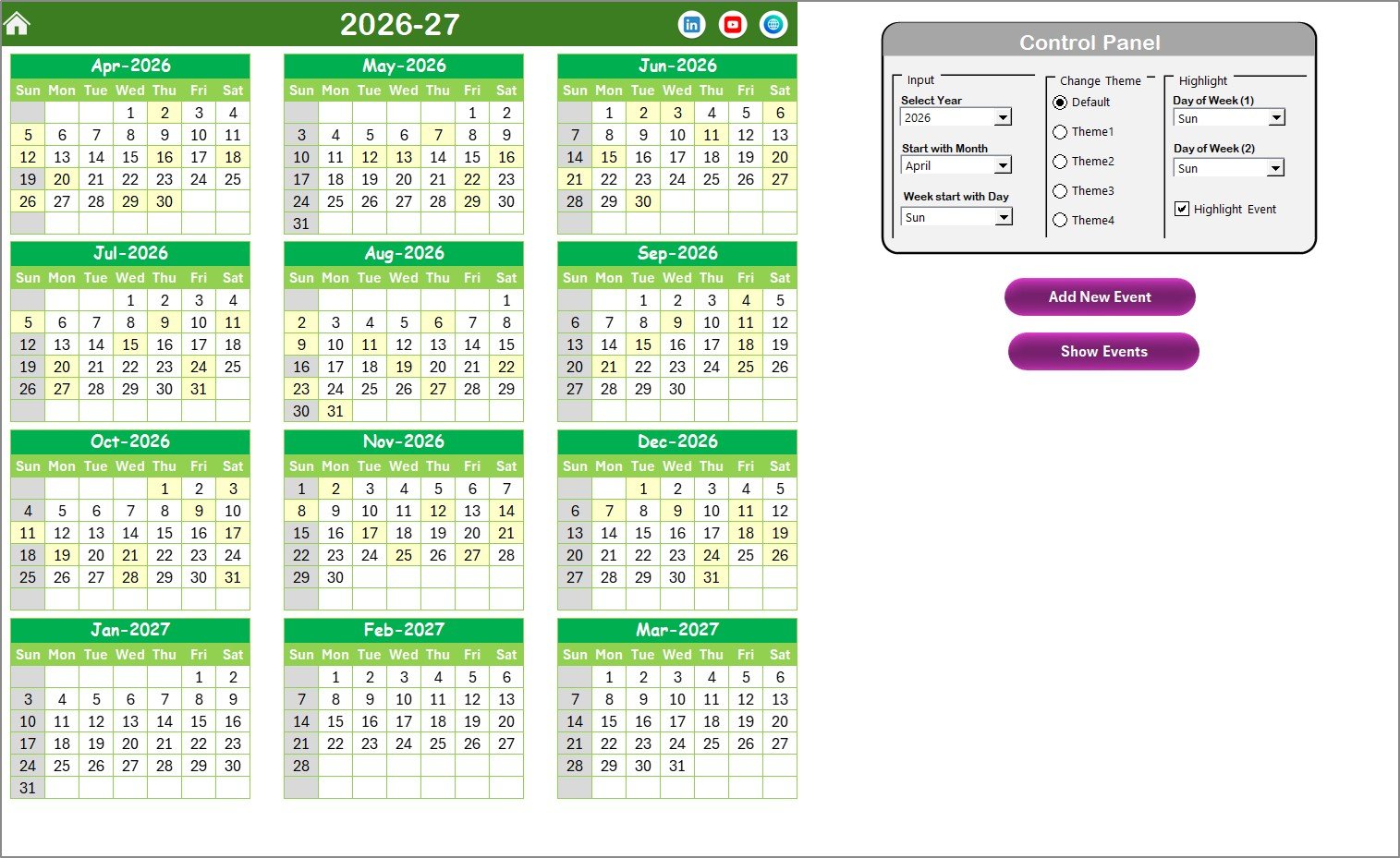
Displays all 12 months in a calendar format. Features include:
- Control panel grouped into Input, Change Theme, and Highlight groups.
- Input group allows changing the year, starting month, and starting day of the week.
- Change Theme group offers 5 color themes for the workbook.
- Highlight group to emphasize specific weekdays and event days on the calendar.
- Buttons for adding new events and viewing events on selected dates.
Monthly View Sheet Tab
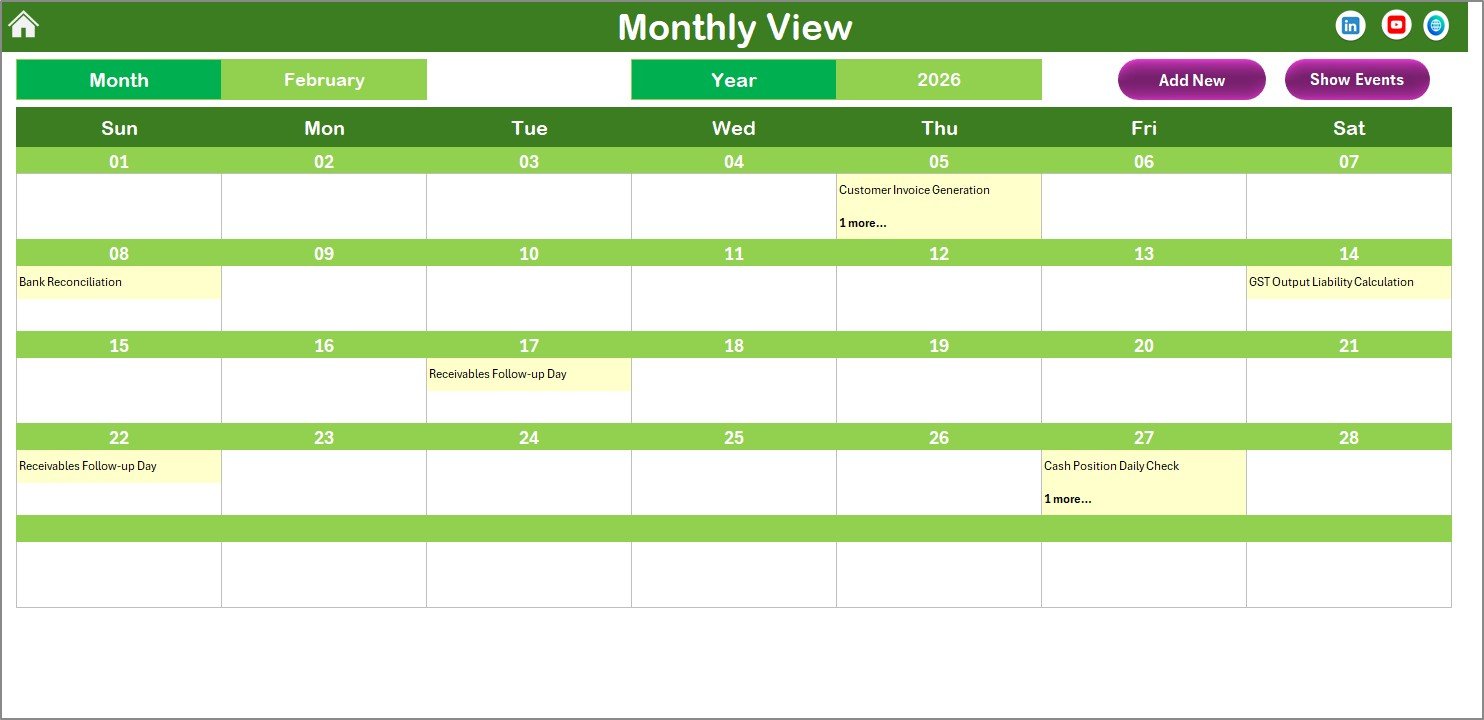
This page shows a calendar for the selected month and year. Key features include:
- Selection of month and year updates the calendar automatically.
- Displays one event per day; if multiple events exist, it shows ‘more than 1…’ indication.
- Buttons for adding new events and viewing event details for selected dates.
Daily View Sheet Tab
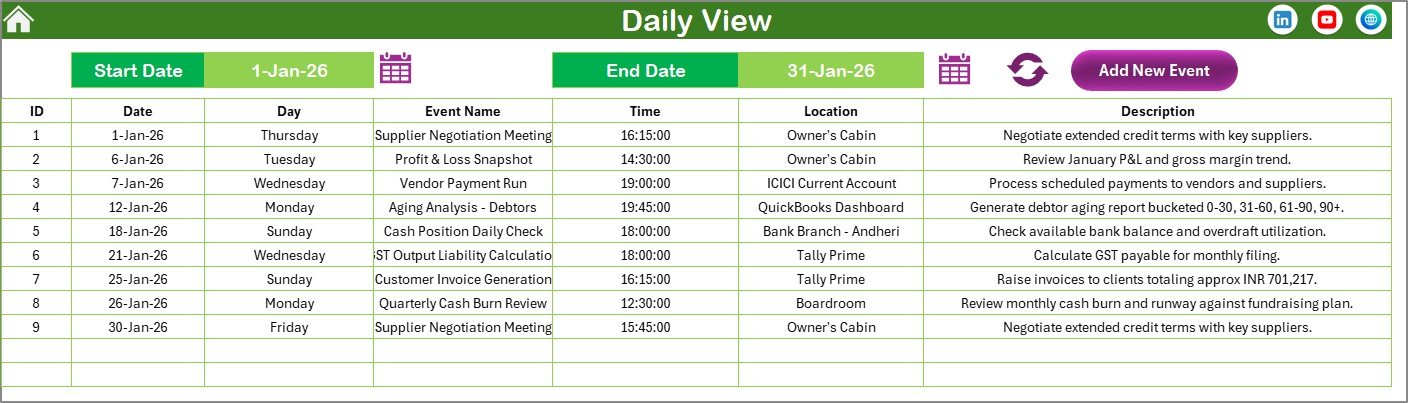
This sheet lists events with detailed information for a selected date range:
- Select start and end dates using calendar icons.
- Click on the Refresh button to update the list according to your selected range.
- Add New Event button available to quickly add new events.
Events Sheet Tab
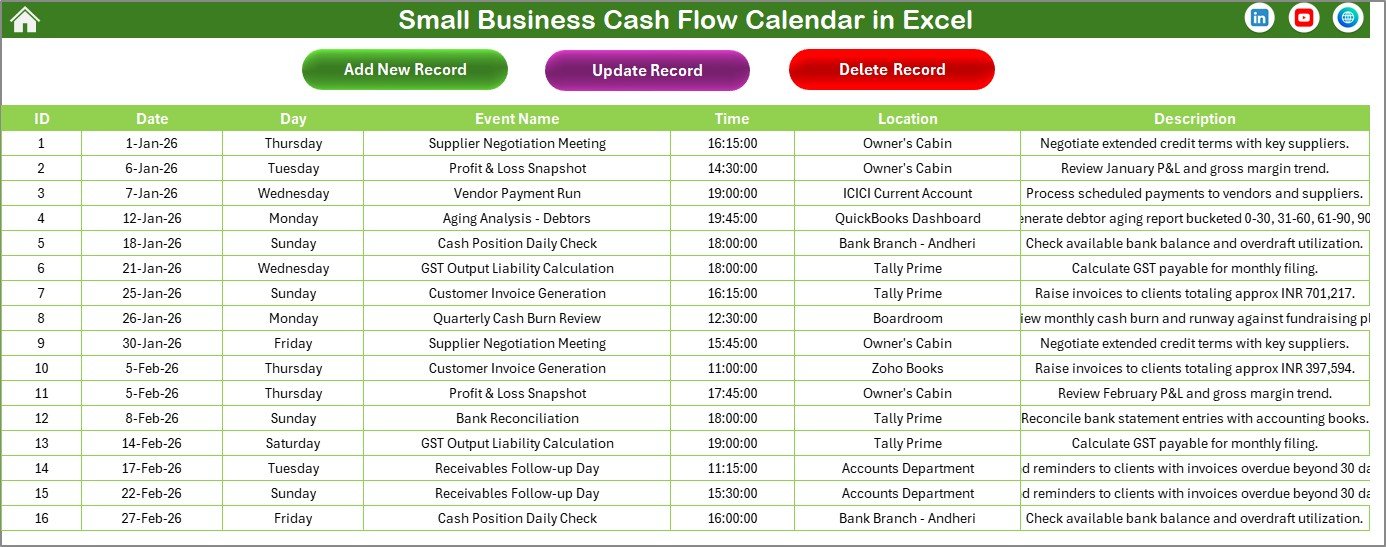
This sheet acts as the database for all events and captures the following details:
- ID: Auto-generated unique identifier
- Date: Date of the event
- Day: Day name such as Sunday, Monday, etc.
- Event Name: Name or title of the event
- Time: Time of the event
- Location: Venue of the event
- Description: Brief details about the event
At the top, three main buttons facilitate event management:
- Add New Record: Opens the form to input new event data.
- Update Existing Record: Select record ID and update details via the form.
- Delete Record: Remove selected event record permanently.
Advantages of Small Business Cash Flow Calendar in Excel
- Comprehensive views: Enables annual, monthly, and daily cash flow tracking.
- User-friendly interface: Easy navigation with buttons and clear layouts.
- Customization: Adjust calendar starting day, month, year, and themes to suit preferences.
- Efficient event management: Add, view, update, or delete events seamlessly within Excel.
- Visual highlights: Customize highlighting for weekends, weekdays, and important events.
Opportunities for Improvement
- Incorporate automated notifications or reminders for upcoming cash flow events.
- Integrate with other financial tools for real-time data updating.
- Add mobile-friendly Excel compatibility for on-the-go access.
- Enhance event filters for better sorting and search functionalities.
Best Practices
Click to Buy Small Business Cash Flow Calendar in Excel
- Regularly update the event database to ensure cash flow accuracy.
- Use highlight features to mark critical financial deadlines or periods.
- Leverage the multiple views to analyze cash flow trends over different time frames.
- Backup your Excel file frequently to avoid data loss.
- Customize themes to match your business branding for easier recognition.
FAQs
Can I customize the starting day of the week in the calendar?
Yes, the control panel in the Annual View sheet allows you to change the starting day of the week.
How many events can I add on a single day?
There is no strict limit; however, multiple events on Monthly View display as ‘more than 1…’ for clarity.
Is the template suitable for all types of small businesses?
Yes, this flexible calendar is designed to accommodate various small business cash flow tracking needs.
Can the theme colors be changed?
Absolutely, choose from five different color themes in the Change Theme group on the Annual View sheet.
Does this calendar work with Microsoft Excel?
Yes, it is fully compatible with Microsoft Excel, ensuring seamless functionality.
Conclusion
Click to Buy Small Business Cash Flow Calendar in Excel
The Small Business Cash Flow Calendar in Excel provides a user-friendly, customizable, and efficient way for small business owners to track their cash flow and associated events. With multiple views, theme options, and a robust event management system, this calendar template is an invaluable tool for improving financial visibility and planning.
For more detailed tutorials and demos, visit our YouTube channel.
To learn more about Microsoft Excel features used in this template, visit Microsoft Excel Support.
Click to Buy Small Business Cash Flow Calendar in Excel